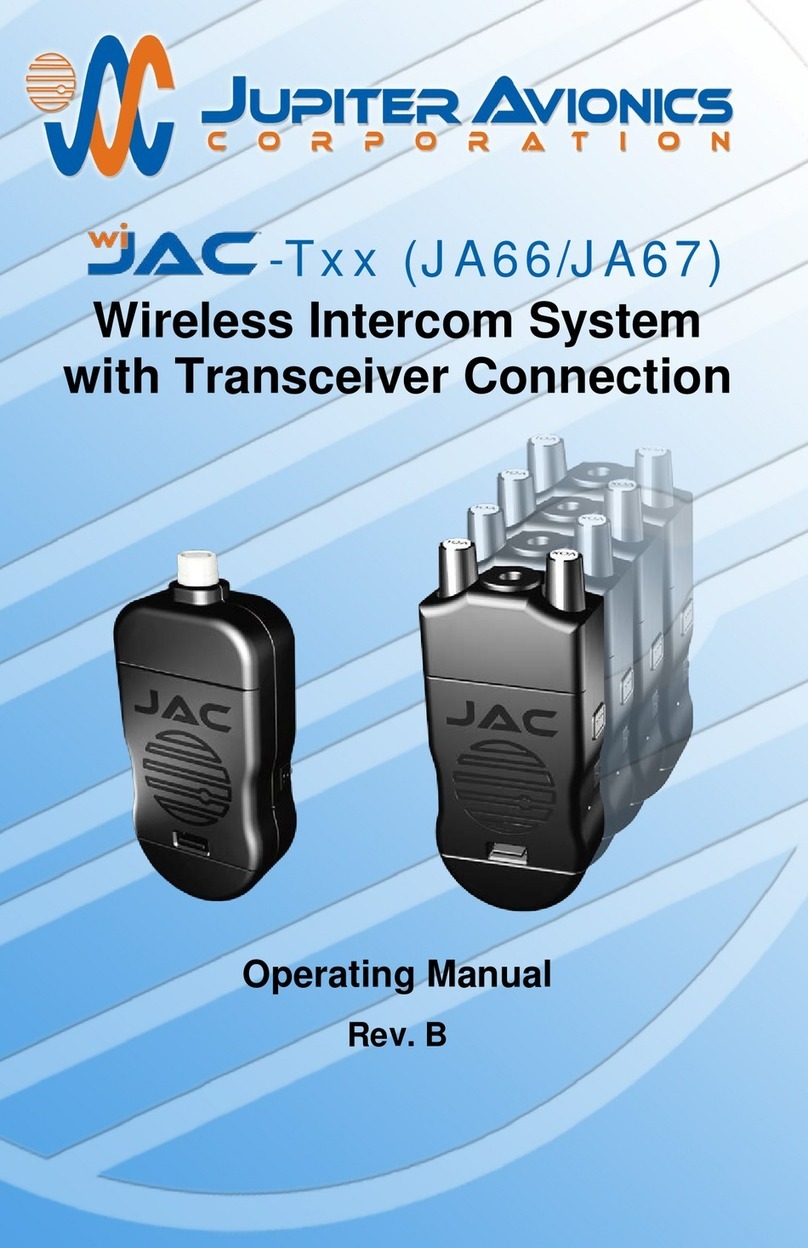
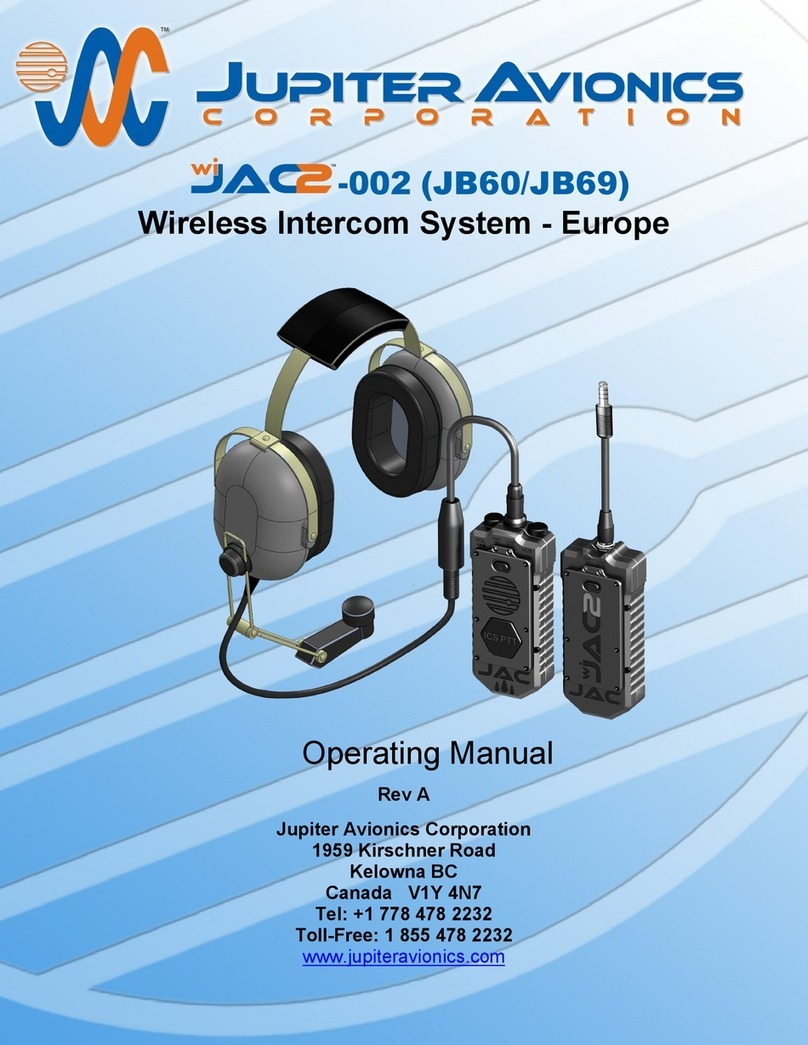
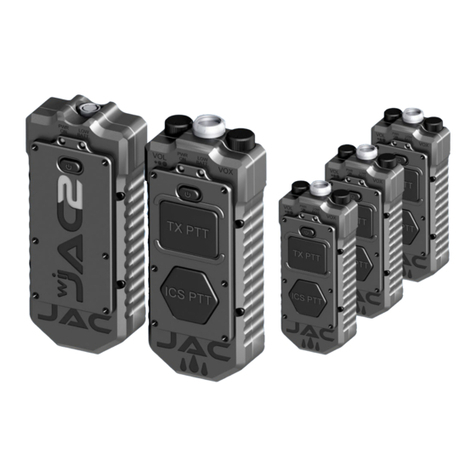
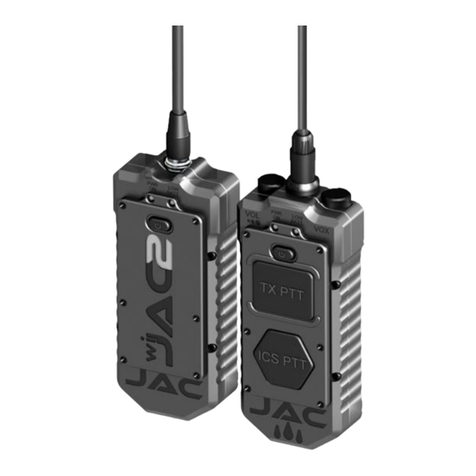
wiJAC™ Wireless Intercom System
Operating Manual
Rev. B Page ii
Table of Contents
1Introduction.................................................................................................1
2Overview......................................................................................................1
3Description ..................................................................................................2
3.1 JA60 Headset Adapter..........................................................................2
3.2 JA61 Intercom Adapter.........................................................................2
3.3 Battery Charge Annunciators................................................................3
3.4 Battery Lid Release..............................................................................3
3.5 Belt Clip................................................................................................3
3.6 Charging Port (PWR)............................................................................3
3.7 Configuration Port (IO)..........................................................................3
3.8 Headset Jack........................................................................................3
3.9 Low Battery Annunciator (LOW BATT) .................................................4
3.10 Microphone Voice Operated Switch Control (VOX)...............................4
3.11 Mounting Clip .......................................................................................4
3.12 ON/OFF Control ...................................................................................4
3.13 Pairing Registration Number.................................................................4
3.14 Panel Plug............................................................................................4
3.15 Phones Volume Control (VOL)..............................................................4
3.16 Power On Annunciator (PWR ON)........................................................5
3.17 Push to Talk Button (PTT)....................................................................5
4Unpacking....................................................................................................5
5Set-up and Connection...............................................................................5
5.1 Verify Operating Region .......................................................................5
5.2 Verify Pairing Registration Number.......................................................5
5.3 Insert Batteries .....................................................................................5
5.4 Attach Connectors to Aircraft and Headset...........................................5
5.5 Turn On Adapters and Verify Connection..............................................6
5.5 Verify Audio Operation..........................................................................6
6Operation.....................................................................................................6
6.1 Overview..............................................................................................6
6.2 Listening Operation ..............................................................................6
6.3 VOX Speaking Operation .....................................................................6
6.4 PTT Speaking Operation......................................................................7
6.5 Live Speaking Operation ......................................................................7
6.6 Low Battery ..........................................................................................7
6.7 Battery Life...........................................................................................7
6.8 Operation during Charging....................................................................7
6.9 Loss of Audio........................................................................................8
7Batteries.......................................................................................................8
7.1 Replacing the Batteries.........................................................................8
7.2 Charging Batteries in the Unit...............................................................9
7.3 Charging Operation –via Battery Charger............................................9
7.4 Battery Care and Maintenance .............................................................9
8Accessories...............................................................................................10
8.1 JA72-006 Glove Box with USB Power Output.....................................10
8.2 ProCS™ Product Configuration Software ...........................................10
8.3 Recommended Battery Charger .........................................................10
9Installation of the JA61 Mounting Bracket...............................................11
10 Specifications............................................................................................12
10.1 Mechanical.........................................................................................12
10.2 Electrical.............................................................................................12
10.3 Environmental ....................................................................................12
10.4 Other..................................................................................................12
11 FCC Compliance Statement......................................................................13
12 Warranty ....................................................................................................14