2. Pairing BTC015 with a Bluetooth cell phone
Please make sure your cell phone is Bluetooth-enabled. Specific pairing steps
may vary with different models of cell phones. Please refer to your cell
phone’s user’s manual for further information. The general pairing steps are
as follows:
1) Keep BTC015 and Bluetooth cell phone within 1 meter when pairing;
2) Enter BTC015’s pairing mode (please refer to “Turning on/off BTC015);
3) Activate your cell phone’s Bluetooth function and set your cell phone to
search for Bluetooth device within range, and select “BTC015” from the
list of devices shown;
4) According to the indication, enter password or PIN No.: “0000”;
5) If prompted by your cell phone to connect, select “Yes” (This will vary
among cell phone models);
6) After successful connecting, blue LED will flash twice every 5 seconds.
Remarks:
If pairing is failed, please turn off BTC015 first and then try re-pairing
according to the step 1-6 mentioned above.
After successful pairing, BTC015 and the Bluetooth cell phone will
remember each other, BTC015 will not need to re-pair with the Bluetooth
cell phone next time unless the pairing information is deleted because of
a new pairing.
Every time BTC015 is turned on, it will connect to last connected
devices automatically. If you want to pair it with other devices, please
turn off the Bluetooth function of current Bluetooth device paired with
BTC015 first and then pair BTC015 with a new device according to steps
1~6 mentioned above.
3. Installation
You can use BTC015 in your car, at home or in an office environment.
1) In-car usage
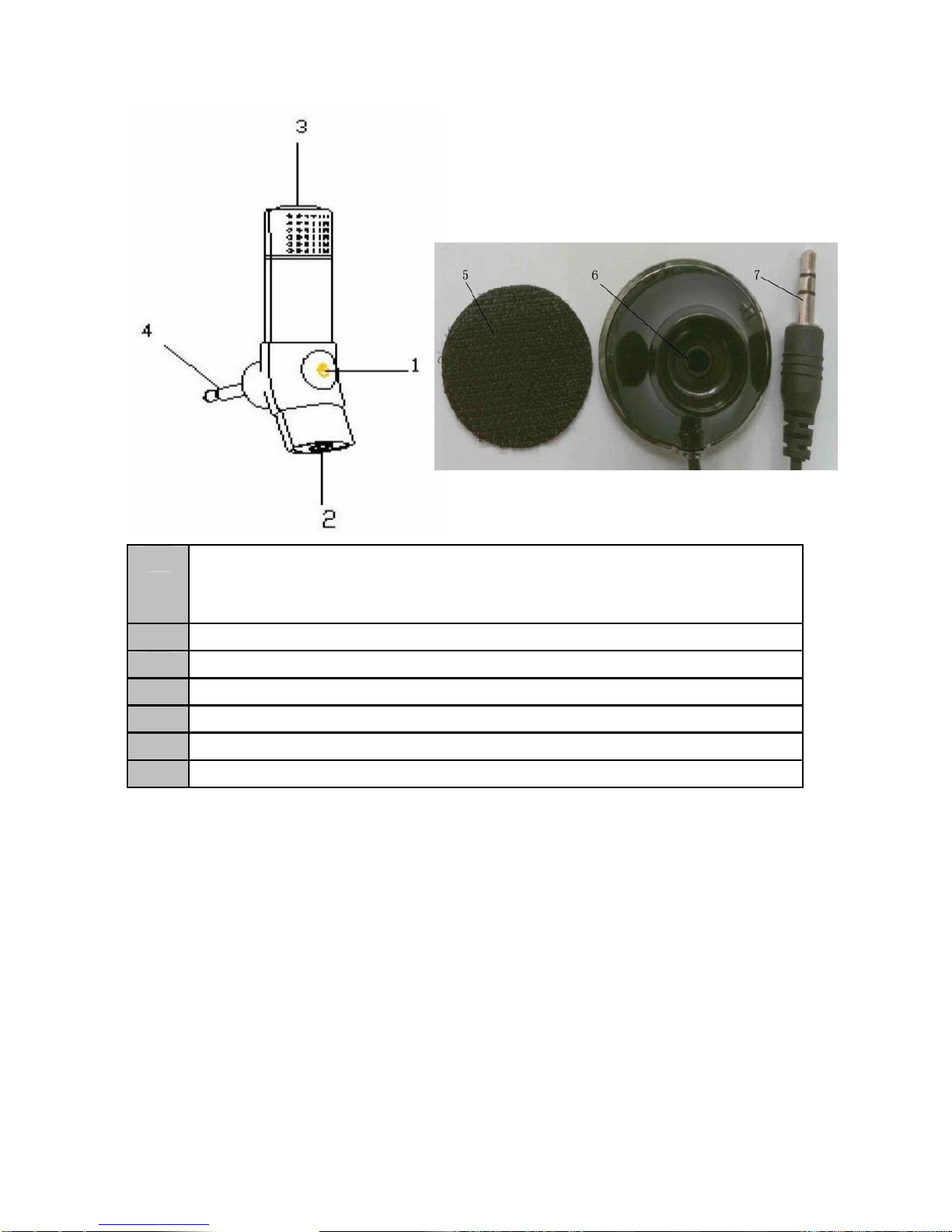
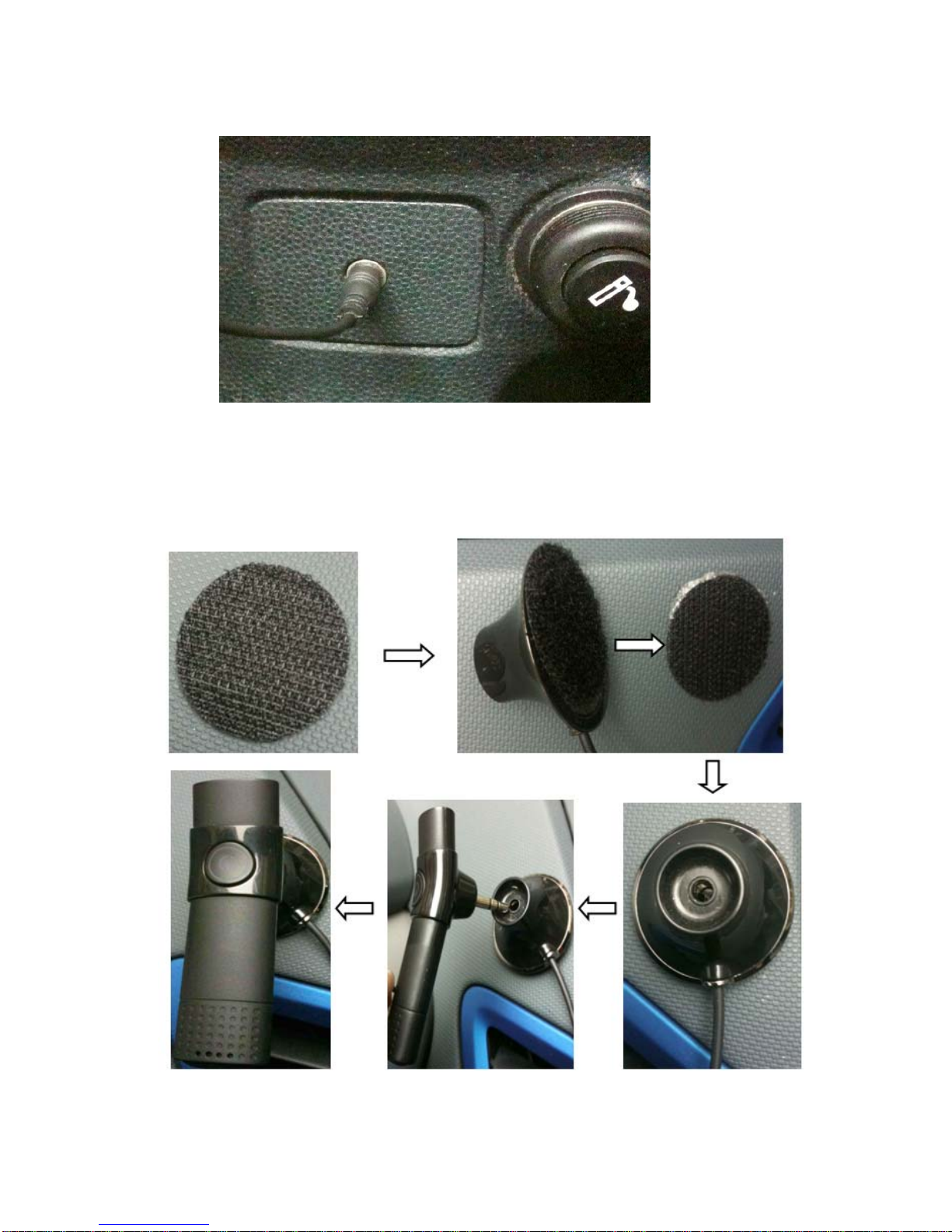
Please insert 3.5m audio out plug into the AUX in jack of car audio system,
and then fix 3.5mm audio dock well. make sure there are no barriers
between user and BTC015 to get the best conversation quality. The
installing steps are as follows:
4