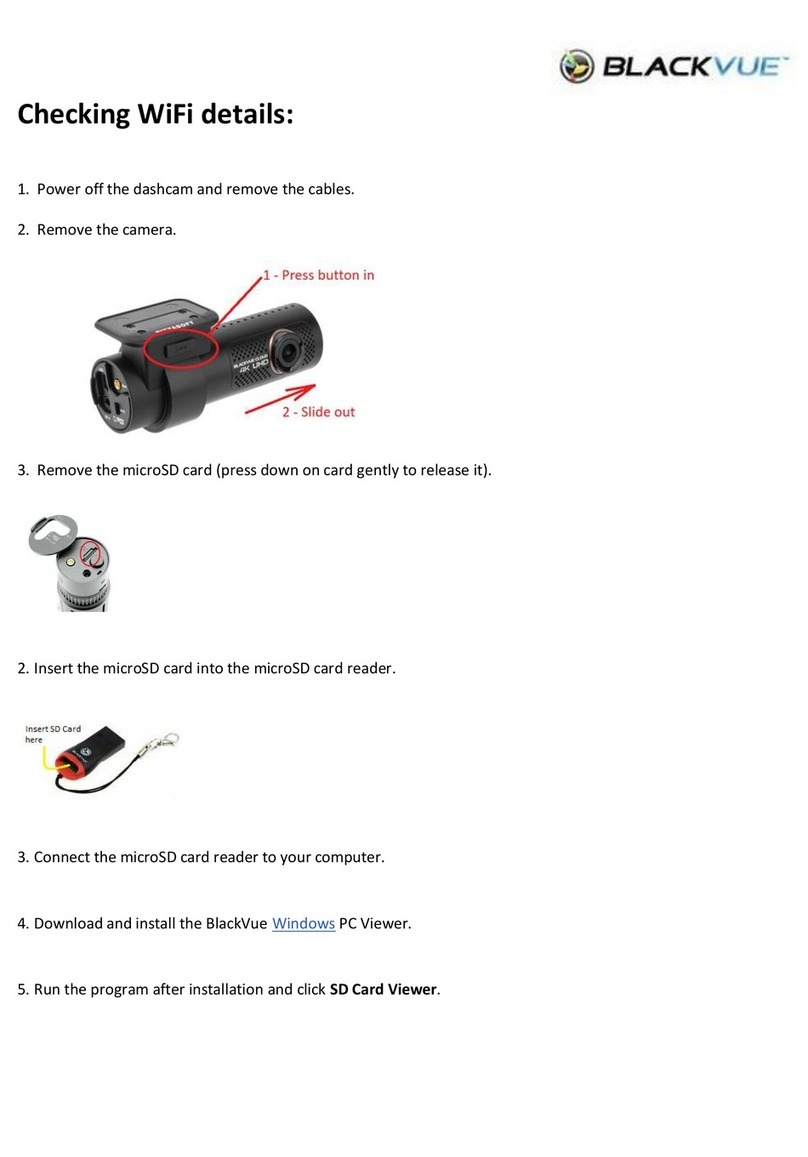
Kaiser Baas R10 User manual
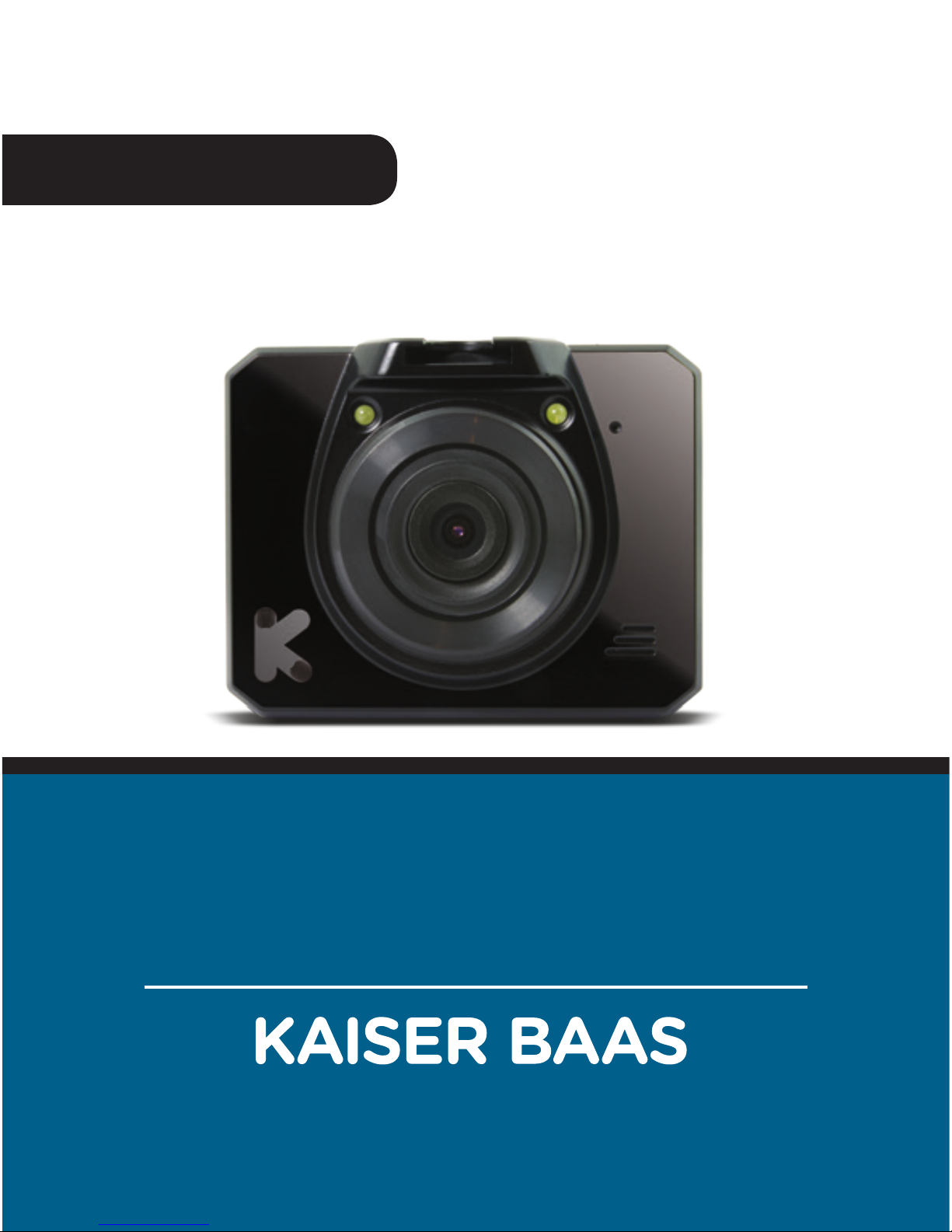
R10 CAR DVR
Capture your journey
USER GUIDE


3
English
Languages
English 4

4
English
Community
Tech support:
e: helpdesk@kaiserbaas.com
w: www.kaiserbaas.com/support
p: Australia 1300 302 306
p: New Zealand 0800 302 306
(business hours, AEST)
/kaiserbaas
Register this product for 12 month warranty:
www.kaiserbaas.com/register
Get product updates:
www.kaiserbaas.com/updates

5
English
Contents
Safety Precautions 6
What’s in the Box 7
Product Diagram 8
Setting up the R10 Car DVR 9
In Car Operation 10
Computer Connection 11
Interface 12
Specifications 16
Frequently Asked Questions 18
Contact Us 19

6
English
Safety Precautions
Before using your R10 Car DVR, please ensure you have read
and understand all of the safety precautions below.
• Only use the provided power cables to charge the
device.
• Do not expose the R10 camera to water, dust, oil and
temperatures over 70˚C.
• Avoid leaving your R10 camera in direct sunlight for
prolonged periods of time.
• Please do not attempt to adjust the camera settings
while you are operating your vehicle.
PLEASE USE YOUR CAMERA WITHIN YOUR COUNTRIES ROAD
LAWS. PLEASE CHECK YOUR LOCAL ROAD LEGISLATION
BEFORE USE.

7
English
What’s in the Box
Please ensure the product package has all the following
contents:
B
A
BD
C
D
C
R10 Car DVR
Mount
Micro USB Cable
User Guide
Car Charger
E
E
8
English
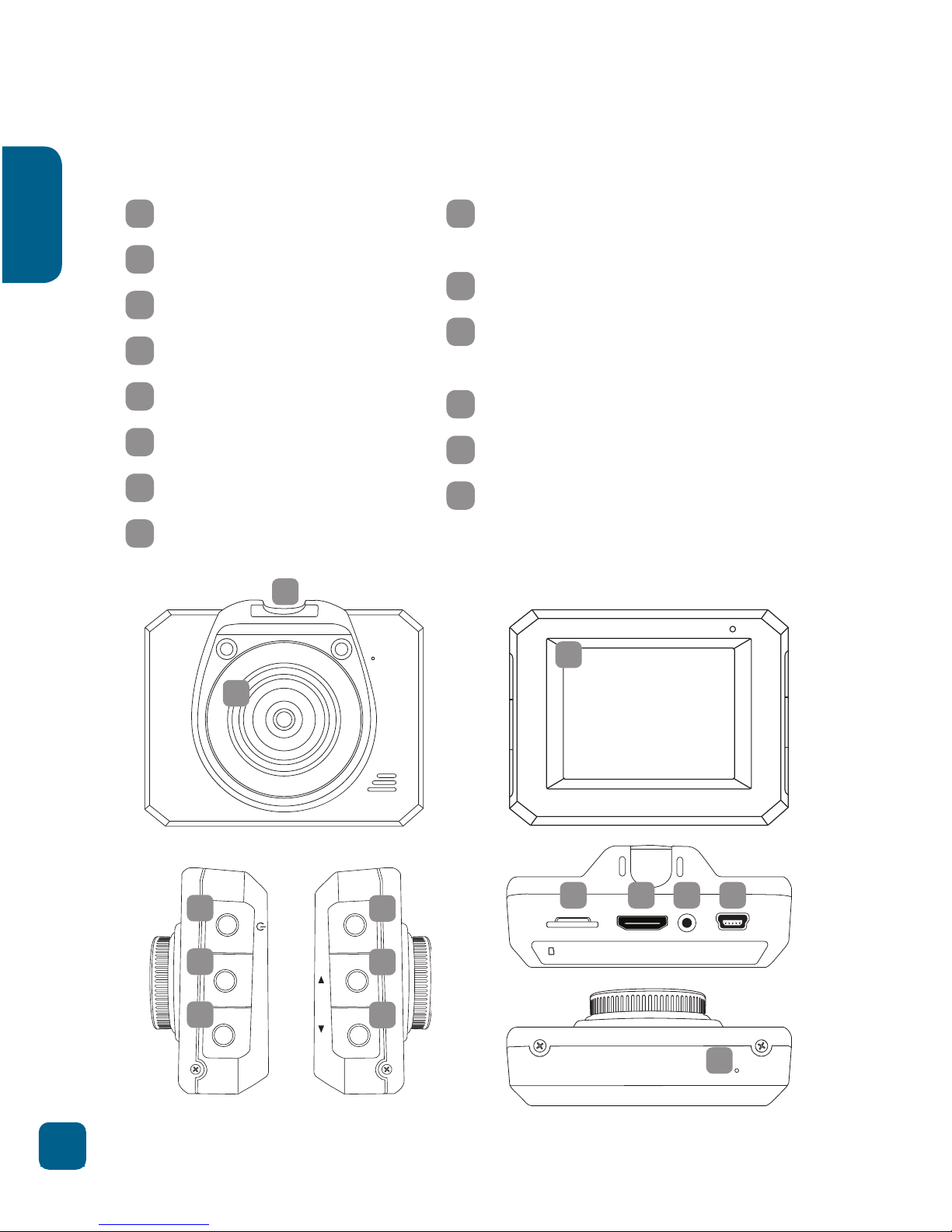
Product Diagram
micro SD HDMI AV OUT POWER/USB
REC
MENU MODE
1Wide Angle Lens
2Mounting Socket
32” Display
4Power Button
5Menu / Back Button
6Mode Button
7Record /OK Button
8Up Button
9Down Button (hold during
recording for light on/o)
10 Micro SD Slot
11 HDMI Mini Port (adapter
required for HDMI)
12 AV Out Port
13 Micro USB Port
14 Reset Button
3
1
2
69
10 11 12 13
14
58
47
Front
Sides
Back
To p
Bottom

9
English
micro SD HDMI AV OUT POWER/USB
micro SD HDMI AV OUT POWER/USB
To p
To p
Setting up the R10 Car DVR
• Insert Micro SD card in the
Micro SD card slot on the top
of the camera.
• Camera will power up and
start recording as soon as it
receives power from the USB
Mini power connection (eg.
when you start your car).
• Clean the area on your windscreen making sure desired
placement is not blocking the drivers view.
• Attach the camera to the mount by sliding the camera
connection from front to back along the mount connec-
tion until latched.
• With the base latch up secure the suction cup into the
desired position on the windscreen.
• Switch the suction cap base latch into the lock position
securing the mount to the windscreen.
• Adjust the nut to ensure that the camera is correctly
angled.
• Finally connect the R10 to power using the USB Mini
cable and the USB car charge adaptor.
General:
Car set up:

10
English
In Car Operation
• Once camera is set up and connected to USB Mini
power, the camera will automatically power on and start
recording when the car is started.
• The car camera requires a class 6 or above Micro SD
card (not included) with at least 8GB of free space.
• The internal G sensor will register any bumps that could
be accidents and registers them as an “Event”. These
event files will be stored as a SOS file and will not be
recorded over by regular footage. These files need to be
manually deleted from your SD card manually by con-
necting your R10 to your computer.
For more information on the R10 interface please see section
marked “Interface”.
Table of contents
Other Kaiser Baas Dashcam manuals
Kaiser Baas
Kaiser Baas R50 User manual

Kaiser Baas
Kaiser Baas R1 User manual
Kaiser Baas
Kaiser Baas R30 User manual
Kaiser Baas
Kaiser Baas R50 User manual
Kaiser Baas
Kaiser Baas R40 User manual

Kaiser Baas
Kaiser Baas R20 User manual

Kaiser Baas
Kaiser Baas Car camera User manual
Kaiser Baas
Kaiser Baas KBA12001 User manual

Kaiser Baas
Kaiser Baas R60 User manual