®User Manual
KA340 Emergency Lantern
®User Manual
KA340 Emergency Lantern
34
Method of Application
Specifications
1. Use the LED Flashlight and Emegency Lamp
7. Use the USB DC-OUT Function
8. How to Charge the Emergency Lantern
2. Use the Multi-Band Radio
3. Use the Alert Function of the NOAA Weather Band in the Radio
4. Use the MP3 Player
5. Use the Bluetooth Function
6. Use the Siren Function
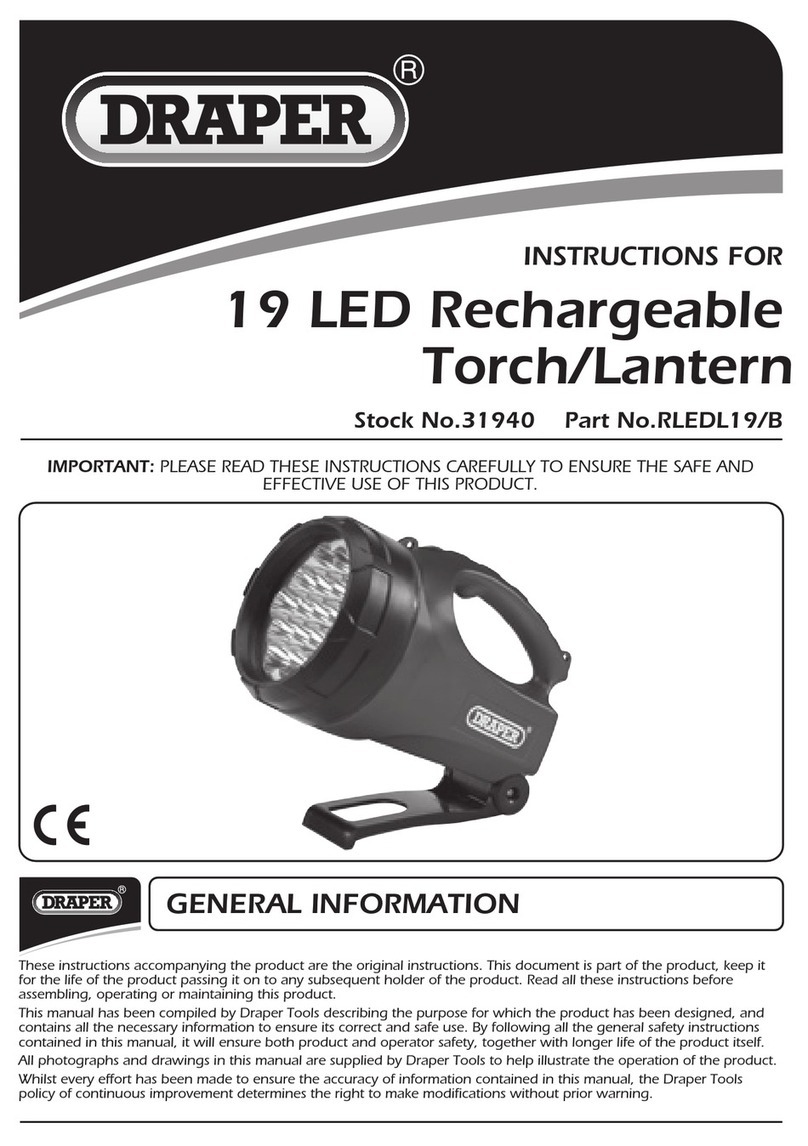
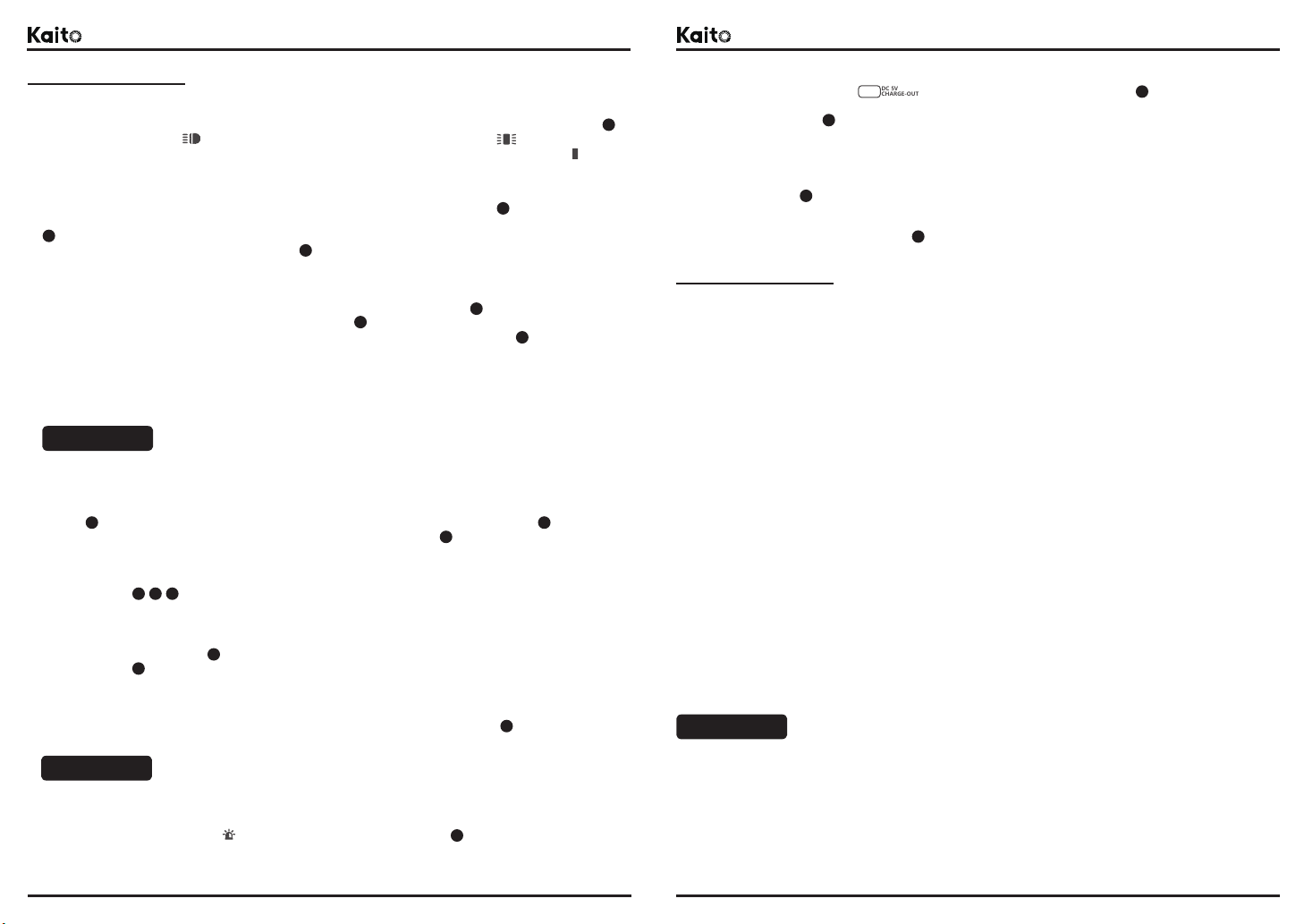
Ues the LED flashlight and emergency lamp functions selected switch(Refer to the sign in the previous chapter: ),
slide this switch to position , the LED flashlight will lit. And slide this switch to position , the LED emgency
lamp will lit. The two functions can not be opened at the same time. When the switch position is placed in , both will
be closed.
11
First, turn on the power and volume knob switch(Refer to the sign in the previous chapter: ), then slide the band
selector switch to select what you want, such as AM, FM, SW or Weather band(Refer to the sign in the previous chapter:
), adjust the volume knob switch to select the volume you want to play, and then slowly rotate the tuning knob of
the radio(Refer to the sign in the previous chapter: ), refer to the ruler of the rotary knob, search for the radio station
you wish to listen to.
5
5
5
10
10
4
4
First, slide the band selector in WB position(Refer to the sign in the previous chapter: ), turn on the power and
volume knob switch(Refer to the sign in the previous chapter: ), adjust the volume knob switch to select the volume
you want to play, then slowly rotate the tuning knob(Refer to the sign in the previous chapter: ), refer to the WB
band ruler from CH1 to CH7 of the rotary knob, search and receive local NOAA weather band stations, then slide the
band selector switch to ALERT position, and keep the power and volume switch knob setting unchanged, this radio will
into the alarm standby status of the ALERT function.
When the NOAA Weather warning signal is released, this radio will automatically open the play emergency notification
by built-in speaker.
WARNING!
WARNING!
CAUTION!
When using this NOAA Weather Alert feature, make sure the KA340 emergency lantern has enough power
The micro-SD card memory doesn't remove from this emergency lantern, it can't use the Bluetooth function
Insert the micro-SD card memory into the SD reader at side of the emergency lantern(Refer to the sign in the previous
chapter: ), turn on the power and volume knob switch(Refer to the sign in the previous chapter: ), then slide the
band selector switch to MP3 position(Refer to the sign in the previous chapter: ), the system will automatically
identify the audio tracks from the SD card, adjust the volume knob switch to select the volume you want to play, the
MP3 player will automatically play the MP3 format audio tracks in the single cycle sequence mode.
Use the Forward, Backward or Play|Pause buttons to select or play the audio tracks you want(Refer to the sign in the
previous chapter: ).
20
10
10
67 8
7
Remove the micro-SD card memory from this emergency lantern, turn on the power and volume knob switch(Refer to
the sign in the previous chapter: ), then slide the band selector switch to MP3 position(Refer to the sign in the
previous chapter: ), open your bluetooth devices, such as smart phone, ipad, notebook, etc... and search and connet
to it, this emergency lantern’s the bluetooth tag is “Kaito”. And adjust the volume knob switch to select the volume
you want to play.
When you use the smart phone to connect the emergency lantern, have a incoming call, you can use the built-in
microphone, just to press the Play|PAUSE button(Refer to the sign in the previous chapter: ), use this Bluetooth
function to make hands-free calls.
5
Silde the selector switch to position (Refer to the sign in the previous chapter: ), the emergency lantern will
immediately play the siren alarm sound with the maximum output volume level. Help you to cope with some special
emergencies.
12
Silde the selector switch to position (Refer to the sign in the previous chapter: ), the emergency lantern
will be able to use USB output ports and use solar panels and dynamo crank to charge some mobile devices(Refer to the
sign in the previous chapter: ), such as mobile phone, MP3 player, etc...
12
USB
18
Please use a matched power adapter(5V DC|500mA+, USB port) to charge the emergency lantern.
Use the attached the USB charge cable to connect the DC-in micro-USB port of the emergency lantern(Refer to the sign
in the previous chapter: ), the other end to a USB adapter. It can also be charged by the USB port of the personal
computer or more.
The KA340 emergency lantern built-in a rechargeable lithium battery, and use 3 x AA batteries(not included) at the same
time(Refer to the sign in the previous chapter: ).
19
16
Radio Frequency Range:
AM: 520kHz - 1710kHz
FM: 87.5MHz - 108.0MHz
SW1: 3.20MHz - 8.00MHz
SW2: 9.00MHz - 18.00MHz
WB: 162.400MHz -162.550MHz(CH1 - CH7)
LED Luminous Flux(Φ)
Flashlight(Approx): 35lm - 45lm
Emergency Lamp(Approx): 55lm - 65lm
LED Lit Time(Full Charge of Power)
Flashlight(Approx): 25hours - 30hours
Emergency Lamp(Approx): 14hours - 16hours
MP3 Player
Memories Supports: Micro-SD|Max 32GB
Music Format Supports: MP3
Bluetooth Connection Function
Bluetooth Version: 4.0 (Support Voice with Built-in Microphone)
Power Source
Solar Power: 0.5W
Crank Dynamo Power: 2W
Rechargeable Lithium Battery 3.7V|2300mAh
AA Batteries: 3 x 1.5V (Not Included)
Charge Time: 5hours - 8hours(Max)
Built-in Speaker
Ø2¼ inches|Impedance 8Ω|Output: 5W(Max)
Siren
Sound Output(Approx): 90dB
Please read all operating instructions before using the emergency lantern.
To reduce the risk of electric shock, do not open the unit. Any service should be done by a qualified technician.
Do not expose this unit to direct sunlight or sources of extreme heat.
Clean only with a damp cloth and avoid using solvents or dtergents.
Do not expose the unit to rain or moisture.
If you have any question, please do call us for advice before you return it or open the emergency lantern.
Do not placed the emergency lantern in water, or close to fire.
Please do not allow children access to the emergency lantern.