manuals.online logo
Brands
  1. Home
  2. •
  3. Brands
  4. •
  5. Key Ingredient
  6. •
  7. Ebook Reader
  8. •
  9. Key Ingredient Demy User manual

Key Ingredient Demy User manual

Popular Ebook Reader manuals by other brands

Obreey Pro 602 user manual

Obreey

Obreey Pro 602 user manual

Denver EBO-500 instruction manual

Denver

Denver EBO-500 instruction manual

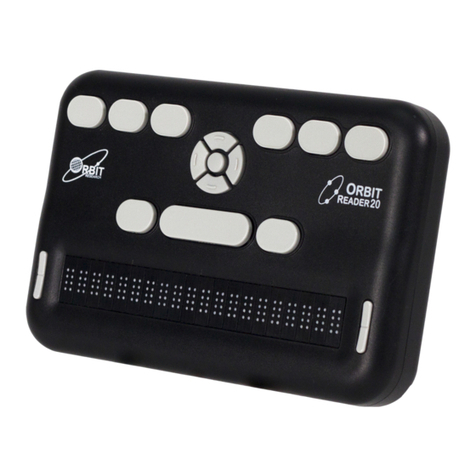
Orbit Research Reader 20 user guide

Orbit Research

Orbit Research Reader 20 user guide

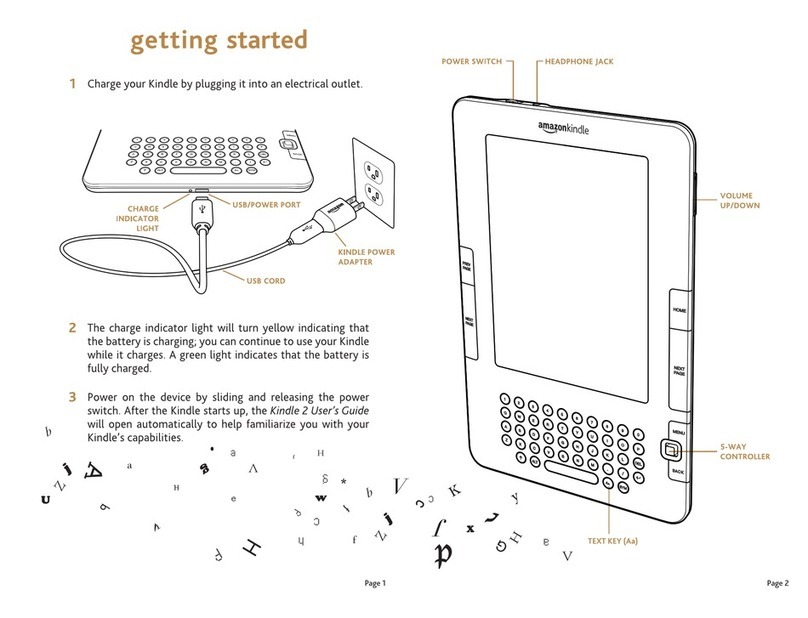
Amazon Kindle Kindle 1 quick start

Amazon

Amazon Kindle Kindle 1 quick start

Franklin DFC-3015 user guide

Franklin

Franklin DFC-3015 user guide

IEI Technology AFL2-EM-RFID-KIT user manual

IEI Technology

IEI Technology AFL2-EM-RFID-KIT user manual

Pocketbook РВ 903 Quick Firmware Installation Guide

Pocketbook

Pocketbook РВ 903 Quick Firmware Installation Guide

Barnes & Noble NOOK Color user guide

Barnes & Noble

Barnes & Noble NOOK Color user guide

Pocketbook Basic Lux 3 user guide

Pocketbook

Pocketbook Basic Lux 3 user guide

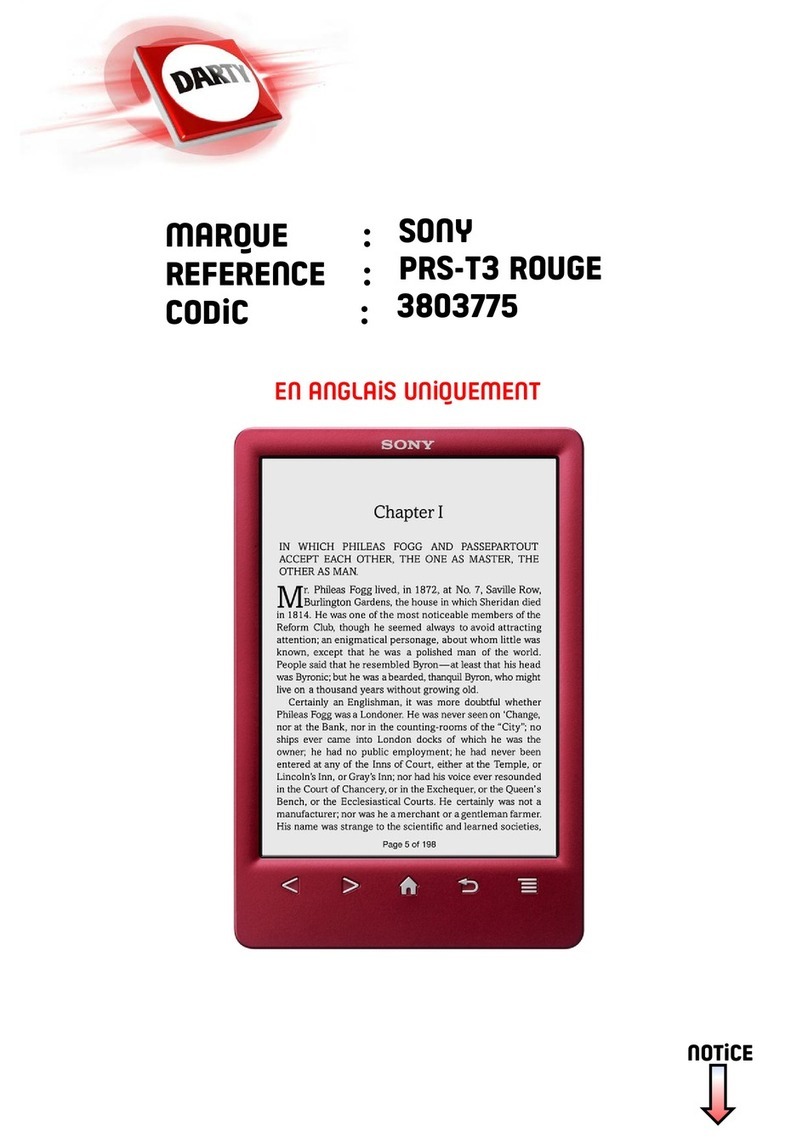
Sony 3803775 user guide

Sony

Sony 3803775 user guide

DARTY ER703 instruction manual

DARTY

DARTY ER703 instruction manual

DOSMONO S601 user manual

DOSMONO

DOSMONO S601 user manual

Kobo GLO HD user guide

Kobo

Kobo GLO HD user guide

Onyx International SMART READING Series user manual

Onyx International

Onyx International SMART READING Series user manual

Onyx Boox T76ML Cleopatra user manual

Onyx

Onyx Boox T76ML Cleopatra user manual

Kobo arc 1 user guide

Kobo

Kobo arc 1 user guide

Boox Boox A62 user manual

Boox

Boox Boox A62 user manual

Franklin AnyBook Reader DRP-4000 user guide

Franklin

Franklin AnyBook Reader DRP-4000 user guide

manuals.online logo
manuals.online logoBrands
  • About & Mission
  • Contact us
  • Privacy Policy
  • Terms and Conditions

Copyright 2025 Manuals.Online. All Rights Reserved.

Get Started
®
1Cookbooks
2
The Cookbooks page is a shortcut to all of your recipes
organized into cookbooks. Your Demy comes preloaded
with lots of recipes to explore.
Library
3
The Library is a compilation of all the recipes on your
Demy in alphabetical order.
Touch the Library
button to present all
of the recipes in your
Demy in one list.
Index Recipe Tabs and Short List
4 5
The Index allows you to quickly access any recipe in your
collection by the title. Press the first letter of the recipe title
and list will scroll to that letter in the index.
Touch the Index button to
bring up a keyboard that
will allow you to quickly
jump to the first letter
of any recipe in your
Library with just one touch.
Recipes come with three tabs: a Description tab, a Recipe
tab, and an About tab. The About tab includes information
about the cook and nutritional information if available.
To add any recipe to your
Short List, simply tap the
Add to Short List button
from the About tab.
Short List
6
The Short List stores several recipes you can easily flip
through for times when you need to cook several recipes
at once.
To view the recipes on
your Short List, simply
touch the Short List button
and the first recipe on the
Short List will appear.
Touch the Short List button
again to cycle to the next
recipe on the Short List.
To remove a recipe from the
Short List, touch the About
tab on the recipe and touch
the Remove from Short
List button.
Font Size
7
The font size can be adjusted from any screen.
To adjust the font size,
simply touch the Font
Size button. The font size
enlarges with each touch.
Touch the Library
button to present all
of the recipes in your
Demy in one list.
The “My Recipes”
cookbook is a list of all
of your personal recipes.
Cookbooks and recipes
can be added in your
own free account at
www.keyingredient.com
See Sync Your Demy in this
guide for more details on
how to load your recipes
on onto your Demy.
All of your recipes
at the tip of your finger TM
QUICK START GUIDE
To turn your Demy on, press the Power button.
To put your Demy to sleep, press the Power button again.
To wake your Demy up, press the Power button or touch the screen.
To turn your Demy off, press and hold the Power button until
you hear a beep (2 seconds).
Charge Port Power
Button
USB Port

Navigation
8
Access a prior screen or additional features with the
navigation buttons.
Touch the Back button
to navigate back to a
prior screen and touch
the More button to access
additional Demy features.
Timer
9
Time three different recipes at once.
Touch the More button,
then touch the Timer
button and touch the up
and down arrows to select
the time desired.
Convert
10
The convert feature allows you to make common cooking
weight and volume conversions.
Touch the Convert button,
then touch the numeric
data entry fields to access
the number pad to enter
the quantity to convert.
Next, select the From
and To measures to
convert and touch the
Convert button.
Substitute
11
The Ingredient Substitution list includes over 200 tough to
find ingredients along with substitution suggestions that
can get you by in a pinch.
Touch the Substitute
button to quickly access
over 200 ingredient
descriptions and
substitution suggestions.
Screen Rotation
12
The Demy can be viewed at a horizontal or vertical angle.
Simply rotate the Demy to
change the viewing angle.
Options
13
The Options menu allows you to customize the technical
features on your Demy.
Sync Your Demy
14
• Demy
• Battery
• USB Cable
• AC Adapter
• Warranty/Safety Information
• Quickstart Guide
Included in This Box
Learn More
To learn more, visit www.mydemy.com
Get Support
Visit www.mydemy.com/support for technical support.
Touch Options on the
menu bar to change
your Display brightness,
Sleep timers and more.
In addition to all these great features, you can load all of your own
recipes into your Demy!
PLEASE DO NOT PLUG IN YOUR DEMY
WITH THE SUPPLIED USB CABLE UNTIL YOU HAVED INSTALLED THE
SOFTWARE FOR YOUR COMPUTER
The very first thing you need to do is gather your recipe collection at
www.keyingredient.com .. it’s free and takes 30 seconds to sign
up. Once you have a Key Ingredient account, take the Tour .. it’s
under the Help tab. All of the recipes in your online Key Ingredient
collection can be “synced” right into your Demy in the next step.
The next step is to download and install the Demy software into
your computer. Go to www.mydemy.com/install and select the Demy
software version for your Windows, Mac or Linux computer.
Follow the step by step installation process for your computer and
plug your Demy into your computer with the supplied USB cable
when the instructions request it.
In a few minutes, your Demy will be updated with your recipe collection.