QA-MRK-FM-08-02 v1
Auxiliary
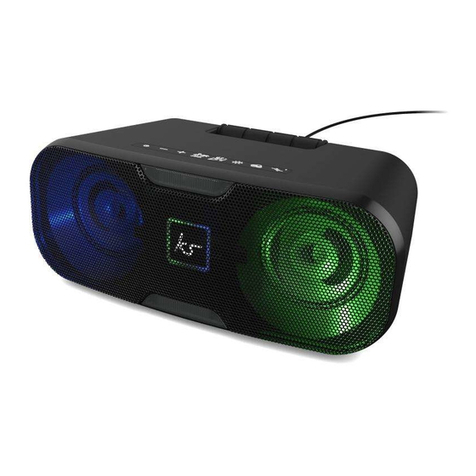
Plug the Aux cable into the speaker’s Aux-in Port (11) and your device using the supplied cable.
Auxiliary and TW pairing
1. Ensure both speakers are paired before you connect the aux cable to the master speaker.
Follow instructions for ‘ WS pairing two KS Slam 70 speakers’.
2. Connect the aux cable to the master speaker. he Master speaker can be identified as the
speaker with the Pairing button (4) flashing red.
3. Once connected, pairing button (4) will now be white on both speakers.
Once connected to the Slam 70 either wired or by Bluetooth, please follow the instructions on next
page:
seconds
Hold Power button (1) for
seconds
button (2), or use your device
button (2), or use your device
button (3), or use your device
button (3), or use your device
button (2) for 3 seconds
button (3) for 3 seconds
(1)
(1)
Short press Pairing button
(4)
Double press Pairing button (4)
on one of the units
Double press Pairing button (4)
on one of the units
Double press Pairing button (4)
on one of the units
Double press Pairing button (4)
on one of the units
button (5) to toggle between
the three Chill modes
button (5) to toggle between
the three Chill modes
button (6)
button (6)
Short press Lighting button
(7)
Short press Lighting button
(7)
Hold down Lighting button
(7) and press Volume + button
(2)
Hold down Lighting button
(7) and press Volume + button
(2)
Decrease Light Brightness
Hold down Lighting button
(7) and press Volume - button
(3)
Hold down Lighting button
(7) and press Volume - button
(3)
(8) to toggle between colours
(8) to toggle between colours
button (9) to toggle between
button (9) to toggle between