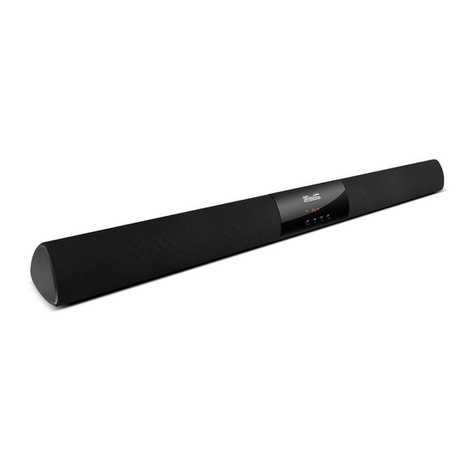
First activate the remote control by removing the protective film from the
battery compartment.
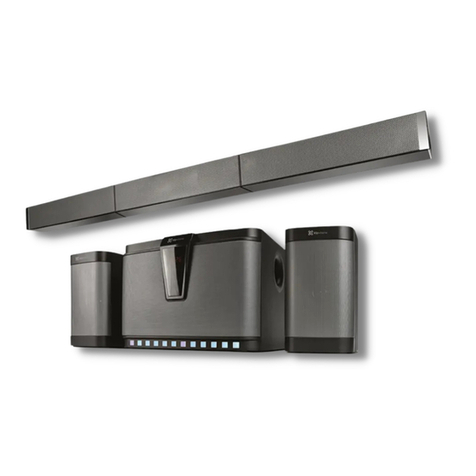
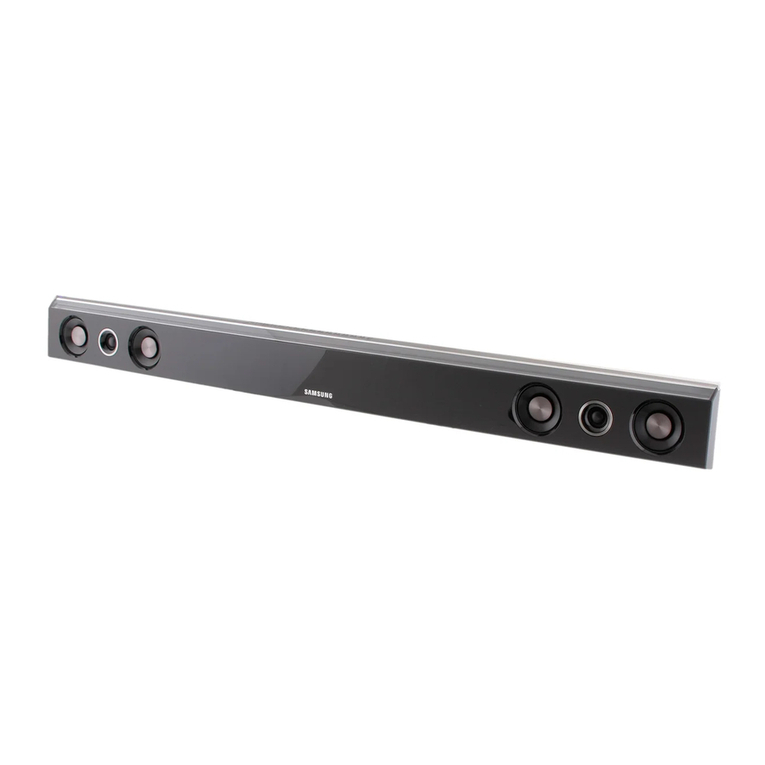
Switch the soundbar on from the standby mode using the power button
found on the unit or the remote control. The LED glows white.
Note: Everytime the Soundbar is initially turned on, the RCA TV input is
selected automatically.
Should you have an external device connected to the auxiliary input jack, you
can select it by pressing the Aux button on the remote. The LED glows
orange in this mode.
Adjust the volume to a comfortable listening level using the buttons
on the soundbar or on the remote.
To mute the audio, press the button. This function is accesible only through
the remote control.
If after a period of 15 minutes no audio signals are detected from the RCA or
auxiliary inputs, the Soundbar will automatically enter into the standby mode. In
this case, simply press the power button to switch the unit back to its
active state.
Note: The soundbar is set to turn on automatically from standby as soon as
the TV is powered on.
If you do not intend to use the soundbar for a long time, set the main power
switch on the back to its OFF position to fully disconnect the device.
Bluetooth®technology enables the streaming of audio wirelessly from compatible
devices that comply with the A2DP standard.
Wired RCA and Auxiliary modes
V. Adavanced operation
1.
2.
3.
4.
5.
6.
7.
First switch the soundbar on from the standby mode using the power button
found on the front of the unit or on the remote control, if you haven’t done so
already. The LED glows white.
Place both devices not more than one meter away from each other.
Enable the Bluetooth®function on your audio device and set it to discover the
wireless soundbar.
Cycle to the Bluetooth®feature on the soundbar by pressing the Source button
on the unit or the BT button on the remote control. The LED glows solid
blue.
Likewise, now press and hold the Source or the BT button until a short beep
is heard and the LED starts blinking fast. This indicates that the system has
entered into the pairing mode.
Once the speaker appears listed under the newly found Bluetooth®devices
(KSB-200), it will ask if you want to pair with it.
Accept by pressing Yes or Ok. If you have a lower Bluetooth®version, you may
be prompted to enter the passkey=0000 (4 zeros).
If pairing is successful, another short beep will be heard, making the LED blink
slowly before becoming solid blue.
If after 60 seconds the pairing process fails, please repeat steps 1 through 6
described above.
1.
2.
3.
4.
5.
6.
7.
8.
9.
A
A
A
B
B
Wireless Bluetooth®mode
Pairing the soundbar with your Bluetooth®device