Turning the Camera On
Toturnonthecamera:•
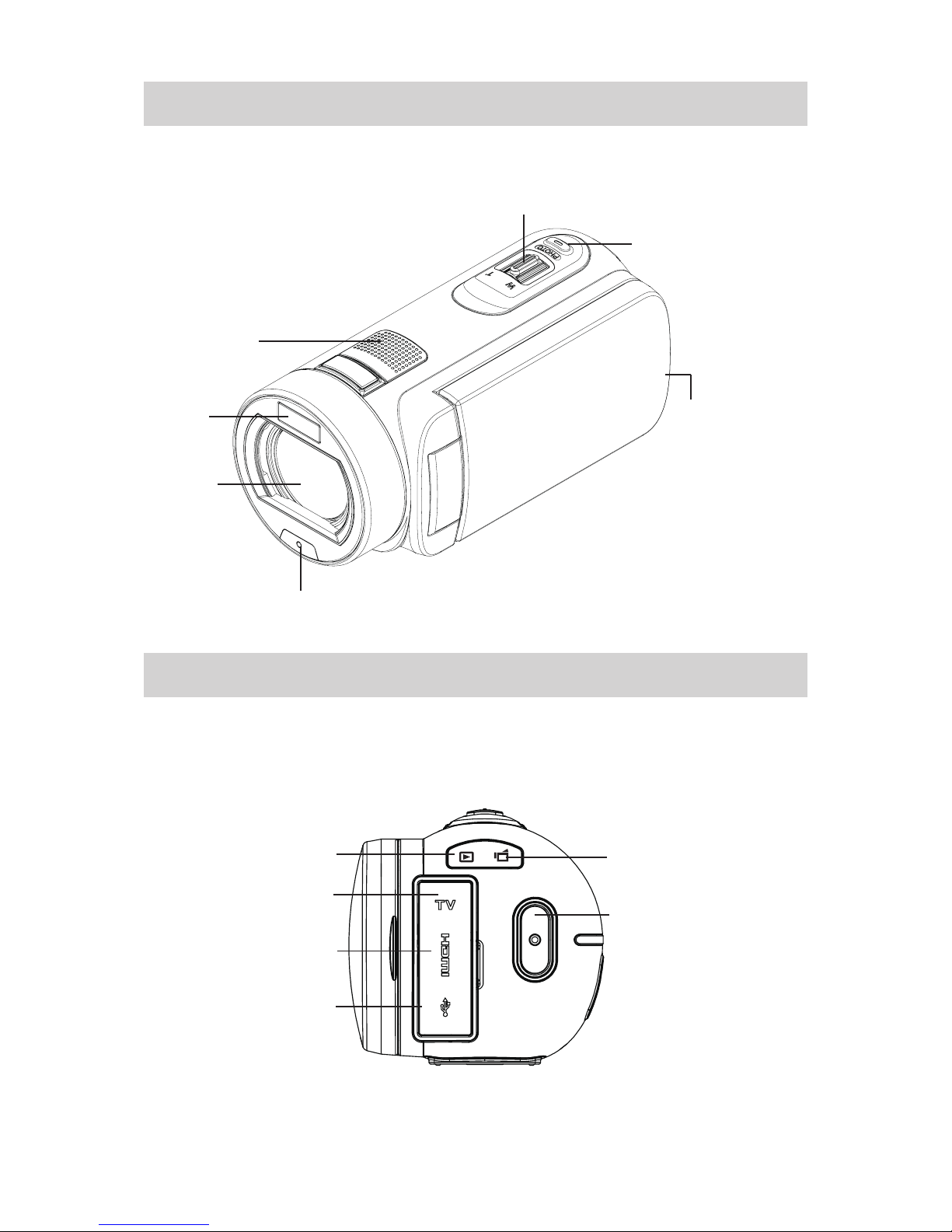
Flip out the LCD panel; the camera will turn on automatically.1.
Orpress[PowerButton2. ] for one second to turn it on.
Conguring the Initial Date and Time Setup
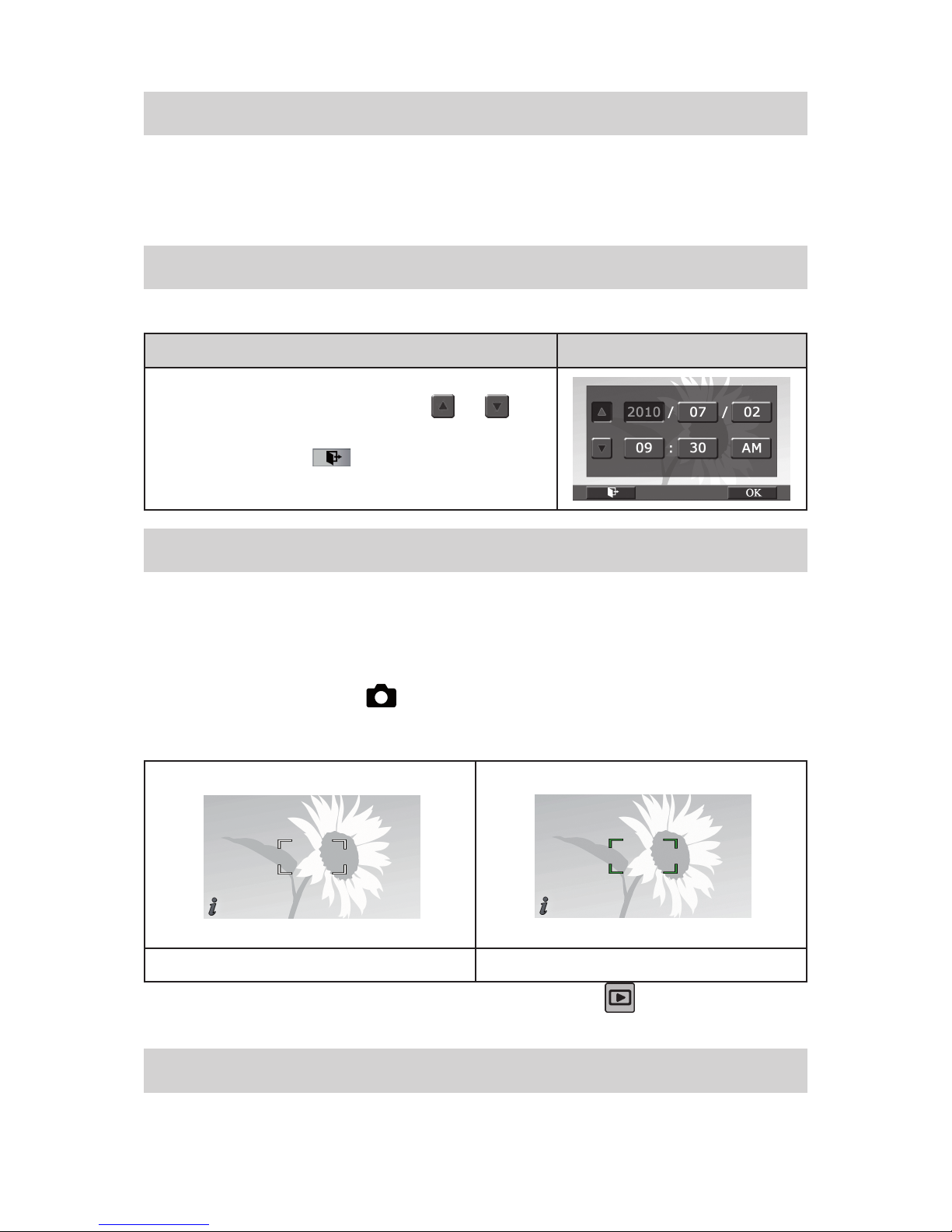
Thetimesettingscreenappearstoallowyoutosetupdateandtime:•
Operation Display Screen
TouchYear,Month,Day,Hour,Minute,andAM/PMtoset.1.
Adjustthenumericvaluebytouching2. /
Touch the [OK] icon to validate the setting.3.
Touch the Exit icon4. ( )to exit.
Getting Started
Torecordvideo:• Press [VideoButton] to record video. To stop recording, press it again.
To pause recording:• Press [Pause Button] to pause recording. To continue the recording, press it
again.
Totakeaphotoduringvideorecording:Whenrecordingvideo,press[PhotoButton]tocapturethe•
image. The Dual record icon ( )appearsontheLCDmonitor.
Totakea• photo:Press[PhotoButton] halfway down until the focusing frame turns from white to green.
Then,pressitfullydowntotakephoto.
FocusingFrame:White FocusingFrame:Green
Toviewstoredvideosandphotos:Press[PlaybackButton]ortouch• on the screen to switch to
thePlaybackmode.
Turning the Camera Off
Toturnoffthecamera:Youcaneitherpress[PowerButton]foronesecond,oryoucanplacetheLCD•
panelbacktoitsoriginalposition.