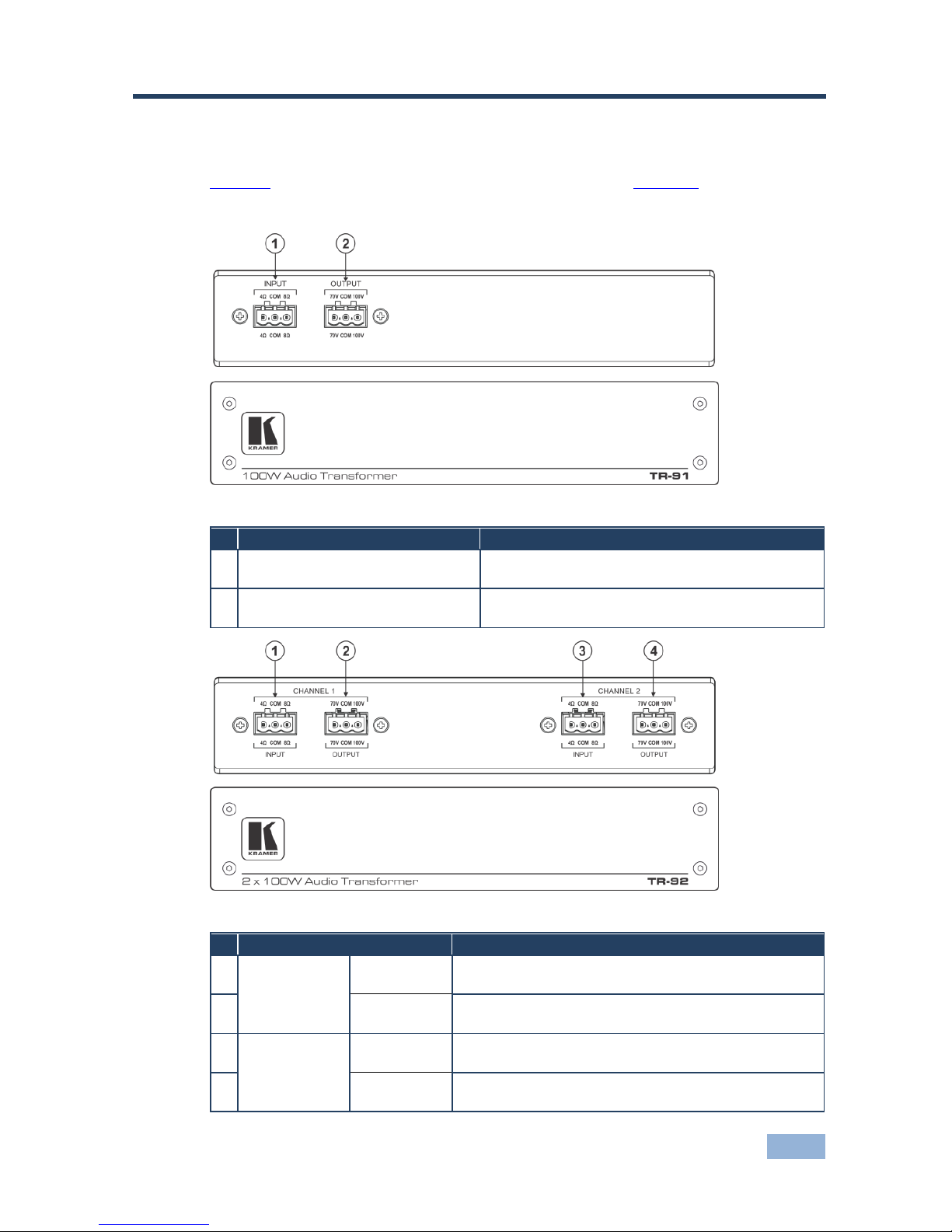
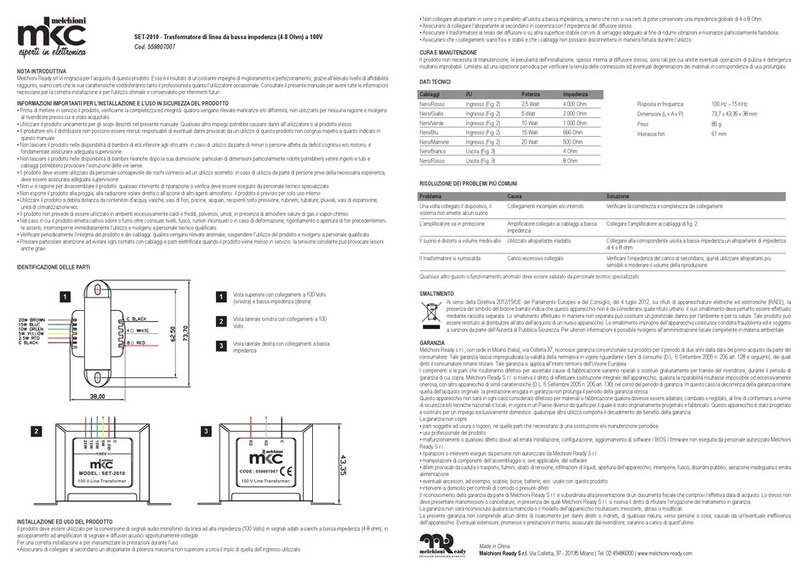
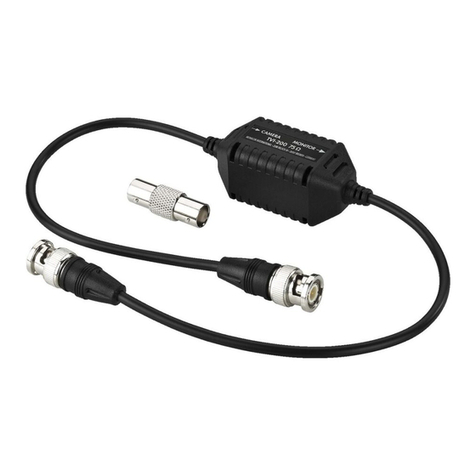
5 Installing the TR-91 and TR-92
This section explains how to install the Open-back ceiling speakers, that is:
Connecting the TR-92 (see Section 5.1)
Connecting the TR-91 (see Section 5.2)
5.1 Connecting the TR-92
To connect the TR-92, as illustrated in the example in Figure 3, do the following:
1. Connect an audio amplifier (for example, the Kramer 907xl Power/Amplifier
Mixer) to the TR-92 input channels by connecting the:
Left + and - OUTPUT terminal block connectors on the 907xl to the
CHANNEL 1 INPUT + (8Ω) and –(COM) terminal block connectors on
the TR-92
Right + and - OUTPUT terminal block connectors on the 907xl to the
CHANNEL 2 INPUT + (8Ω) and –(COM) terminal block connectors on
the TR-92
Alternatively, you can reverse the order and connect the left output on the 907xl to
CHANNEL 2 and the right output on the 907xl to CHANNEL 1.
2. Connect the OUTPUTs to a 70V/100V speaker (for example, the Kramer
Galil 8-C Ceiling Speakers) by connecting CHANNEL 1 to the Left speaker
and CHANNEL 2 to the Right speaker. For each channel connect the COM
terminal block connector to the - speaker connector and the 70V or 100V
OUTPUT terminal block connector to the + speaker connector.
Note that you have to select the same power settings (70V or 100V),
as required, for both channels.
Always switch off the power to each device before connecting it to your
TR-91 / TR-92. After connecting your TR-91 / TR-92, connect its power
and then switch on the power to each device.