TableofContents
1. Introduction ................................................................................. 1
1.1 Features ................................................................................................................. 2
1.2 Specifications ....................................................................................................... 3
2. InstallingtheSwitch ................................................................... 4
2.1 Packing List ......................................................................................................... 4
2.2 Mounting the Switch ........................................................................................... 4
2.3 Front Panel and Rear Panel ............................................................................... 6
2.4 Installing an Optional Fiber Module.................................................................. 7
2.5 Setting the Configuration Switches ................................................................... 9
3. MakingNetworkConnections ...................................................11
3.1 Network Switched Ports ................................................................................... 11
3.2 10BASE-T and 100BASE-TX Connection .................................................... 12
3.3 100BASE-FX Connection ................................................................................ 14
4. LEDIndicators........................................................................... 15
4.1 LED Panel .......................................................................................................... 15
4.2 Interpretation .................................................................................................... 15
Appendix
A FiberModuleSpecifications...................................................... 16
Figures
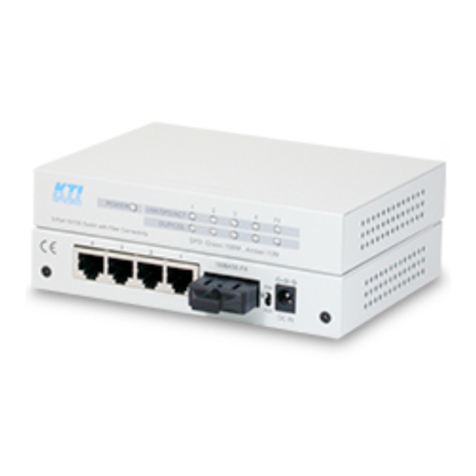
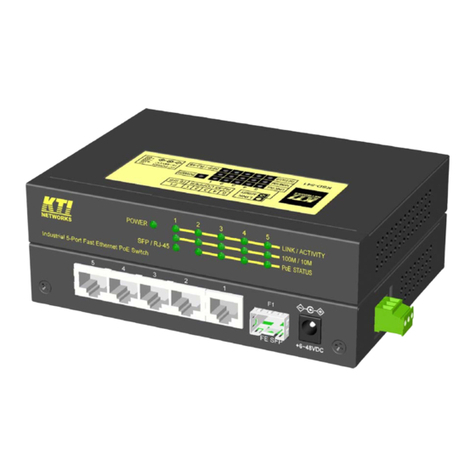
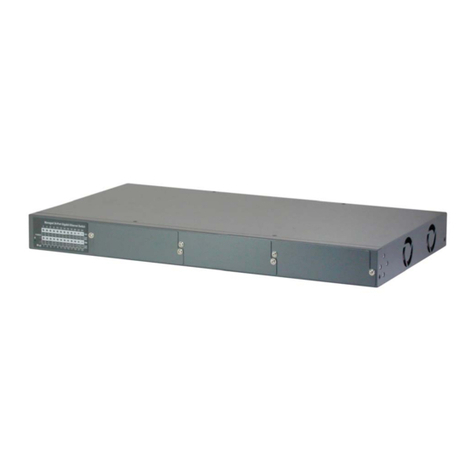
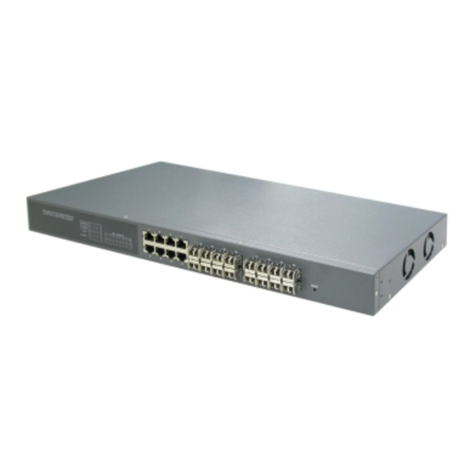
1-1 Switch Unit ........................................................................................................... 1
2-1 Install Rack Mount Brackets.............................................................................. 5
2-2 Install the Switch into a 19-inch Rack ............................................................. 5
2-3 Componets on the Front and Rear Panel ......................................................... 6
2-4 Enable 100BASE-FX Module ............................................................................. 7
2-5 Remove the Slot Cover....................................................................................... 8
2-6 Insert the Module into Slot ................................................................................ 8
2-7 Configuration Switches ....................................................................................... 9
3-1 Network Ports.................................................................................................... 11
3-2 2-pair UTP Cable .............................................................................................. 12
3-3 100BASE-FX Module........................................................................................ 15
4-1 LED Indicators .................................................................................................. 16