5.1.2 Connecting Battery to Robot
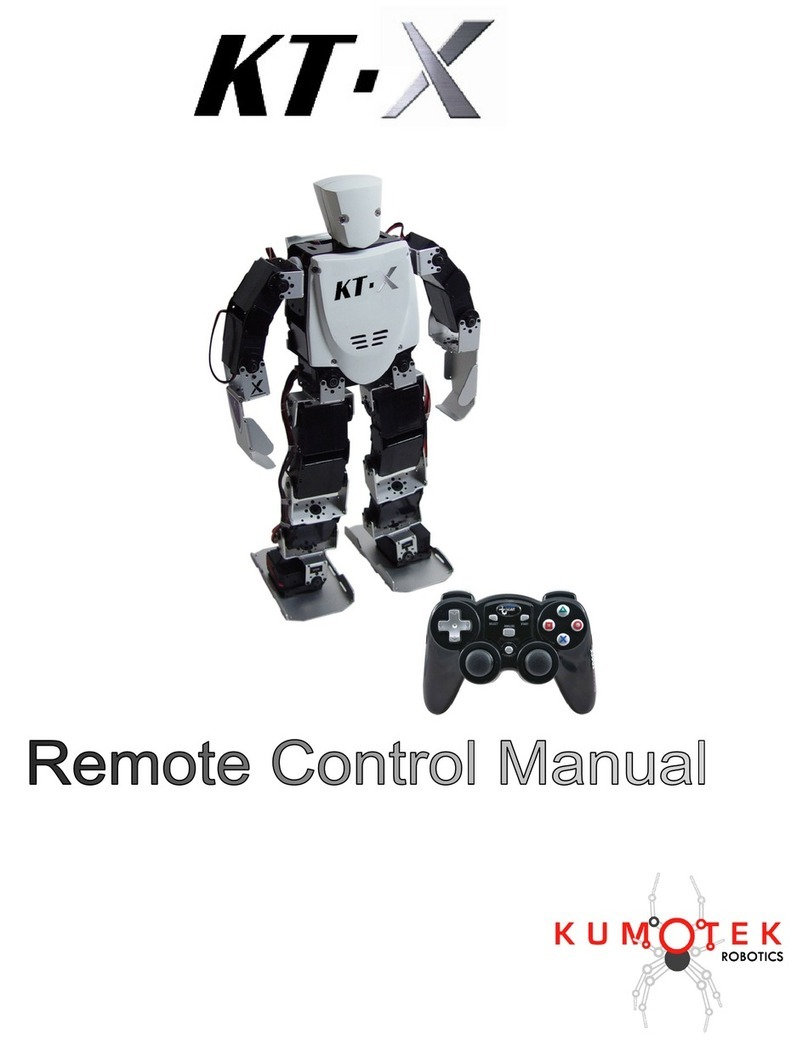
1) Open front panel of the robot by unscrewing two screws holding the panel. You can open the
panel without completely removing the screws.
2) Install 2 fully charged batteries. Connect battery cable to the white connecter on the left
inside body.
<!> Please remove the batteries after the use.
5.2 Connecting Hardware to the PC Board
5.2.1 PC Board Power Adapter
You can use PC board Power supply adapter to power the PC board and servo control board. In
this case, you will not be able to run the servos off of this power supply.
5.2.2 Connecting USB Devices, Display, and LAN Cable
You can connect up to 2 USB devices, 1 VGA, and 1 LAN.
<!> If you are connecting USB HDD or USB CD/DVD Drive, please use them on self power mode.
<!>If you are running the robot with that hardware connected, make sure that the robot will not
fall or damage the cable or the connecters.
5.2.3 Applying Power to the robot from External Power Supply
You can use external DC power supply (8.5V or less) to power up the robot without battery.
<!> Do not apply any DC power source bigger than 8.5V
5.2.4 Connecting a Speaker and a Microphone
You can connect small speaker to the speaker output pins. By default, the wires coming out from
the speaker is connected to the servo control board (VS-RC003).
You can also connect a condenser microphone to the robot. The pin close to the board is GND
and the other pin is the signal.