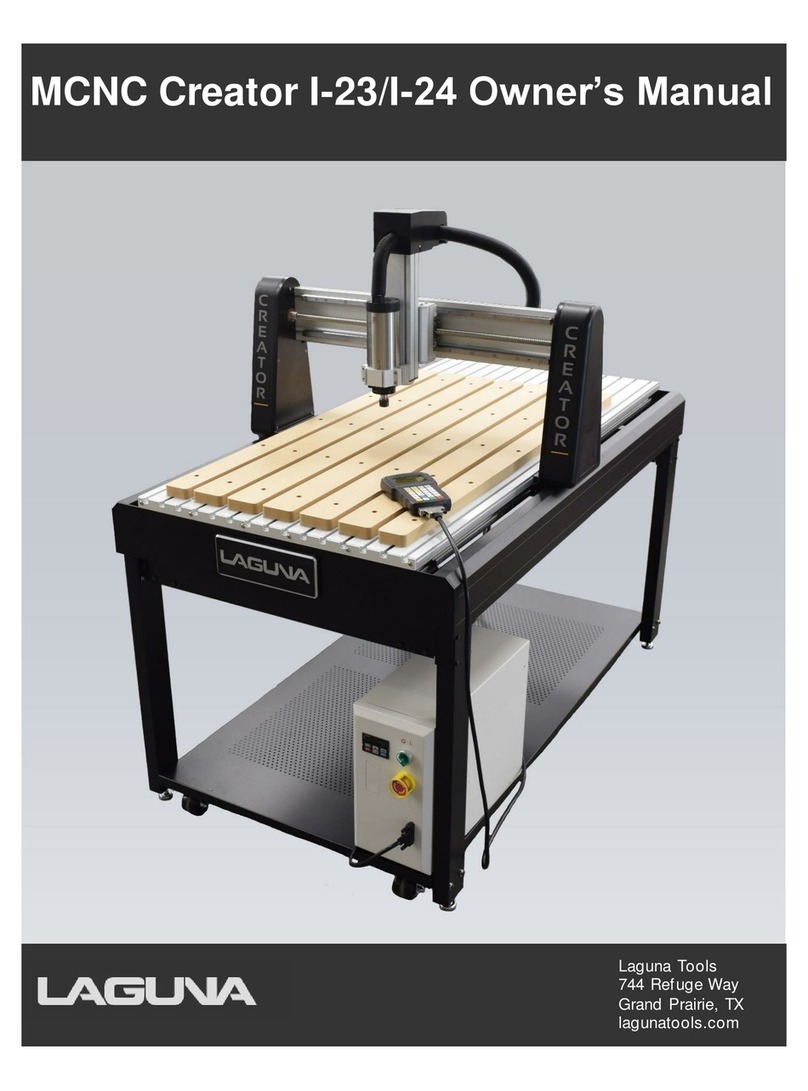
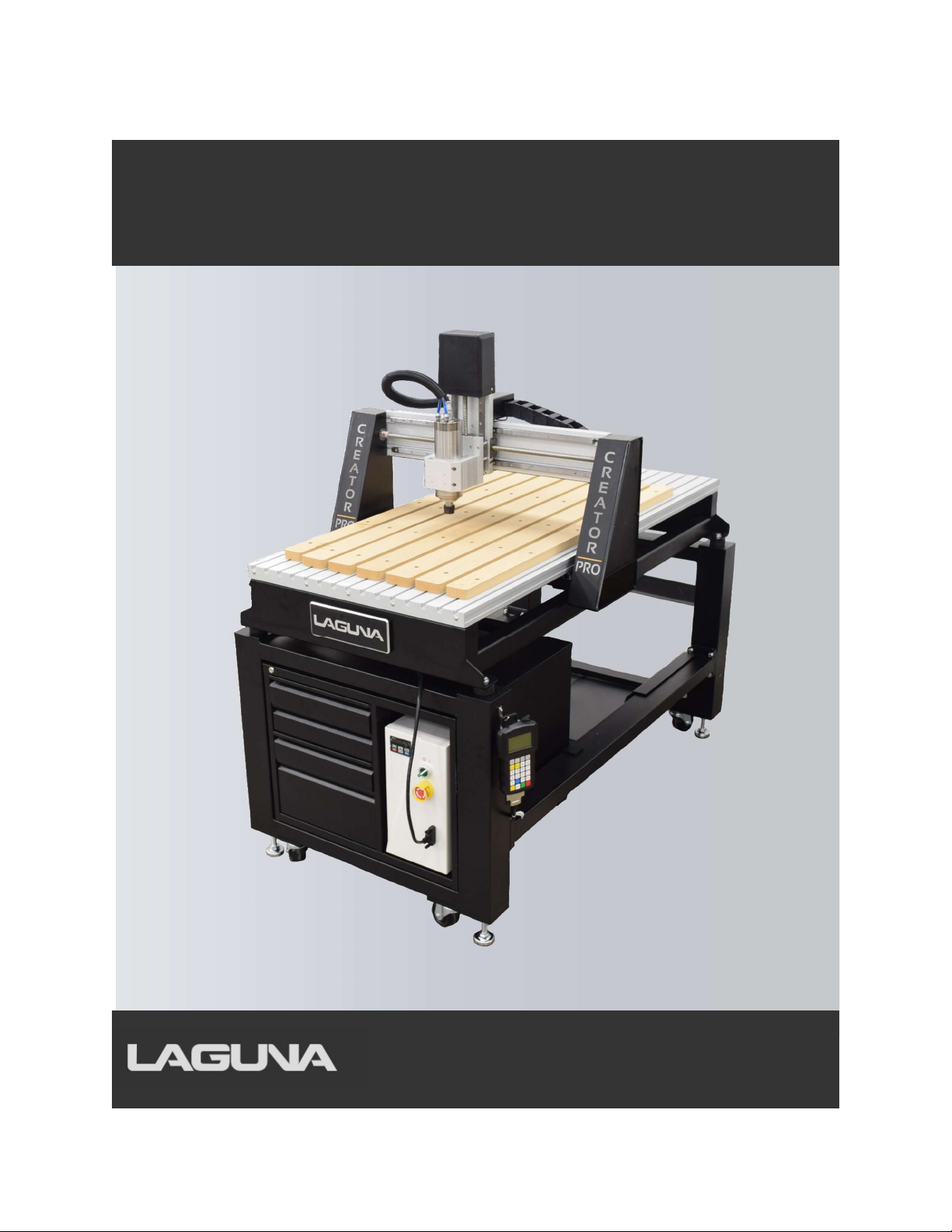
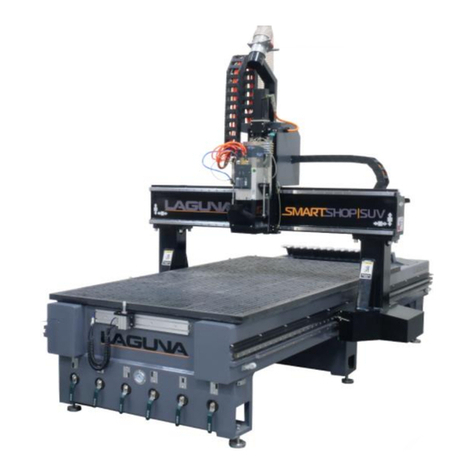
Laguna Tools MCNC Creator Pro I-24P User manual

MCNC Creator Pro I-24P
Laguna Tools
744 Refuge Way
Grand Prairie, TX
lagunatools.com

MCNC Creator Pro I-24P
2
Scope of This Manual
This manual outlines the basic procedures for the Creator Pro I-24P CNC Router with a RichAuto B18E
Handheld Controller.
For detailed instructions and videos, please go to www.lagunatools.com.
Customer Service
For technical support, please contact Laguna Tools Customer Service by phone at 1-800-332-4094 or
email customer_service@lagunatools.com. Please note the machine type in the subject line.
Copyright © 2023
Laguna Tools, Inc.
ALL RIGHTS RESERVED
This document contains material protected under International and Federal Copyright Laws and Treaties.
Any unauthorized reprint or use of this material is prohibited. No part of this document may be
reproduced or transmitted in any form or by any means, electronic or mechanical, including
photocopying, recording, or by any information storage and retrieval system without express written
permission from the author/publisher. LAGUNA® and the LAGUNA Logo® are the registered trademarks
of Laguna Tools, Inc.
DISCLAIMER
Laguna Tools is not responsible for errors or omissions. Specifications subject to change. Machines may
be shown with optional accessories.
Revision 01 (02/07/2023)

MCNC Creator Pro I-24P
3
TABLE OF CONTENTS
SCOPE OF THIS MANUAL 2
CUSTOMER SERVICE 2
1.0 GENERAL INFORMATION AND SAFETY 7
1.1 Overview 7
1.2 Safety Signs and Call-Outs 7
1.3 Safety Information 8
2.0 SETUP AND ASSEMBLY 13
2.1 Packaging Contents 13
2.2 Hardware package contains 13
2.3 Tools Required for Assembly 14
2.4 Packaging contents for CNC machine 14
2.5 Assembling the Stand 14
2.6 Installing the Router Table on the Stand 16
2.7 Finishing Machine Assembly 16
3.0 ELECTRICAL COMPONENTS 19
3.1 Grounding Instructions 19
3.2 Operations 20
3.3 Controller 20

MCNC Creator Pro I-24P
4
4.0 OPERATIONS 21
4.1 Controller 21
4.2 Operating Procedure 21
4.3 HOME Position 22
4.4 Moving the Router (Spindle) Head 23
4.5 Setting Work Origin 25
4.6 Programming Additional Origin 27
4.7 Setting Spindle RPM 28
4.8 Processing a file 28
4.9 Speed Scale Adjustment 29
4.10 Pausing During Toolpath Operation 30
4.11 Setting a Breakpoint 30
4.12 Power Failures 31
5.0 RICHAUTO B18E FUNCTIONS 33
5.1 B18E Keypad 33
5.2 B18E Menu Paths 35
6.0 ADVANCED PROCESSING 41
6.1 Array 41
6.2 Resume Work 41
6.3 Mirror Work 42
6.4 Tool Changing 42

MCNC Creator Pro I-24P
5
6.5 Stop State (Back Position) 42
6.6 Part Work 43
6.7 Calculate Boundaries 44
6.8 Auto Center 44
6.9 Mill Plane (Surfacing Operation): 44
6.10 Calculate Work Time 45
6.11 Scale Work 46
6.12 Step Work 46
7.0 DATA RESTORATION AND UPDATES 47
8.0 MAINTENANCE 49
8.1 Routine Checks (performed daily with machine use) 49
8.2 Cooling System Flush/Refill 49
9.0 TROUBLESHOOTING 51
9.1 Mechanical and Electrical Problems 51
9.2 Controller Functions Problems 52
10.0 PARTS LIST 57
11.0 WARRANTIES 63

MCNC Creator Pro I-24P
6
NOTES:

MCNC Creator Pro I-24P
7
1.0 General Information and Safety
1.1 Overview
The Creator Pro CNC performs multiple functions, thereby reducing the number of machines
needed to complete projects. A properly maintained machine will supply years of service.
Please read this Owner’s Manual in entirety prior to assembly or operation.
1.2 Safety Signs and Call-Outs
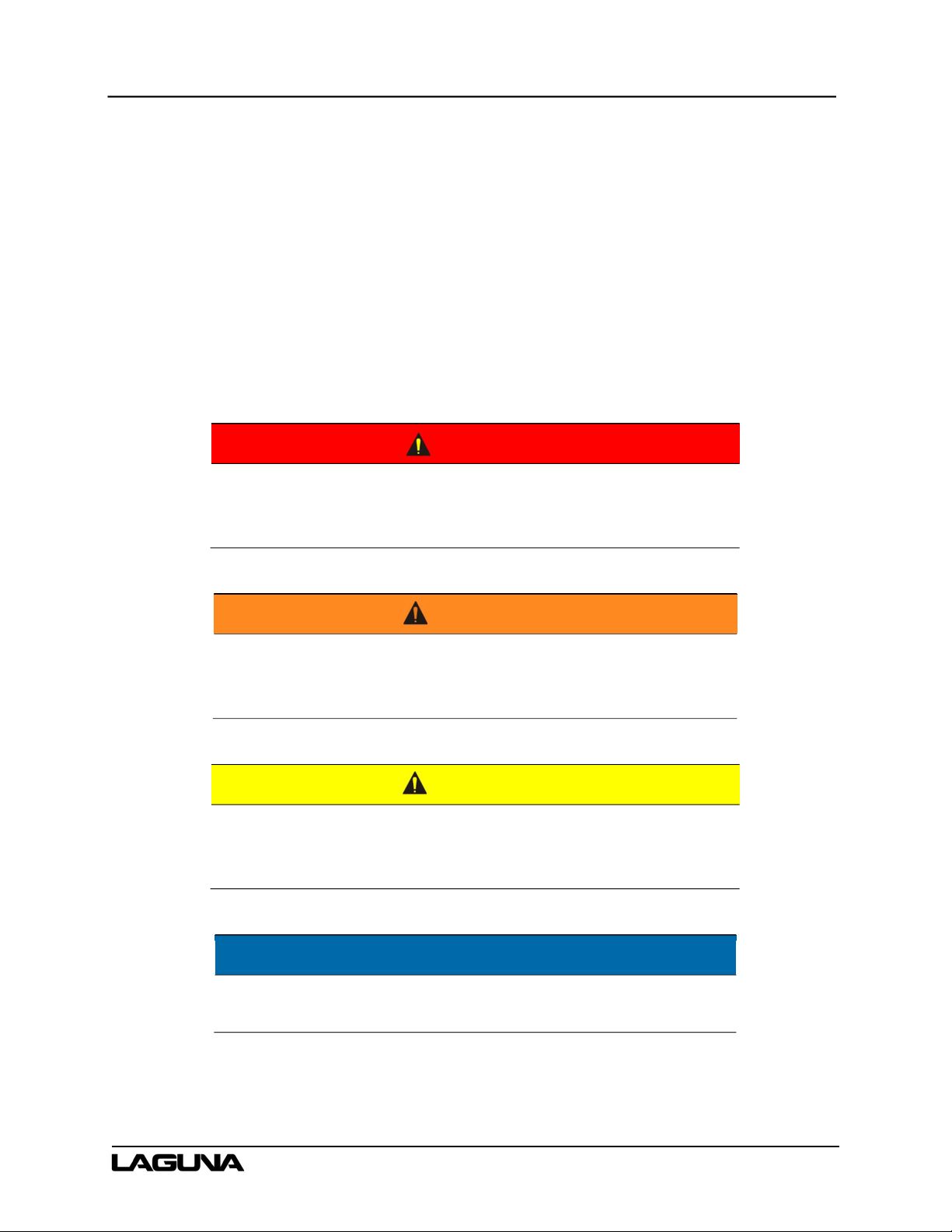
DANGER
An imminently hazardous situation which, if not avoided, will
result in death or serious injury.
WARNING
A potentially hazardous situation which, if not avoided, could
result in death or serious injury.
CAUTION
A potentially hazardous situation which, if not avoided, may
result in minor or moderate injury.
NOTE
A helpful tip from Laguna Tools technical staff.

MCNC Creator Pro I-24P
8
1.3 Safety Information
The Creator Pro CNC machine is an electrical appliance and precision machine. Please read and
understand the entire owner’s manual before attempting assembly or operation. Read and
understand the warnings posted on the machine and in this manual. Failure to comply with all
warnings may cause serious personal injury or damage to the machine.
The Creator Pro CNC machine is designed and intended for use by properly trained and
experienced personnel only. Personnel who are not familiar with the correct and safe operation of
the Creator Pro I-24P should not operate the machine until properly trained.
The Creator Pro CNC machine is designed to cut wood, acrylics, wood-fiber composites, certain
plastics, and non-ferrous metals. Do not use this machine for other than its intended use.
1.3.1 Shop Environment
1. Verify the floor can bear the weight of the machine and workpieces.
2. Ensure the floor around the machine is clean and free of scrap material, oil, and grease.
3. Do not lean material against the gantry, guide rails, or table.
4. Support the weight of the dust hose attached to the dust shoe (optional) accessory to prevent
the weight of the hose from dislodging the dust shoe. Ensure that there is sufficient slack in
the dust collection hose to allow the spindle to cover the entire work area.
5. Position the Creator CNC machine away from overhead pipes and plumbing fixtures to
prevent condensation from dripping on to the spoil boards and control system components.
6. Locate the Creator CNC machine away from sinks, faucets, or other water supplies or
storage to prevent splash-out that can damage the spoil boards and control system
components.
7. Provide adequate room between the Creator CNC and other machines in the shop to reduce
the chance of accidental jarring when transporting lumber or other heavy materials through
the shop and while materials are being worked on other machines.
8. Verify there is adequate space between machines to allow for the possibility the workpiece
will extend over the end of the Creator CNC machine.
9. Store cutting tools in a dry location and prevent contact to preserve the cutting edge.

MCNC Creator Pro I-24P
9
1.3.2 Health and Safety
1. Always wear approved personal health and safety equipment as indicated for the materials
and type of operations that will be performed. These should include a dust mask, hearing
protection, safety clothing, and safety glasses/face shield. Wear ear protectors (plugs or
muffs) even during short periods of operation.
2. Before operating this machine: remove all hand, wrist, or neck jewelry and push sleeves up
over the elbows. Do not wear loose clothing which may become caught in the machine and
confine long hair. Non-slip footwear or anti-skid floor strips are recommended.
3. Use a dust mask or other safeguards to avoid inhaling dust generated from wood products.
Install dust collection equipment consistent with shop ventilation practices and budget.
Remove dust and debris from the floor frequently to prevent slipping. Drilling, sawing,
sanding, or machining wood products generates wood dust and other substances known to
the State of California to cause cancer. Wood products also emit chemicals known to the
State of California to cause birth defects or other reproductive harm (California Health and
Safety Code Section 56).
4. In addition to other health hazards, dust from wood and other materials is flammable. Do not
operate welding, wood burning, smelting, soldering, or other high-heat tools on the Creator
CNC machine or vicinity.
5. Do not operate this machine while tired or under the influence of drugs, alcohol, or any
medications.
1.3.3 Electrical
1. Verify the switch is in the OFF position before connecting the machine to the power supply.
2. Verify the machine is properly grounded and the circuit is protected with a fuse or circuit
breaker in accordance with local codes. Install a separate circuit if necessary to limit power
loss when multiple machines in the shop are operating simultaneously. If necessary, place a
cover on the outlet to prevent accidental disconnection.
3. Verify all machine adjustments or maintenance with the machine unplugged from the power
source.
4. Follow effective lockout procedures to reduce the risk from high voltage wires and
components and prevent accidental operation.
5. Do not operate in a damp or wet location or expose to rain, fog, or snow.

MCNC Creator Pro I-24P
10
6. Keep the electrical cord away from sharp edges, heat or moving parts, and do not store
materials on top of it. Position the cord so it will not become a tripping hazard.
7. While the use of an extension cord is discouraged, if it is necessary verify the cord is in good
condition, meets the current requirements, and is located so as not to present a tripping
hazard.
1.3.4 Additional Safeguards
1. Remove and store adjusting keys and wrenches before turning on the power. If necessary for
visibility, apply safety markings to adjusting wrenches and keys.
2. Install safety guards consistent with general shop safety practices. Always keep safety
guards in place when the machine is in use. If removed for maintenance purposes, use
extreme caution, and replace the guards immediately after completion of maintenance.
3. Check damaged parts immediately. Before further use of the machine, a guard or other part
that is damaged should be carefully checked to determine that it will operate properly and
perform its intended function.
4. Keep visitors a safe distance from the work area. Keep children away.
5. Control liquids in the shop to limit the possibility of spillage that can damage the machine and
potentially cause damage or personal injury from electric shock or fire. Never use the table to
apply or dry finishes.
1.3.5 Maintenance
1. Establish a weekly and monthly maintenance checklist and follow it diligently.
2. Routine maintenance should include periodic checks for alignment of moving parts,
looseness, or binding of moving parts, worn or bare wires, breakage of parts, skewed
mounting, and any other conditions that may affect its operation or cause injury. Analyze
breakage or damage to determine the cause and take appropriate remedial action.
3. Do not operate the machine if a component of the control system is damaged. It should be
properly repaired or replaced before use.
4. Follow instructions for lubricating and changing accessories.
5. Store maintenance tools and supplies nearby, consistent with the shop maintenance
practices and resources.
Table of contents
Other Laguna Tools Industrial Equipment manuals

Laguna Tools
Laguna Tools MCNC Creator I-23 User manual

Laguna Tools
Laguna Tools SmartShop SS2 User manual

Laguna Tools
Laguna Tools Smartshop II Series User manual

Laguna Tools
Laguna Tools Smartshop SUV User manual

Laguna Tools
Laguna Tools SMARTSHOP I MANUAL User manual

Laguna Tools
Laguna Tools Swift Series User manual

Laguna Tools
Laguna Tools ML353 User manual

Laguna Tools
Laguna Tools Swift Series User manual

Laguna Tools
Laguna Tools Robland X31 User manual