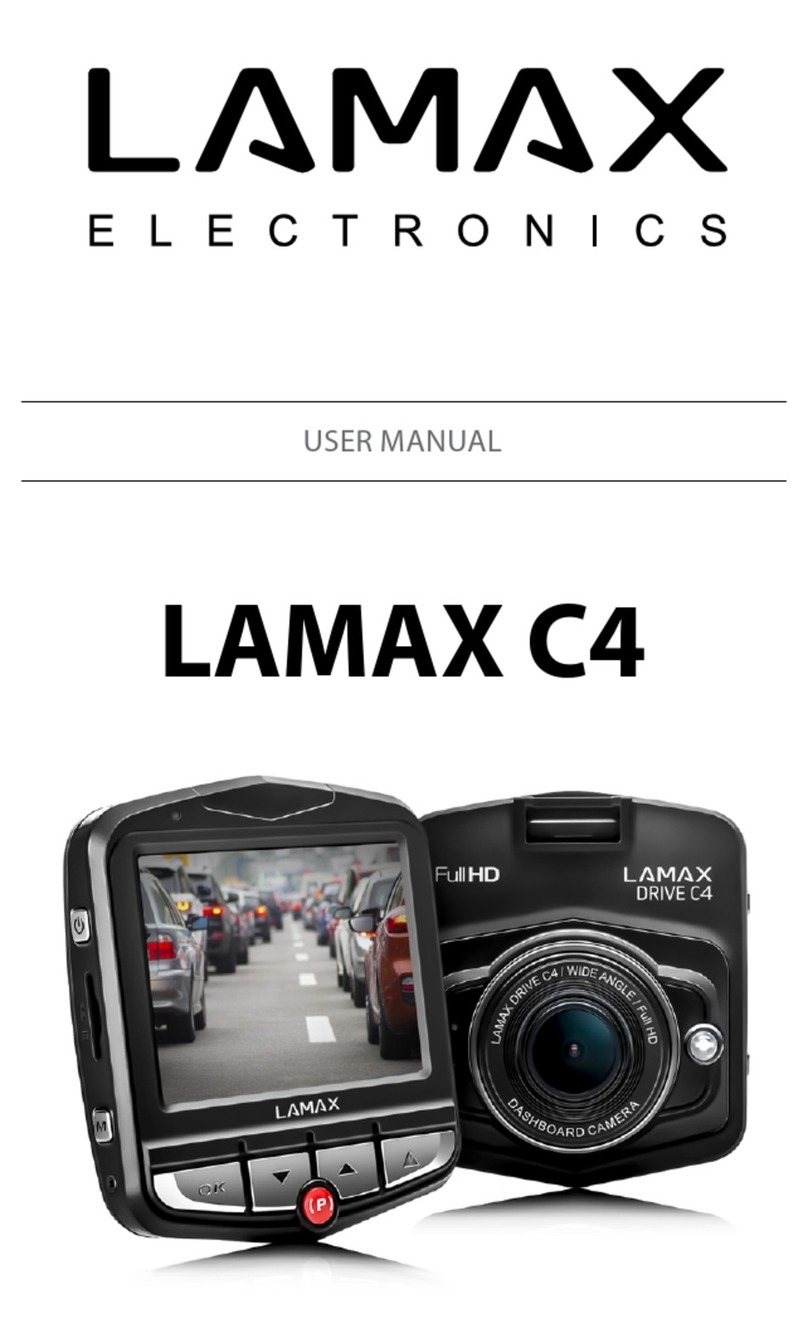
- 2 -
Content
Introduction ....................................................................................................................................1
LAMAX DRIVE C5 Dual car camera features and functions ....................................................1
Pack contents ..................................................................................................................................1
Product picture...............................................................................................................................1
Product installation........................................................................................................................2
Quick functions...............................................................................................................................2
Icons annotation.............................................................................................................................2
Using the LAMAX DRIVE C5 Dual car camera............................................................................2
1) Inserting a micro SDHC card ..................................................................................................................................2
2) Power..............................................................................................................................................................................2
3) Turning the camera on and o..............................................................................................................................2
4) Changing modes and menu navigation............................................................................................................3
5) Recording / taking photos / gallery.....................................................................................................................3
6) Deleting the entries on the camera.....................................................................................................................3
7) Protecting the les on the camera.......................................................................................................................3
8) Connecting to a PC....................................................................................................................................................3
9) Switching the view between front and back camera ...................................................................................3
LAMAX DRIVE C5 Dual car camera settings...............................................................................3
1) Video Quality................................................................................................................................................................3
2) Photo Quality...............................................................................................................................................................3
3) Video Time ....................................................................................................................................................................3
4) Move Detect.................................................................................................................................................................3
5) Park Monitor.................................................................................................................................................................4
6) Impact Sensitivity.......................................................................................................................................................4
7) White Balance ..............................................................................................................................................................4
8) Contrast..........................................................................................................................................................................4
9) Exposure........................................................................................................................................................................4
10) Power ON Record.....................................................................................................................................................4
11) Screen Timeout.........................................................................................................................................................4
12) Auto Shut O.............................................................................................................................................................4
13) Record Voice ..............................................................................................................................................................4
14) Date...............................................................................................................................................................................4
15) Language....................................................................................................................................................................4
16) Time Watermark .......................................................................................................................................................4
17) Format..........................................................................................................................................................................4
18) Factory Reset .............................................................................................................................................................4
19) Firmware Info ............................................................................................................................................................4
LAMAX DRIVE C5 Dual car camera parameters ........................................................................5
Safety measures..............................................................................................................................5
Precautions and notices ...............................................................................................................5
Safety precautions .........................................................................................................................6
Carying for your device .................................................................................................................6
Other information .........................................................................................................................6
Declaration of Conformity............................................................................................................7