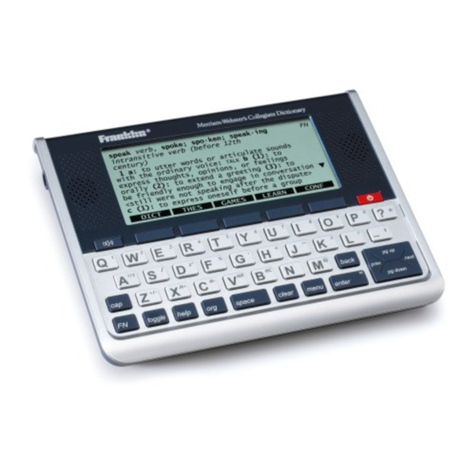
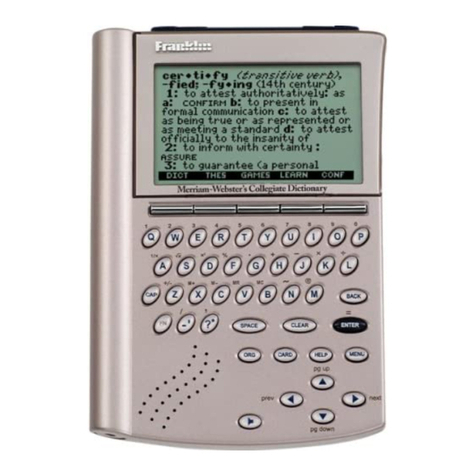
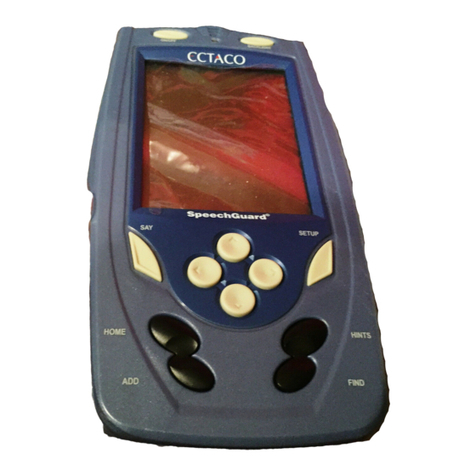
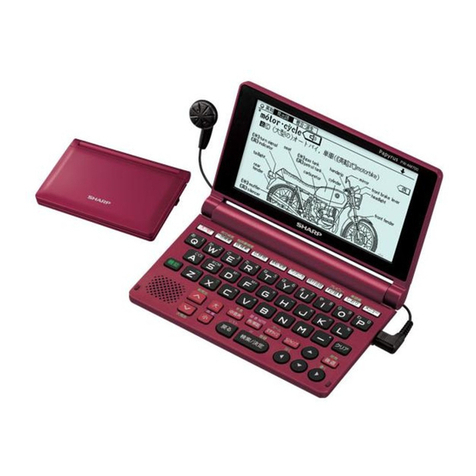
Language Teacher ESC200D User manual

English-Serbo-Croatian Electronic Dictionary User's Guide
1
CONTENTS
INTRODUCTION ........................................... 3
Keyboard .................................................... 4
Direct function shortcuts .......................... 5
Control and editing keys .......................... 6
Icons Menu ................................................. 7
POWER SUPPLY .......................................... 8
SETUP MAIN MENU ................................... 10
1. Password .............................................. 11
2. Key Tone .............................................. 14
3. Date Format.......................................... 14
4. Time Format ......................................... 15
5. Set Local Time...................................... 16
6. Alarm On/Off......................................... 17
7. Set Daily Alarm ..................................... 18
8. Memory Used ....................................... 19
9. Display Language ................................. 19
DICTIONARY............................................... 20
General Dictionary Function ..................... 20
Advanced Word Recognition .................... 23
Cross Search ............................................ 24
Spell-Checker Vector Ultima.................. 25
USER'S DICTIONARY................................. 27


Language Teacher®model ESC200D
2
IRREGULAR VERBS................................... 28
AMERICAN IDIOMS .................................... 30
PHRASES.................................................... 31
PC - LINK .................................................... 33
TELEPHONE DIRECTORY ......................... 34
MEMO ......................................................... 36
SCHEDULE ................................................. 38
CALENDAR ................................................. 40
TIME ............................................................ 42
Home Time ............................................... 42
World Time ............................................... 43
ANNIVERSARY ........................................... 44
CALCULATOR............................................. 46
ACCOUNT MANAGER................................ 47
METRIC AND CURRENCY CONVERSION 49
Metric Conversion..................................... 50
Currency Conversion ................................ 51
GAMES........................................................ 53
Master Mind .............................................. 54
Hangman .................................................. 55
DATA DELETION ........................................ 56
AUTOMATIC SHUT-OFF ............................ 56

English-Serbo-Croatian Electronic Dictionary User's Guide
3
INTRODUCTION
Congratulations on purchasing the English-
Serbian Electronic Dictionary & Business
Organizer Language TeacherESC200D.
This extraordinary language assistant is
loaded with such features as:
•Main vocabulary of over 450,000 words,
including general words and idioms,
medical, technical, legal, business terms, as
well as slang and general expressions
•128K bilingual business organizer
comprising Telephone Directory, Schedule,
Memo, and Anniversary List
•New words recording function for dictionary
expansion
•Instant reverse translation
•Vector Ultima
spell-checking system
•Advanced word recognition system
•200 most popular American idioms
•English irregular verbs
•Over 1000 topically arranged phrases
•Game center

Language Teacher®model ESC200D
4
•PC-Link for data exchange with PC
•Account manager
•Calendar
•Currency and Metric conversion
•Home and World Time
•Calculator
Enjoy your Language TeacherESC200D
and make it your personal travel and
business guide.
As continuous efforts are maid by the
manufacturer to improve quality and
performance of the Language Teacher
products, some characteristics or the design
of the actual device you purchased may
slightly differ from their description in this
manual.
Keyboard
The standard American QWERTY keyboard
layout enhanced with additional Serbian
letters allows you to enter any word just in
seconds.
English and Serbian character sets and a
numeric layout can be switched between in

English-Serbo-Croatian Electronic Dictionary User's Guide
5
repeating sequence by pressing the key.
In the main dictionary, however, the input
language selection is handled automatically
to comply with the current source language,
and the key is disabled.
To access specific Serbian letters, as well
as hyphen, period, and apostrophe, press
and release Ïprior to using the
corresponding key.
An additional symbols set is available
through pressing Ï+SYMB. Use ∧∨to see
more symbols. Press the indicated number
key to insert a selected symbol.
Direct function shortcuts
Main Dictionary
Home and World Time
Calculator
Phrases
Telephone Directory
Setup Main Menu
VERB Irregular Verbs
IDIOM American Idioms

Language Teacher®model ESC200D
6
Control and editing keys
∧∨Page by screenful
SPELLER Check spelling in main
dictionary
◄►Move cursor
▲▼ Move cursor / scroll lines
Ï+▼Start a new line
DEL Delete character or record
↵Enter
Switch English / Serbian /
numeric
INS Toggle Insert / Overwrite
13 Enter space
Ï+SYMB Show symbols (∨∧ for more)
EDIT Enable record editing
ESC Close or clear screen
Computational symbols and operations are
available when using the Calculator
function.

English-Serbo-Croatian Electronic Dictionary User's Guide
7
Icons Menu
The Language TeacherESC200D
features a new start-up interface with
functional icons, which visually organize and
facilitate access to the dictionary's multiple
sections.
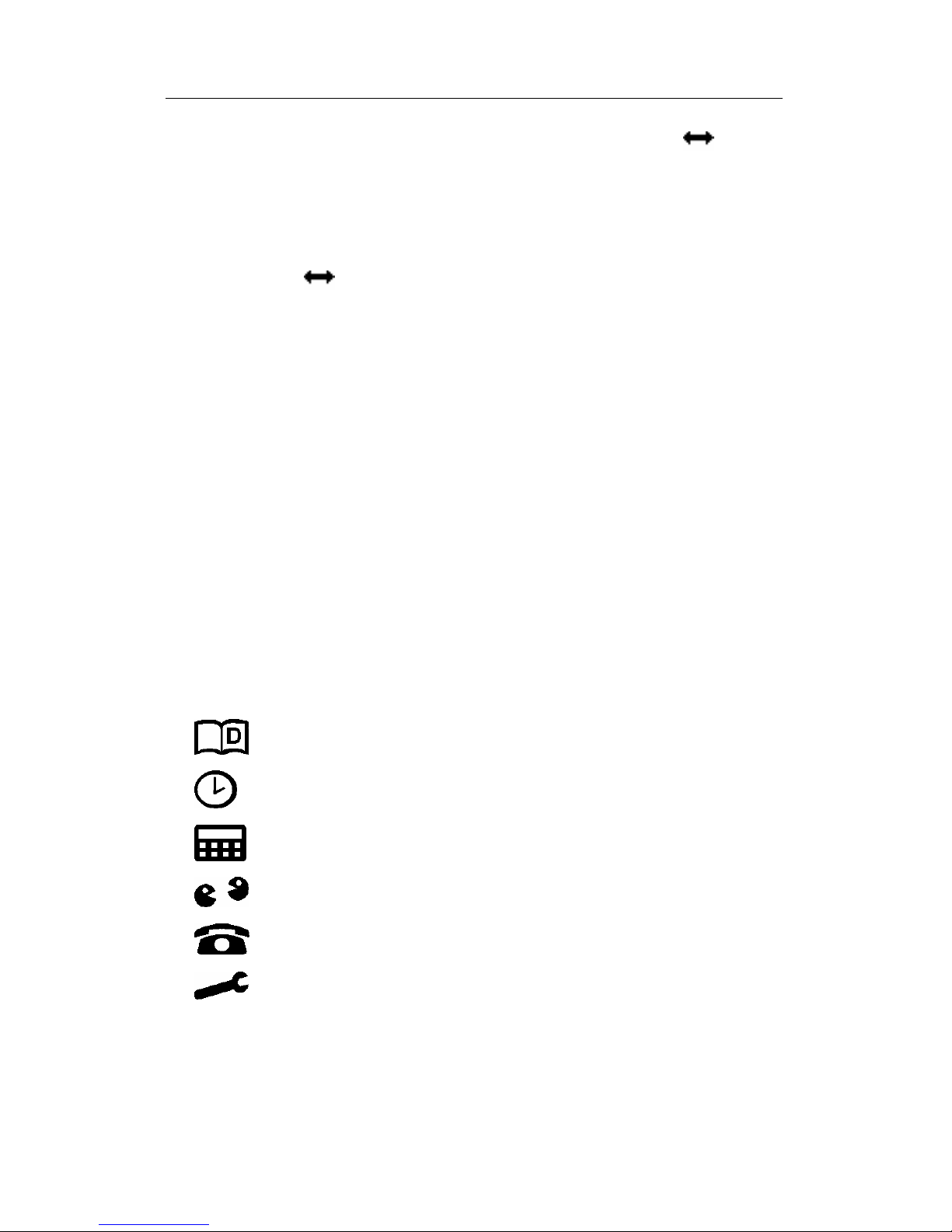
The Icons Menu appears after system
initialization or whenever you exit a section
by pressing the ESC key. The upper portion
of the Icons Menu includes, from left to
right, top to bottom: Dictionary, User’s
Dictionary, Irregular Verbs, Idioms, Phrases,
PC-Link.
Page down to reveal the middle screen,
which contains the following icons:
Telephone Directory, Memo, Schedule,
Calendar, Home and World Time,
Anniversary.

Language Teacher®model ESC200D
8
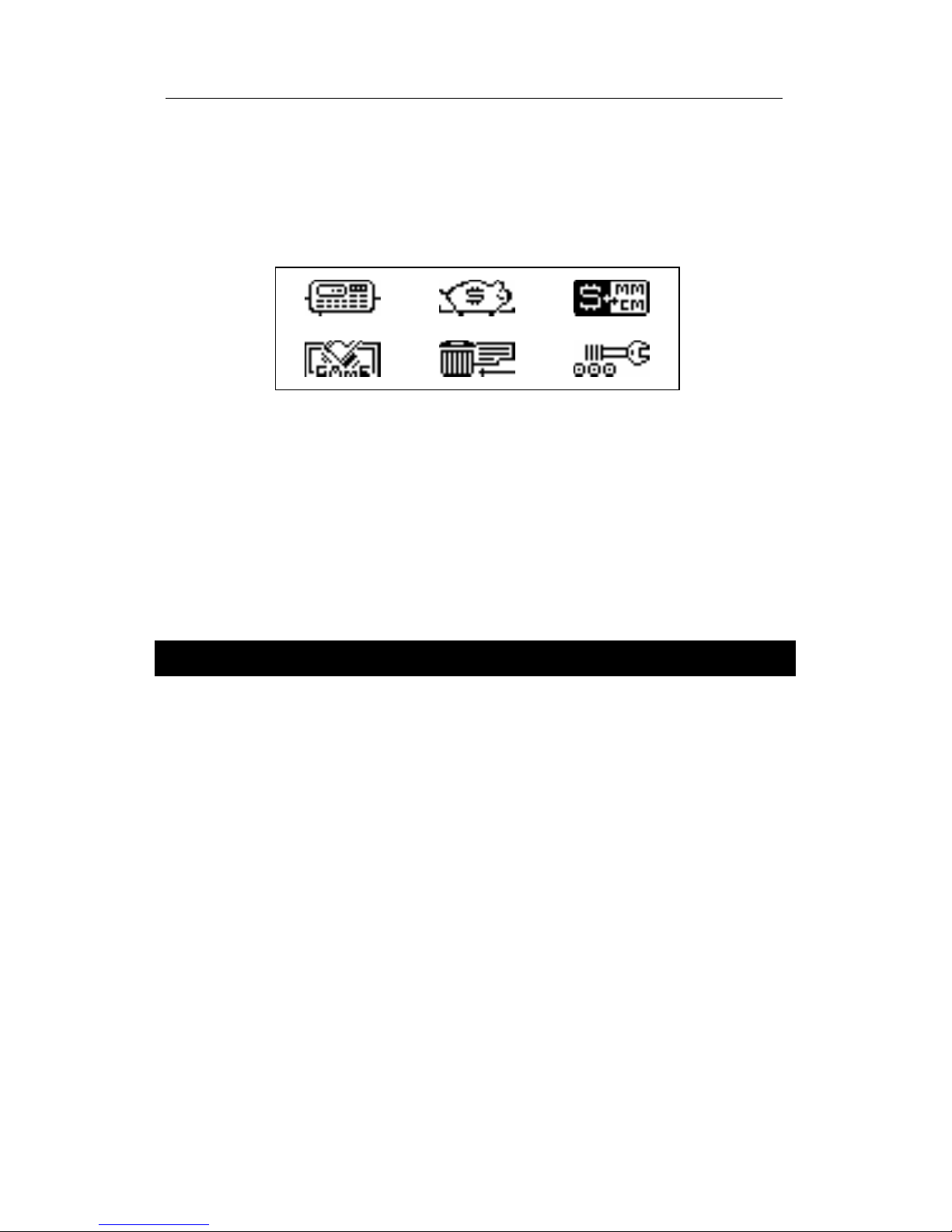
The bottom set of icons represents the
sections Calculator, Account Manager,
Metric and Currency Conversion, Game,
Data Deletion, Setup Main Menu:
Use the ∧∨keys to move between the
Icons Menu screens. Use the arrow keys to
highlight icons of the displayed Menu
portion. Press ↵to open the section whose
icon is highlighted.
POWER SUPPLY
The Language TeacherESC200D is
powered by two main CR2032 batteries and
a CR1220 memory backup battery.
♦Note: After purchasing the Language
TeacherESC200D install the main
batteries (included) as described below.
When the batteries become weak, a
warning message will be displayed. In order
to prevent a complete discharge of batteries
and possible loss of data in RAM, replace

English-Serbo-Croatian Electronic Dictionary User's Guide
9
the whole set of main batteries promptly. Do
not mix old and new batteries.
•Press the ON/OFF key to turn the unit off.
•Remove the battery compartment cover by
sliding it away from the unit.
•Use a small screwdriver to remove the
metallic brace that holds batteries in place.
•Take out the old batteries and put in new
ones.
♦Note: Make sure to place both batteries so
that the plus signs (+) are on top.
•Secure the batteries in place with the
metallic brace.
•Put back the battery compartment cover by
sliding it toward the unit. Make sure the
cover sits in place properly.
♦Note: You have 2 minutes to replace the
batteries without risk of losing data stored in
RAM. Do not exceed the 2 min. limit!
Neither manufacturer nor dealer may be
held responsible for the loss of user’s
data.
♦Note: Never try to remove batteries from
the translator when the power is on. This
can seriously damage the device. If you

Language Teacher®model ESC200D
10
experience difficulty turning the unit off,
press the RESET button located on the
back near the battery compartment cover to
reinitialize the system.
During a system reset, press N at the
prompt <CLEAR DATA? Y/N> or <ERROR!
CLEAR? Y/N> to attempt preserving user’s
data and the customized system
configuration. However, if RAM has been
corrupted, or if you turn the dictionary on for
the first time, you will have to press Y to
reinitialize the system.
SETUP MAIN MENU
For best results and to ensure that you can
fully employ all of the Language Teacher
ESC200D's diverse features, you have to
familiarize yourself with options of the Setup
Main Menu, which will allow you to adjust
the device configuration to better suit your
needs.
•Password
•Key Tone
•Date Format
Table of contents
Other Language Teacher Electronic Dictionary manuals