manuals.online logo
Brands
  1. Home
  2. •
  3. Brands
  4. •
  5. LATNEX
  6. •
  7. Measuring Instrument
  8. •
  9. LATNEX AF-3500 User manual

LATNEX AF-3500 User manual

Other LATNEX Measuring Instrument manuals

LATNEX SPA-50K User manual

LATNEX

LATNEX SPA-50K User manual

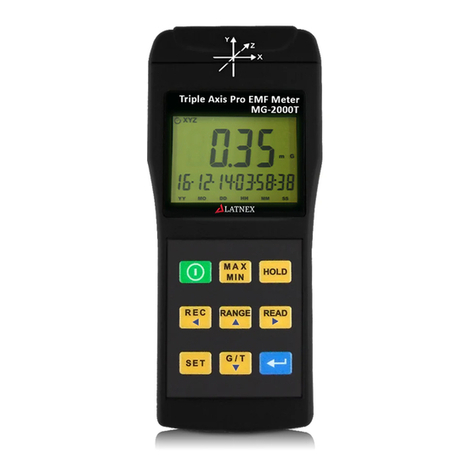
LATNEX MG-2000T User manual

LATNEX

LATNEX MG-2000T User manual

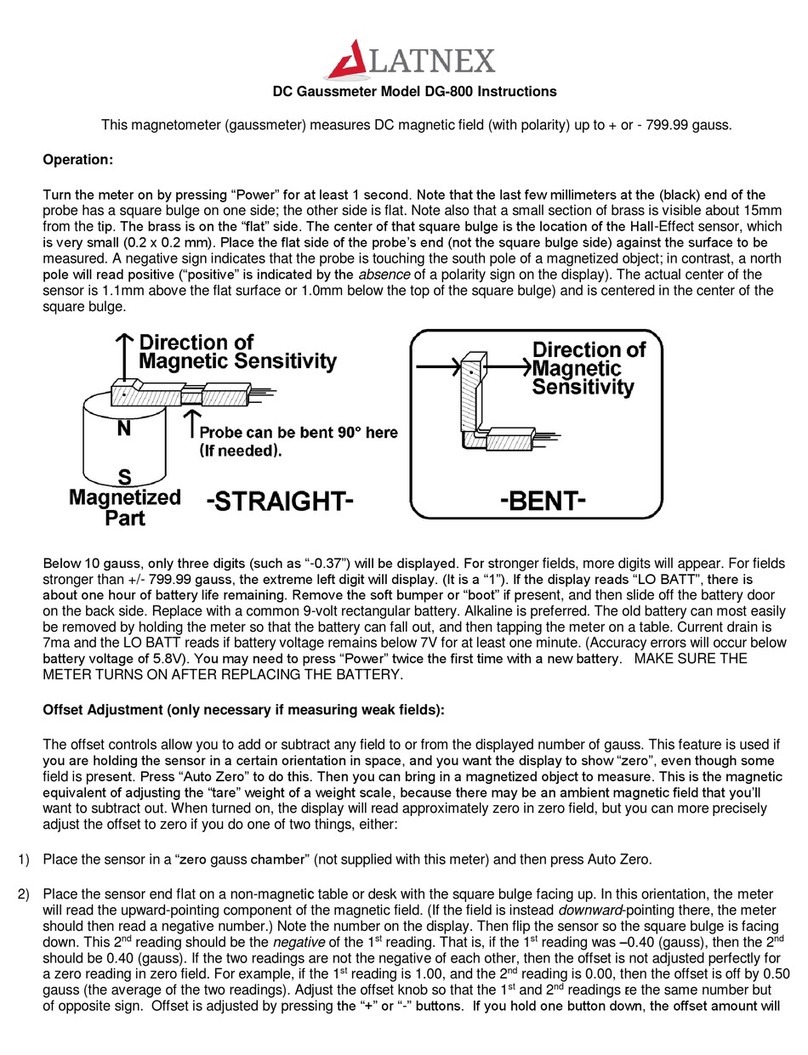
LATNEX DG-800 User manual

LATNEX

LATNEX DG-800 User manual

LATNEX MG-300 User manual

LATNEX

LATNEX MG-300 User manual

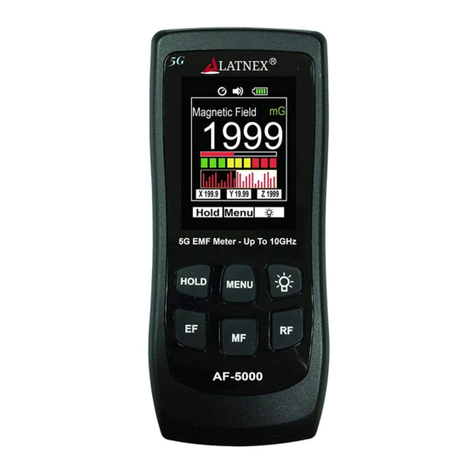
LATNEX AF-5000 User manual

LATNEX

LATNEX AF-5000 User manual

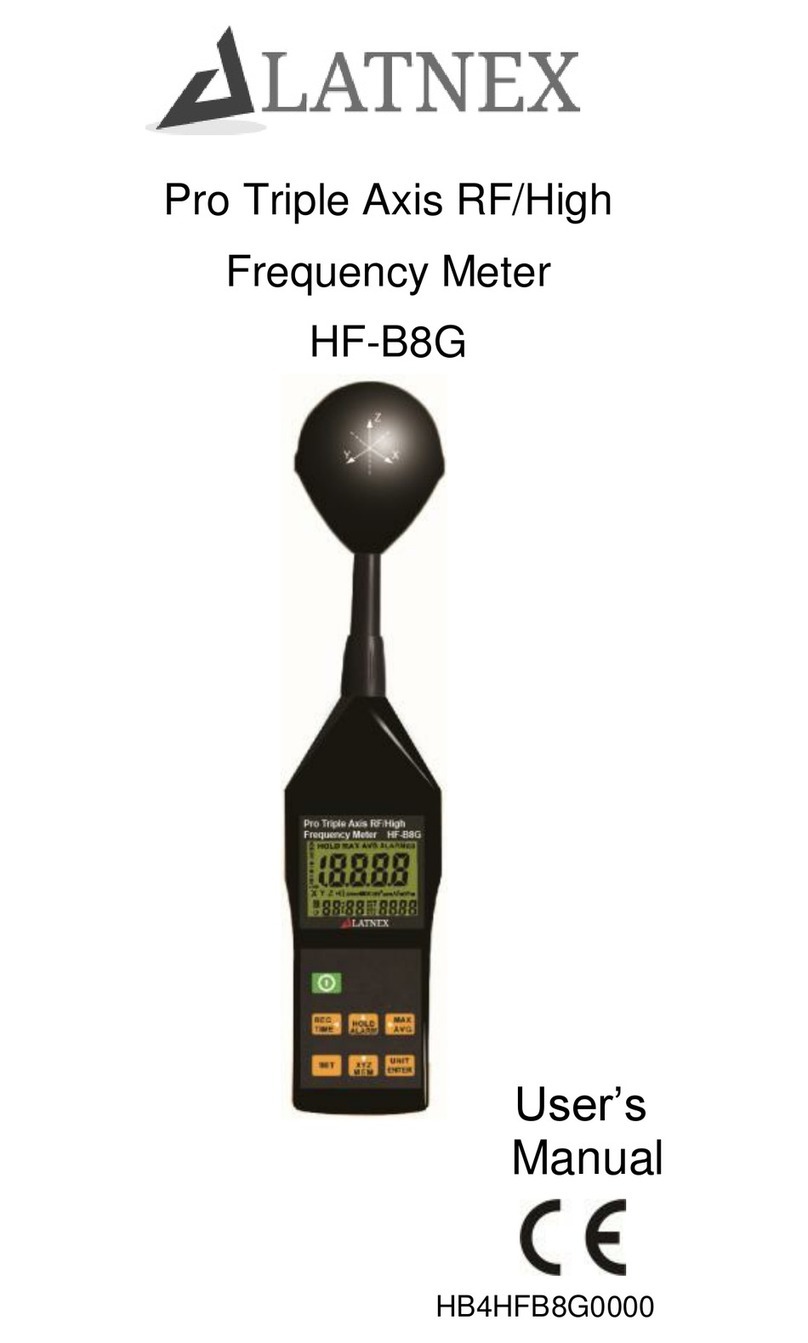
LATNEX HF-B8G User manual

LATNEX

LATNEX HF-B8G User manual

LATNEX HM-400 User manual

LATNEX

LATNEX HM-400 User manual

LATNEX MF-30K User manual

LATNEX

LATNEX MF-30K User manual

LATNEX RF Explorer User manual

LATNEX

LATNEX RF Explorer User manual

Popular Measuring Instrument manuals by other brands

Powerfix Profi 278296 Operation and safety notes

Powerfix Profi

Powerfix Profi 278296 Operation and safety notes

Test Equipment Depot GVT-427B user manual

Test Equipment Depot

Test Equipment Depot GVT-427B user manual

Fieldpiece ACH Operator's manual

Fieldpiece

Fieldpiece ACH Operator's manual

FLYSURFER VIRON3 user manual

FLYSURFER

FLYSURFER VIRON3 user manual

GMW TG uni 1 operating manual

GMW

GMW TG uni 1 operating manual

Downeaster Wind & Weather Medallion Series instruction manual

Downeaster

Downeaster Wind & Weather Medallion Series instruction manual

Hanna Instruments HI96725C instruction manual

Hanna Instruments

Hanna Instruments HI96725C instruction manual

Nokeval KMR260 quick guide

Nokeval

Nokeval KMR260 quick guide

HOKUYO AUTOMATIC UBG-05LN instruction manual

HOKUYO AUTOMATIC

HOKUYO AUTOMATIC UBG-05LN instruction manual

Fluke 96000 Series Operator's manual

Fluke

Fluke 96000 Series Operator's manual

Test Products International SP565 user manual

Test Products International

Test Products International SP565 user manual

General Sleep Zmachine Insight+ DT-200 Service manual

General Sleep

General Sleep Zmachine Insight+ DT-200 Service manual

Sensa Core Lacto Spark user manual

Sensa Core

Sensa Core Lacto Spark user manual

VOLTCRAFT UTS-1980 operating instructions

VOLTCRAFT

VOLTCRAFT UTS-1980 operating instructions

EBCHQ 94915 Operation manual

EBCHQ

EBCHQ 94915 Operation manual

Balluff BIP LD2-T017-01-EP-S4 Series user guide

Balluff

Balluff BIP LD2-T017-01-EP-S4 Series user guide

Pulsar IMP Lite Series instruction manual

Pulsar

Pulsar IMP Lite Series instruction manual

ETCR 6800 user manual

ETCR

ETCR 6800 user manual

manuals.online logo
manuals.online logoBrands
  • About & Mission
  • Contact us
  • Privacy Policy
  • Terms and Conditions

Copyright 2025 Manuals.Online. All Rights Reserved.

AF-3500
All-in-One EMF Meter
1. Quick Measurement Mode Operation:
Press the middle button
(as shown in the figure)
to turn on the meter

The startup screen appears

Access the measurement
mode:
Electric field
Press and hold the middle
off the meter
button for 3 seconds to turn
2. Data Hold:
In the measurement mode,
press the left button 
All measurement readings
and functions are locked
In the Data Hold mode,
press the left button 
Return to the measurement
mode
All-in-One EMF Meter
AF-3500
All-in-One EMF Meter
AF-3500
All-in-One EMF Meter
AF-3500
All-in-One EMF Meter
AF-3500
All-in-One EMF Meter
AF-3500
All-in-One EMF Meter
AF-3500
All-in-One EMF Meter
AF-3500
All-in-One EMF Meter
AF-3500
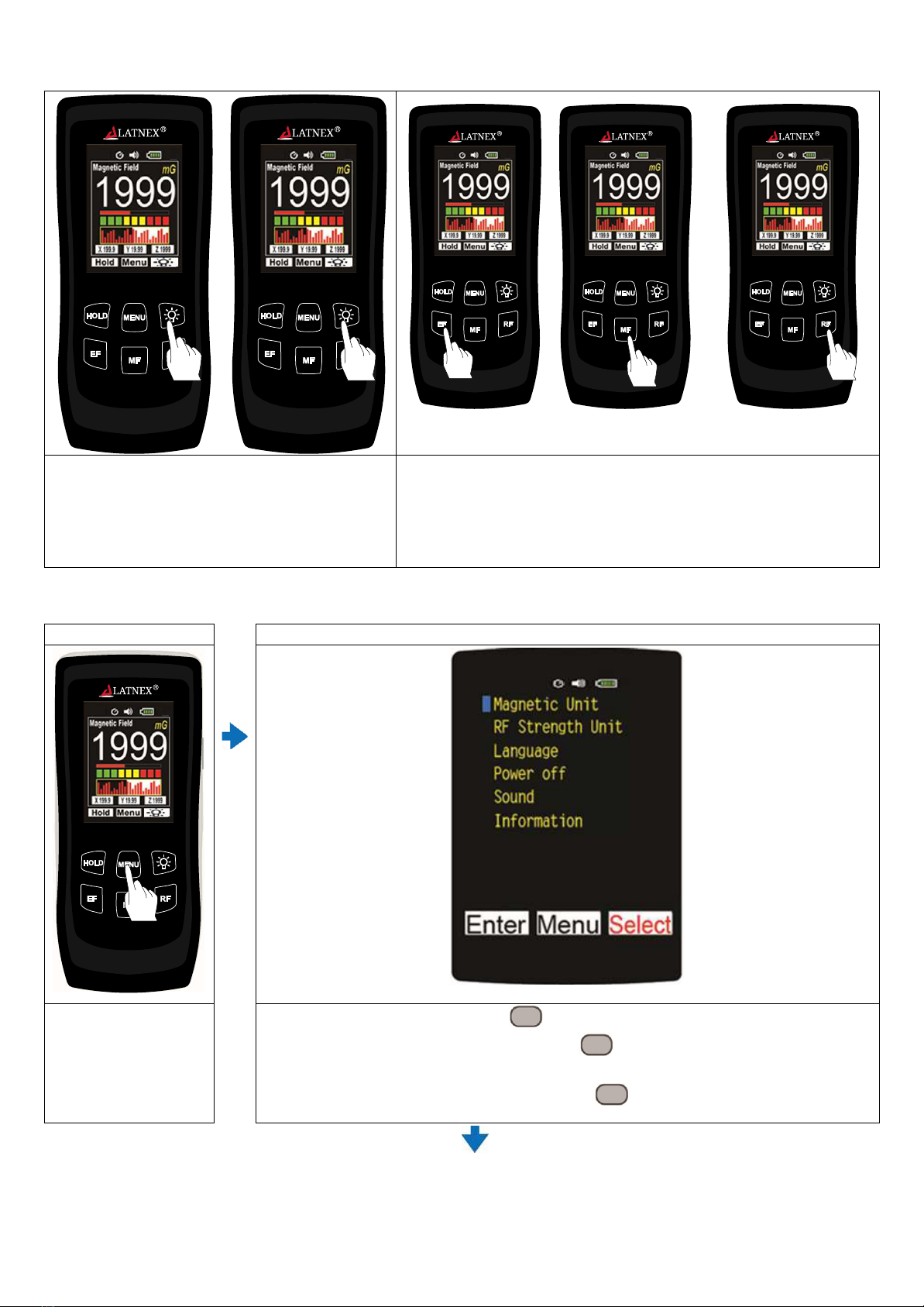
Brightness : Low>Middle>High>Low
Circulation
Electro Magnetic Field
Electric Field
RF Electricfield
Each Independent Key Selection Key
4. Meun Settings:
Step 1
Step 2
In the measurement
mode, press the
middle button to enter
the main menu
Press the right button “Select” repeatedly to move the blue cursor
downwards. Press the left button “Enter” to confirm the desired option and
enter Step 3
If you are not going to proceed, press “Menu” to return to Step 1 measurement
mode
All-in-One EMF Meter
AF-3500
All-in-One EMF Meter
AF-3500
All-in-One EMF Meter
AF-3500
All-in-One EMF Meter
AF-3500
All-in-One EMF Meter
AF-3500
All-in-One EMF Meter
AF-3500
3. Brightness /EF/MF/RF Functions:
Press the right button “Select” repeatedly to move the yellow check mark downwards. Press the left
button “Enter” to confirm the desired setting (Fig.1~6 and) and return to the measurement mode
Step 3