Table of Contents
Introduction.............................................................................................................................................. 5
Description of main features ...................................................................................................................... 6
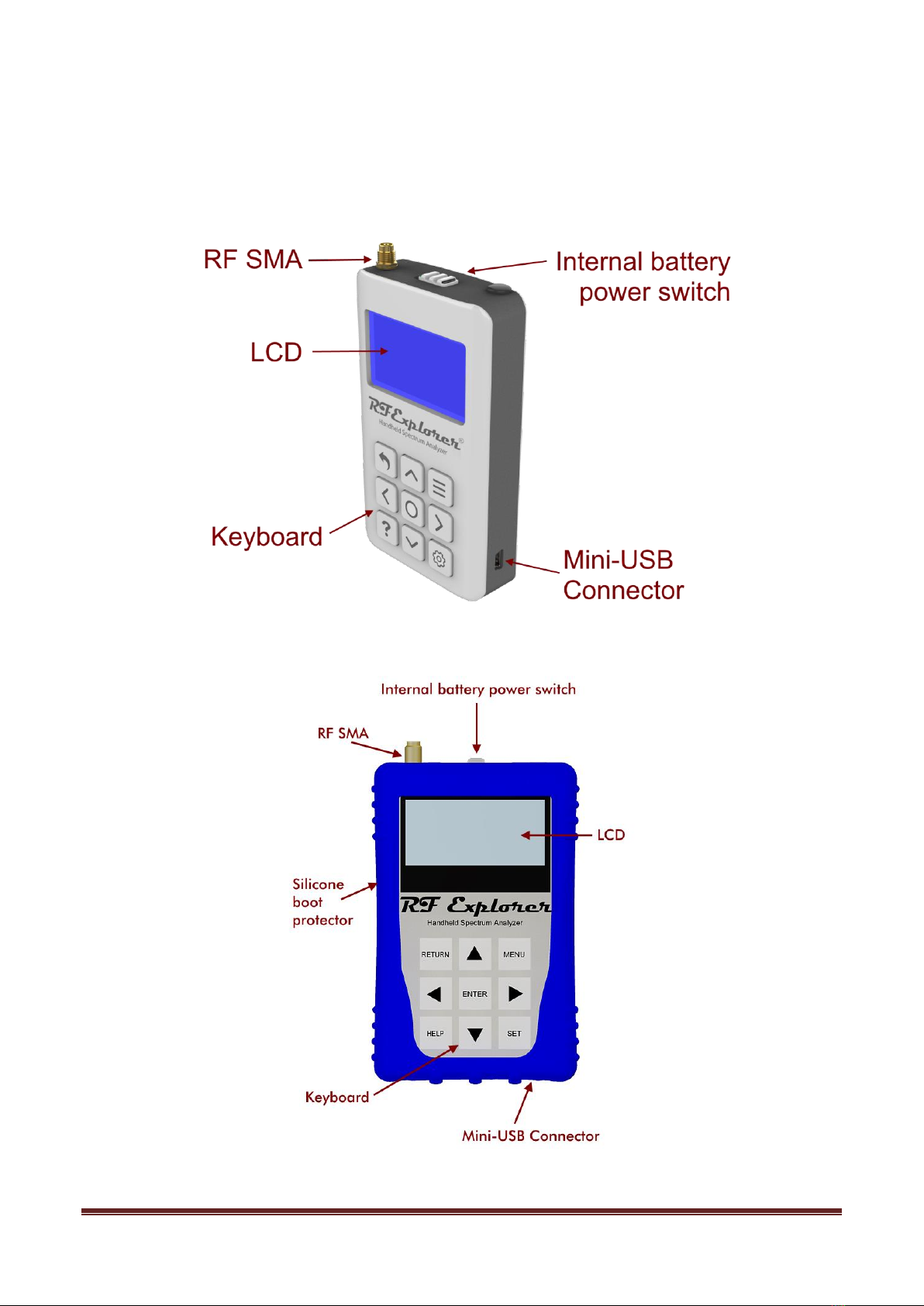
Understanding RF Explorer Plus model ....................................................................................................... 7
Understanding RF Explorer Standard model ................................................................................................ 8
Correctly handling input power levels ......................................................................................................... 9
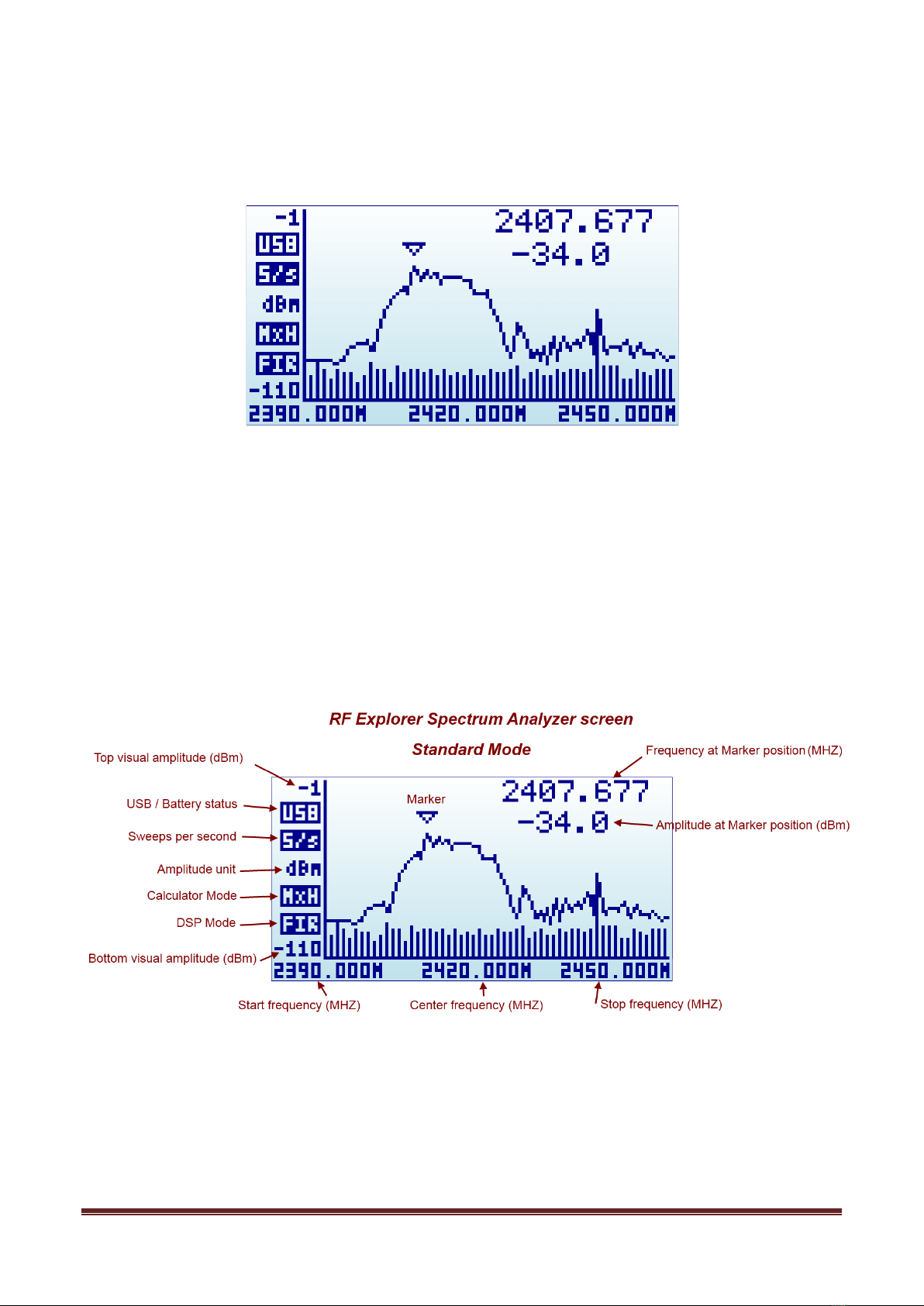
Spectrum Analyzer mode - Main Screen.................................................................................................... 10
Using menus........................................................................................................................................... 12
Operational Mode menu .......................................................................................................................... 14
Frequency Menu ..................................................................................................................................... 16
Analyzer screen in Advanced Mode .......................................................................................................... 18
Advanced: Understanding RBW................................................................................................................ 18
WiFi Analyzer Mode................................................................................................................................. 20
Fine tuning WiFi deployment................................................................................................................ 20
Attenuator Menu ..................................................................................................................................... 22
Configuration Menu................................................................................................................................. 24
Preset Menu ........................................................................................................................................... 25
Using RF Explorer Preset Manager........................................................................................................ 26
HELP button (Plus model only)................................................................................................................. 27
RF Generator mode................................................................................................................................. 28
RF Explorer internal battery ..................................................................................................................... 30
Charging the internal battery ............................................................................................................... 30
Using the Battery dedicated screen ...................................................................................................... 31
Charging a fully depleted battery.......................................................................................................... 33
Automatic idle mode with battery charge .............................................................................................. 33
Expansion Modules.................................................................................................................................. 34
RF Explorer antennas .............................................................................................................................. 35
Telescopic dual band 144/430MHz ....................................................................................................... 35
UHF 400-900MHz antenna ................................................................................................................... 35
Whip dipole antennas .......................................................................................................................... 36
Rubber duck 5.8GHz antenna............................................................................................................... 36
Additional antennas................................................................................................................................. 37
LTE antenna ....................................................................................................................................... 37
Cloverleaf dual band 2.4 / 5.8Ghz omnidirectional ................................................................................. 37
Directional Patch SMA Articulated Antenna, versions for 5.8Ghz and 2.4Ghz ........................................... 38
RF Explorer Near Field antennas........................................................................................................... 38
Protecting your instrument from damage.................................................................................................. 41