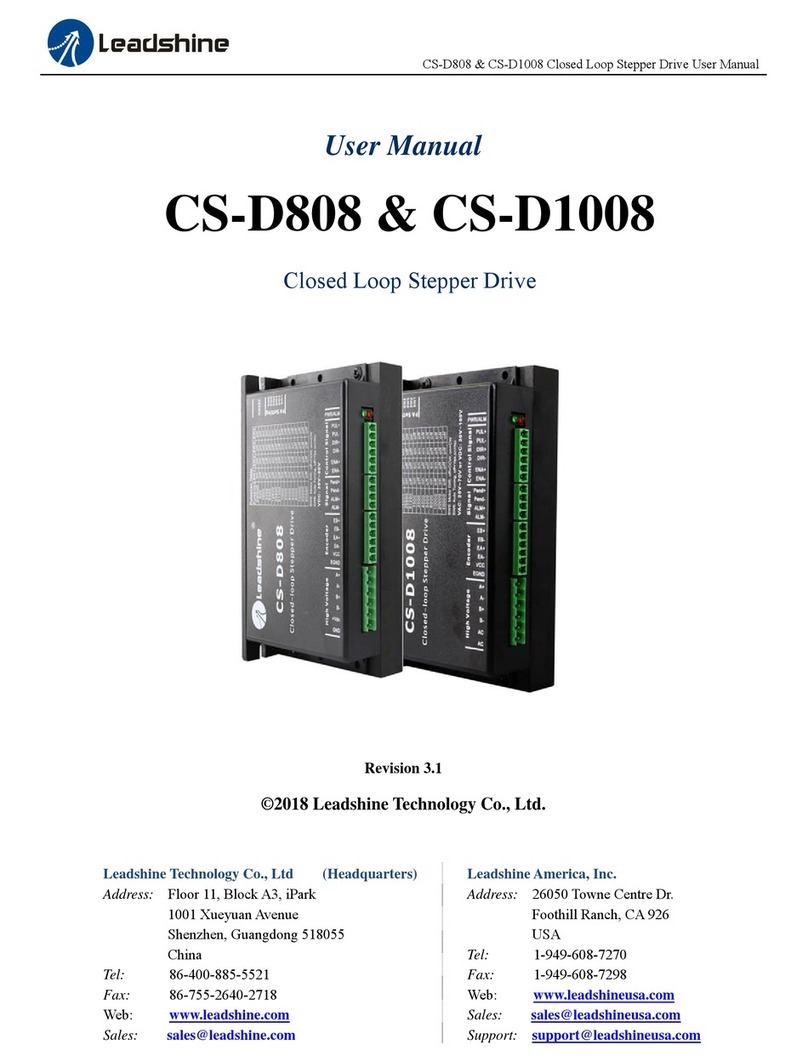
CS-D508 Closed Loop Stepper Drive User Manual Version 3.1
Page | 5
DIR- I
counterclockwise). (2). In double-pulse (CW & CCW) control mode, this signal represents
counterclockwise (CCW) rotation. It is active at both voltage high level and low level. (3).
Minimal DIR signal setup time should be at least 5μs. (4). You can reverse the default rotation
direction by toggling the SW5 DIP switch.
ENA+ I Enable signal: This signal is used for enabling/disabling the drive. High voltage level of 5-24V
(NPN control signal) for enabling the drive and low voltage level of 0-0.5VDC for disabling the
drive. PNP and Differential control signals are on the contrary, namely Low level for enabling.
By default this signal is left UNCONNECTED & ENABLED.
ENA- I
ALM+ O Configurable Digital Output Signal: A configurable OC output signal. It takes a sinking or
sourcing 20mA current at 5-24V. It can to be configured as one of the 3 types, FAULT
OUTPUT (default), IN POSITION, or BRAKE CONTROL through Leadshine ProTuner CS-D
software.
ALM- O
Notes: (1) Shielding control signal wires is suggested; (2) to avoid/reduce interference, don’t tie control signal cables
and power wires together.
b) Fault Output, In Position, or Brake control Output Configuration
The digital output on the P1 connector, marked as ALM+ & ALM-, is software configurable (read ProTuner CS-D
software manual). It can be configured as one of the available 3 options – “Fault Output”, “In Position”, and “Brake
Control”. Those 3 options are described as below:
•Fault Output
The FAULT output is the default configuration. It signals a fault condition of CS-D508, including over-voltage,
over-current, or position following error. This output can be used to drive devices such as a relay, a LED, etc.; or as
an input signal for a PLC or I/O devices.
For example, for a multi-axis CNC machine, when one of the axes fails, such a fault output signal can be sent to
the motion controller of the machine and trigger an automatic machine shutdown.
•In Position
Use Leadshine ProTuner for CS-D software to configure this output as an IN POSITION output. In this case a
digital output signal will be sent out, when the targeted position is in the “Target Range” (refer to parameter
Distance to Send "In position" Output Signal in software manual).
•Brake Control
Use Leadshine ProTuner for CS-D software to configure this output as a BRAKE CONTROL output. In this case,
this signal can be used for automatic brake control while system power failure.