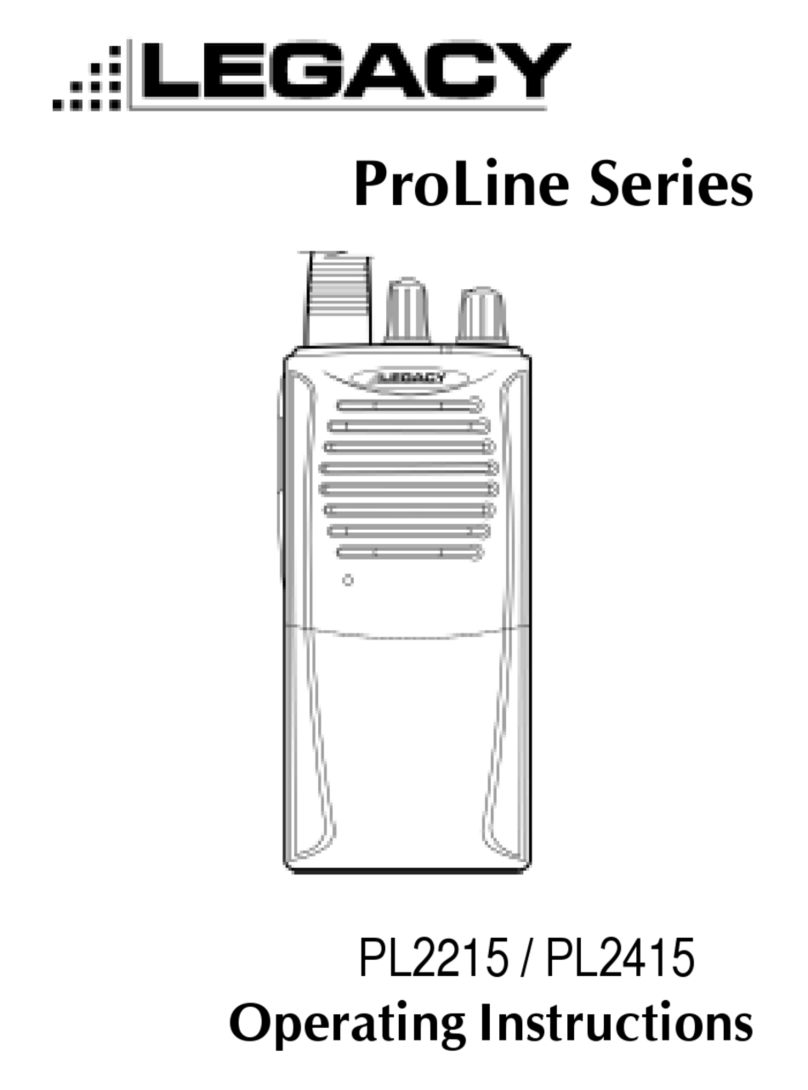
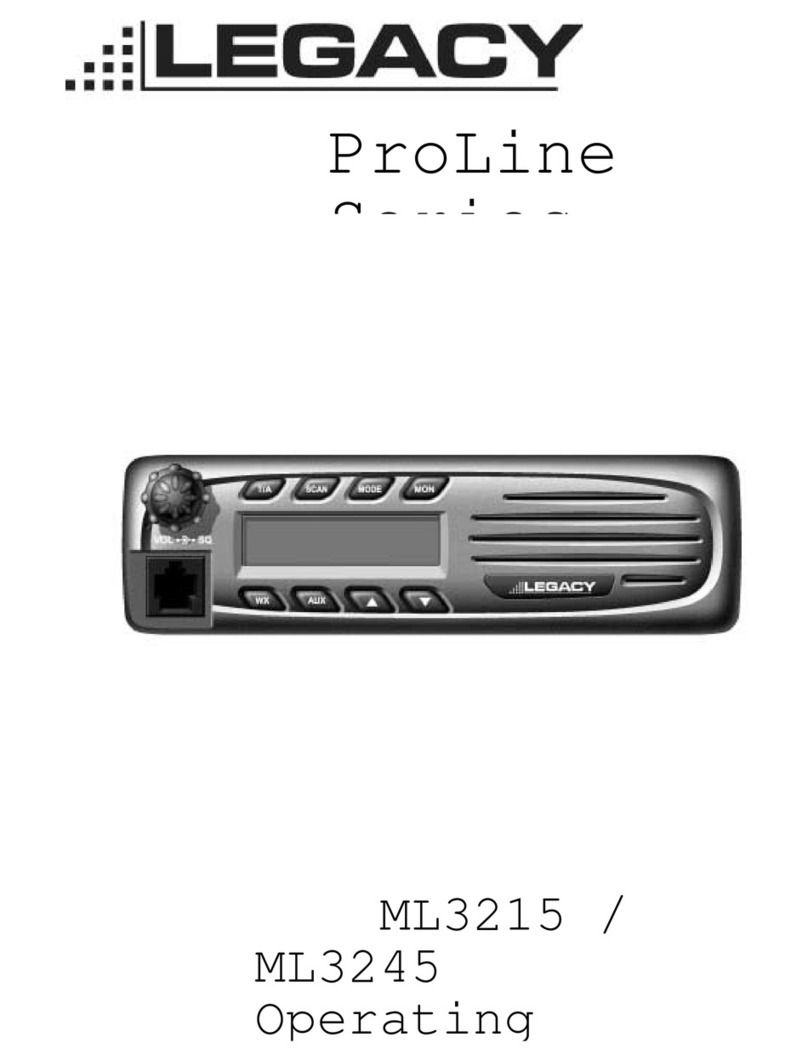
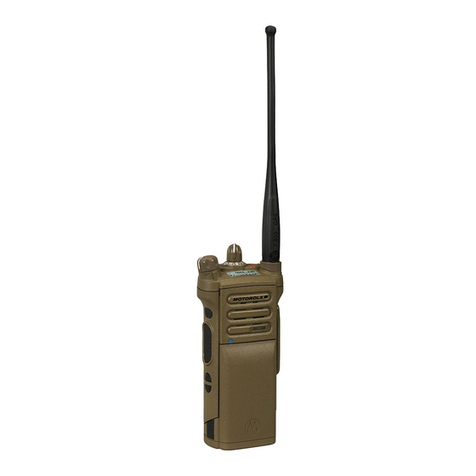
Legacy ProLine PL2445 User manual

PL2445 / PL2415
Operating Instructions
ProLine Series

About Topaz3
Topaz3 is the exclusive supplier of Maxon®, Legacy
and TruTalk brand communication products.
Our product line ranges from FCC licensed two-way
radios suitable for Business and Industry (B&I) markets
like farm, government, law enforcement, utility, etc. to
consumer recreational and light-duty business markets.
Product offerings include a variety of UHF and VHF
handheld and mobile radios, repeaters and RF link
modules as well as FRS (Family Radio Service), GMRS
(General Mobile Radio Service) radios, Citizen’s Band
radios and weather monitors.
Available accessory items include carrying cases, spare
batteries, desktop and mobile chargers, ear bud speaker
microphones and more for each radio model.
For additional information on our product line, visit our
website:
www.topaz3.com

Table of Contents
I. FCC RF Exposure Compliance Requirements -
for Occupational Use Only...................... 1
II. Unpacking and Checking Equipment............. 3
III. Getting Started........................................... 4
Charging the NiMH Battery Pack.................. 4
Attaching and Removing the Battery Pack....... 6
Installing the Antenna................................ 7
Installing the Belt Clip................................ 7
Installing the Speaker Mic. Jack Cover............ 7
Attaching the Optional Speaker Mic.............. 8
IV. Radio Control Buttons / Operation Features.... 9
V. Radio Operation........................................ 10
Power On / Transmit................................ 10
VI. CTCSS Tone Signaling............................... 11
VII. Radio Functions........................................ 11
Scan Modes.......................................... 11
Normal Channel Scan........................... 11
Nuisance Delete.................................... 12
Priority Channel Scan............................. 12
Busy Channel Lockout............................. 12
Marked Idle........................................... 13
TX Delay............................................... 13
Time-Out-Timer (TOT).............................. 13
Time-Out-Timer Penalty (TX Inhibit)............. 13
Battery Save........................................... 14
Low Battery Warning............................... 14
Two-Tone Decode.................................. 14

Table of Contents, cont’d
VIII. Licensing, Safety and Service Information... 15
FCC Licensing....................................... 15
Safety Information.................................. 15
Service................................................ 16
IX. Maintenance........................................... 16
X. Software Copyrights................................. 17
XI. Topaz3 / Legacy Product Warranty............. 18

I. FCC RF Exposure Compliance Requirements -
for Occupational Use Only
The Federal Communications Commission (FCC), with
its action in General Docket 93-62, November 7, 1997,
has adopted a safety standard for human exposure to
Radio Frequency (RF) electromagnetic energy emitted
by FCC regulated equipment. Topaz3 / Legacy subscribes
to the same safety standard for the use of its products.
Proper operation of this radio will result in user
exposure far below the Occupational Safety and Health
Act (OSHA) and Federal Communications Commission
limits.
CAUTION - DO NOT transmit for more than 50% of total
radio use time (50% duty cycle). Transmitting
more than 50% of the time can cause FCC
RF exposure compliance requirements to be
exceeded.
•This radio is NOT approved for use by the general
population in an uncontrolled environment. This radio
is restricted to occupational use, work related operations
only where radio operator must have the knowledge to
control the user’s exposure conditions for satisfying the
higher exposure limit allowed for occupational use.
•When transmitting, hold the radio in a vertical position
with its microphone 2 inches (5 cm) away from your
mouth. Keep the antenna at least 2 inches (5 cm) from
your head and body.
•This device has been approved for use, at a maximum
duty factor of 50%, using the specific belt clip tested for
body-worn SAR compliance. Other belt clips or body-
1

I. FCC RF Exposure Compliance Requirements -
for Occupational Use Only, continued
worn accessories may not comply and should be
avoided. ALWAYS use Maxon, Legacy and TruTalk
authorized accessories: antennas, batteries, belt clips,
speaker mics, etc.
•The radio is transmitting when the red LED on the
front of the radio is illuminated. You can cause the radio
to transmit by pressing the P-T-T bar on the radio.
•These are required operating configurations for meeting
FCC RF exposure compliance. Failure to observe these
restrictions mean violation.
2

II. Unpacking and Checking Equipment
Carefully unpack the radio and its accessories. Use
the item list below to identify the components included
in the product packaging, to ensure that no items are
discarded in the packing materials.
Radio Body
Antenna
Battery Charger (with plastic spacer
stored in charger base)
AC Adapter
NiMH Battery Pack
Speaker Microphone Jack Cover
Belt Clip
Screw Set
Operating Instructions
If any items are missing or damaged, you should
contact the Topaz3 Customer Service Department.
Dial 1-800-821-7848, Ext. 499 for assistance.
3

III. Getting Started
Charging the NiMH Battery Pack
You will need to charge the battery pack fully before
initial use. For best results from your charging cycle,
follow these tips:
•Ensure the ambient temperature is between 41 and
104° F (5 and 40° C) while charging. Temperatures
outside this range may not fully charge the battery.
• Always switch OFF the transceiver equipped with
a NiMH battery pack before charging. Using the
radio during the charging cycle will hinder correct
charging.
• Do not recharge the battery pack if it is already
fully charged. Doing so may cause the life of the
battery pack to shorten or the battery pack may
be damaged.
• If the battery is stored for 2 months or more, it is a
good idea to complete the charge / discharge cycle
two or three times to allow the battery capacity
to return to normal.
• Never dispose of the battery in fire - it can explode
causing personal injury.
• Never attempt to disassemble the battery or remove
its case material or charging contacts. Do not short
the battery terminals.
4

5
III. Getting Started, continued
Charging the NiMH Battery Pack, continued
NOTE: The first few uses from the battery will not
be at “normal” capacity. After repeating the charge /
discharge cycle two or three times, the battery capacity
will increase to provide full capacity.
1. Plug the AC adapter cable in the adapter jack
located on the rear of the charger, then into
an AC outlet.
2. Slide the NiMH battery pack (or the radio equipped
with a NiMH battery pack) into the charging slot.
3. Ensure that the metal contacts on the battery pack
come in contact with the charging terminals.
4. When charging the NiMH battery pack alone, insert
the provided plastic spacer (stored in charger base)
into the charging well, then insert the battery pack.
5. The charger LED will light to advise that charging
has begun. Charge the standard battery pack for
9 hours. THEN REMOVE THE PACK OR RADIO
FROM THE CHARGER.
IMPORTANT NOTE: The charger DOES NOT
TURN OFF AUTOMATICALLY after the charging
cycle has been completed. Damage to the battery
or reduced battery life may result if charged in
excess of the recommended charging time.

III. Getting Started, continued
Attaching and Removing the Battery Pack
NOTE: After recharging the battery pack, REMOVE IT
FROM THE CHARGER. Charging the battery pack for
more than 5 days may reduce the battery life.
The battery pack life is over when its operating time
decreases even though it is fully and correctly charged.
Replace the pack with the manufacturer’s recommended
model.
Average battery pack life from the supplied 750 mAh
battery is 11+ hours; the optional 1350 mAh battery,
19+ hours. This service time is calculated using 90%
standby, 5% transmit and 5% receive time.
After charging the battery pack as described, you are
ready to install it to the radio body. Simply;
1. Match the four grooves of the battery pack with the
guides on the back of the radio.
2. Slide the battery pack up along the back of the radio
until the release latch locks.
To remove the battery pack, push down on the release
latch and slide the pack downward, and away from the
radio.
6
This manual suits for next models
3
Table of contents
Other Legacy Two-way Radio manuals