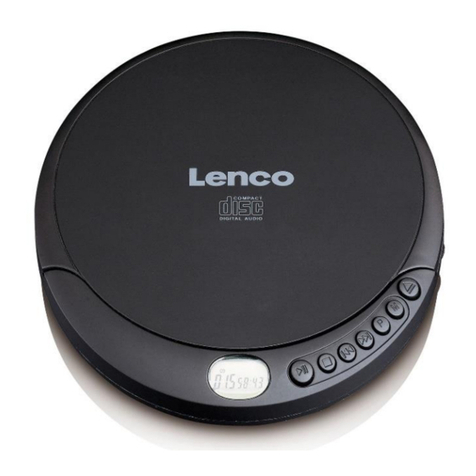
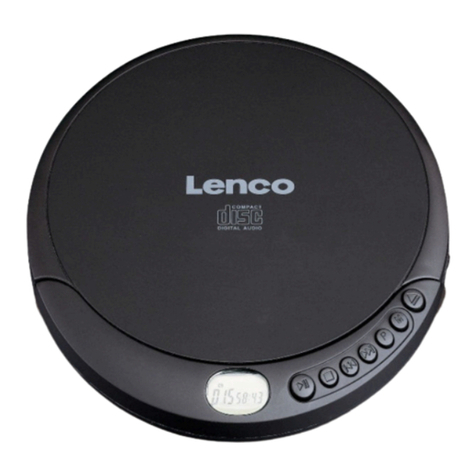
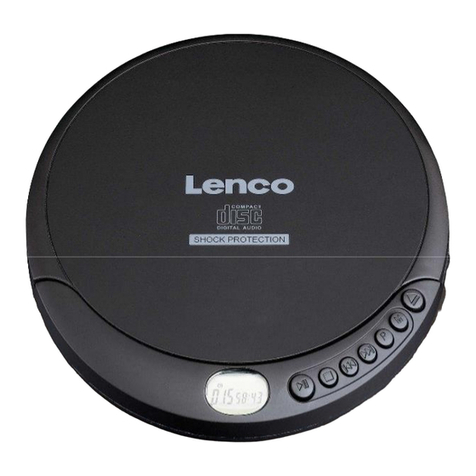
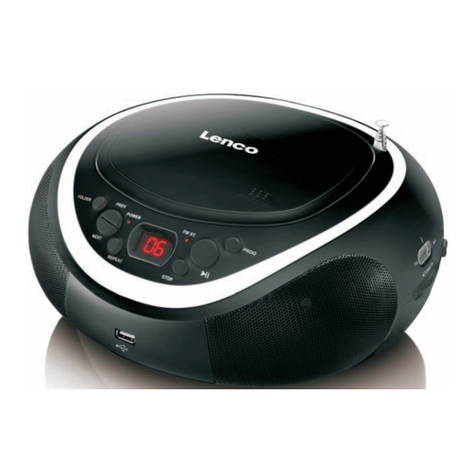
LENCO CD-300 User manual

User Manual
Handleiding
Bedienungsanleitung
Mode d’emploi
Manual del usuario
Portable CD player with bluetooth
Draagbare CD-speler met Bluetooth
Tragbarer CD-Player mit Bluetooth
Lecteur CD portable avec bluetooth
Reproductor de CD portál con Bluetooth
Model CD-300
P.MODE/
PAIR
PROG/
BT
10+
C
CHHAARRGGEE
VOL+
BBTT


English CD-300
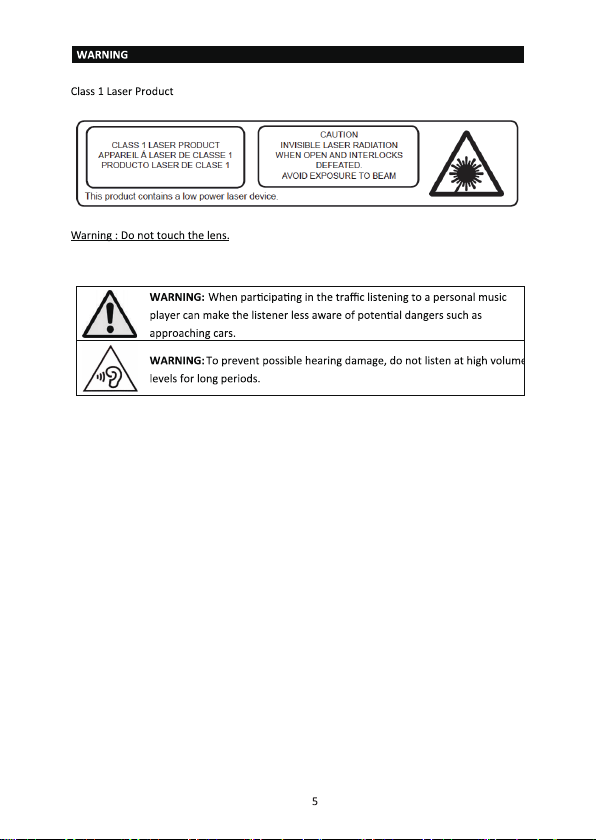
CAUTION:
PRECAUTIONS BEFORE USE
KEEP THESE INSTRUCTIONS IN MIND:
3

4


6
Accessories:
USB to DC cable
Stereo Earphone

P.MODE/
PAIR
PROG/
BT
10+
C
CHHAARRGGEE
VOL+
BBTT
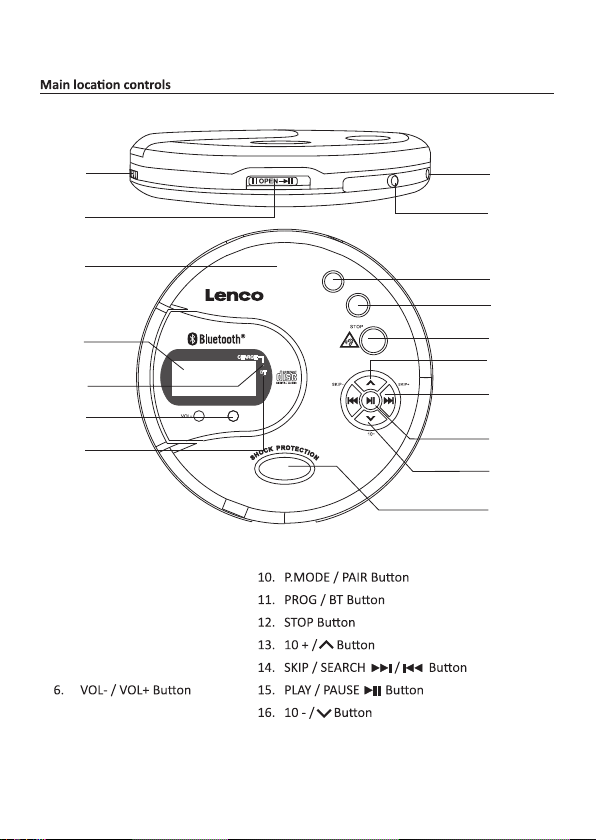
1. DESCRIPTION OF THE UNIT
7
1. CHARGE Switch
2. DOOR OPEN Switch
3. CD DOOR
4. LCD DISPLAY
5. CHARGE Indicator
7. BT ( Bluetooth) Indicator
8. DC INPUT Jack
9. PHONE Jack
17. TRANSPARENT Window - Show installed disc.
1
2
3

4
5
6
8
9
10
11
12
13

14
15
16
7
17

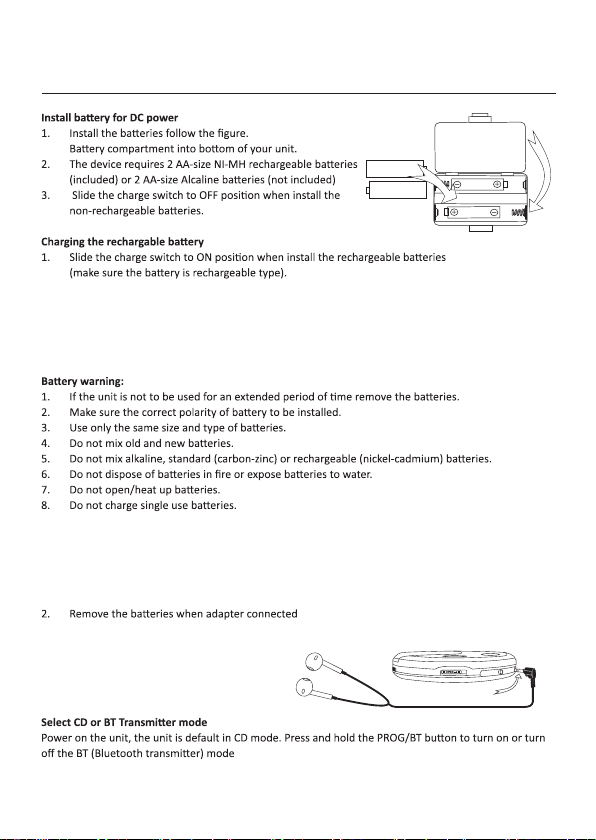
2. Using a USB-DC cable (included), connect the USB plug to the USB power adaptor
3. Connect the DC plug into the DC IN port of the unit. The unit will now charge.
4. The CHARGE indicator will be light on when unit start charging.
5. The red CHARGE indicator light off means fully charged. When charging is completed, remove the
DC plug from main unit.
Connect power adapter (not included) for AC power
This unit can also be powered using an AC adapter (not included) with an input voltage of AC 220V-240V
50Hz, and output voltage of DC 5V minimum 1000mA
1. Connect small end of power adapter to your unit DC input jack and plug the adapter body to AC
outlet carefully.
Connect Ear phone for unit sound output
Install the ear phone to your unit follow the figure.
2. FUNCTION
Setup
AA / LR6 /UM-3
AA / LR6 /UM-3
Carefully pushing the
one lug down that the
the battery door can
be lifted away.
Connect to phone jack of main unit
8

Using volume
Note:
these 7 seconds the symbol will be lit constantly which means that the volume level will be locked
and can’t be increased.
once within the 7 seconds that the warning symbol is flashing. The volume warning symbol
will then disappear.
9

standard, they may not play properly.
Play the CD
1. Follow previous Setup page.
2. Slide the DOOR OPEN switch to open the CD door and install the disc to disc compartment.
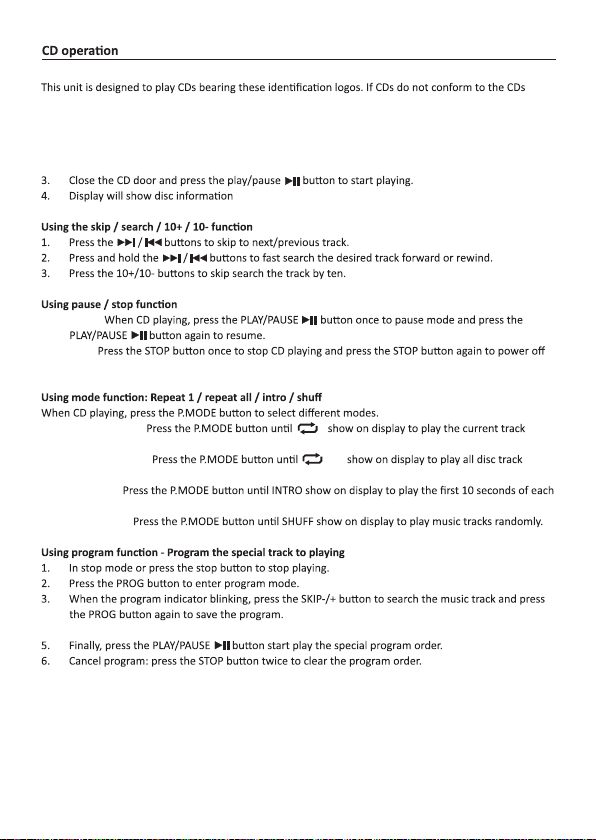
1. Pause:
2. Stop:
the unit.
1. Repeat 1 track:
repeatedly.
2. Repeat all track:
repeatedly.
3. Intro play:
track.
4. Shuffle play:
4. Repeat steps 2 - 3 to program as many as 20 tracks.
10
ALL
1
This manual suits for next models
2
Table of contents
Languages:
Other LENCO CD Player manuals

LENCO
LENCO SCD-580SI User manual

LENCO
LENCO CD-400GY User manual

LENCO
LENCO CD-011 User manual

LENCO
LENCO SCD-37 User manual

LENCO
LENCO SCD-36 User manual

LENCO
LENCO SCD-650BU User manual

LENCO
LENCO SCD-24 User manual

LENCO
LENCO MCi-215 User manual

LENCO
LENCO BOOST-8 User manual

LENCO
LENCO DAR-061BK User manual

LENCO
LENCO SCD-37 User manual

LENCO
LENCO SCD-37 USB User manual

LENCO
LENCO CD-010 User manual

LENCO
LENCO CR-3800CD User manual

LENCO
LENCO CD-215 MP3 User manual

LENCO
LENCO SCD-42 User manual

LENCO
LENCO SCD-38 USB User manual

LENCO
LENCO CD-214 User manual

LENCO
LENCO SCD-37 USB User manual

LENCO
LENCO SCDI-01 User manual