manuals.online logo
Brands
  1. Home
  2. •
  3. Brands
  4. •
  5. Lewmar
  6. •
  7. Cash Counter
  8. •
  9. Lewmar AutoAnchor 560 V2 Instruction manual

Lewmar AutoAnchor 560 V2 Instruction manual

Popular Cash Counter manuals by other brands

Measurement Computing USB-4301 user guide

Measurement Computing

Measurement Computing USB-4301 user guide

Polar Electro U Series instruction manual

Polar Electro

Polar Electro U Series instruction manual

Tranax Mini-Bank 1500 Operator's manual

Tranax

Tranax Mini-Bank 1500 Operator's manual

Omron H7CL Series manual

Omron

Omron H7CL Series manual

Olympia NC-350A Series user guide

Olympia

Olympia NC-350A Series user guide

XIA UltraLo-1800 user manual

XIA

XIA UltraLo-1800 user manual

Cashmaster Sigma 105 quick start guide

Cashmaster

Cashmaster Sigma 105 quick start guide

Agilent Technologies 53151A operating guide

Agilent Technologies

Agilent Technologies 53151A operating guide

Cashmaster Sigma 105 user manual

Cashmaster

Cashmaster Sigma 105 user manual

HYOSUNG MX-4000W Operator's manual

HYOSUNG

HYOSUNG MX-4000W Operator's manual

Cashmaster Sigma 105 user manual

Cashmaster

Cashmaster Sigma 105 user manual

HP 53150A Series Programming guide

HP

HP 53150A Series Programming guide

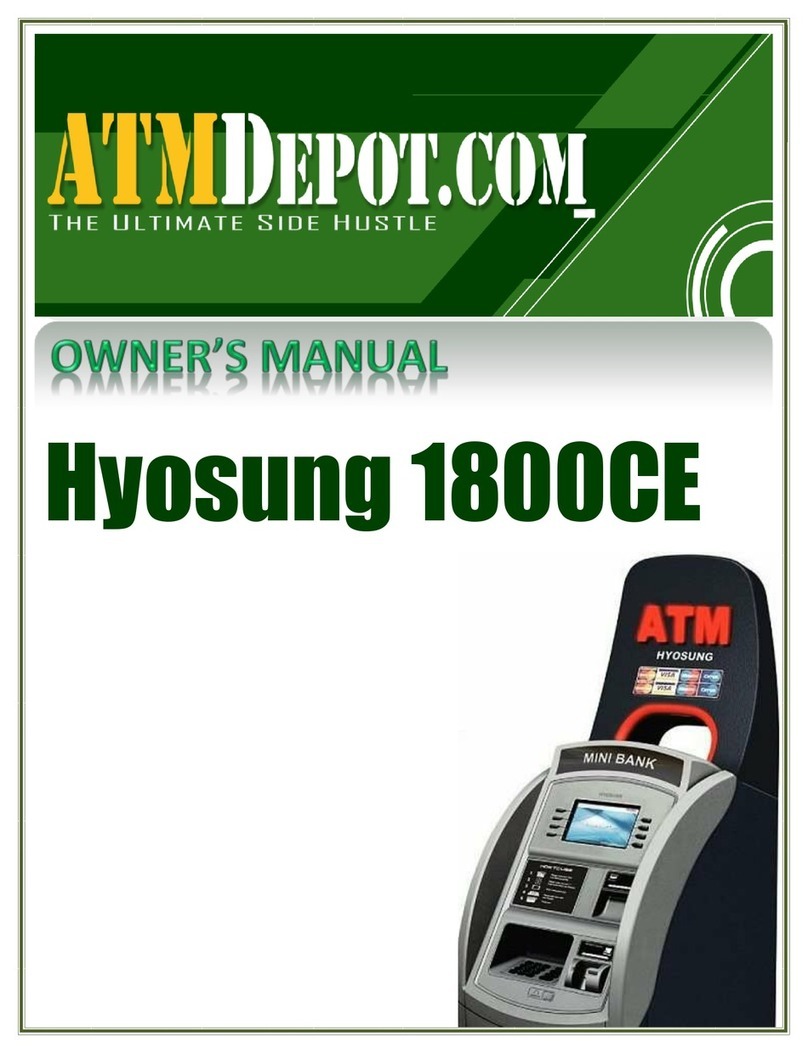
HYOSUNG 1800CE owner's manual

HYOSUNG

HYOSUNG 1800CE owner's manual

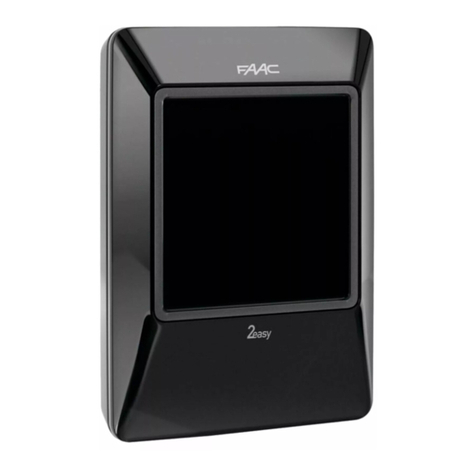
FAAC XTR B manual

FAAC

FAAC XTR B manual

MZ electronic EV-040 Instructions for use

MZ electronic

MZ electronic EV-040 Instructions for use

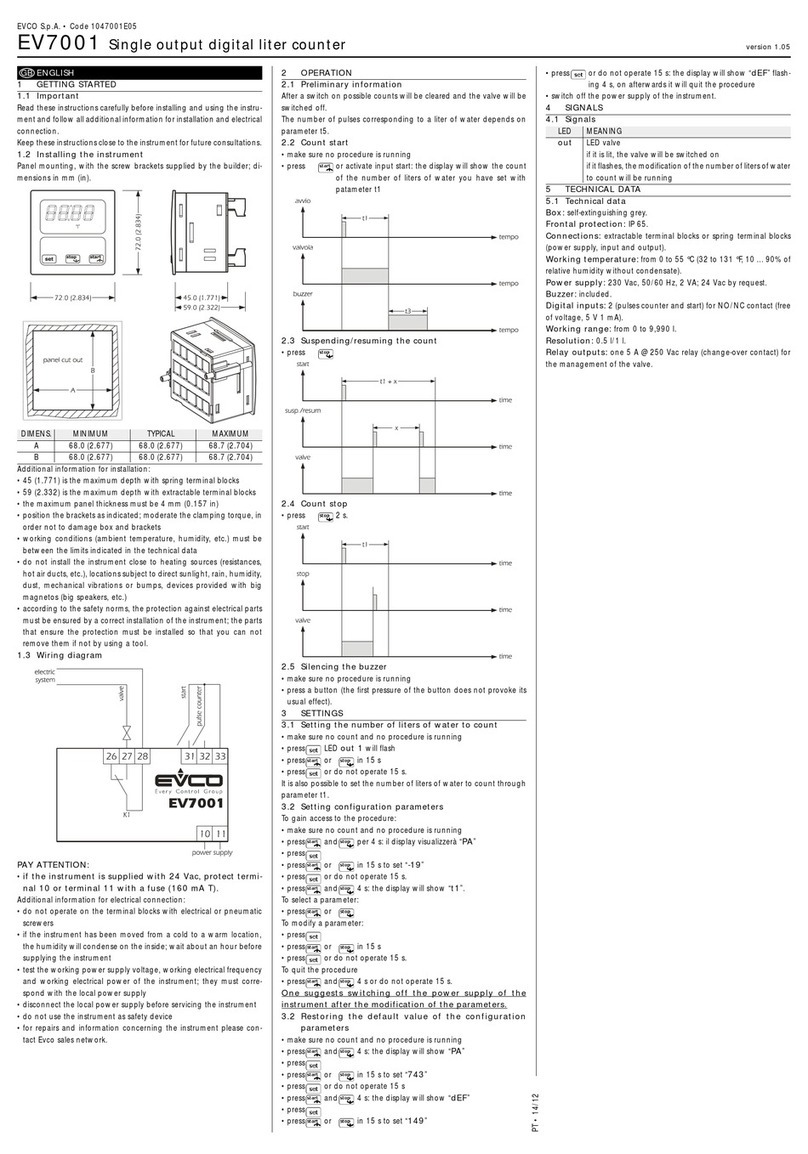
Evco EV7001 manual

Evco

Evco EV7001 manual

Delfield Shelleysteel SCFM-50 Specifications

Delfield

Delfield Shelleysteel SCFM-50 Specifications

Record FlowControl user manual

Record

Record FlowControl user manual

manuals.online logo
manuals.online logoBrands
  • About & Mission
  • Contact us
  • Privacy Policy
  • Terms and Conditions

Copyright 2025 Manuals.Online. All Rights Reserved.

: QUICK USER GUIDE
AutoAnchor 560 V2
IMPORTANT INFORMATION
READ BEFORE INSTALLING OR USING THE AUTOANCHOR
1 2
This User Guide is intended as a quick reference for day to day use of
the AA560. It must be read in conjunction with the Owner’s Manual. The
Owner’s Manual has installation, set up and testing instructions plus
information relating to troubleshooting and maintenance.
The AutoAnchor manufacturer and supplier accept no liability for personal injury or
property damage resulting from failure to follow the installation and operating instructions
or the use of the AutoAnchor in a way that may cause accidents or damage or that may
violate the law.
USER PRECAUTIONS
It is the owner’s sole responsibility to ensure the AutoAnchor is installed, used and
maintained in a manner that will not cause accidents, personal injury or property damage.
When using the AutoAnchor the operator must use safe boating practices and safe
windlass/winch and anchoring operation
• use the windlass/winch strictly according to the manufacturer’s instructions;
• only persons who are fully aware of the correct use of the windlass/winch
should be allowed to use the AutoAnchor to control this equipment;
• the user must personally control and supervise all anchoring operations;
• the user must know the location of the main breaker or battery switch to
disconnect the windlass/winch from all power sources in the event of an
emergency;
• the windlass/winch power supply must be turned off when the equipment is not in
use;
• there must be an alternative method available to operate the windlass/winch.
When Controlling a Windlass/Winch
• maintain a clear view of the windlass/winch, rode and/or anchor during operation;
• always ensure the anchor is fully docked and secured before moving the boat.
SET UP AND TESTING
Before use the AutoAnchor must be correctly set up for the equipment it is to control
and then tested in a safe environment. The AutoAnchor will not count correctly if the
windlass selection is wrong or the windlass is not standard (eg it is installed with a different
chainwheel or motor).
Required for all sensors other than a motor driven reed sensor. This screen automatically
 loaded, the sensor is reset or there has been
a loss of sensor signal. Refer to page 21 in the Owner’s Manual.
PLUG & PLAY SENSOR TUNING
OPERATION
AA560 BUTTONS
Lock

operation.





until the key is displayed in the top right corner.
Note: 

In an emergency shut off the
power to the windlass using
the isolating/breaker switch.
DownUp Auto ON/OFF
Sensor Pulse Indicator

Standard AA
Operation

Hold 2 sec
to Turn Off
Hold 2 sec

Status bar
INFORMATION DISPLAYED DURING OPERATION
The length of rode deployed in feet, metres or fathoms.
The direction the anchor is moving.
The type of rode being deployed (chain or rope).
Windlass speed.
Settings and measurements are saved if the unit is turned off or the battery fails.
Counting continues if the windlass is operated by another control eg foot switches.
•
•
•
• u
u
3 4
AUTOMATIC AND MANUAL OPERATION

for hands free anchor deployment and retrieval. See the instructions for both options below.
MANUAL OPERATION
Deploy and Retrieve the Anchor Using Manual Operation.
Turn the AutoAnchor on.

Hold down the up or down button to deploy or retrieve the anchor. Releasing the
button stops the windlass operation.
Ensure the anchor is fully docked and secured before moving the boat.
DOCKING ALARM: 
AutoAnchor beeps to warn the operator the anchor is at the preset

Extra care must be taken at this stage of retrieval.

Preset the length of rode for deployment.
Have hands-free operation of the windlass.


not installed correctly the automatic function will not operate. An
Installation warning message will display on the screen. The windlass
can still be operated using manual operation but on retrieval the displaybut on retrieval the display
may be incorrect because it cannot allow for the stretch in the rope.
•
•
•
AUTOMATIC OPERATION
WARNINGThere is an inherent risk when using any automatic function
on a boat. If you choose to use the AutoAnchor automatic functions, you
must still control and supervise all windlass and anchoring operation.
For an accurate reading always ensure the AutoAnchor display reads 0.0 before
deploying the anchor.
Enable Automatic Operation
A “rode to be released” value must be entered to use automatic operation.
Safety Override
Press any button on the AutoAnchor to stop the windlass during automatic release or
retrieval. In an emergency shut off the power to the windlass using the isolating/
breaker switch.
Deploy the Anchor Using Automatic Operation
Turn the AutoAnchor on.

Press the Mode button to select Auto. The screen
displays the current length for Auto release.
If this setting is correct. Press and release the down button to
deploy the anchor.
To Change the setting:
Press the Mode button again to select Set auto.
Enter the value.
Save and return to Auto.
The windlass will stop and the AutoAnchor will beep when
the preset length of rode has been released. The screen
will display “Auto target reached”.
To Set A Rode to be Released Value
Turn the AutoAnchor on.

Press the Mode button twice to enter Set auto.
Scroll up or down to change the value.
Save ready to deploy. Press twice to return to start screen.
To disable the automatic operation: Set the rode to be released
value to Off.
Retrieve the Anchor Using Automatic Operation
Turn the AutoAnchor on.

Press the Mode button to Select Auto.
Press and release the Up button to retrieve the anchor.
The windlass will stop and the AutoAnchor will beep when the


Press the Up button to complete retrieval of the anchor.
The AutoAnchor will beep during this process.
Ensure the anchor is fully docked and secured before moving the boat.

To Check Logs
The AutoAnchor must be turned on.
Press to access the Menu.
Select Logs.
Return to the menu.
Exit and return to start screen.

Resetting the Factory Defaults clears all logs and calibrations.
To Adjust Backlight
The AutoAnchor must be turned on. It is best to change this setting in low light.
Press to access the Menu.


Save and return to the menu.
Exit and return to start screen.
OTHER OPERATION SETTINGS
Press to access the menu when the AutoAnchor is turned on.
To Clear to Zero
The AutoAnchor must be turned on.
Press to access the Menu.
Select clear to zero.
Select No/Yes.
Yes - return to start screen.
No - return to the menu, then press again
to return to the start screen.
9
10742
112
Clear to zero
Logs

Reset sensor
Reset sensor
To Reset Sensor
The AutoAnchor must be turned on.
Press to access the Menu.
Select Reset sensor.
Select No/Yes.
Save and return to the menu.
Exit and return to start screen.

See page 21 in the Owner’s Manual.
Reset sensor
Reset sensor

  


of printing. However, the AutoAnchor is continuously being reviewed and improved and





Discover other anchors & docking on our website.