CONTENTS
2
CONTENTS
Accessories . . . . . . . . . . . . . . . . . . . . . . . . . . . . . . . . . . . . . . . . . . . . 1
INTRODUCTION
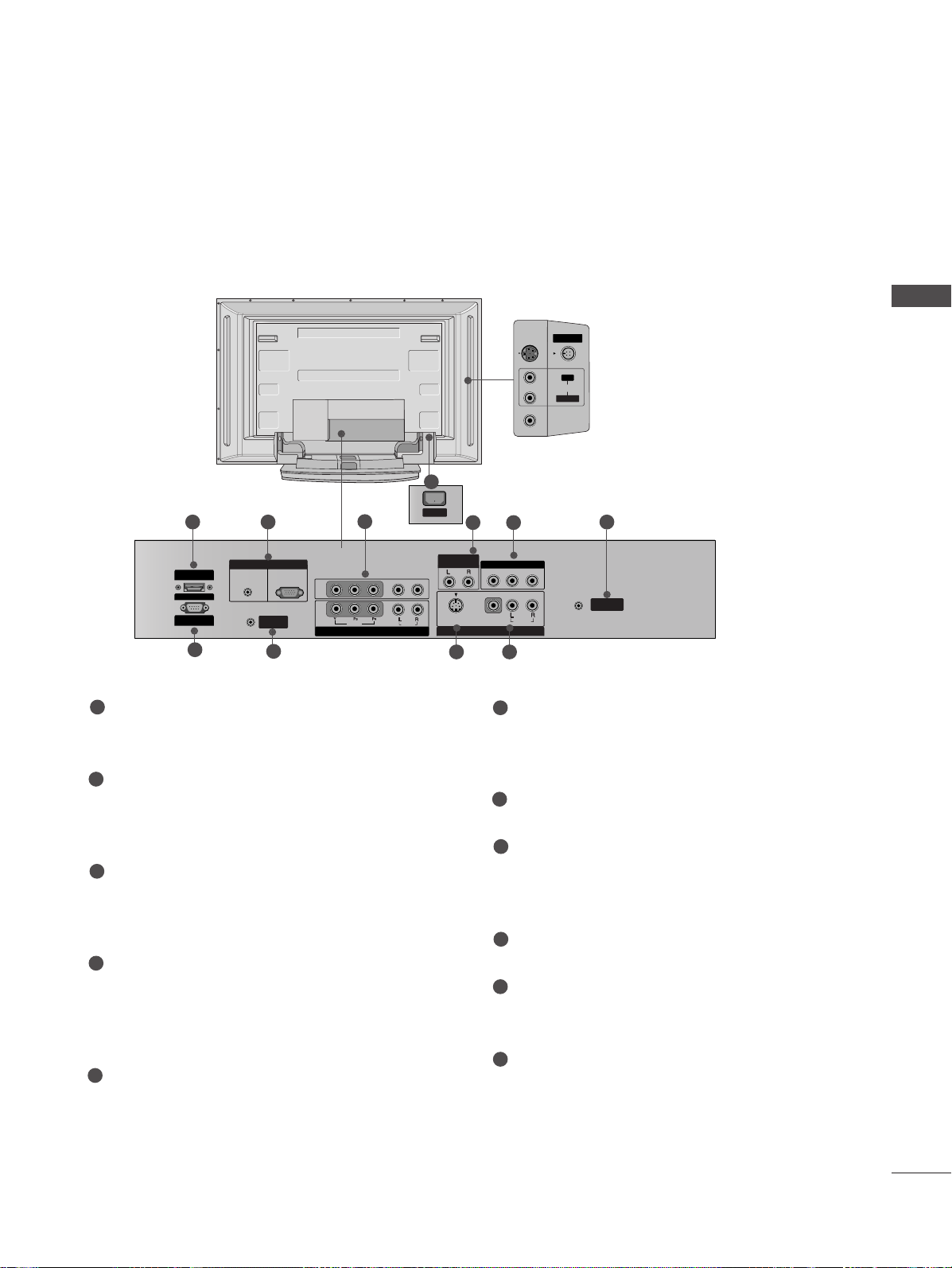
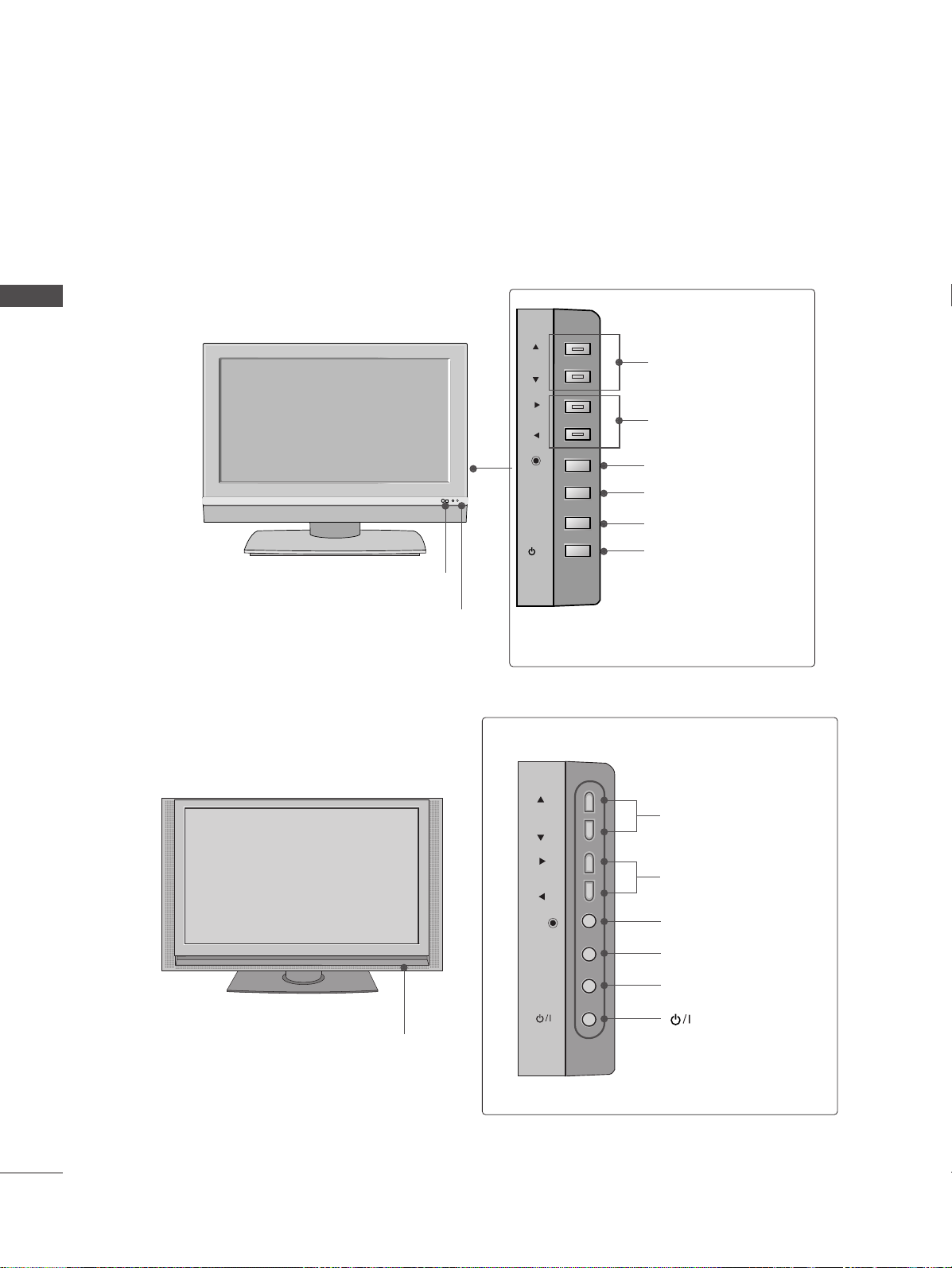
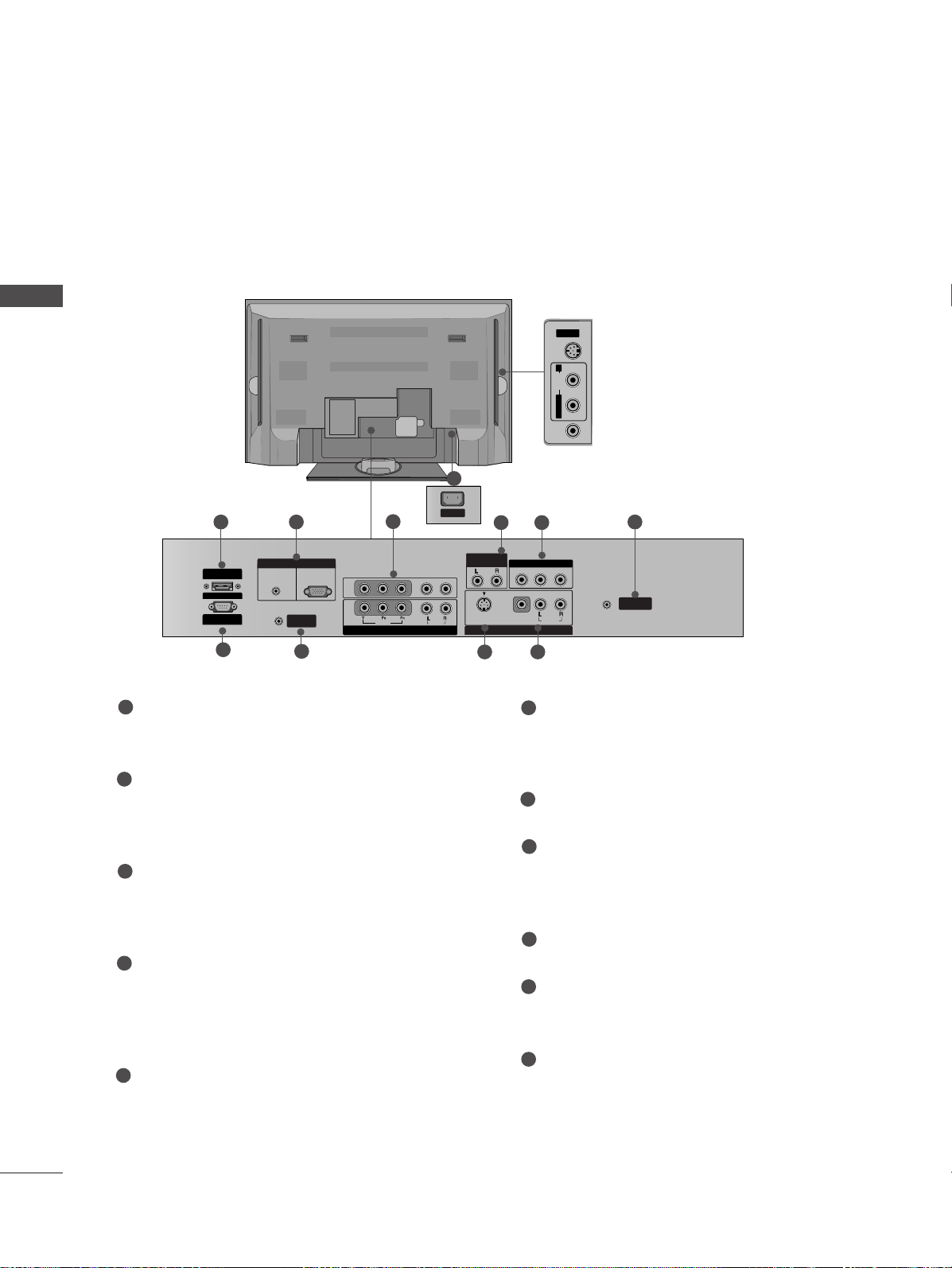
Controls / Connection Options
. . . . . . . . . . . . . . . . . . 4-8
Remote Control Key Functions . . . . . . . . . . . . . . . . . . . 9-10
Home Menu . . . . . . . . . . . . . . . . . . . . . . . . . . . . . . . . . . . . . . . . . . 11
INSTALLATION
Unfolding The Base Stand . . . . . . . . . . . . . . . . . . . . . . . . . . . 12
Basic connection . . . . . . . . . . . . . . . . . . . . . . . . . . . . . . . . . 13 - 14
How to join the set assembly to the wall to protect the
set tumbling . . . . . . . . . . . . . . . . . . . . . . . . . . . . . . . . . . . . . . . . . . . 15
Stand installation . . . . . . . . . . . . . . . . . . . . . . . . . . . . . . . . . . . . . 16
CONNECTIONS & SETUP
Antenna Connection . . . . . . . . . . . . . . . . . . . . . . . . . . . . . . . . . 17
VCR Setup . . . . . . . . . . . . . . . . . . . . . . . . . . . . . . . . . . . . . . . . 18 - 19
External Equipment Connections . . . . . . . . . . . . . . . . . . . 20
DVD Setup . . . . . . . . . . . . . . . . . . . . . . . . . . . . . . . . . . . . . . . 21 - 22
STB(SET-TOP BOX) Setup . . . . . . . . . . . . . . . . . . . . . . 23-24
PC Setup . . . . . . . . . . . . . . . . . . . . . . . . . . . . . . . . . . . . . . . . . 25-27
BASIC OPERATION
Turning the set on . . . . . . . . . . . . . . . . . . . . . . . . . . 28
Volume Adjustment . . . . . . . . . . . . . . . . . . . . . . . . . 28
Programme Selection . . . . . . . . . . . . . . . . . . . . . . . . 28
On-Screen Menu Language Selection (option) . . . 28
SPECIAL FUNCTIONS
DVR (Digital Video Recorder)
TimeShift . . . . . . . . . . . . . . . . . . . . . . . . . . . . . . . . . . . . . . . . . . . . . 29
Progressing the Timeshift function . . . . . . . . . . . . . .30-31
Recording . . . . . . . . . . . . . . . . . . . . . . . . . . . . . . . . . . . . . . . . .32-33
Watching & Record . . . . . . . . . . . . . . . . . . . . . . . . . . . . . . . . . . .34
Recorded TV . . . . . . . . . . . . . . . . . . . . . . . . . . . . . . . . . . . . . . . . . .35
Recorded program Selection and Popup Menu .35-36
Playing recorded programs . . . . . . . . . . . . . . . . . . . . . . . . . . .36
Using the remote control . . . . . . . . . . . . . . . . . . . . . . . . . . . .37
Manual Recording . . . . . . . . . . . . . . . . . . . . . . . . . . . . . . . . . . . .38
Scheduled List . . . . . . . . . . . . . . . . . . . . . . . . . . . . . . . . . . . . . . . .39
Video Quality . . . . . . . . . . . . . . . . . . . . . . . . . . . . . . . . . . . . . . . .39
Format hard disk . . . . . . . . . . . . . . . . . . . . . . . . . . . . . . . . . . . .40
PIP/POP/Twin Picture
PIP (Picture-In-Picture) Feature . . . . . . . . . . . . . . . . 41
Watching PIP . . . . . . . . . . . . . . . . . . . . . . . . . . . . . . 41
Adjusting PIP Transparency (PIP mode only) . . . . . 41
Programme Selection for Sub Picture . . . . . . . . . . . 42
Adjusting the screen for the PIP . . . . . . . . . . . . . . . 42
Selecting an Input Signal Source for the PIP . . . . . 42
Sub Picture Size Adjustment (PIP mode only) . . . . 42
Moving the PIP (PIP mode only) . . . . . . . . . . . . . . . 42
Swapping between main and sub pictures . . . . . . . 43
POP (Picture-out-of-Picture: Channel Scan) . . . . . 43
TELETEXT
Teletext Language Selection (option) . . . . . . . . . . . . . . . 44
Switch on/off . . . . . . . . . . . . . . . . . . . . . . . . . . . . . . . . . . . . . . . . 44
SIMPLE Text (option) . . . . . . . . . . . . . . . . . . . . . . . . . . . . . . . . 45
TOP Text (option) . . . . . . . . . . . . . . . . . . . . . . . . . . . . . . . . . . . 45
FASTEXT . . . . . . . . . . . . . . . . . . . . . . . . . . . . . . . . . . . . . . . . . . . . . 45
Special Teletext Functions . . . . . . . . . . . . . . . . . . . . . . . . . . . 46
MFL32196504en_070209_1 2/12/07 3:02 PM Page 2