manuals.online logo
Brands
  1. Home
  2. •
  3. Brands
  4. •
  5. LIFESTYLER
  6. •
  7. Treadmill
  8. •
  9. LIFESTYLER Expance 600 User manual

LIFESTYLER Expance 600 User manual

This manual suits for next models

2

Other LIFESTYLER Treadmill manuals

LIFESTYLER 831.297452 User manual

LIFESTYLER

LIFESTYLER 831.297452 User manual

LIFESTYLER 5.0 MPH User manual

LIFESTYLER

LIFESTYLER 5.0 MPH User manual

LIFESTYLER 831.297242 User manual

LIFESTYLER

LIFESTYLER 831.297242 User manual

LIFESTYLER Auto incline 2800 User manual

LIFESTYLER

LIFESTYLER Auto incline 2800 User manual

LIFESTYLER 8.0 ESP 831.297080 User manual

LIFESTYLER

LIFESTYLER 8.0 ESP 831.297080 User manual

LIFESTYLER Expance 2000 831.297271 User manual

LIFESTYLER

LIFESTYLER Expance 2000 831.297271 User manual

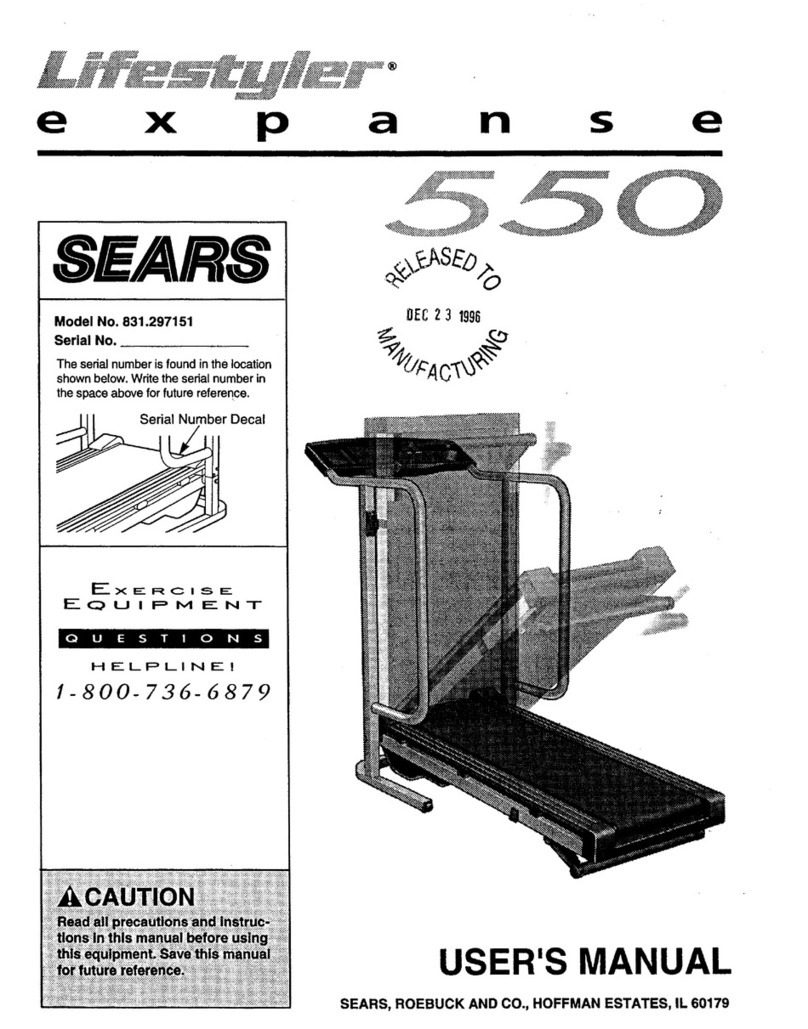
LIFESTYLER Expance 550 User manual

LIFESTYLER

LIFESTYLER Expance 550 User manual

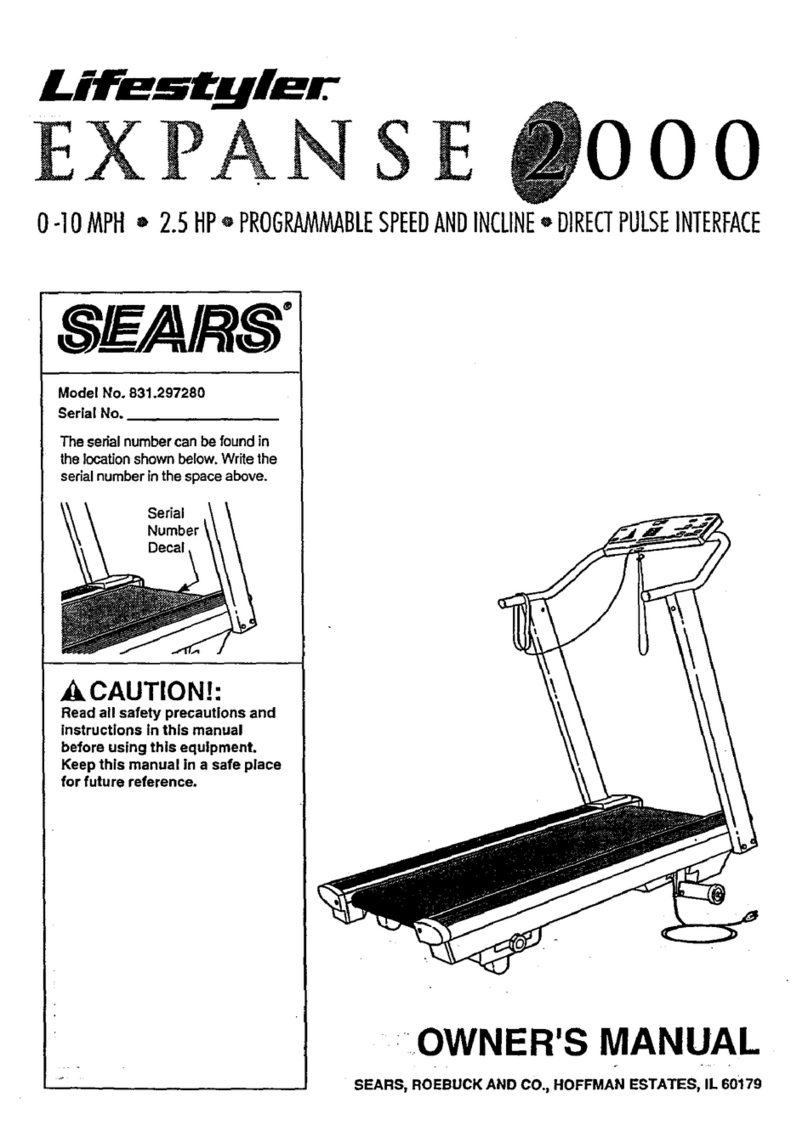
LIFESTYLER Expance 2000 User manual

LIFESTYLER

LIFESTYLER Expance 2000 User manual

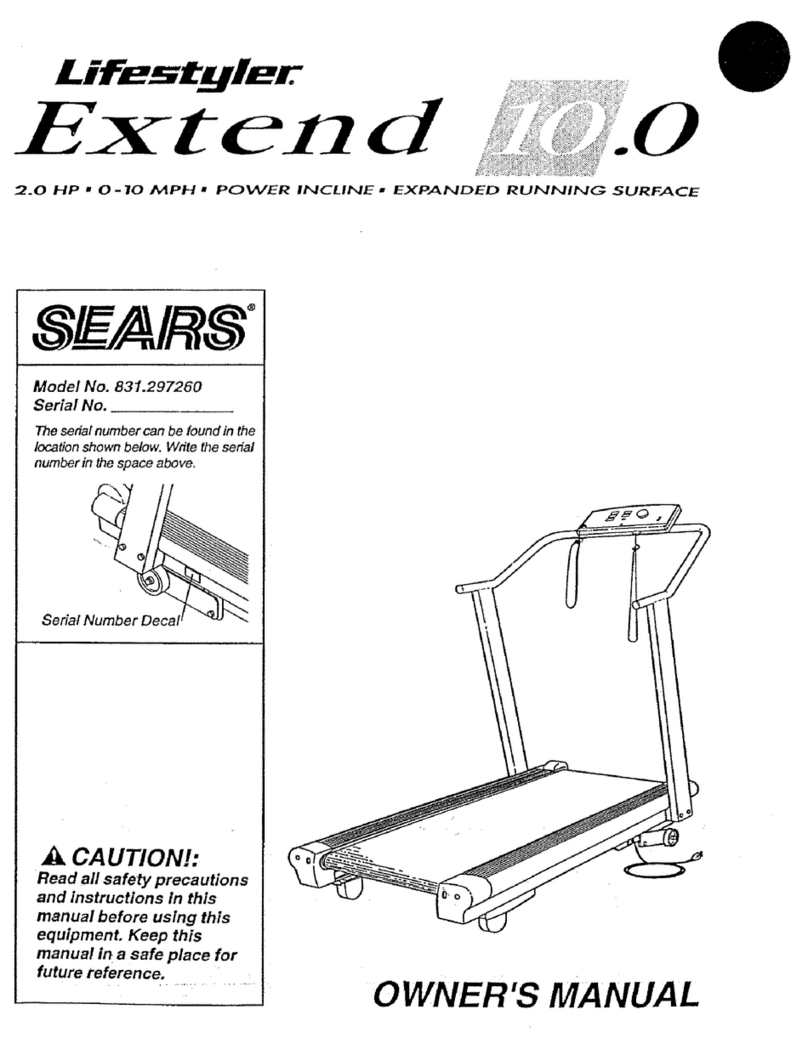
LIFESTYLER Lifestyler Extend 10.0 User manual

LIFESTYLER

LIFESTYLER Lifestyler Extend 10.0 User manual

LIFESTYLER EXPANSE 1000 831.297451 User manual

LIFESTYLER

LIFESTYLER EXPANSE 1000 831.297451 User manual

LIFESTYLER 831.297420 User manual

LIFESTYLER

LIFESTYLER 831.297420 User manual

LIFESTYLER EXPANSE 500 831.297432 User manual

LIFESTYLER

LIFESTYLER EXPANSE 500 831.297432 User manual

LIFESTYLER 7.0 User manual

LIFESTYLER

LIFESTYLER 7.0 User manual

LIFESTYLER Expanse 850 831.297191 User manual

LIFESTYLER

LIFESTYLER Expanse 850 831.297191 User manual

LIFESTYLER 831.2974 User manual

LIFESTYLER

LIFESTYLER 831.2974 User manual

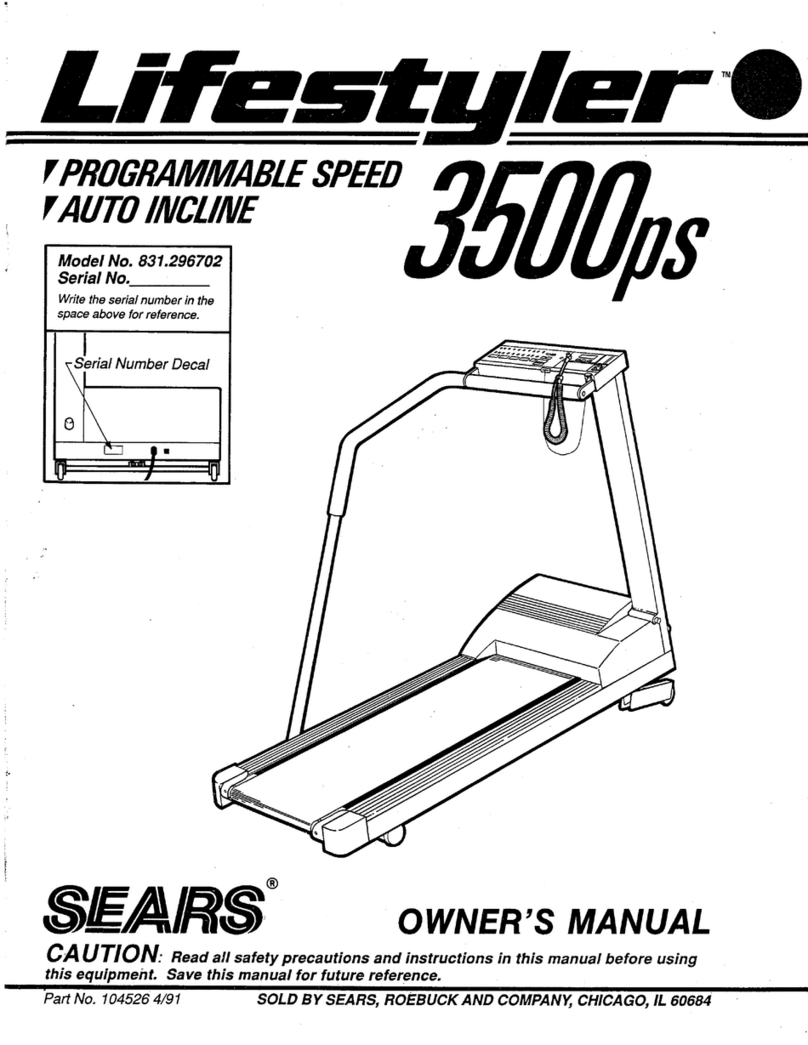
LIFESTYLER Lifestyler 3500ps User manual

LIFESTYLER

LIFESTYLER Lifestyler 3500ps User manual

LIFESTYLER EXPANSE 2000 User manual

LIFESTYLER

LIFESTYLER EXPANSE 2000 User manual

LIFESTYLER expance 800 User manual

LIFESTYLER

LIFESTYLER expance 800 User manual

LIFESTYLER 8.0 User manual

LIFESTYLER

LIFESTYLER 8.0 User manual

LIFESTYLER Lifestyler 831.298&50 User manual

LIFESTYLER

LIFESTYLER Lifestyler 831.298&50 User manual

LIFESTYLER Expance 850 User manual

LIFESTYLER

LIFESTYLER Expance 850 User manual

LIFESTYLER 831.297033 User manual

LIFESTYLER

LIFESTYLER 831.297033 User manual

LIFESTYLER 831.297140 User manual

LIFESTYLER

LIFESTYLER 831.297140 User manual

LIFESTYLER Expanse 600 831.297161 User manual

LIFESTYLER

LIFESTYLER Expanse 600 831.297161 User manual

Popular Treadmill manuals by other brands

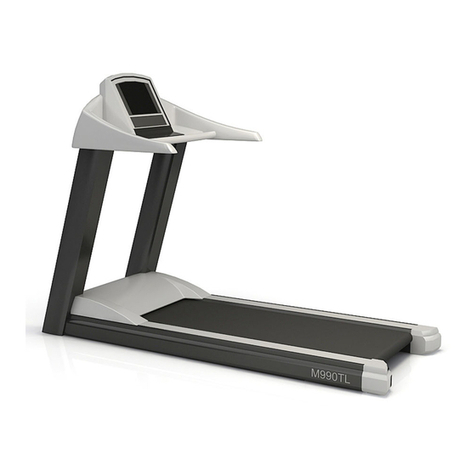
Motus M990T Service manual

Motus

Motus M990T Service manual

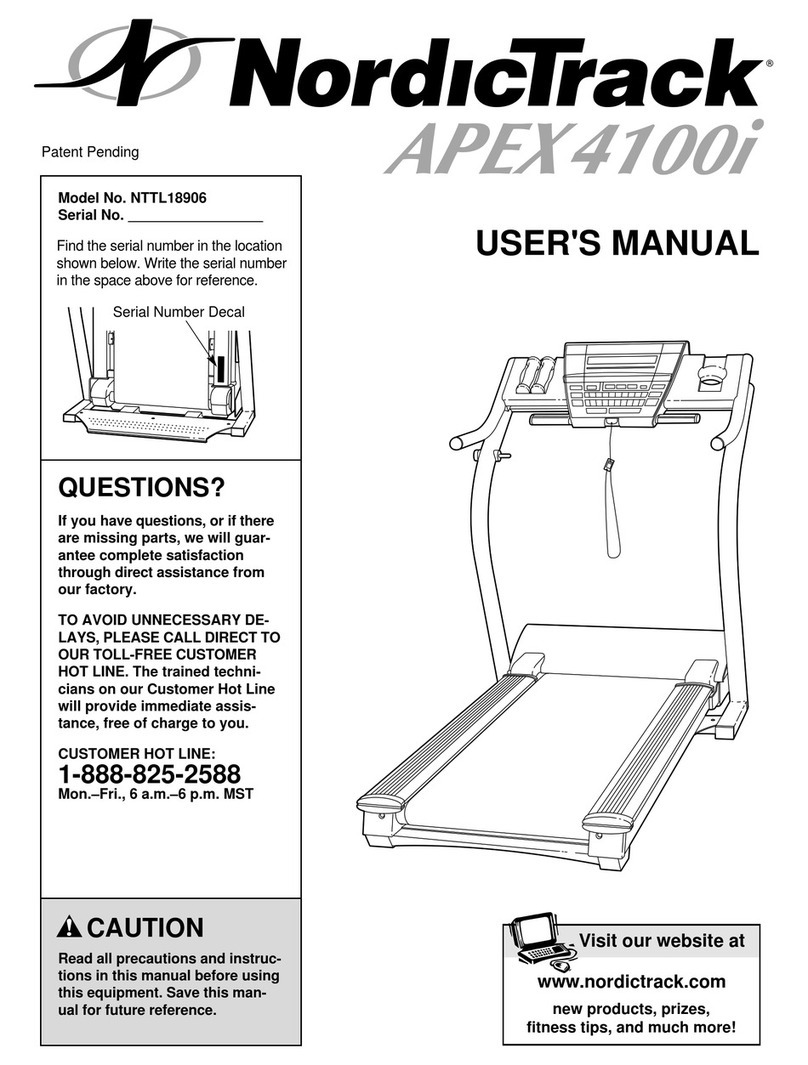
NordicTrack APEX4100i NTTL18906 user manual

NordicTrack

NordicTrack APEX4100i NTTL18906 user manual

CAPITAL SPORTS Pacemaker Touch manual

CAPITAL SPORTS

CAPITAL SPORTS Pacemaker Touch manual

Insportline Hill Pro user manual

Insportline

Insportline Hill Pro user manual

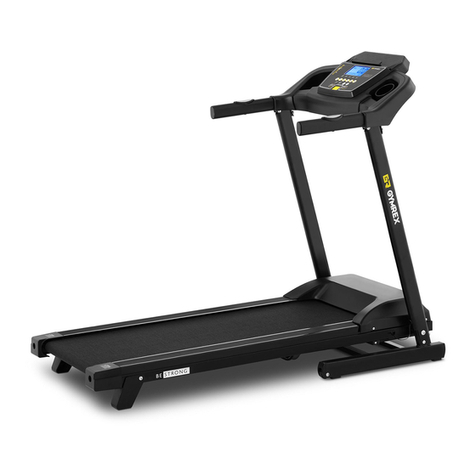
Expondo Gymrex GR-MG31 user manual

Expondo

Expondo Gymrex GR-MG31 user manual

HEALTH ONE Walk Ro user manual

HEALTH ONE

HEALTH ONE Walk Ro user manual

NordicTrack T7.5 S user manual

NordicTrack

NordicTrack T7.5 S user manual

Gold's Gym ADVANTAGE GGTL12920 user manual

Gold's Gym

Gold's Gym ADVANTAGE GGTL12920 user manual

Merax MS282992 manual

Merax

Merax MS282992 manual

FitLogic freewill d225 owner's manual

FitLogic

FitLogic freewill d225 owner's manual

HOP-SPORT ESTIMA HS-3200LB instruction manual

HOP-SPORT

HOP-SPORT ESTIMA HS-3200LB instruction manual

Stamia InMotion II owner's manual

Stamia

Stamia InMotion II owner's manual

Smooth Fitness EVO 3i user manual

Smooth Fitness

Smooth Fitness EVO 3i user manual

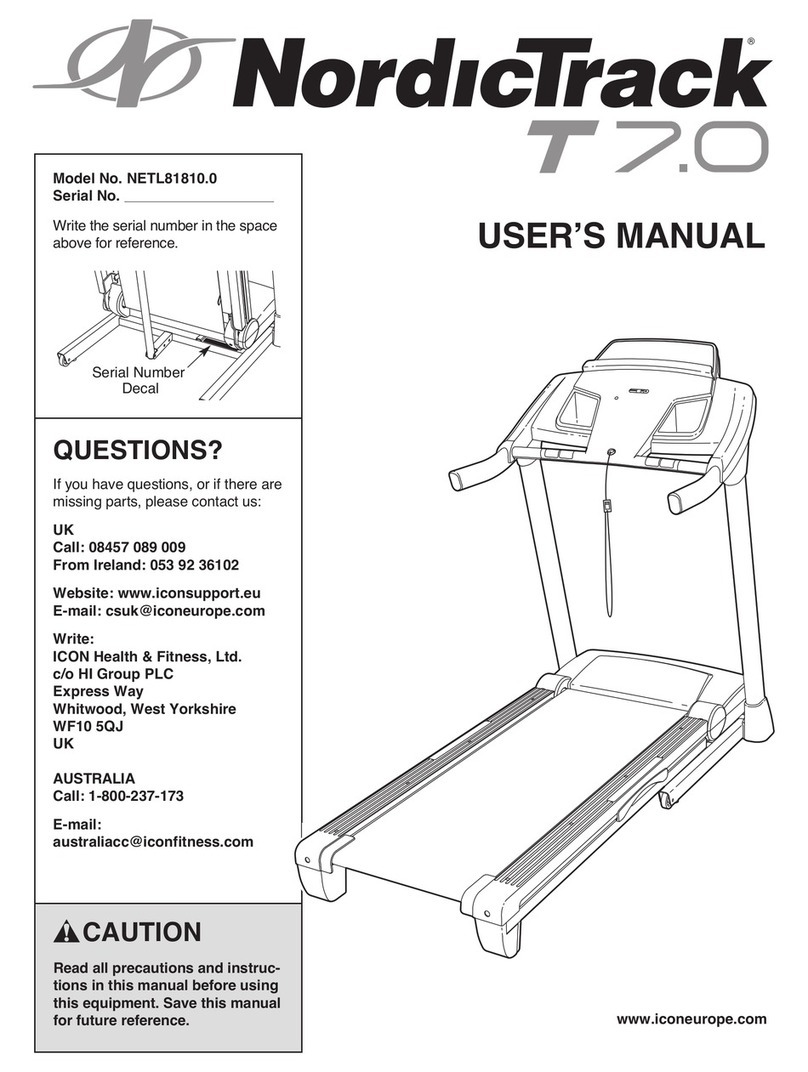
NordicTrack NETL81810.0 user manual

NordicTrack

NordicTrack NETL81810.0 user manual

Schwinn 830/Journey 8.0 Assembly manual / owner's manual

Schwinn

Schwinn 830/Journey 8.0 Assembly manual / owner's manual

Keys Fitness HealthTrainer HT-740T owner's manual

Keys Fitness

Keys Fitness HealthTrainer HT-740T owner's manual

Spirit XT8 Service manual

Spirit

Spirit XT8 Service manual

NordicTrack T 14.0 Treadmill Manuel de l'utilisateur

NordicTrack

NordicTrack T 14.0 Treadmill Manuel de l'utilisateur

manuals.online logo
manuals.online logoBrands
  • About & Mission
  • Contact us
  • Privacy Policy
  • Terms and Conditions

Copyright 2025 Manuals.Online. All Rights Reserved.

expanse
Model No. 831.297140
Serial No.
The serial number is found in the location
shown below. Write the serial number in
the space above for future reference.
Serial Number
Decal
EXERCISE
EQ U I PM ENT
HELPLINE!
1-800-736-6879
_,CAUTION
Read all precautions and instruc-
tions in this manual before using
this equipment. Save this manual
for future reference. USER'S MANUAL
TABLE OF CONTENTS
IMPORTANT PRECAUTIONS ................................................................. 2
BEFORE YOU BEGIN ....................................................................... 4
ASSEMBLY ............................................................................... 5
OPERATION AND ADJUSTMENT ............................................................. 7
HOW TO FOLD AND MOVE THE TREADMILL .................................................. 10
TROUBLE-SHOOTING ..................................................................... 12
CONDITIONING GUIDELINES ............................................................... 14
ORDERING REPLACEMENT PARTS .................................................. Back Cover
FULL 90 DAY WARRANTY ........................................................... Back Cover
Note: An EXPLODED DRAWING and a PART LIST are attached to the center of this manual. Save the
EXPLODED DRAWING and PART LIST for future reference.
IMPORTANT PRECAUTIONS
WARN ING: TO reduce the risk of burns, fire, electric shock, or injury to persons, read the
following important precautions and information before operating the treadmill.
1. It is the responsibility of the owner to ensure
that all users of this treadmill are adequately
informed of all warnings and precautions.
2. Use the treadmill only as described.
3. Place the treadmill on a level surface, with 8
feet of clearance behind it. Do not place the
treadmill on a surface that blocks any air
openings. To protect the floor or carpet from
damage, place the mat under the treadmill.
.
9. Wear appropriate exercise clothing when
using the treadmill. Do not wear loose cloth-
ing that could become caught in the treadmill.
Athletic support clothes are recommended for
both men and women. Always wear athletic
shoes. Never use the treadmill with bare feet,
wearing only stockings, or in sandals.
10. When connecting the power cord (see page 7),
plug the power cord into a surge suppressor
(not included) and plug the surge suppressor
into a grounded circuit capable of carrying 15
Keep the treadmill indoors, away from mois- or more amps. No other appliance should be
ture and dust. Do not put the treadmill in a on the same circuit. Do not use an extension
garage or covered patio, or near water, cord.
5. Do not operatethe treadmill where aerosol
products are used or where oxygen is being
administered.
6. Keep children under the age of 12 and pets
away from the treadmill at all times.
7. The treadmill should be used only by persons
weighing 250 pounds or less.
11. Use only a single-outlet surge suppressor
that is UL 1449 listed as a transient voltage
surge suppressor (TVSS). The surge suppres-
sor must have a UL suppressed voltage rating
of 400 volts or less and a minimum surge dis-
sipation of 450 joules. The surge suppressor
must be electrically rated for 120 volts AC and
15 amps.
12. Keep the power cord and the surge suppres-
8. Never allow more than one person on the sor away from heated surfaces.
treadmill at a time.
2
13. Never move the walking belt while the power ASSEMBLY on pages 5 and 6, and HOW TO
is turned off. Do not operate the treadmill if MOVE THE TREADMILL on page 10,) You
the power cord or plug is damaged, or if the must be able to safely lift 45 pounds (20 kg)
treadmill is not working properly. (See BE- to raise, lower, or move the treadmill.
FORE YOU BEGIN on page 4 if the treadmill
is not working properly.) 19. When folding or moving the treadmill, make
sure that the storage latch is fully closed.
14. Never start the treadmill while you are
standing on the walking belt. Always hold 20. Inspect and tighten all parts of the treadmill
the handrails while using the treadmill, every three months.
15. The treadmill is capable of high speeds. 21. Never insert any object into any opening.
Adjust the speed in small increments to
avoid sudden jumps in speed.
16. To reduce the possibility of the treadmill
overheating, do not operate the treadmill
continuously for longer than 1 hour.
17. Never leave the treadmill unattended while
it is run ning. Always remove the key when
the treadmill is not in use.
18. Do not attempt to raise, lower, or move the
treadmill until it is properly assembled. (See
22. Always unplug the power cord before per-
forming the maintenance and adjustment
procedures described in this manual. Never
remove the motor hood unless instructed to
do so by an authorized service representa-
tive. Servicing other than the procedures in
this manual should be performed by an au-
thorized service representative only.
23. This treadmill is intended for in-home use
only. Do not use this treadmill in any com-
mercial, rental, or institutional setting.
WARN ING: Before beginning this or any exercise program, consult your physician. This
is especially important for persons over the age of 35 or persons with pre-existing health problems.
Read all instructions before using. SEARS assumes no responsibility for personal injury or property
damage sustained by or through the use of this product.
SAVE THESE INSTRUCTIONS
The decal shown below has been placed on your treadmill. If the decal is missing, or if it is not legible,
please call our toll-free HELPLINE to order a free replacement decal (see the back cover of this manual).
Apply the decal in the location shown.
BEFORE YOU BEGIN
Thank you for selecting the LIFESTYLER ®EXPANSE
600 treadmill. The EXPANSE 600 treadmill combines
advanced technology with innovative design to let you
enjoy an excellent form of cardiovascular exercise in
the convenience and privacy of your home. And when
you're not exercising, the unique EXPANSE 600 can
be folded up, requiring less than half the floor space of
other treadmills.
For your benefit, read this manual carefully before
using the treadmill. If you have additional questions,
please call our toll-free HELPLINE at 1-800-736-6879,
Monday through Saturday, 7 a.m. until 7 p.m. Central
Time (excluding holidays). To help us assist you,
please note the product model number and serial num-
ber before calling. The model number of the treadmill
is 831.297140. The serial number can be found on a
decal attached to the treadmill (see the front cover of
this manual for the location).
Before reading further, please review the drawing
below and familiarize yourself with the parts that are
labeled.
Foot Rail
Accessory Tray
Storage Latch
Handrail
Walking
Towel Rack Water Bottle Holder
XXX /(Water Bottle is not
/included)
Key/Clip_
I_ RIGHT SIDE
Upright
Circuit
Power
Cord
Treadmill Mat
Rear Roller
Adjustment Bolt BACK Incline Leg Cushioned Walking Platform
for maximum exercise comfort
4
ASSEMBLY
Assembly requires two people. Set the treadmill in a cleared area and remove all packing materials. Do not
dispose of the packing materials until assembly is completed. Refer to the drawings below to identify the parts
used in assembly. Assembly requires the following tools: The included allen wrench _ and your own
phillips screwdriver _ and adjustable wrench
Handrail Bolt (15)-2 Handrail Washer (16)-2
Handrail Screw (32)-2
Base Screw/Latch Screw (13)-6
Extension Leg Screw (34)-2
,
,
With the help of a second person, carefully lay the
treadmill on its right side. Insert one of the Extension
Legs (41)into the treadmill as shown. Make sure that the
Base Pad (36) is on the bottom of the Extension Leg.
Attach the Extension Leg with an Extension Leg Screw
(34). Be sure to push on the head of the Extension Leg
Screw while tightening it.
Attach the other Extension Leg (41) as described above.
With the help of a second person, carefully raise the
treadmill to the upright position so the Extension Legs
(41) are resting flat on the floor.
Refer to HOW TO LOWER THE TREADMILL FOR USE
on page 11. Follow the instructions in step 2 to lower the
treadmill.
Position one of the Handrails (2) on the left Upright (14)
as shown. Thread a Handrail Bolt (15) with a Handrail
Washer (16) into the left Upright and the Handrail. Do not
tighten the Handrail Bolt yet. Tighten a Handrail Screw
(32) into the lower end of the Handrail. Be sure to push
on the head of the Handrail Screw while tightening it.
Next, tighten the Handrail Bolt (15).
36
41
34
,
,
With the help of a second person, hold the Console Base
(6) and the other Handrail (2) near the right Upright (14)
as shown. Note: It may be helpful to rest the other side of
the Console Base on the left Handrail.
Connect the Console Wire Harness (88) to the two plugs
on the Upright Wire Harness (26). Refer to the upper
inset drawing. Locate the 7 1/2" Wire Ties (10) on the
Console Wire Harness (88) and the Upright Wire Harness
(26). Slide the Wire Ties against the plugs as shown.
Insert the 11 1/2" Wire Tie (55) through the holes in the
Wire Ties. Close and tighten the 11 1/2" Wire Tie.
Refer to the lower inset drawing. Insert the Wire
Harnesses (26, 88) into the Right Upright (14). Note: If
necessary, bend the Wire Harnesses into an "s" shape.
Route the Console Wire Harness (88) through the notch
in the bracket on the right Handrail (2) as shown. Insert
the bracket into the right Upright (14). Make sure that the
Console Wire Harness is not pinched.
Thread a Handrail Bolt (15) with a Handrail Washer (16)
into the right Upright (14) and the right Handrail (2). Do
not tighten the Handrail Bolt yet. Tighten a Handrail
Screw (32) into the lower end of the Handrail. Be sure to
push on the head of the Handrail Screw while tightening
it. Next, tighten the Handrail Bolt (15).
Place the Console Base (6) on the left and right Handrails
(2). Attach the Console Base with four Console Screws
(13).
5. Attach the Storage Latch (12) to the left Upright (14) with
two Latch Screws (13). Be careful not to overtighten the
Latch Screws.
,Remove the backing from the Adhesive Clip (74). Press
the Adhesive Clip onto the Upright Base (14) in the indi-
cated location. Press the Allen Wrench (73) into the
Adhesive Clip.
To protect the floor or carpet, place the Treadmill Mat (92)
under the treadmill.
7. Make sure that all parts are tightened before you use
the treadmill.
36\
/
88--
10
1
26--
13
12
74
OPERATION AND ADJUSTMENT
THE PERFORMANT LUBE TM WALKING BELT
Your treadmill features a walking belt coated with
PERFORMANT LUBE TM, a high-performance lubricant.
IMPORTANT: Never apply silicone spray or other
substances to the walking belt or the walking plat-
form. Such substances will deteriorate the walking
belt and cause excessive wear.
HOW TO PLUG IN THE POWER CORD
DANGER: Improper connection
of the equipment-grounding conductor can
result in an increased risk of electric shock.
Check with a qualified electrician or service-
man if you are in doubt as to whether the
product is properly grounded. Do not modify
the plug provided with the product--if it will
not fit the outlet, have a proper outlet
installed by a qualified electrician.
Your treadmill, like any other type of sophisticated
electronic equipment, can be seriously damaged by
sudden voltage changes in your home's power.
Voltage surges, spikes, and noise interference can
result from weather conditions or from other appliances
being turned on or off. To decrease the possibility of
your treadmill being damaged, always use a surge
suppressor with your treadmill (see drawing 1 at
the right).
Surge suppressors are sold at most hardware stores
and department stores. Use only a single-outlet surge
suppressor that is UL 1449 listed as a transient voltage
surge suppressor (TVSS). The surge suppressor must
have a UL suppressed voltage rating of 400 volts or
less and a minimum surge dissipation of 450 joules.
The surge suppressor must be electrically rated for
120 volts AC and 15 amps.
This product must be grounded. If it should malfunc-
tion or break down, grounding provides a path of least
resistance for electric current to reduce the risk of elec-
tric shock. This product is equipped with a cord having
an equipment-grounding conductor and a grounding
plug. Plug the power cord into a surge suppressor,
and plug the surge suppressor into an appropriate
outlet that is properly installed and grounded in
accordance with all local codes and ordinances.
This product is for use on a nominal 120-volt circuit,
and has a grounding plug that looks like the plug illus-
trated in drawing 1 below. A temporary adapter that
looks like the adapter illustrated in drawing 2 may be
used to connect the surge suppressor to a 2-pole
receptacle as shown in drawing 2 if a properly
grounded outlet is not available.
2
Outlet Box
Surge Suppressor
"__.. Grounding Pin
Grounding Pn_
Grounded Outlet Grounding Plug"_
€€€_ Grounded Outlet Box
Adapter A
_ Surge buppressor
The temporary adapter should be used only until a
properly grounded outlet (drawing 1) can be installed
by a qualified electrician.
The green-colored rigid ear, lug, or the like extending
from the adapter must be connected to a permanent
ground such as a properly grounded outlet box cover.
Whenever the adapter is used it must be held in place
by a metal screw. Some 2-pole receptacle outlet box
covers are not grounded. Contact a qualified elec-
trician to determine if the outlet box cover is
grounded before using an adapter.

DIAGRAMOFTHECONSOLE MonitorDisplays
[nj ry. • Do not st_r_d o_, walking belt when
starting treadm II, •Read User's Ma L_al_nd follow wambgs and
operat ng instn;ctions, • Keep flids off electlonie console,
Control __CIiD i
Speed -- --_'-'_J_""-.-_.i_ Key
CAUTION: Before operating the •Adjust the speed in small increments.
console, read the following precautions. •The training zones marked beside the speed
•Do not stand on the walking belt when turning control are general guidelines only. See page
on the power. 14 for more information.

•Always wear the clip (see the drawing above) •To reduce the possibility of electric shock,
while using the treadmill. When the key is re- keep the console dry. Avoid spilling liquids on
moved from the console, the walking belt will the console. Use only a sealable water bottle.
sto p.
BATTERYINSTALLATION
The console requires three "AA" batteries (not
included). Alkaline batteries are recommended.
To install batteries, open the battery cover under the
console as shown below. Press three batteries into the
battery com-
partment.
Make sure Battery
that the neg- Cover
ative (-)
ends of the
batteries are
touching the
springs.
Close the _ries
battery cover.
STEP BY STEP CONSOLE OPERATION
If there is a thin sheet of clear film on the face of the
console, remove it.
Before operating the console, make sure that the power
cord is properly plugged in. (See HOW TO PLUG IN
THE POWER CORD on page 7.)
Next, step onto the foot rails of the treadmill. Find the
clip attached to the key (see the drawing above), and
slide the clip onto the waistband of your clothing.
Follow the steps on page 9 to operate the console.
n
B
la
![!
Insert the key fully into the power switch.
Inserting the key will
not turn on the dis-
plays. The displays will
turn on when the
ON/RESET button is
pressed or when the
walking belt is started.
Note: If you just in-
J
stalled batteries, the displays will already be on.
Reset the speed control.
Slide the speed control
down to the RESET
position. Note: Each
time the walking belt is
stopped, the speed
control must be moved
to the RESET position
before the walking belt
can be restarted.
ii _Performance
T
Aerobic
iIIII
i
II Fat Burn
II
J
Start the walking belt.
After you have moved the speed control to the
RESET position, slowly slide it upward until the
walking belt begins to move at slow speed.
Carefully step onto the walking belt and begin exer-
cising. Change the speed of the walking belt as de-
sired by sliding the speed control.
To stop the walking belt, step onto the foot rails and
slide the speed control to the RESET position.
Follow your progress with the monitor displays.
TIME display--This
display shows the total
time that you have
walked or run on the
treadmill.
TIME
In--.--ln--I
DISTANCE display--
This display shows the
total distance that you
have walked or run, in
miles.
SPEED display--This
display shows the speed
of the walking belt, in
miles per hour.
DISTANCE
IIn--ln-Iu._-I ]
SPEED
CALORIES/FAT CAL-
ORIES display--This
display shows the ap-
proximate numbers of
calories and fat calories
you have burned. (See
FAT BURNING on page
Arrows
^
/\
[/t _'b,o]
CALS./ FAT CALS.
14 for an explanation of fat calories.) Every seven
seconds, the display will change from one number
to the other. Arrows in the display will indicate
which number is currently shown.
The displays can be
reset, if desired, by
pressing the ON/RESET
button. ON / RESET
When you are finished exercising, stop the
walking belt and remove the key.
Step onto the foot rails, stop the walking belt, and
remove the key from the console. Store the key in a
secure place. After the key is removed, the dis-
plays will turn off after about five minutes.
Note: Any time that the walking belt is stopped
and no console buttons are pressed for five
minutes, the displays will automatically turn off
in order to conserve the batteries.
HOW TO CHANGE THE INCLINE OF THE TREADMILL
The incline of the treadmill can be changed by raising
or lowering the back end. Before changing the in-
cline, remove the key and unplug the power cord.
Hold the
rear roller
endcap
with both
hands.
When the
back end
of the
treadmill is
in the low-
est posi-
Hold the Rear
Roller Endcap
in these locations Incline
Leg
tion, the incline is about 10%. Raise the back end until it
clicks into position. (Note: It may be necessary to shake
the treadmill lightly so that it clicks into position.) The in-
cline will then be about 5%. Raise the back end again
until it clicks into position. The incline will then be about
3%. To lower the back end, first raise it past the highest
position, and then lower it. CAUTION: Before exercis-
ing, push on the back of the treadmill to make sure
that the incline legs are locked in position. Do not
place objects under the treadmill to change the in-
cline; change the incline only as described above.
HOW TO FOLD AND MOVE THE TREADMILL
HOW TO FOLD THE TREADMILL FOR STORAGE
Before folding the treadmill, unplug the power cord. Caution:
You must be able to safely lift 45 pounds (20 kg) in order
to raise, lower, or move the treadmill.
,Hold the treadmill with your hands in the locations shown
at the right. To decrease the possibility of injury, bend
your legs and keep your back straight. As you raise
the treadmill, make sure to lift with your legs rather
than your back. Raise the treadmill about halfway to the
vertical position.
2. Move your right hand to the position shown and hold the
treadmill firmly. Raise the treadmill until the storage latch
closes over the catch. Make sure that the storage latch
is fully engaged over the catch.
To protect the floor or carpet from damage, place a
mat under the treadmill. Keep the treadmill out of
direct sunlight. Do not leave the treadmill in the stor-
age position in temperatures above 85°Fahrenheit.
Engaged
HOW TO MOVE THE TREADMILL
Before moving the treadmill, convert the treadmill to the stor-
age position as described above. Make sure that the stor-
age latch is closed fully over the catch.
1. Hold the upper ends of the handrails. Place one foot on
the base as shown.
2. Tilt the treadmill back until it rolls freely on the front
wheels. Carefully move the treadmill to the desired loca-
tion. Never move the treadmill without tipping it back,
or the base pads may come off. To reduce the risk of
injury, use extreme caution while moving the tread-
mill. Do not move the treadmill over an uneven
surface.
3. Place one foot on the base, and carefully lower the tread-
mill until it is resting in the storage position.
Front Wheels
10