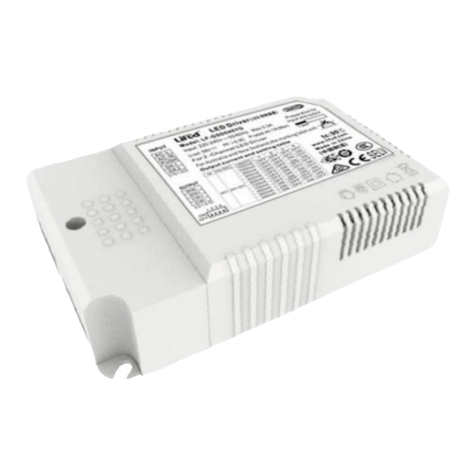
LF-GSD150YV024A
DALI-2 0.1% Dimming Depth Flicker-free LED Driver
www.lifud.com | Technical support: China (HQ): +86 755 8373 9299
Wiring Diagram of Brightness Change in PUSH Dimming Mode
Remark: when using the PUSH dimmer for brightness change or CCT change, please connect AC-L and AC-N
FIRST, and then connect the PUSH dimmer to AC-L and CCT terminal.
Operation Instructions of Brightness Change in PUSH Dimming Mode
The PUSH operation won’t cause any variations if it’s less than 0.1 sec.
Minimum dimming depth of PUSH dimming: 1% (Iout)
When entering to the PUSH dimming mode for the first time, it’s default to be 100% brightness output.
For the first long press on the PUSH button, the brightness dims down.
For the press on the PUSH button again, the dimming is opposite to the last one.
DALI Dimming Operations
Factory default setting: 100% brightness; logarithmic dimming curve
Connect the DALI signal to the DA/PUSH terminal, no positive or negative designation.
DALI protocol includes 16 groups and 64 IP addresses.
Minimum dimming depth of DALI dimming: 0.1% (Iout).
Wiring Diagram of DALI Dimming Operation
DIM: 0-100% brightness
CCT: 2500-6000K CCT change
PUSH: instant push for light on/off; long push for CCT change
DIM: 0-100% brightness
CCT: 2500-6000K CCT change
PUSH: instant push for light on/off; long push for CCT change