24-Port/48-Port 10/100/1000 Gigabit Switch with Webview and PoE 6
Introduction
Introduction
Welcome.
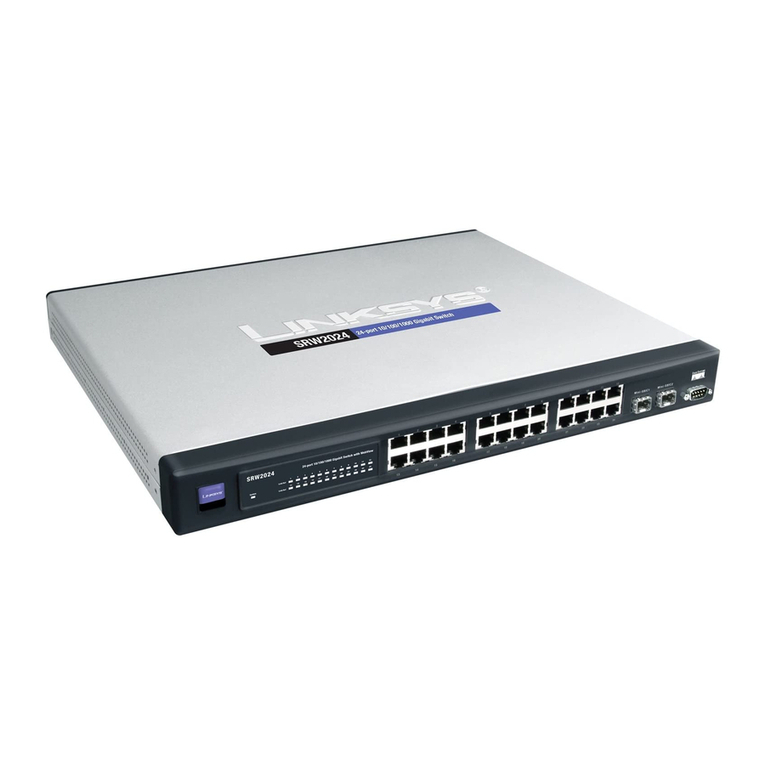
The Linksys WebView Managed Switch allows you to expand your network securely.
Configuration of the switch is secured using SSL for Web access. User control is secured using
802.1x security using a RADIUS authentication mechanism and can also be controlled using
MAC-based filtering.
Extensive QoS features makes the solution ideal for real-time applications like Voice and Video.
The 4 priority queues together with the Weighted Round Robin and Strict Priority scheduling
techniques facilitate efficient coexistence of real-time traffic with data traffic allowing them
each to meet their QoS needs. Individual users or applications can be prioritized above others
using various Class of Service options—by port, layer 2 priority (802.1p), and Layer 3 priority
(TOS or DSCP). Intelligent Broadcast, and Multicast storm control minimizes and contain the
effect of these types of traffic on regular traffic. IGMP Snooping limits bandwidth-intensive
video traffic to only the requestors without flooding to all users. Incoming traffic can be policed
and outgoing traffic can be shaped allowing you to control network access and traffic flow.
There are features that allow you to expand and grow your network of switches. Link
aggregation allows multiple high-bandwidth trunks between switches to be setup. This also
provides a level of reliability in that the system continues to operate if one of the links break.
Spanning Tree (STP), Fast Spanning Tree, and Rapid Spanning Tree (RSTP) allow you to build a
mesh of switches increasing the availability of the system.
The rich management functionality of the WebView switches includes SNMP, RMON, Telnet,
and HTTP Management options, allowing you to flexibly integrate and manage these devices in
your network.
What’s in this User Guide?
•Chapter 2, "About This Guide"
This Chapter describes Icons you will see throughout the guide, as well as Online Resources
that can help when using this product.
•Chapter 3, "Introduction"
The current Chapter, this is an introduction and where to find information.
•Chapter 4, "Getting to Know the Switch"
This chapter describes the physical features of the Switch.
•Chapter 5, "Connecting the Switch"
This chapter explains how to install and connect the Switch.
•Chapter 6, "Using the Console Interface for Configuration"
This chapter instructs you on how to use the Switch’s console interface when you configure the
Switch.