manuals.online logo
Brands
  1. Home
  2. •
  3. Brands
  4. •
  5. Litter-Robot
  6. •
  7. Pet Care Product
  8. •
  9. Litter-Robot LR3 Connect Upgrade Kit User manual

Litter-Robot LR3 Connect Upgrade Kit User manual

Other Litter-Robot Pet Care Product manuals

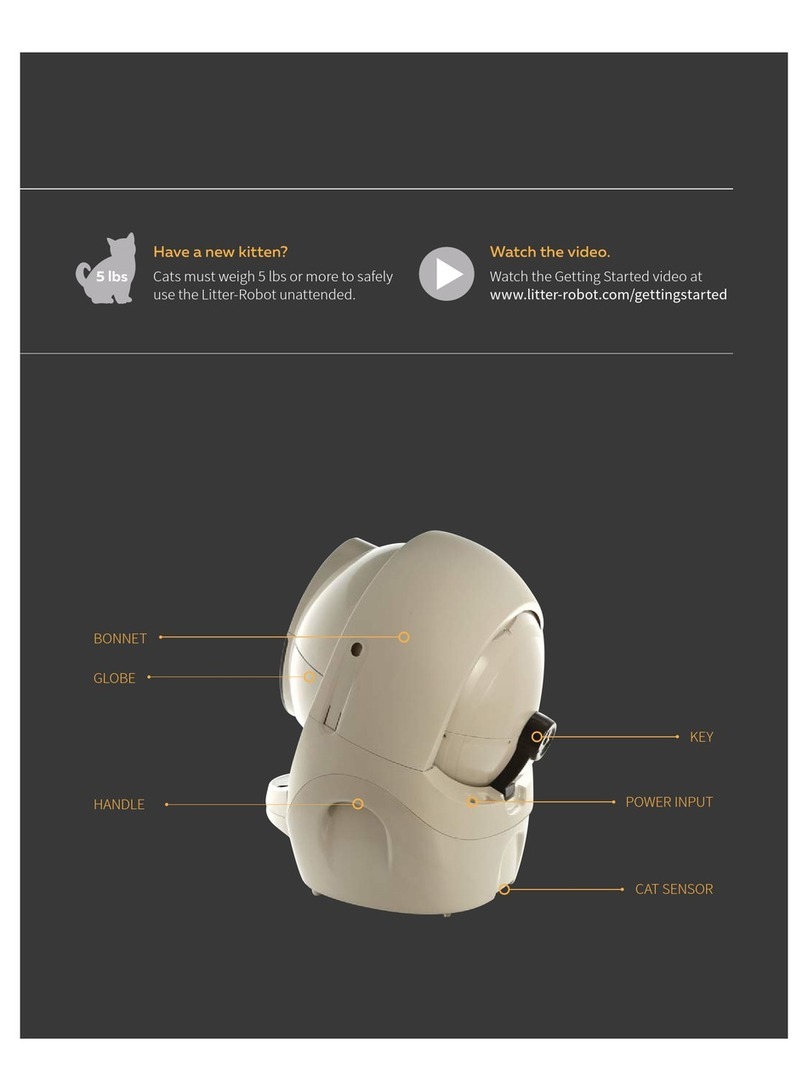
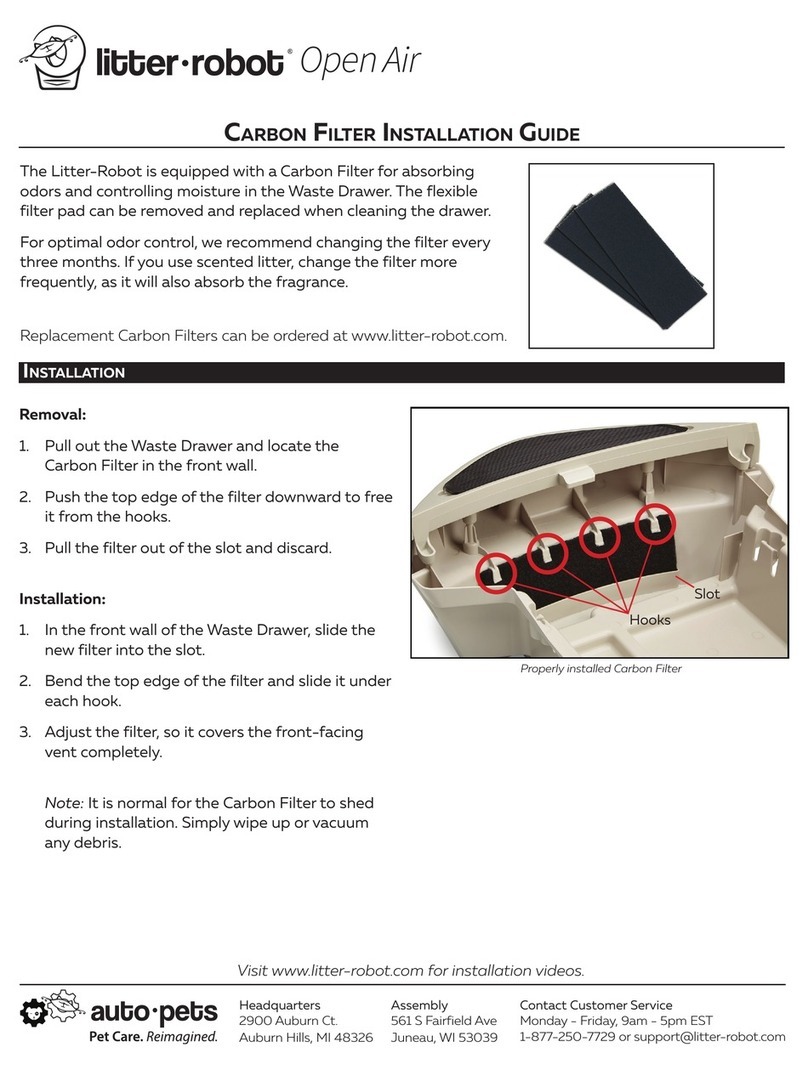
Litter-Robot Open Air User manual

Litter-Robot

Litter-Robot Open Air User manual

Litter-Robot Open Air III User manual

Litter-Robot

Litter-Robot Open Air III User manual

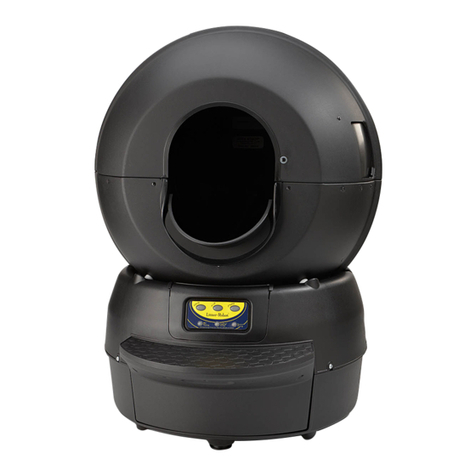
Litter-Robot II Standard Unit Assembly instructions

Litter-Robot

Litter-Robot II Standard Unit Assembly instructions

Popular Pet Care Product manuals by other brands

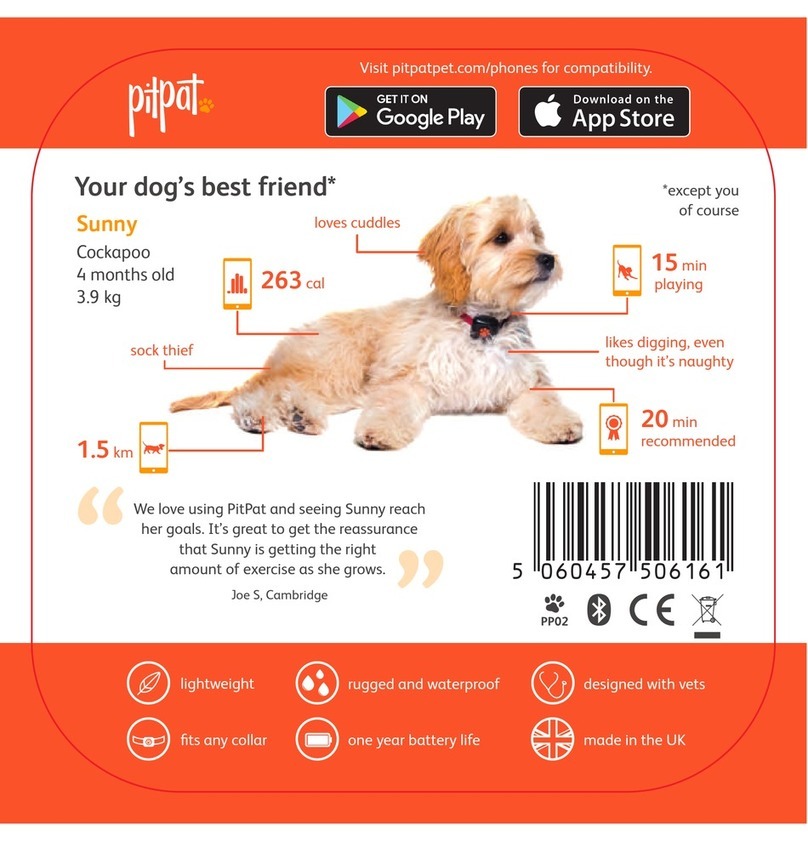
PitPat PP02 user manual

PitPat

PitPat PP02 user manual

Schwinn Rascal owner's manual

Schwinn

Schwinn Rascal owner's manual

K&H Small Animal quick start guide

K&H

K&H Small Animal quick start guide

SHOR-LINE 006.3230.00 Product guide

SHOR-LINE

SHOR-LINE 006.3230.00 Product guide

Petsafe Stubborn Dog Receiver Collar operating guide

Petsafe

Petsafe Stubborn Dog Receiver Collar operating guide

juwel Rio 240 instruction manual

juwel

juwel Rio 240 instruction manual

Datamars OMNI MAX user manual

Datamars

Datamars OMNI MAX user manual

Trixie 24444 instructions

Trixie

Trixie 24444 instructions

Roverpet 30DDPP Assembly instructions

Roverpet

Roverpet 30DDPP Assembly instructions

SportDOG SD-105S-C manual

SportDOG

SportDOG SD-105S-C manual

Staywell 400 Series Magnetic user guide

Staywell

Staywell 400 Series Magnetic user guide

Dogtek Sonic Birdhouse user guide

Dogtek

Dogtek Sonic Birdhouse user guide

Togfit Deluxe Trigger Lock Door Gate Instructions for use

Togfit

Togfit Deluxe Trigger Lock Door Gate Instructions for use

Girafus 227PA user manual

Girafus

Girafus 227PA user manual

ubbink KoiFeeder Solar operating instructions

ubbink

ubbink KoiFeeder Solar operating instructions

Petsafe ST-100 operating guide

Petsafe

Petsafe ST-100 operating guide

CADOCA Deuba 106911 instructions

CADOCA

CADOCA Deuba 106911 instructions

Dogtra RR Deluxe owner's manual

Dogtra

Dogtra RR Deluxe owner's manual

manuals.online logo
manuals.online logoBrands
  • About & Mission
  • Contact us
  • Privacy Policy
  • Terms and Conditions

Copyright 2025 Manuals.Online. All Rights Reserved.

Connect Upgrade Kit Installation Guide
InstallatIon
You will need:
yNeedle-nose pliers
yFlathead screwdriver or blade
1. Press the Power button to turn the Litter-Robot off
and unplug it from the wall.
2. Remove the power supply plug from the rear of
the unit. Remove the bonnet and globe. Your Litter-
Robot base should now look like the base in the
photo.
3. Carefully remove the old blue applique using a
small flathead screwdriver or blade.
Visit www.support.litter-robot.com for installation videos.
Contact Customer Service
Monday - Friday, 9am - 5pm EST
1-877-250-7729 or [email protected] LR3-8060-0e
Upgrade Kit includes:
yLitter-Robot Connect Circuit Board
yLitter-Robot Connect Applique
yQR code
4. Apply the new black applique to the control panel
cover.
5. Remove the waste drawer from your Litter-Robot
base and set it aside.
6. Open the control panel by removing the 5 screws.
Connect Upgrade Kit Installation Guide
Visit www.support.litter-robot.com for installation videos.
7. Carefully remove the circuit board cover; take care
not to lose any of the screws.
8. Unplug the 3 connectors on the circuit board.
9. Before installing the new circuit board, ensure that
the motor sits flush in the motor cavity and that no
wires are in the way of the motor’s gear.
10. Remove the rubber keypad from the circuit board,
setting the circuit board aside.
Contact Customer Service
Monday - Friday, 9am - 5pm EST
1-877-250-7729 or [email protected] LR3-8060-0e
11. Install the rubber circuit board cover over the new
circuit board. Make sure that it is securely fitted
along all of the edges.
12. Connect the DFI wires to the 4-pin connector on
the new circuit board.
13. Connect the remaining wires to the 6-pin and 8-pin
connectors on the new circuit board.
14. Replace the circuit board cover, making sure all of
the buttons are in place.

Connect Upgrade Kit Installation Guide
Visit www.support.litter-robot.com for installation videos.
Contact Customer Service
Monday - Friday, 9am - 5pm EST
1-877-250-7729 or [email protected] LR3-8060-0e
15. Once all the connections are secured, replace the
circuit board cover and secure it with the 5 screws.
16. Remove the old serial number label from the back
of your Litter-Robot base and apply the new label
from your kit in its place.
Please note: The app will not work with the old
serial number, so you must complete this step.
17. Reassemble the globe and bonnet. Slide the
drawer into the base.
18. Plug the unit in. Turn the unit on, and let the initial
clean cycle finish. The globe should return to the
Home position with the blue Ready light on.
Follow the Connect Quick Start Guide to onboard
your Litter-Robot and connect to the app.