5
CHAPTER 2: ENGINEERING MODE
2.2 Engineering Mode Overview
Mode Function Description
Eng 0
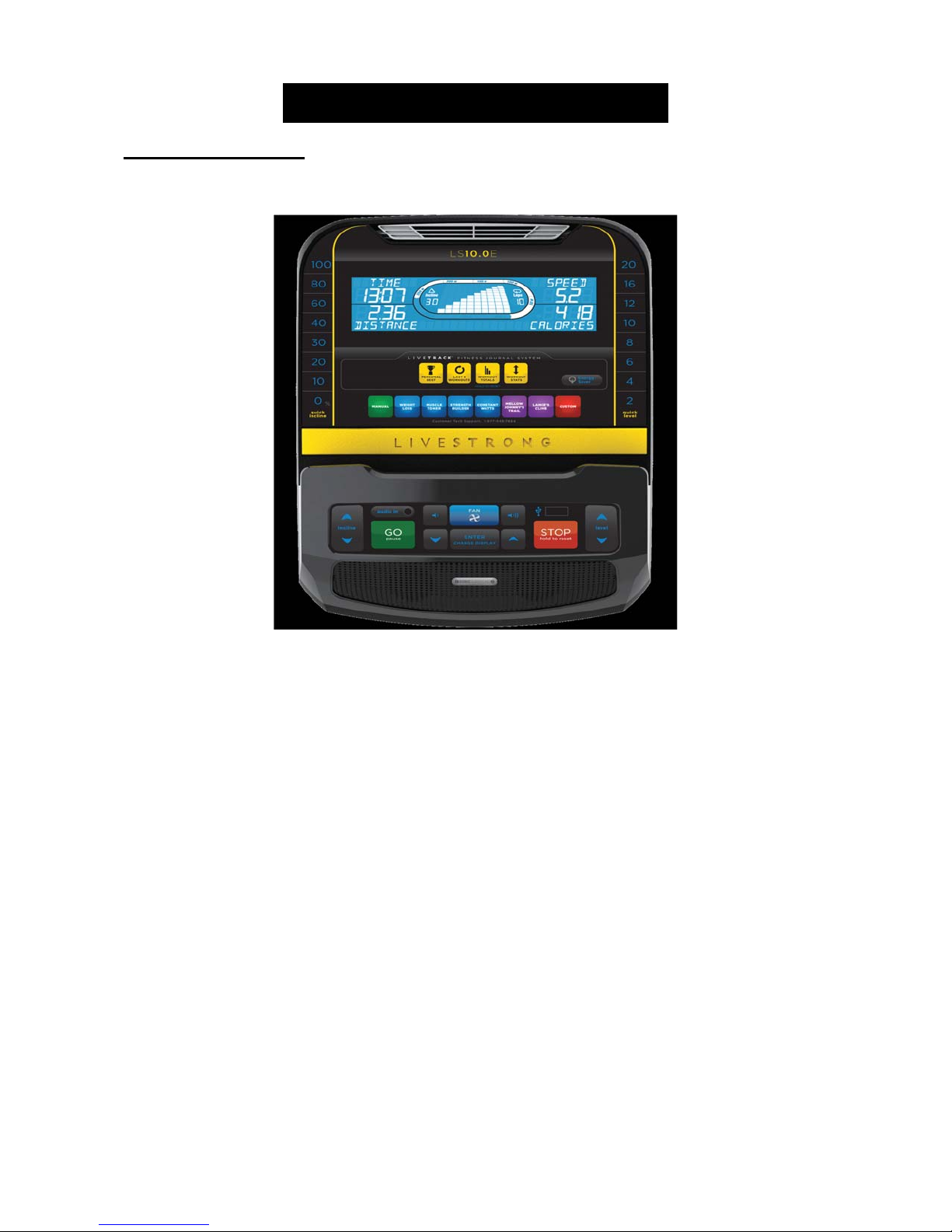
Display Test
GO LCD on
STOP LCD off
Press any other key to test for function.
Hold “STOP” 3 secback to “Engineering Menu”
Eng 1
Hardware Test
Press ENTER to scroll through the options in this menu and LEVEL UP
or DOWN to test or change the settings / components below.
ECB Count –Allows testing of the ECB motor.
Incline – Allows testing of the incline motor.
Heart – Allows for testing of the heart rate.
MCB Ver – Shows the software version of the MCB. Not Editable.
USB On / Off – This setting will automatically display on or off
depending on if there is a USB in the USB port.
Hold “STOP” 3 secback to “Engineering Menu”
Eng 2
Switch Function
Press ENTER to scroll through the options in this menu and LEVEL UP
or DOWN to test or change the settings / components below.
Speed Mode – Miles or Kilometers.
EUP On / Off – EUP = Energy Using Products Directive.
Machine Set – Set the region of the customer (US or ID (international)).
Hold “Stop” 3 secback to “Engineering Menu”
Eng 3
Information
Accumulated Hours and Distance
Hold LEVEL UP and DOWN for 3 sec to reset.
- Unit of Distance is KM or Mile based on your setting in Eng 2.
Hold “Stop” 3 secback to “Engineering Menu”
ENG8
While in ENG2, Hold LEVEL UP and DOWN for 3 sec to enter ENG8.
P0 in distance window = the current software
P1 in distance window = accelerated ratio (factory only setting).
P3 in distance window = Hold START key for 3 sec to clear all console
data.
P4 in distance window = Burn Time (factory only setting).
Hold “Stop” 3 secback to “Engineering Menu”
※ “START” key to save the change.