© Copyright LM Technologies Ltd Page 3of 27
www.lm-technologies.com
LM809 User Manual
Contents
1. Introduction..................................................................................................................................... 4
1.1. Features ................................................................................................................................... 4
1.2. System Requirements ......................................................................................................... 4
1.3. Adapter LED............................................................................................................................ 4
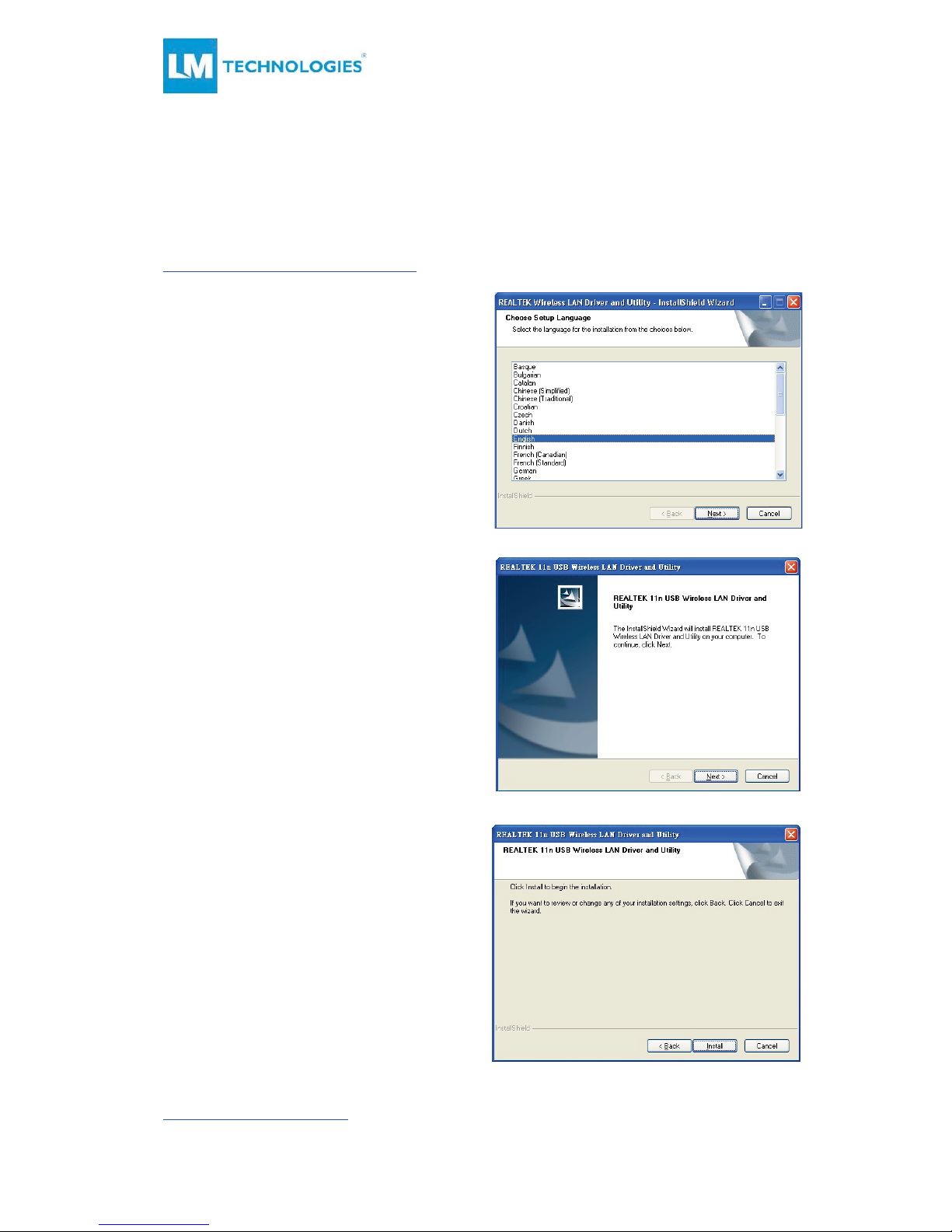
2. Windows Driver / Utility Installation ....................................................................................... 5
3. MAC OS Driver / Utility Installation ........................................................................................ 7
3.1. Installation Process .............................................................................................................. 7
3.2. Uninstalling the MAC OS Driver .................................................................................... 12
4. Wireless LAN Basics ...................................................................................................................13
5. IP Address ......................................................................................................................................14
6. Wireless Network Configuration............................................................................................ 15
6.1. Utility Icon.............................................................................................................................. 15
6.2. Client Mode (Default Setting) ......................................................................................... 15
6.3. General Settings.................................................................................................................. 16
6.4. Profiling Settings................................................................................................................. 16
6.5. Available Network Settings ..............................................................................................17
6.6. Status .......................................................................................................................................18
6.7. Statistics..................................................................................................................................18
6.8. Wi-Fi Protected Setup........................................................................................................ 19
7. Glossary..........................................................................................................................................23