How to add a DVD on your “Movie Library”?
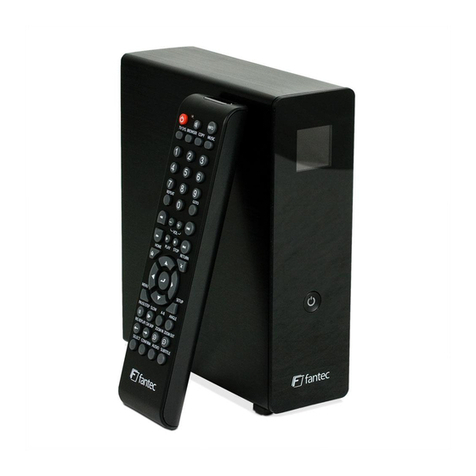
1. Press the Load/Eject button, and the DVD tray will open.
2. Place a DVD on the tray, and press the Load/Eject button again to close the tray.
3. Press Xfrom your remote control and select “My Movies Collection Manager”, you will automatically
see a notice, select the option “Copy Disc”.
4. Select “Start” and continue to follow the instructions on the screen.
Basic Characteriscs
How to play a Blu-ray Movie?
1. Press the Load/Eject button, and the DVD tray will open, place the DVD on the tray.
2. Press the Load/Eject button again to close the tray.
3. Wait a few moments, and a prompt for Play DVD will appear, or the DVD should play automatically, you
can also select it from “My Movies Collection” and select “Play”.