manuals.online logo
Brands
  1. Home
  2. •
  3. Brands
  4. •
  5. LST
  6. •
  7. Recording Equipment
  8. •
  9. LST FUIF511-27D User manual

LST FUIF511-27D User manual

Other LST Recording Equipment manuals

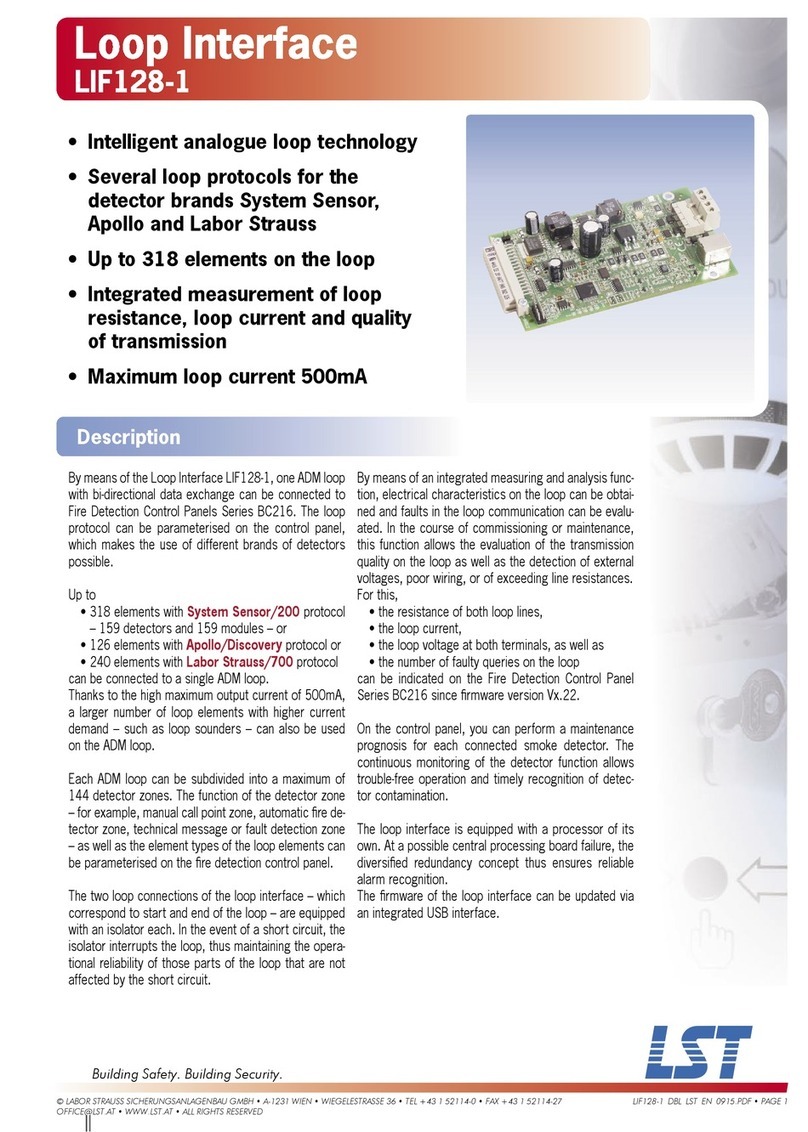
LST GIF8-1 User manual

LST

LST GIF8-1 User manual

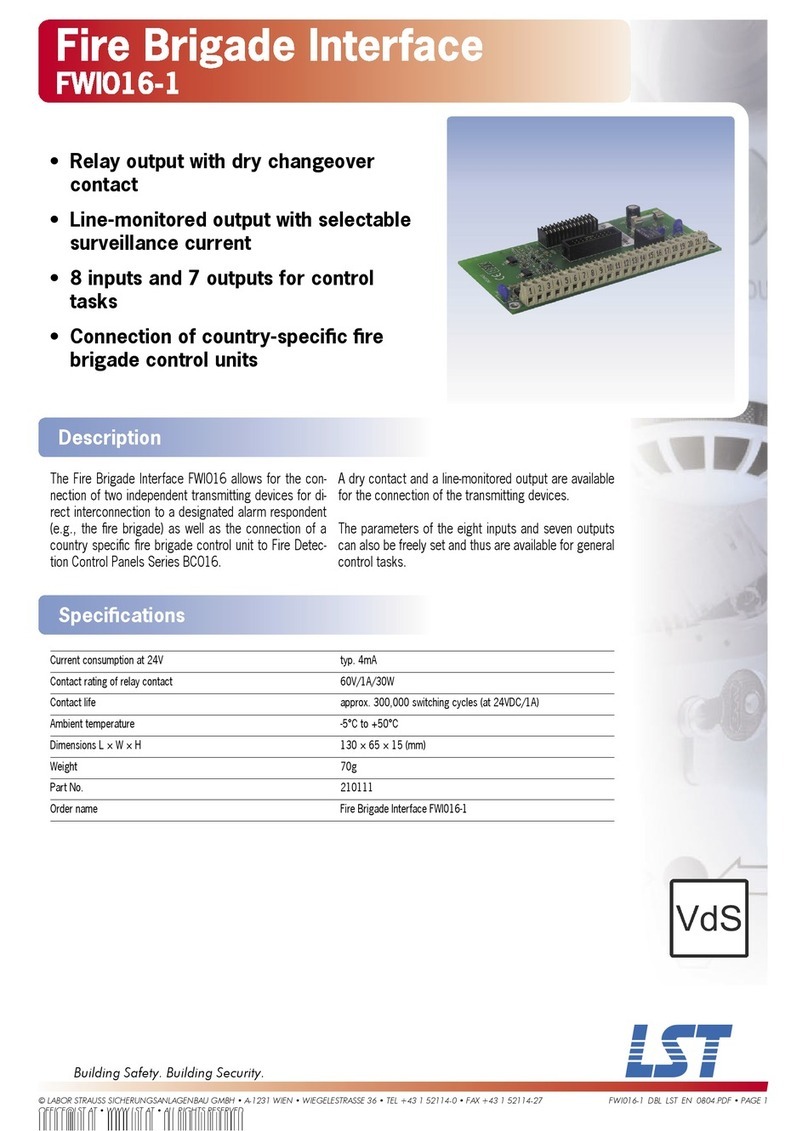
LST FWI016-1 User manual

LST

LST FWI016-1 User manual

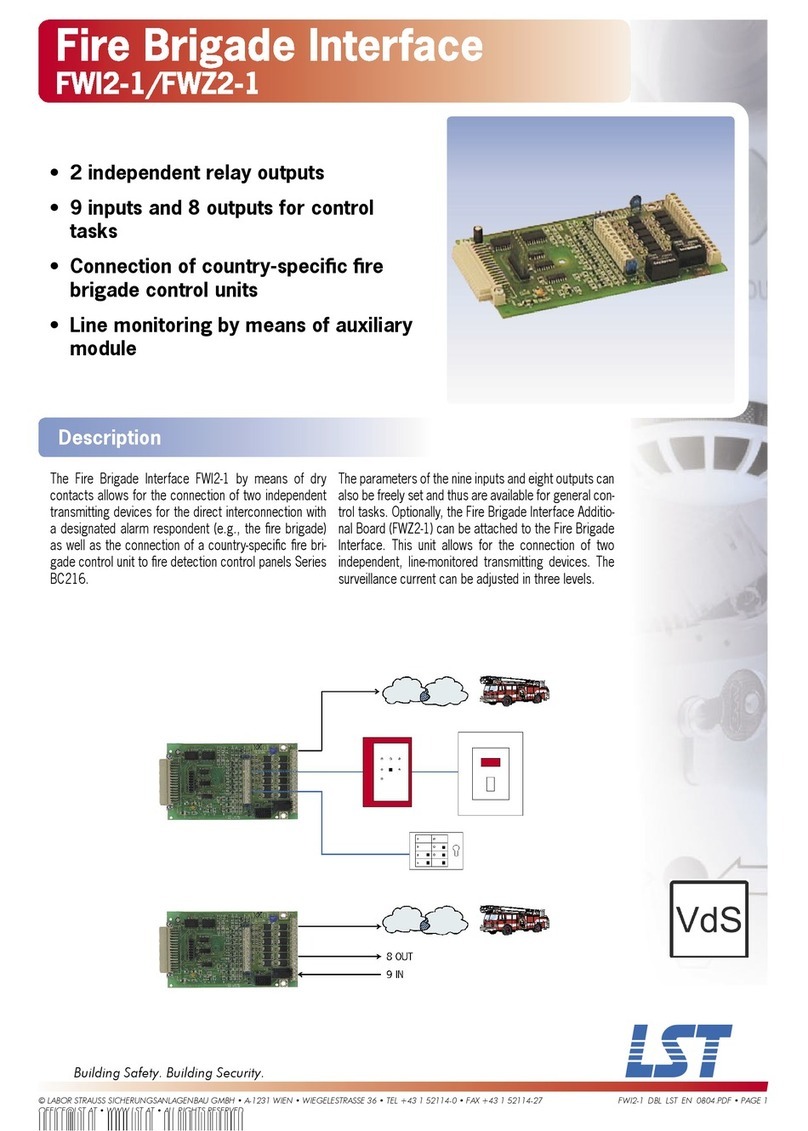
LST FWI2-1 User manual

LST

LST FWI2-1 User manual

LST Loop Interface LIF64-1 User manual

LST

LST Loop Interface LIF64-1 User manual

LST M400RFE-AS User manual

LST

LST M400RFE-AS User manual

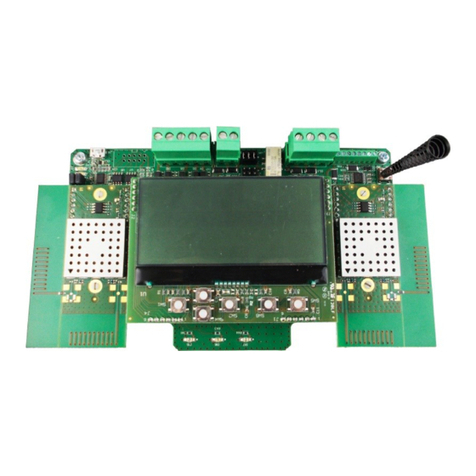
LST TAURUS Series User manual

LST

LST TAURUS Series User manual

LST LIF128-1 User manual

LST

LST LIF128-1 User manual

Popular Recording Equipment manuals by other brands

ThermoFisher Scientific Dionex DRS 600 Installation checklist

ThermoFisher Scientific

ThermoFisher Scientific Dionex DRS 600 Installation checklist

Shure ANIUSB-Matrix user guide

Shure

Shure ANIUSB-Matrix user guide

Nady Audio HE-1 user guide

Nady Audio

Nady Audio HE-1 user guide

AUDAC APM 01 User manual & installation guide

AUDAC

AUDAC APM 01 User manual & installation guide

Teac GF-350 owner's manual

Teac

Teac GF-350 owner's manual

Fractal Audio MFC-101 MARK III owner's manual

Fractal Audio

Fractal Audio MFC-101 MARK III owner's manual

bmcm USB-OI16 manual

bmcm

bmcm USB-OI16 manual

HHB BurnIT CDR-830 Service manual

HHB

HHB BurnIT CDR-830 Service manual

GE VersaMax IC200CPUE05 manual

GE

GE VersaMax IC200CPUE05 manual

IntesisBox MH-RC-MBS-1 user manual

IntesisBox

IntesisBox MH-RC-MBS-1 user manual

Attero Tech unD4l user manual

Attero Tech

Attero Tech unD4l user manual

Sennheiser UI 765 instruction manual

Sennheiser

Sennheiser UI 765 instruction manual

Sony RCD-W1 Operating Instructions  (primary... Service manual

Sony

Sony RCD-W1 Operating Instructions (primary... Service manual

Roland Planet-P  MKS-10 owner's manual

Roland

Roland Planet-P MKS-10 owner's manual

Roland BOSS GT-PRO Turbostart

Roland

Roland BOSS GT-PRO Turbostart

8x8 Inc Valcom V-2001A manual

8x8 Inc

8x8 Inc Valcom V-2001A manual

Waves SUB Align user guide

Waves

Waves SUB Align user guide

Mitsubishi Electric MAC-334IF-E installation manual

Mitsubishi Electric

Mitsubishi Electric MAC-334IF-E installation manual

manuals.online logo
manuals.online logoBrands
  • About & Mission
  • Contact us
  • Privacy Policy
  • Terms and Conditions

Copyright 2025 Manuals.Online. All Rights Reserved.

© LABOR STRAUSS SICHERUNGSANLAGENBAU GMBH • A-1231 WIEN • WIEGELESTRASSE 36 • TEL +43 1 52114-0 • FAX +43 1 52114-27
[email protected] • WWW.LST.AT • ALL RIGHTS RESERVED
FUIF511-27D_DBL_LST_EN_0804.PDF • PAGE 1
ABuilding Safety. Building Security.
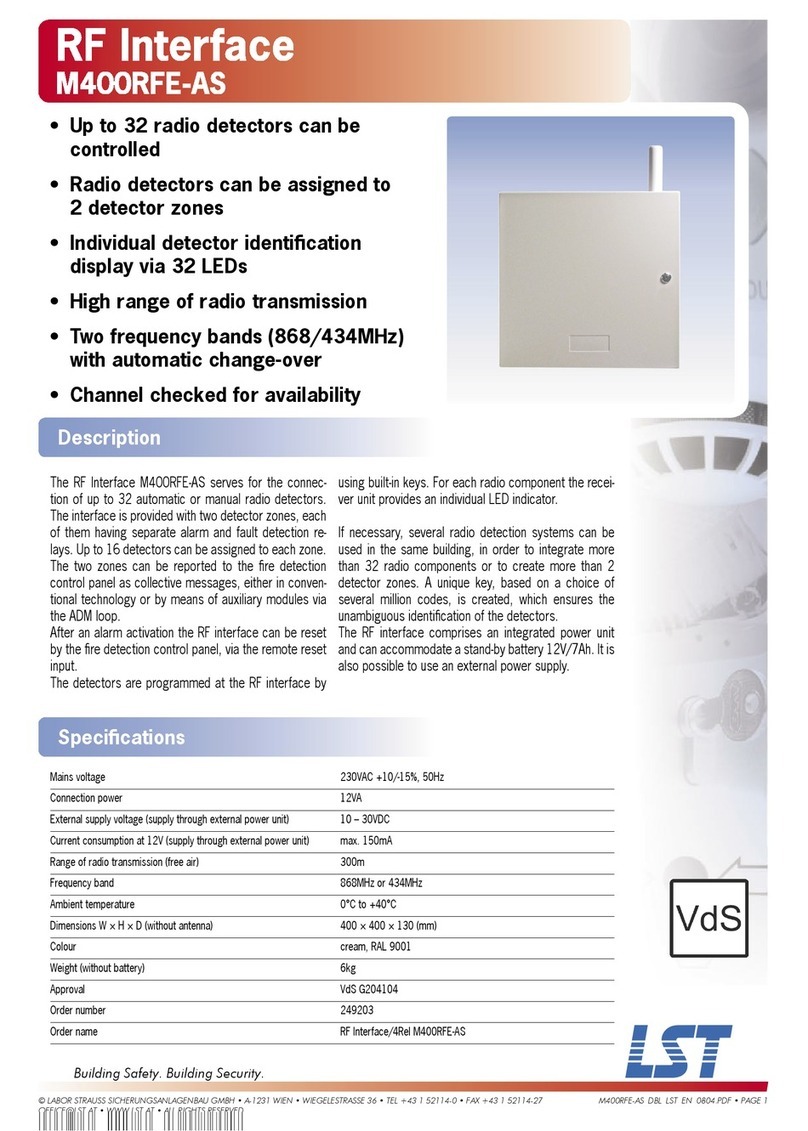
RF Interface
FUIF511-27D
• Up to 32 radio detectors can be
controlled
• Radio detectors can be assigned to 2
detector zones
• Individual detector identifi cation
display via 32 LEDs
• High range of radio transmission
• Two frequency bands (868/434MHz)
with automatic change-over
• Channel checked for availability
Description
Specifi cations
Mains voltage 230VAC +10/-15%, 50Hz
Connection power 12VA
External supply voltage (supply through external power unit) 10 – 30VDC
Current consumption at 12V (supply through external power unit) max. 110mA (quiescent), 120mA (alarm)
Range of radio transmission (free air) 400m
Frequency band 868MHz or 434MHz
Ambient temperature 0°C to +60°C
Dimensions W × H × D 300 × 390 × 140 (mm)
Colour white
Weight (without battery) 8.7kg
Approval VdS G206015
Order number 249201
Order name RF Interface/4Rel FUIF511-27D
The RF Interface FUIF511-27D serves for the connec-
tion of up to 32 automatic or manual radio detectors.
The interface is provided with two detector zones, each
of them having separate alarm and fault detection re-
lays. Up to 16 detectors can be assigned to each zone.
The two zones can be reported to the fi re detection
control panel as collective messages, either in conven-
tional technology or by means of auxiliary modules via
the ADM loop. After an alarm activation the RF interface
can be reset by the fi re detection control panel, via the
remote reset input.
The detectors are programmed (learned) at the RF inter-
face by using built-in keys. For each radio component
the receiver unit provides an individual LED indicator.
If necessary, several radio detection systems can be
used in the same building, in order to integrate more
than 32 radio components or to create more than 2
detector zones. A unique key, based on a choice of
several million codes, is created, which ensures the
unambiguous identifi cation of the detectors.
The RF Interface FUIF511-27D is equipped with a power
unit and can be protected against a power failure by
means of a stand-by battery 7Ah. It is also possible to
use an external power supply.