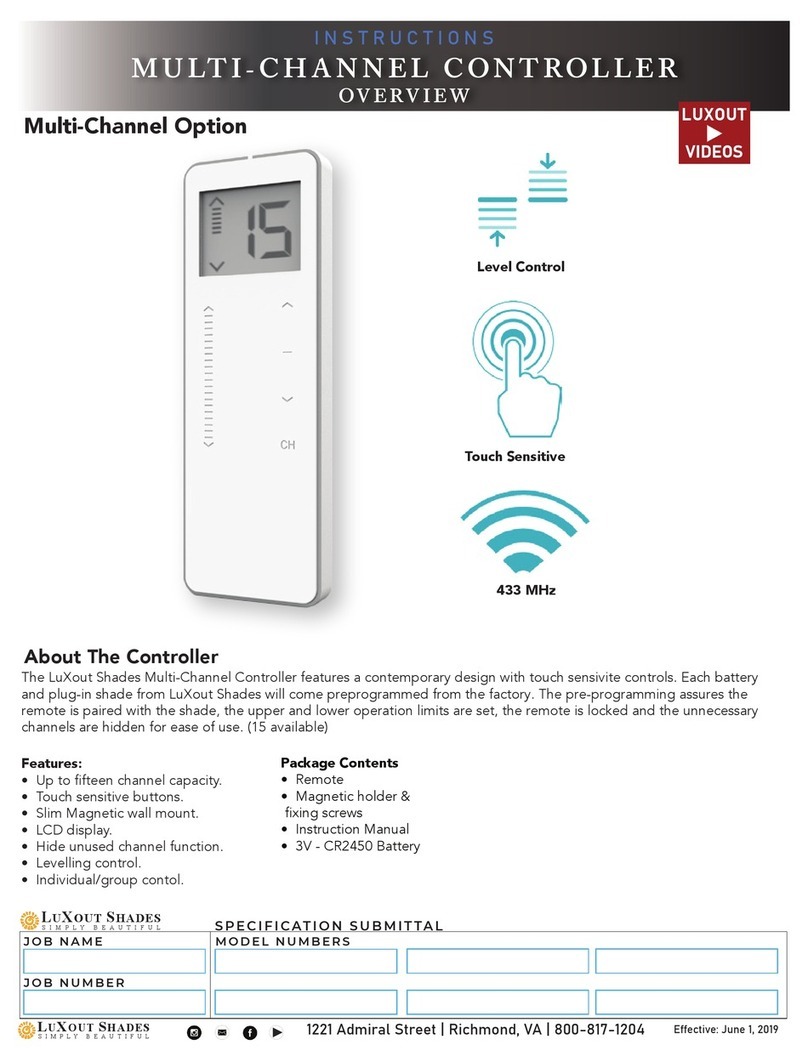
Multi-Channel Controller
Initial Setup
Install or Replace Controller Battery
Install battery with
positive (+) side facing up
Replace cover by
reversing step 1
Remove cover from
controller: with 2 fingers
placed in upper area of
cover, press gently in and
down to disengage cover
and slide down to remove
Unlock/Lock Controller - Limit Setting
If limits need adjusting, follow the instructions
below to unlock the controller for limit setting:
• Unlock the limit setting tool by pressing the right
P2 button on the back of the controller (remove
cover to expose the button)
• Press and hold the button until the LED display
shows a flashing “U”, then release.
• You will be required to set the controller back in to
“limit locking mode” once final adjustments have
been made. Simply repeat the above step until a
flashing “L” shows on the display (“U” for un-
locked, “L” for locked).
U
P2P2
Right
P2
‘U’
signifies
unlocked
SPECIFICATION SUBMITTAL
Job Name: Model Numbers:
Job Number:
I-50
1221 Admiral Street Richmond VA 23220 800-817-1204 LuXoutShades.com