manuals.online logo
Brands
  1. Home
  2. •
  3. Brands
  4. •
  5. M-Sure
  6. •
  7. Measuring Instrument
  8. •
  9. M-Sure MS-510 Series User manual

M-Sure MS-510 Series User manual

Other M-Sure Measuring Instrument manuals

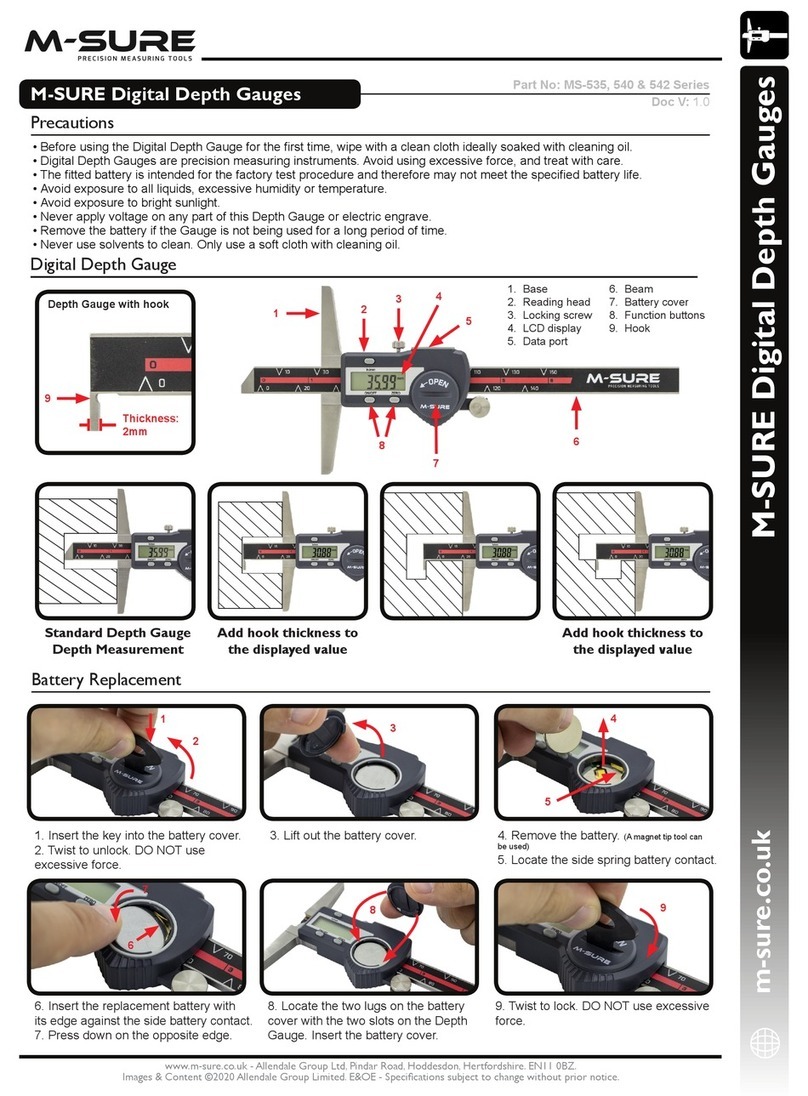
M-Sure MS-535 Series User manual

M-Sure

M-Sure MS-535 Series User manual

M-Sure MS-110 Series User manual

M-Sure

M-Sure MS-110 Series User manual

M-Sure MS-200 Series User manual

M-Sure

M-Sure MS-200 Series User manual

Popular Measuring Instrument manuals by other brands

Powerfix Profi 278296 Operation and safety notes

Powerfix Profi

Powerfix Profi 278296 Operation and safety notes

Test Equipment Depot GVT-427B user manual

Test Equipment Depot

Test Equipment Depot GVT-427B user manual

Fieldpiece ACH Operator's manual

Fieldpiece

Fieldpiece ACH Operator's manual

FLYSURFER VIRON3 user manual

FLYSURFER

FLYSURFER VIRON3 user manual

GMW TG uni 1 operating manual

GMW

GMW TG uni 1 operating manual

Downeaster Wind & Weather Medallion Series instruction manual

Downeaster

Downeaster Wind & Weather Medallion Series instruction manual

Hanna Instruments HI96725C instruction manual

Hanna Instruments

Hanna Instruments HI96725C instruction manual

Nokeval KMR260 quick guide

Nokeval

Nokeval KMR260 quick guide

HOKUYO AUTOMATIC UBG-05LN instruction manual

HOKUYO AUTOMATIC

HOKUYO AUTOMATIC UBG-05LN instruction manual

Fluke 96000 Series Operator's manual

Fluke

Fluke 96000 Series Operator's manual

Test Products International SP565 user manual

Test Products International

Test Products International SP565 user manual

General Sleep Zmachine Insight+ DT-200 Service manual

General Sleep

General Sleep Zmachine Insight+ DT-200 Service manual

Sensa Core Lacto Spark user manual

Sensa Core

Sensa Core Lacto Spark user manual

VOLTCRAFT UTS-1980 operating instructions

VOLTCRAFT

VOLTCRAFT UTS-1980 operating instructions

EBCHQ 94915 Operation manual

EBCHQ

EBCHQ 94915 Operation manual

Balluff BIP LD2-T017-01-EP-S4 Series user guide

Balluff

Balluff BIP LD2-T017-01-EP-S4 Series user guide

Pulsar IMP Lite Series instruction manual

Pulsar

Pulsar IMP Lite Series instruction manual

ETCR 6800 user manual

ETCR

ETCR 6800 user manual

manuals.online logo
manuals.online logoBrands
  • About & Mission
  • Contact us
  • Privacy Policy
  • Terms and Conditions

Copyright 2025 Manuals.Online. All Rights Reserved.

m-sure.co.uk
www.m-sure.co.uk - Allendale Group Ltd, Pindar Road, Hoddesdon, Hertfordshire. EN11 0BZ.
Images & Content ©2020 Allendale Group Limited. E&OE - Specifi cations subject to change without prior notice.
M-SURE Digital Height Gauge User Manual
M-SURE Digital Height Gauge
• Before using the Digital Height Gauge for the fi rst time, wipe with a clean cloth ideally soaked with cleaning oil.
• This M-SURE Digital Height Gauge is a precision measuring instrument, please avoid using excessive force and treat with care.
• The battery fi tted is intended for the factory test procedure and therefore may not meet the specifi ed battery life.
• Avoid exposure to all liquids, excessive humidity or temperature.
• Avoid exposure to bright sunlight.
• Never apply voltage on any part of this Digital Height Gauge or electric engrave.
• Remove the battery if the height gauge is not being used for a long period of time.
• Never use solvents to clean the height gauge. Only use a soft cloth with cleaning oil.
• The scriber tip is very sharp, take care when handling.
• Protect the Height Gauge during storage with a thin coating of anti-corrosion oil.
Precautions
Part No: MS-510 Series
Doc V: 1.0
Digital Height Gauge
1. Carbide tipped scriber
2. Scriber clamp
3. Function buttons
4. LCD display
5. Fine adjustment screw
6. Fine adjustment locking screw
7. Main carriage locking screw
8. Data output
9. Beam
10. Battery
11. Base
12. Base reference surface
2
1
10
11
3
9
12
4
5
8
7
6
1. Slide open the battery cover
and remove cover.
2. Remove the battery. (A magnet tip tool can
be used)
3. Locate the side spring battery
contact.
4. Insert the replacement battery with
its edge against the side battery contact.
5. Press down on the opposite edge.
6. Locate the lugs on the battery cover
with the slots on the Height Gauge.
7. Insert the battery cover.
Battery Replacement
1
3
7
6
2
4
5

m-sure.co.uk
www.m-sure.co.uk - Allendale Group Ltd, Pindar Road, Hoddesdon, Hertfordshire. EN11 0BZ.
Images & Content ©2020 Allendale Group Limited. E&OE - Specifi cations subject to change without prior notice.
M-SURE Digital Height Gauge User Manual
Trouble Shooting
Metric/Inch Conversion
25.40
mm
mm/inch

Press mm/inch to convert
from metric to inch display.
1.000
The display will indicate
which units are being
displayed.
mm/inch

in
Zero Height Gauge
0.00
mm
ZERO

Press ZERO to clear.
Problem Possible Cause Solution
Flashing display Low voltage
Poor contact
Replace battery
Clean contact
No display Dead or weak battery
Poor contact
Replace battery
Clean contact
Erratic or frozen display Contamination between beam & head
Low voltage
Wipe clean
Replace battery
Erroneous reading Low voltage
Contamination between beam & head
Too much operating force
Low ambient temperature
Scriber loose
Scriber mating faces are dirty
Replace battery
Wipe clean
Use pressure device
Store at normal room temperature
Ensure scriber is clamped correctly
Clean mating faces
Height Gauge with ABS Function (not available on all models)
30.00
mm
Measure workpiece, for
example 30mm.
20.00
mm
ABS

Press ABS button to switch to
incremental. Measure second
workpiece, for example 50mm.
50.00 ABS

Press ABS to switch back to
Absolute display.
mm
ABS