www.dayTelecom.com
TABLE OF CONTENTS
REVISION HISTORY.................................................................................................1
SAFETY PRECAUTIONS ......................................................................................... 3
Using the modem in vehicle............................................................................3
Protecting your modem....................................................................................3
CHAPTER 1: Introduction.....................................................................................4
1. Package.........................................................................................................4
2. Interfaces ....................................................................................................4
a. Status indicator ...............................................................................4
b. SMA female antenna connector .................................................4
c. 15-Pin D-Sub Female connector (RS232/Audio) .................5
d. 4-Pin connector (Power input/output) .....................................5
3. Optional accessories ................................................................................. 6
CHAPTER 2: INSTALLATION................................................................................8
1. Mounting the modem................................................................................8
2. Install the SIM card................................................................................... 8
3. Connect the external antenna (SMA type) ......................................8
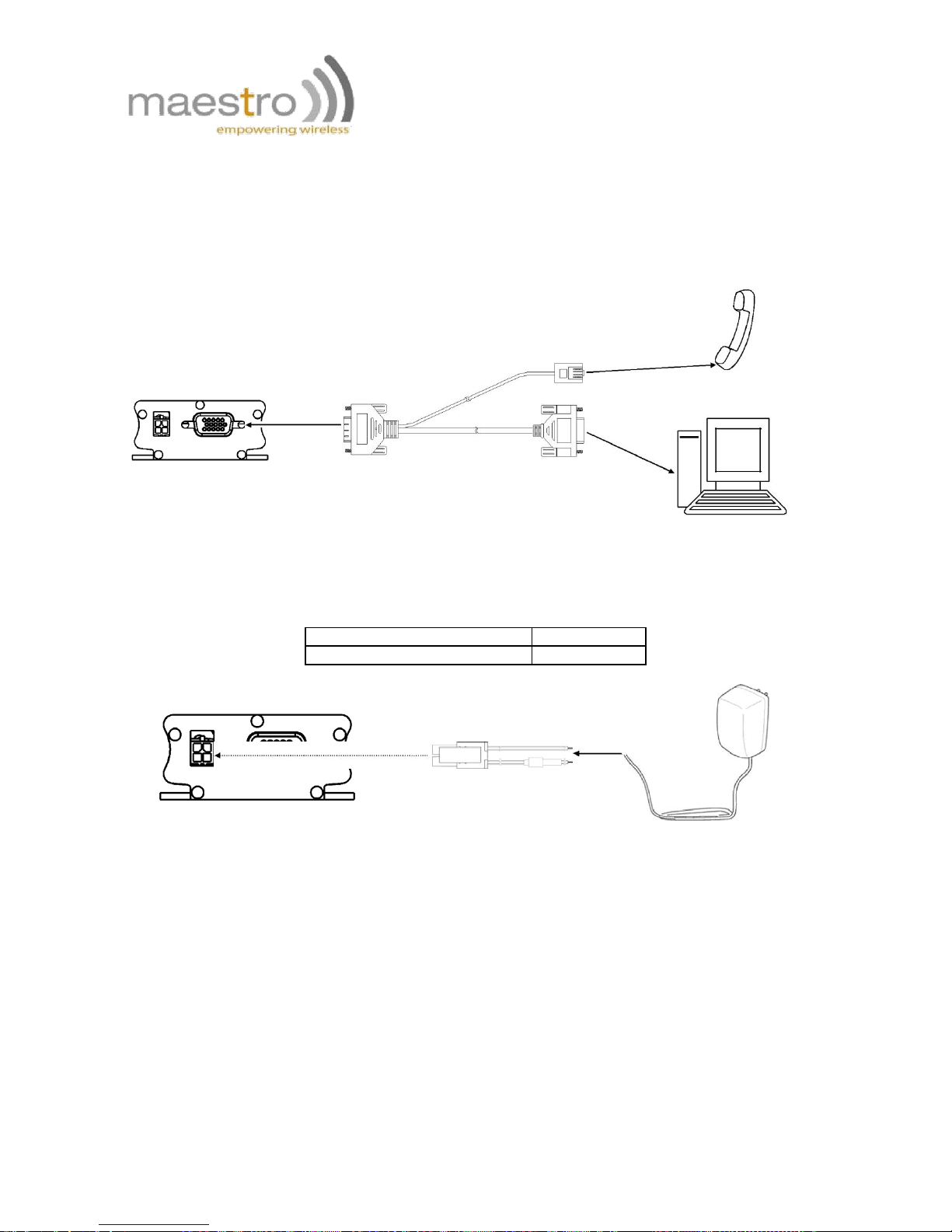
4. Connect the modem to external device............................................9
5. Connect the DC power supply .............................................................9
CHAPTER 3: WORKING WITH MAESTRO 100..............................................10
1. Checking the modem (using Microsoft Windows XP
HyperTerminal as example)......................................................................10
2. Basic operation.........................................................................................12
CHAPTER 4: SPECIFICATIONS .........................................................................13
CHAPTER 5: APPENDIX.......................................................................................14
1. Factory settings........................................................................................14
2. Input/Output port....................................................................................14
3. RS232 Auto-online mode (power saving) ......................................14
CHAPTER 6: TROUBLESHOOTING...................................................................15
1. The modem’s LED does not light......................................................15
2. The modem’s LED lights but does not blink long time after
power up ..........................................................................................................15
3. The modem does not respond to the terminal program ...........15
4. No voice could be heard for the modem’s speaker output when
a call is answered.........................................................................................15
Confidential, the whole present document is the sole property of Maestro
Wireless Solution Limited.
2