Page 3 of 5
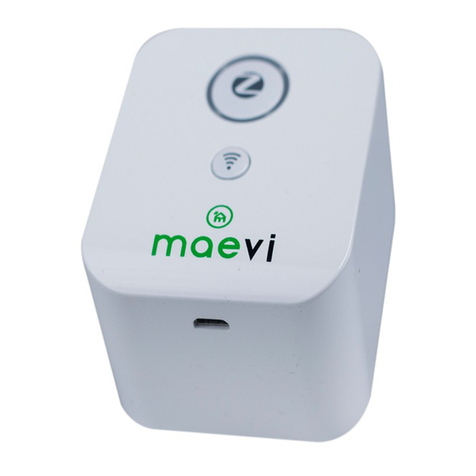
Led Indicator
The Led Indicator status as below:
Device Initialization/ Searching for Wi-Fi
router
Device has connected to the router
Device is in permit pairing mode which
means that it allows others ZigBee device to
join its network
Device is in cloud mode which means that it
has been connected to the cloud server
Orange LED and blue LED flashing
alternately
Get Started
To get started, you will need:
• A Smart Gateway
• A Wi-Fi Router with the Internet Access
• The Mobile App
Then follow the steps below:
1. Insert the Smart Gateway into a power socket. Turn it ON and wait for the purple LED
light to start flashing purple (this means the gateway is in AP mode).
TIP: If the LED indicator is not flashing purple, please reset the gateway to default factory
settings by pressing and holding the reset button for 10 seconds.
2. Ensure your smart phone is connected to the Wi-Fi.
3. Configure your Gateway. (Refer to Configuration Gateway steps)