IMPULSE®•Link 5 Instruction Manual
April 2020
Page 2 of 47
Table of Contents
Table of Contents .....................................................................................................................................................2
Preface and Safety....................................................................................................................................................4
Product Safety Information.....................................................................................................................................4
Product Warranty Information.................................................................................................................................4
DANGER, WARNING, CAUTION, and NOTE Statements ....................................................................................5
Disposal requirements for waste and electronic equipment:..............................................................................5
1. Introduction...........................................................................................................................................................6
1.1. Overview..........................................................................................................................................................6
1.2. Professional Kit Contents ................................................................................................................................7
1.3. Wireless Diagnostic System (WDS) Option.....................................................................................................7
1.4. Industrial Communication Options...................................................................................................................7
1.5. System Requirements .....................................................................................................................................7
2. Installation Notes..............................................................................................................................................8
3. QUICK START: Viewer and Professional .......................................................................................................9
4. Common Navigation...................................................................................................................................... 11
4.1. File Tab......................................................................................................................................................... 11
4.2. Parameters/DataLogger Tab........................................................................................................................ 12
4.2.1. Parameter Tab....................................................................................................................................... 12
4.2.2. DataLogger Tab..................................................................................................................................... 13
4.3. Parameter File Display ................................................................................................................................. 14
4.3.1. Parameter Value Text Color.................................................................................................................. 14
4.4. Workspace.................................................................................................................................................... 14
4.4.1. DataLogger Parameter File Sets........................................................................................................... 14
4.4.2. Events.................................................................................................................................................... 15
4.4.3. Trends.................................................................................................................................................... 16
4.4.4. Runs....................................................................................................................................................... 18
4.4.5. Alarms.................................................................................................................................................... 19
4.4.6. Faults..................................................................................................................................................... 19
4.5. Trend Analysis.............................................................................................................................................. 20
4.5.1. Trend Navigation ................................................................................................................................... 20
4.5.2. Trend File Information............................................................................................................................ 20
4.5.3. Signal Name Select............................................................................................................................... 21
4.5.4. Mouse Tooltips ...................................................................................................................................... 22
4.5.5. Signal Names –Analog......................................................................................................................... 22
4.5.6. Signal Names –Digital .......................................................................................................................... 23
4.5.7. Time....................................................................................................................................................... 23
4.5.8. Trackball ................................................................................................................................................ 23
4.5.9. Scrollbar Navigation............................................................................................................................... 24
4.5.10. Sliding the Scrollbar............................................................................................................................. 24
4.5.11. Zoom.................................................................................................................................................... 25
4.6. Printing.......................................................................................................................................................... 26
4.6.1. Parameter Data ..................................................................................................................................... 26
4.6.2. Events.................................................................................................................................................... 28
4.6.3. Trends.................................................................................................................................................... 31
4.7. Help Tab ....................................................................................................................................................... 32
5. Professional Features ................................................................................................................................... 33
5.1. Start Screen.................................................................................................................................................. 33
5.2. Communications........................................................................................................................................... 34
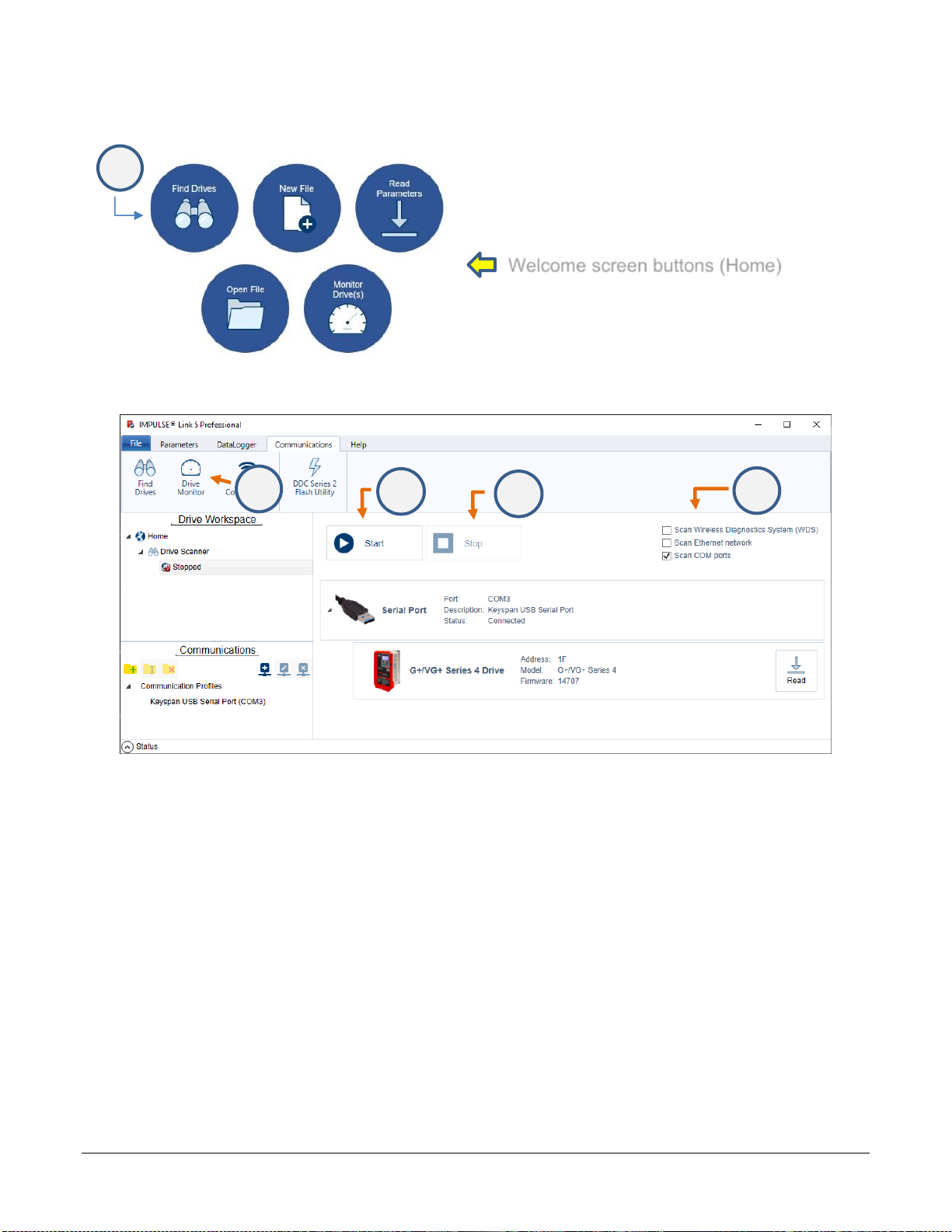
5.2.1. Find Drives............................................................................................................................................. 34
5.2.2. Drive Monitor.......................................................................................................................................... 35