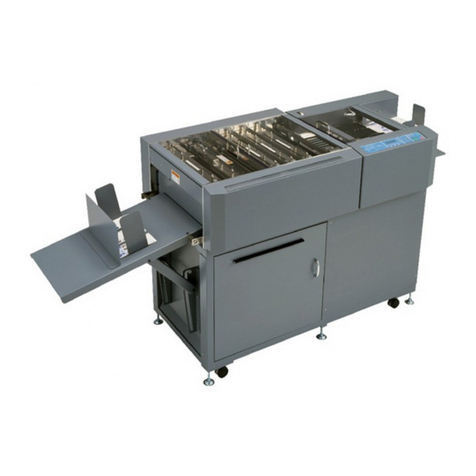
Magnum MCPF-35 Specification sheet

Product instruction manual
Magnum MCPF-35
The Magnum has been designed to be user friendly,
however we strongly recommend you take a few minutes
to read through this manual to ensure correct operation.
Keep this manual safe for future reference.

2
Index
Chapter 1: Product Introduction ........................................................................... 4
1.1 Preface.................................................................................................. 4
1.2 Machine Specification ............................................................................ 4
Chapter 2: Safety ................................................................................................ 6
2.1 Environment .......................................................................................... 6
2.2 Warning ................................................................................................ 6
Chapter 3: Main Parts ......................................................................................... 9
3.1 Machine’s overall diagram ...................................................................... 9
Chapter 4: Installation ....................................................................................... 10
4.1 Touch screen installation ....................................................................... 10
4.2 Automatic Conveyer Installation ............................................................ 12
4.2.1 Automatic Conveyer Main Body .................................................. 12
4.2.2 Automatic Conveyer Extension .................................................... 12
4.2.3 Wheel Set Installation ................................................................. 13
4.2.4 Adjustable paper collector assembly ............................................. 13
4.3 Outfeed paper deflector & Top paper folding guide installation ................. 14
4.3.1 Outfeed paper deflector............................................................... 14
4.3.2 Top paper folding guide .............................................................. 15
4.4 Feeding table extension plate installation ................................................ 16
4.5 Paper deflector and Paper guide-pillar .................................................... 16
4.6 power plug and switch .......................................................................... 18
Chapter 5 ......................................................................................................... 19
5.1 Welcome screen ................................................................................... 19
5.2 Touch screen calibration ....................................................................... 20
5.3 Home Screen ....................................................................................... 20
5.4 Data preview screen ............................................................................. 21
5.5 Paper data setting ................................................................................. 22
5.6 Crease data setting ............................................................................... 24
5.7 Cover function setting .......................................................................... 26
5.8 Progressive function setting .................................................................. 27
5.8.1 Progressive increase ................................................................... 28
5.8.2 Progressive decrease ................................................................... 29
5.8.3 Progressive increase then decrease ............................................... 30
5.8.4 Progressive ridge........................................................................ 32
5.9 Folding data setting .............................................................................. 33
5.9.1 Half fold Setting ........................................................................ 34
5.9.2 Letter fold setting ....................................................................... 35
5.9.3 Gate fold setting ......................................................................... 36
5.9.4 Offset fold setting ...................................................................... 37
5.9.5 Double half fold setting .............................................................. 38
5.9.6 Crease gate fold setting ............................................................... 39
5.9.7 Z fold setting ............................................................................. 40

3
5.10 Job save ............................................................................................ 41
5.11 Crease/fold position’s stretch, shrink, forward, and backward ................. 42
5.12 Run screen ........................................................................................ 43
5.12.1 Sheets number setting ............................................................... 44
5.12.2 Batch number setting ................................................................ 44
5.13 Folding unit keypad ............................................................................ 45
5.14 Folding unit display ............................................................................ 46
5.15 Setting screen .................................................................................... 47
5.16 Hardware setting ................................................................................ 48
5.16.1 Sheet separator adjustment ........................................................ 48
5.16.2 Blowing air vent’s gate adjustment ............................................. 48
5.16.3 Suction fan power adjustment .................................................... 49
5.16.4 Folding rollers’ gap setting ........................................................ 50
5.16.5 Feeding table upper limit and skewing adjustment ....................... 52
5.16.6 Installation of cross perforation bar (optional) ............................. 53
Chapter 6 Maintenance ..................................................................................... 55
6.1 Clean the sensor ................................................................................... 56
6.2 Clean the rollers ................................................................................... 56

4
Chapter 1: Product Introduction
1.1 Preface
The MCPF-35 is a digital control machine with automatic feeding, creasing, and
folding functions. The maximum speed for A4 half fold can be 5400 sheets per hour.
Thank you so much for choosing our machine. Please read all the chapters of this
operation manual before operating the machine. Without fully understand this
manual, please do not operate the machine. Please keep this manual near by the
machine, in order to check information if needed. If there is any problem during
operation, please contact the seller.
1.2 Machine Specification
Package size (length x width x height): 152 x 870 x 1216mm
Machine full size (length x width x height): 2168 x 584 x 1159mm
Paper weight/thickness: 128g - 350g / 0.15m2 - 0.35m2
Maximum infeed paper size (width x length): 330 x 900mm
Minimum infeed paper size (width x length): 160 x 160mm
Minimum distance between the first crease line and the lead edge: 5mm
Minimum distance between the last crease line and the tail edge: 5mm
Minimum distance between two crease lines: 0.1mm

5
Minimum distance between the first perforate line and the lead edge: 30mm
Minimum distance between the last perforate line and the tail edge: 5mm
Minimum distance between two perforate lines: 8mm
Crease times: 32 lines
Crease fold speed (A4 half folding): 5400 sheets per hour
Only crease speed (A4 one-crease line on middle): 6300 sheets per hour
Minimum distance between two folding lines: 70mm
Minimum distance between the first folding line and the lead edge: 70mm
Minimum distance between the second folding line and the tail edge: 70mm
Folding types: 7
Folding accuracy: ±0.5mm
Maximum paper load: 100mm
Total count: folding count, and sheet count
Skewing adjustment: ±2mm
Maximum saved jobs: 64
Progressive crease types: 4
Crease depth: automatic or manual
Optional crease width: 0.4/0.6/1.2/1.4mm
Power: 220V/7A, 50Hz/60Hz, 1200W
Machine weight: 200kg
Note: The machine is continuously upgrading. All the information in this manual will
upgrade without public notification.

6
Chapter 2: Safety
2.1 Environment
Altitude: below elevation 1000m
Humidity:30% to 70%
Temperature:
Below 10°C
Machine may not operate properly
10°C to 18°C
Non-suggested operation temperature
19°C to 28°C
Suggested operation temperature
29°C to 38°C
Non-suggested operation temperature
Above 38°C
Machine may not operate properly
Note: make sure there are no combustibility, corrosive gas or oil mist around the
machine.
2.2 Warning
Be aware of that if any metal or flammable thing inside machine, it may cause fire or
electronic shock. In this case, shut down the power immediately, and disconnect the
cord. Then, please contact the technician.
Also, if there is any anomaly show up in the machine, such as overheat, smoke, or
smelly, please shutdown the power immediately, disconnecting the cord, and contact
the technician.

7
Do - Read this manual and fully understand before the operation.
Do - Check the plug and machine voltage and frequency to your main supply,
and that the socket has a correct working earth lead for this single insulated machine
Do - Make sure all safety covers are in place. The top covers have an interlock
switch which will disable the unit if removed
Do – Open or close the cover slowly
Do - Contact the local maintenance center before you have to move the
machine.
Do - Disconnect the power before clean the inner side.
AC input,Voltage/Frequency is:
AC110~220V/50-60Hz.
!If the voltage or frequency are not in the range,
the machine may not be used normally or even may
cause unrecoverable damage
Power cord,Over 10A current is endurable
!1. Do not remove the cord when the machine is running,
illegal operation may cause component damage or machinery
jam
2. Remove the cord when you are installing components.
Ground symbol. If you see this symbol in any place,
please do not touch it anyhow, or uninstall it.
!If the ground is not well connected, it may cause
human body injury.

8
Do - Unplug the cord if you won’t use the machine for a long while,
Do - be careful of the blade edge
Don’t - Install the machine on an unstable ground.
Don’t - Operating with wet hand, especially plug or unplug the cord.
Don’t - Wear long hair, loose fitting clothes or put your fingers into the
creasing unit nip, while operation.
Don’t - Place any receptacles with any liquid on any surface of machine.
Don’t – Put tiny things/pieces in the machine, especially the loading table.
Don’t - Alter or uninstall the machine, unless by Dumor authorized engineer.
Don’t - Touch any running parts while operation
Don’t - Shut down the machine while operation.
Don’t - Put heavy matter on machine or shock it.
Don’t - Put the side guide under the feeding system.
Don’t – Put any metal or flammable thing in the machine, it may cause fire or
electronic shock. If it happens, shut down the power, disconnect the cord, and then
contact the technician.

9
Chapter 3: Main Parts
3.1 Machine’s overall diagram
#
Part name
Description
1
Folding unit
Make different types of folding
2
Paper collector
Collect paper without folding
3
Automatic conveyer
Collect paper after folding
4
Folding top paper guide
Guide paper during folding
5
Touch screen
Digital control
6
Loading table (or feeding tray)
load and automatic feed paper
7
Crease unit
Infeed and crease lines
8
Stand
Support and storage
3
2
1
4
5
6
7
8

10
Chapter 4: Installation
4.1 Touch screen installation
Find the screen, install it and connect the cable. Steps as follow:
Step 1: Uninstall the 2 screws fixing the screen cover (picture #1), as well as 4 screws
fixing the screen rear cover (picture #2 & #3) to take off the rear cover. Remove the 2
screws from the bracket (picture #4).
1
①
2
3
①
4
One is at opposite side
Two are at
opposite side
Table of contents
Other Magnum Binding Machine manuals

Magnum
Magnum MCR-46 Operational manual

Magnum
Magnum MCR-35 Specification sheet

Magnum
Magnum MEC21 Specification sheet
Magnum
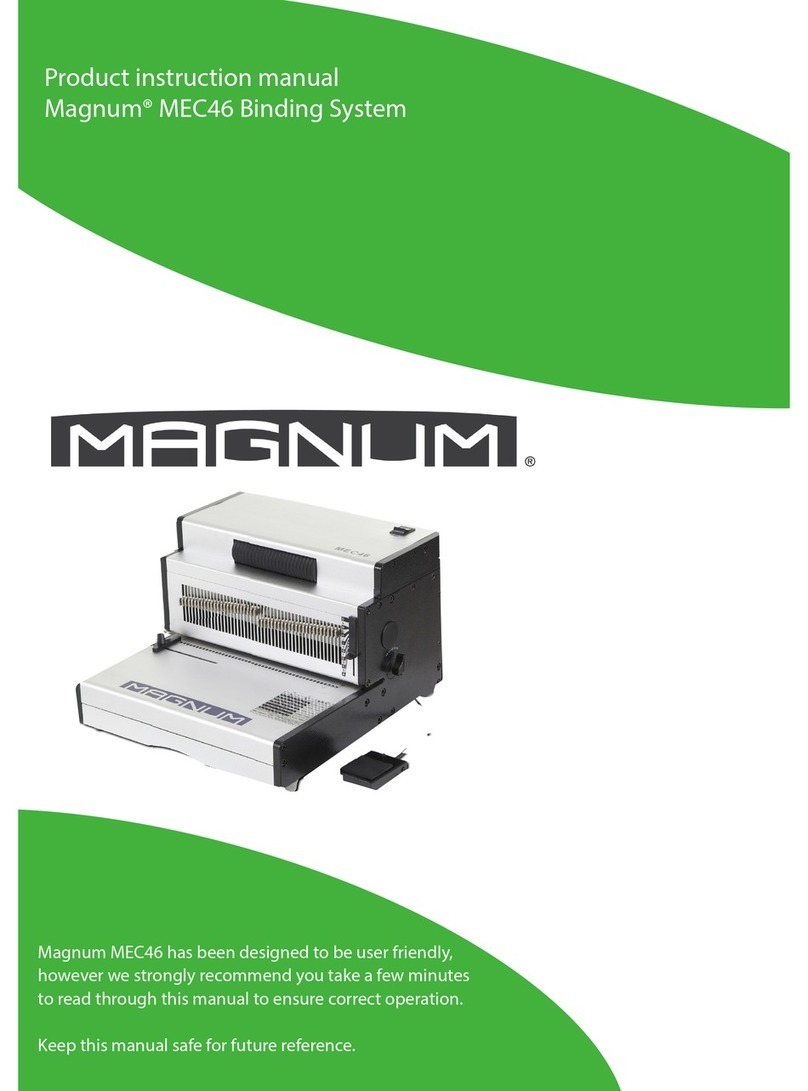
Magnum MEC46 Specification sheet
Magnum
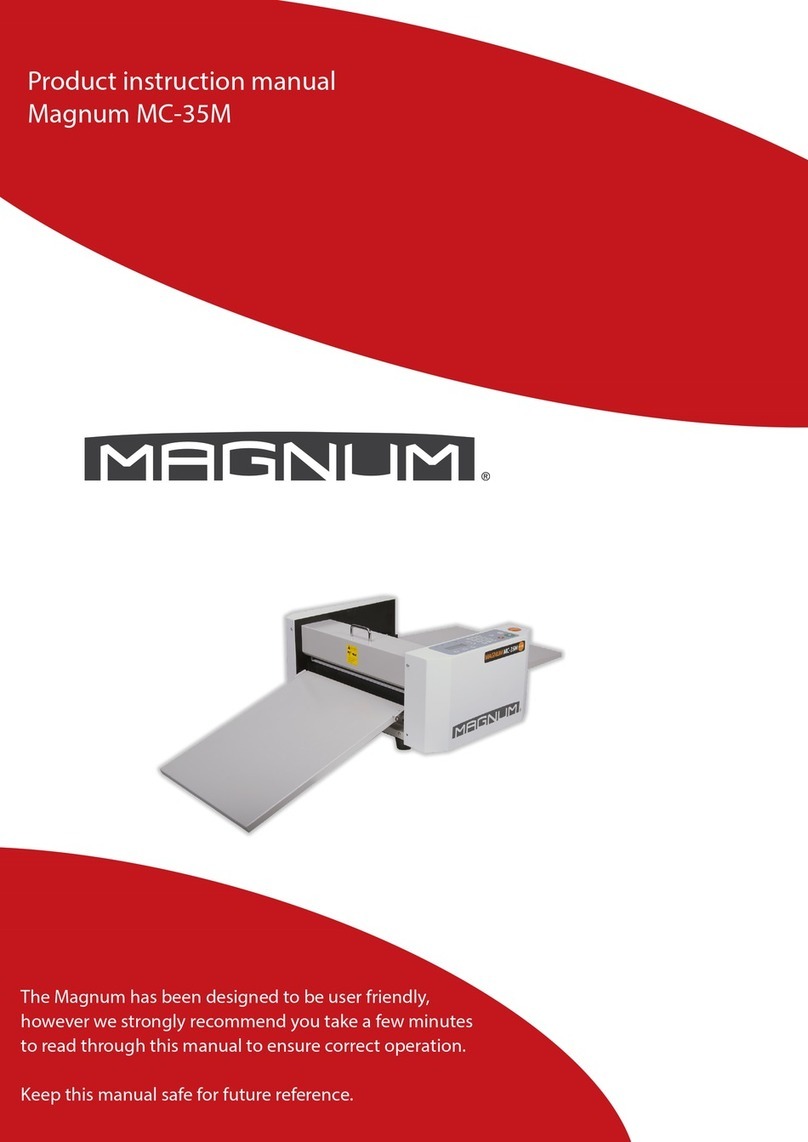
Magnum MC-35M Specification sheet

Magnum
Magnum MC-35A Specification sheet
Magnum
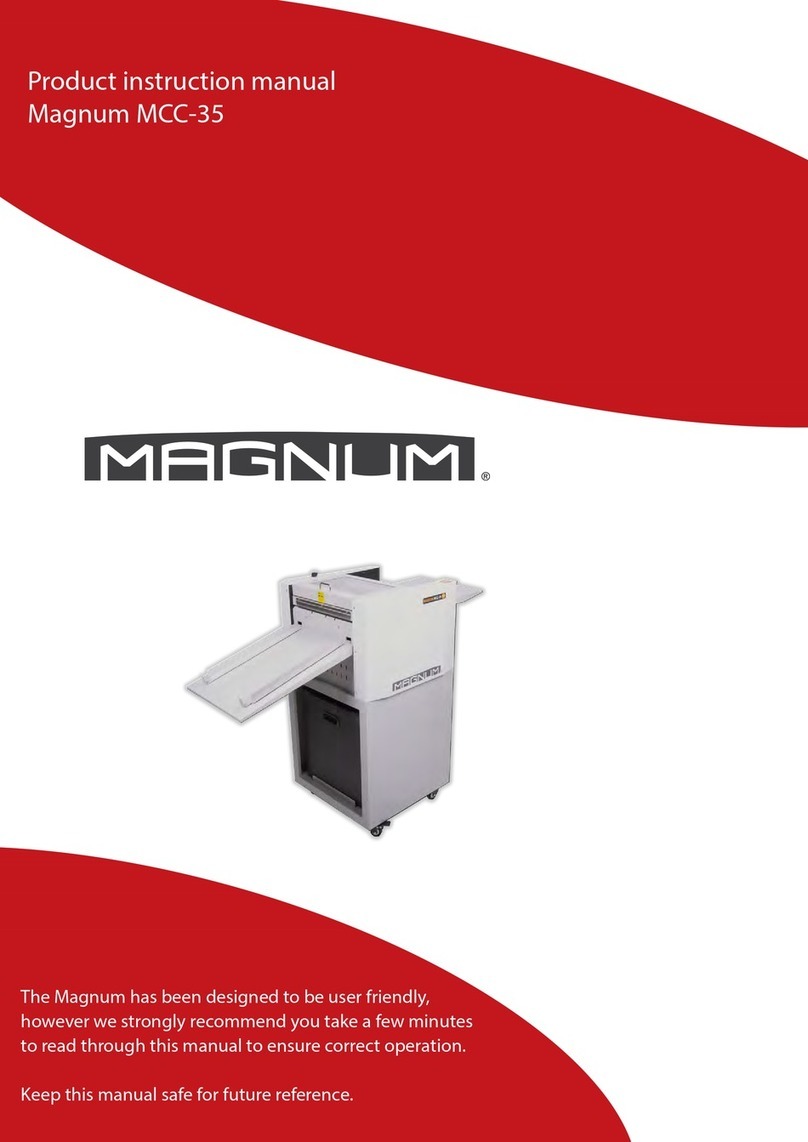
Magnum MCC-35 Specification sheet

Magnum
Magnum iBind A20 User manual

Magnum
Magnum MCC-35ASP Specification sheet