Charging The Battery
We recommend fully charge the battery
before using the light for the first time
Plug in the USB cable into the USB port Plug in the USB cable into the USB port
on the other side of the power button to
charge
Allow 6 hours to fully charge
Red indicates battery is charging
Green indicates battery is full and ready
to use
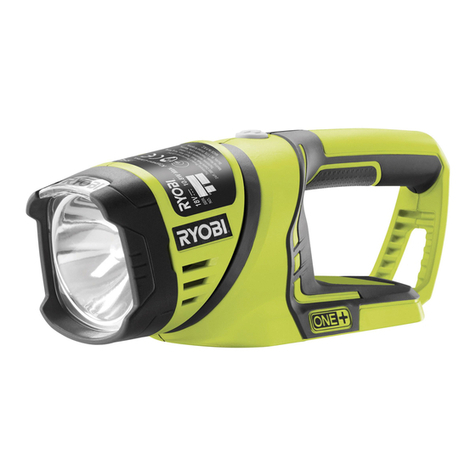
Insert positive terminal first into the headInsert positive terminal first into the head-
light, with end cap completely tighten for
light to turn on.
Magnus Gear bracket has a tool free
design to let you mount the light on
the handle bar with ease and firmly
locked headlight into place.
Bracket Installation
-
Remove the tighten nut
-- Place the rubber strap around the
handle bar
- Wrap the bracket strap around the han-
dlebar over the rubber strap
- Insert bracket strap back in the bracket
slot
- Tighten the nut until bracket is secured
tighten nut
rubber strap
strap
All Magnus Gear’s
product are back
with 100% lifetime
warranty.
If you have any questions
or not satisfied, contact us at or not satisfied, contact us at
or give us a ring
(512) 693-8052.
Register your product to receive
our LIFETIME WARRANTY at:
bit.ly/lifetimeregister
WWant to purchase extra acces-
sories for your Vision 2 light?
Visit:
M
agnus
G
ear
USA
.com