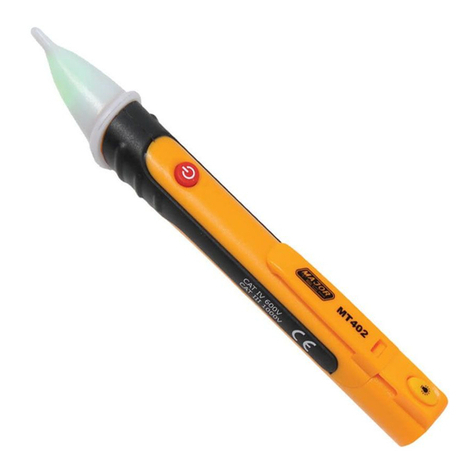
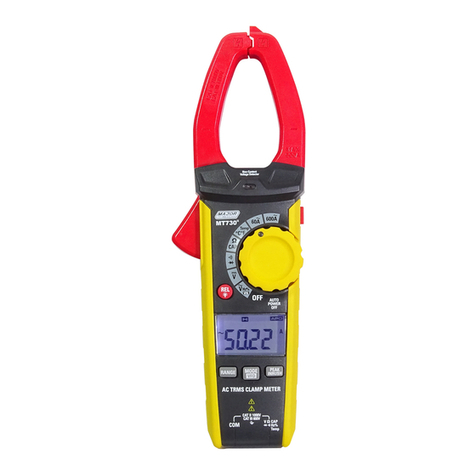
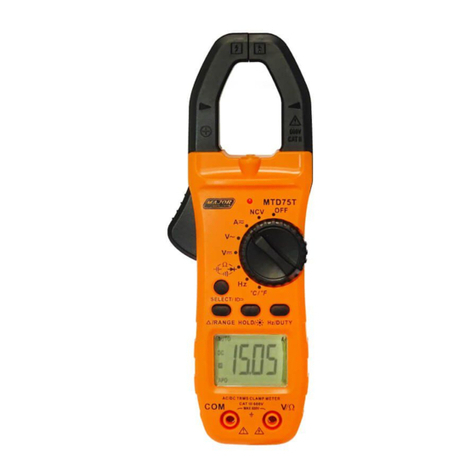
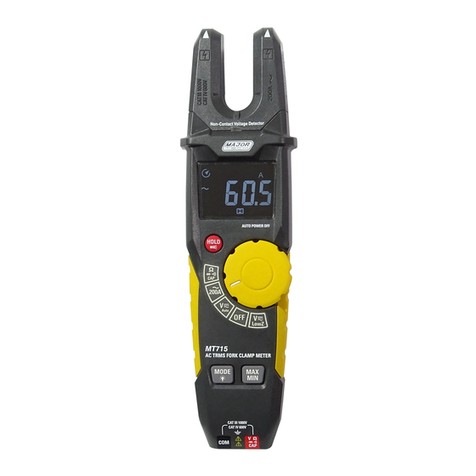
105.9. Non-Contact AC Voltage Measurements 1. Touch the probe tip to the hot conductor or insert into the hot side of the electrical outlet. 2. If AC voltage is present, the detector light will illuminate. a. NOTE: The conductors in electrical cord sets are often twisted. For best results, rub the probe tip along a length of the cord to assure placing the tip in close proximity to the live conductor. b. NOTE: The detector is designed with high sensitivity. Static electricity or other sources of energy may randomly trip the sensor. This is normal operation.WARNING: Risk of Electrocution. Before use, always test the Voltage Detector on a known live circuit to verify proper operation 5.7. K-Temperature Measurements 1. Set the function switch to K-TEMP. 2. Insert the Temperature Probe into the negative (COM) and the V jacks, making sure to observe the correct polarity. 3. Touch the Temperature Probe head to the part whose temperature you wish to measure. Keep the probe touching the part under test until the reading stabilizes (about 30 seconds). 4. Read the temperature in the display. The digital reading will indicate the proper decimal point and value. WARNING: To avoid electric shock, disconnect both test probes from any source of voltage before making a temperature measurement. WARNING: To avoid electric shock, be sure the thermocouple has been removed before changing to another measurement function.
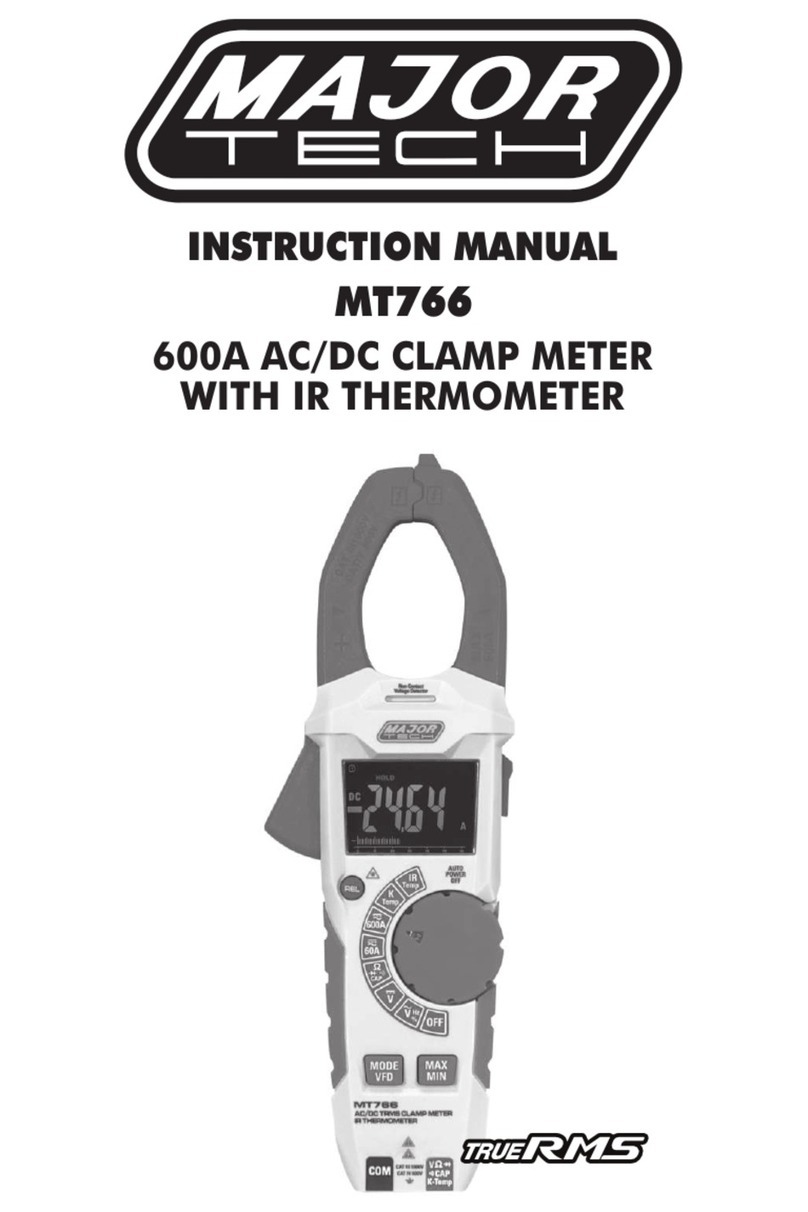
5.8. IR-Temperature Measurements 1. Set the function switch to IR. 2. Let the instrument aim at the object which will be measured, the reading will be displayed on the LCD. 3. Press "REL/Laser" button to switch on or off the laser. 4. Press "MAX/MIN" button to select MAX/MIN. Hold down the button to exit. 5. Press" HOLD", the data will freeze on the display, and then press to unfreeze.