EnglishDeutsch
 logo
Brands
  1. Home
  2. •
  3. Brands
  4. •
  5. Manhattan
  6. •
  7. Enclosure
  8. •
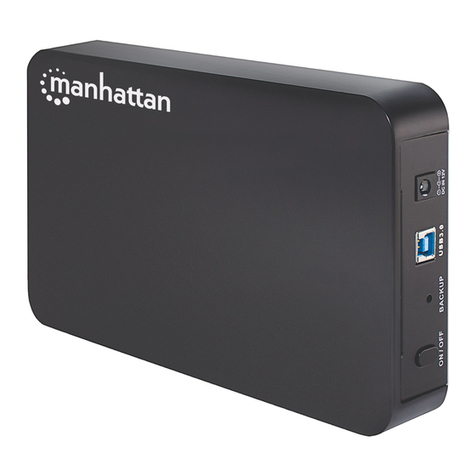
  9. Manhattan 700504 User manual

Manhattan 700504 User manual

Other Manhattan Enclosure manuals
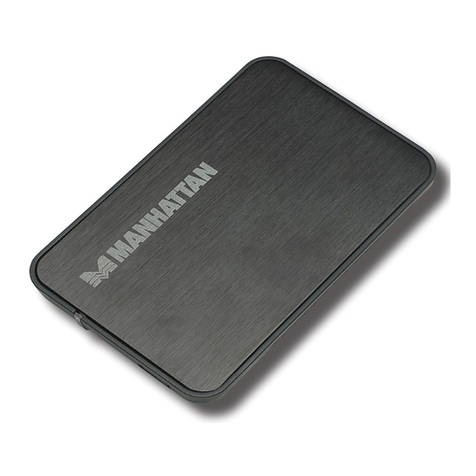
Manhattan 130196 User manual

Manhattan

Manhattan 130196 User manual
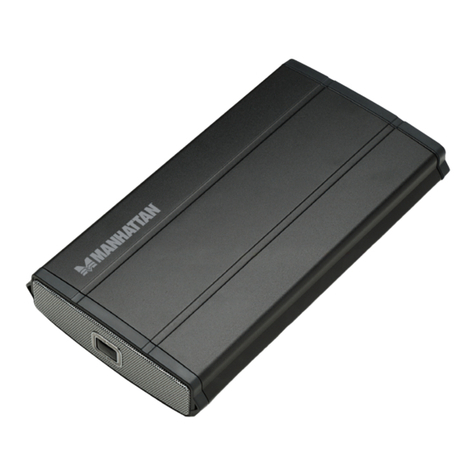
Manhattan 709026 User manual

Manhattan

Manhattan 709026 User manual
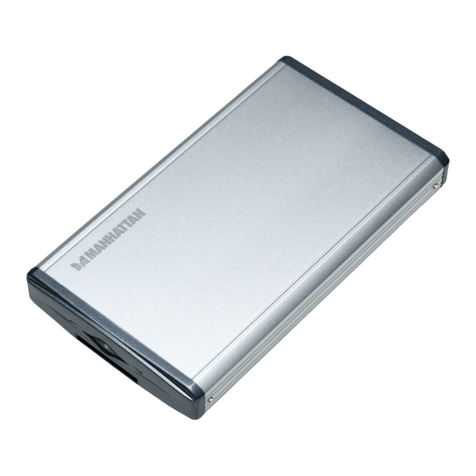
Manhattan 702911 User manual

Manhattan

Manhattan 702911 User manual
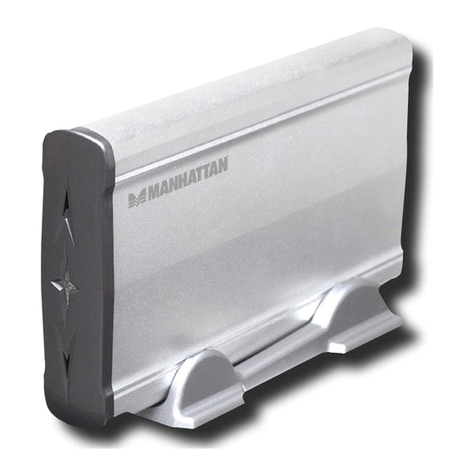
Manhattan 702959 User manual

Manhattan

Manhattan 702959 User manual
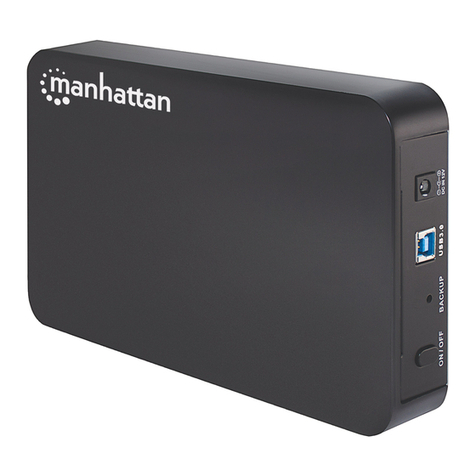
Manhattan 130295 User manual

Manhattan

Manhattan 130295 User manual
Manhattan 130172 User manual

Manhattan

Manhattan 130172 User manual

Manhattan 700511 User manual

Manhattan

Manhattan 700511 User manual
Manhattan 700498 User manual

Manhattan

Manhattan 700498 User manual

Manhattan 702898 User manual

Manhattan

Manhattan 702898 User manual
Manhattan 700818 User manual

Manhattan

Manhattan 700818 User manual
Manhattan 702973 User manual

Manhattan

Manhattan 702973 User manual
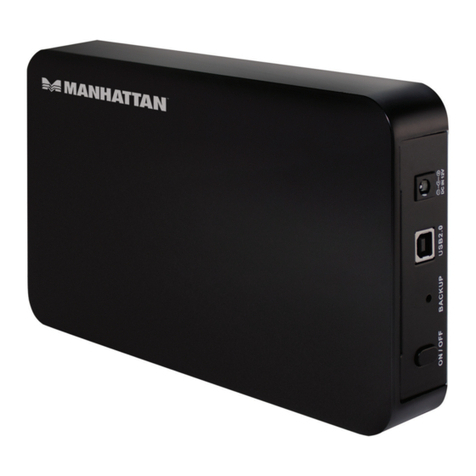
Manhattan 130288 User manual

Manhattan

Manhattan 130288 User manual
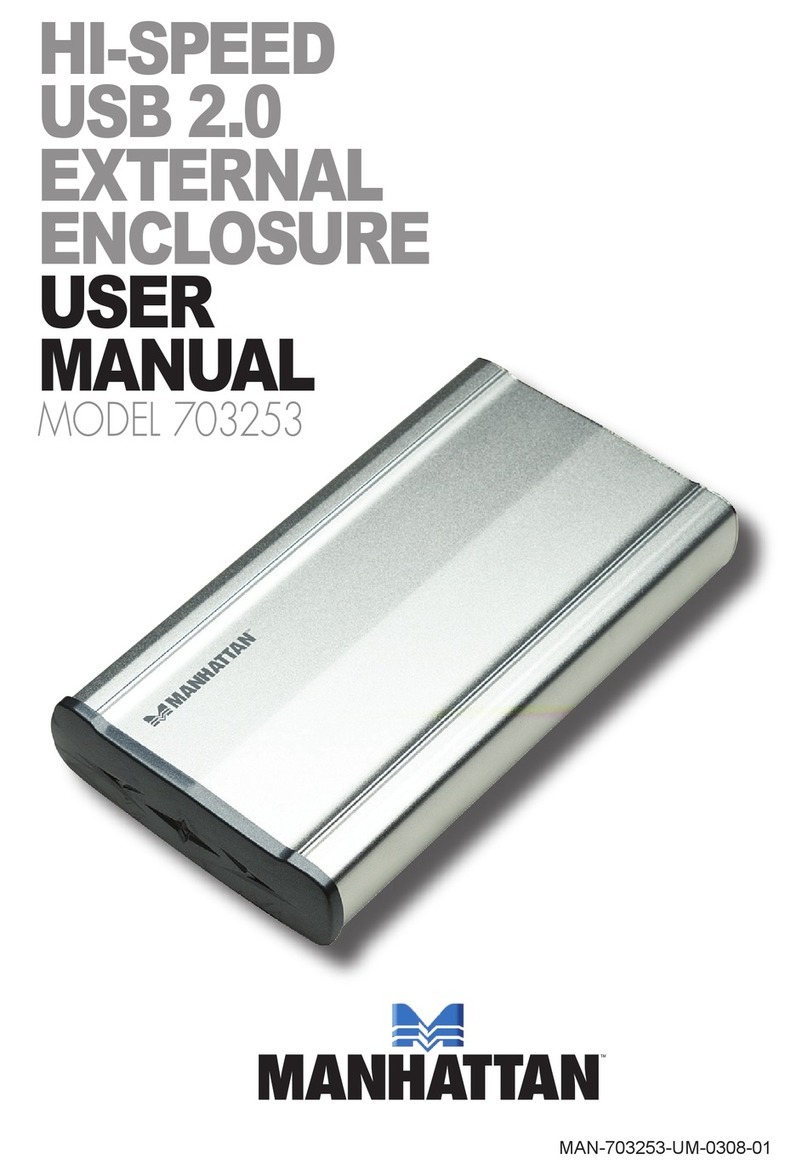
Manhattan 703253 User manual

Manhattan

Manhattan 703253 User manual
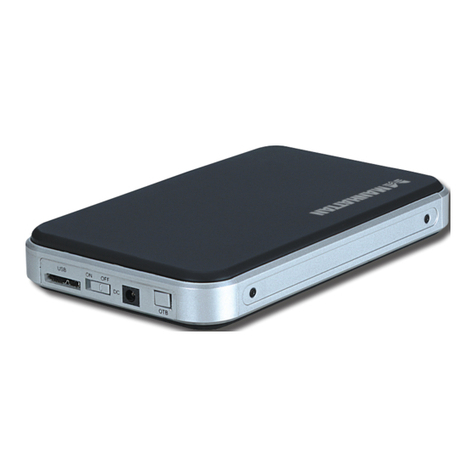
Manhattan 130257 User manual

Manhattan

Manhattan 130257 User manual
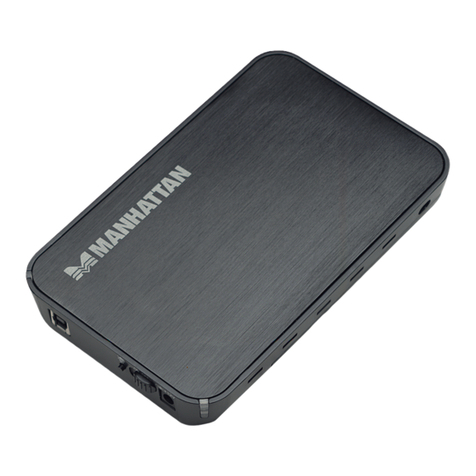
Manhattan 130172 User manual

Manhattan

Manhattan 130172 User manual
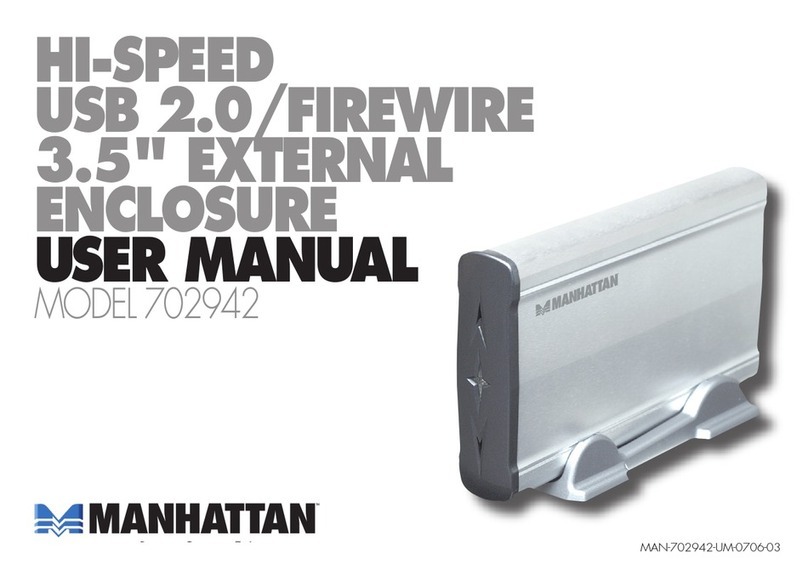
Manhattan 702942 User manual

Manhattan

Manhattan 702942 User manual
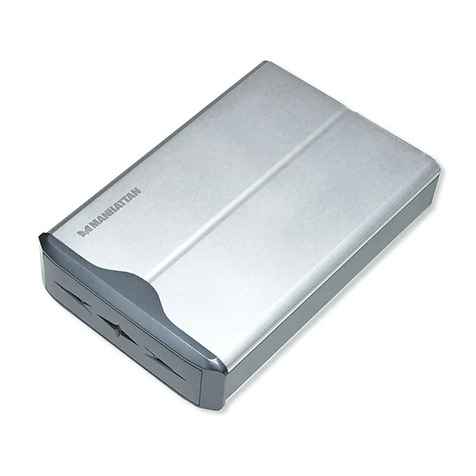
Manhattan 702966 User manual

Manhattan

Manhattan 702966 User manual
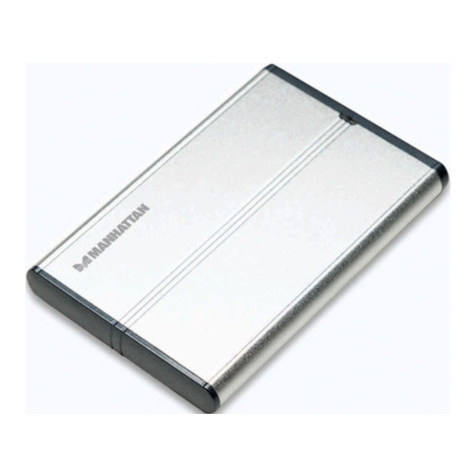
Manhattan 703246 User manual

Manhattan

Manhattan 703246 User manual
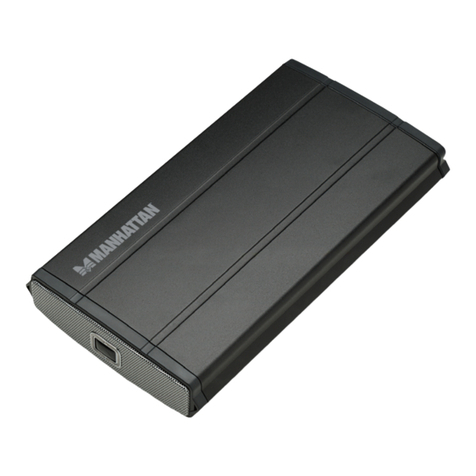
Manhattan 709033 User manual

Manhattan

Manhattan 709033 User manual

Manhattan 709040 User manual

Manhattan

Manhattan 709040 User manual
Manhattan 709057 User manual

Manhattan

Manhattan 709057 User manual

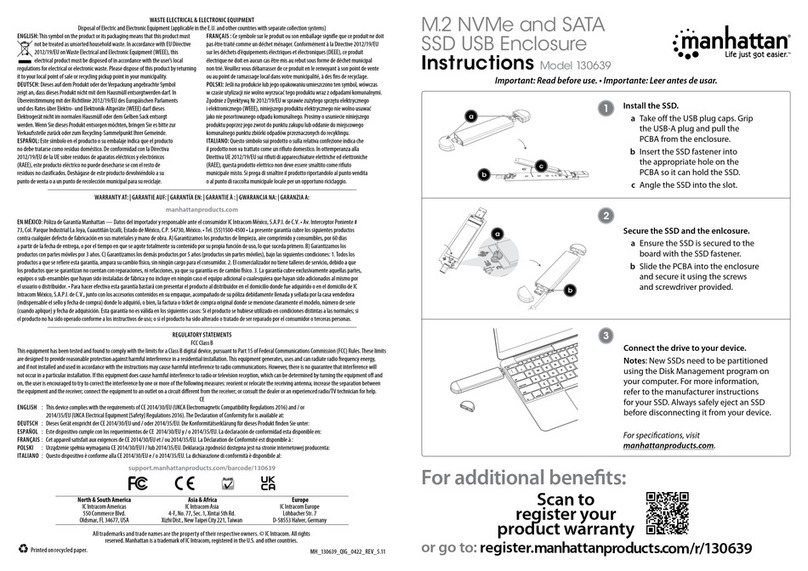
Manhattan 130639 User manual

Manhattan

Manhattan 130639 User manual

Manhattan 130295 User manual

Manhattan

Manhattan 130295 User manual

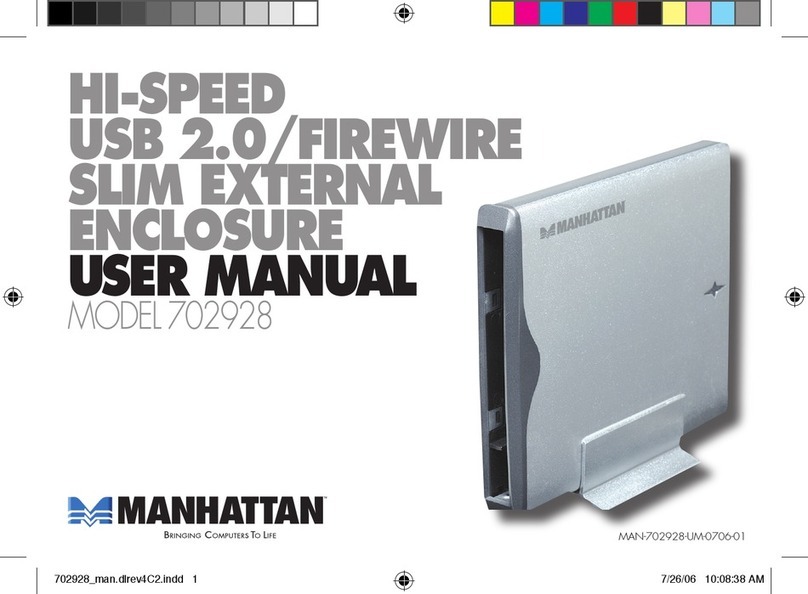
Manhattan 702928 User manual

Manhattan

Manhattan 702928 User manual

Popular Enclosure manuals by other brands

SilentiumPC Armis AR5 Hardware installation

SilentiumPC

SilentiumPC Armis AR5 Hardware installation

Pulsar 17/TRP80/DSPR Assembly instructions

Pulsar

Pulsar 17/TRP80/DSPR Assembly instructions

Thermaltake V150 TG user manual

Thermaltake

Thermaltake V150 TG user manual

MSI MPG SEKIRA 500X quick start guide

MSI

MSI MPG SEKIRA 500X quick start guide

Antec Dark fleet DF-10 user manual

Antec

Antec Dark fleet DF-10 user manual

Peavey DS 1502 Specifications

Peavey

Peavey DS 1502 Specifications

D-Link ShareCenter Pro DNS-1550-04 user manual

D-Link

D-Link ShareCenter Pro DNS-1550-04 user manual

Rosewill RX82-U(JBOD) user manual

Rosewill

Rosewill RX82-U(JBOD) user manual

QNAP SAS JBOD CLI 1.0 user guide

QNAP

QNAP SAS JBOD CLI 1.0 user guide

GAMDIAS Talos P1 Quick installation guide

GAMDIAS

GAMDIAS Talos P1 Quick installation guide

Auvs KR615 user manual

Auvs

Auvs KR615 user manual

Digitus DA-71114 manual

Digitus

Digitus DA-71114 manual

CommScope FDH 3000 user manual

CommScope

CommScope FDH 3000 user manual

FS FHD-FWME4 quick start guide

FS

FS FHD-FWME4 quick start guide

JBL CS1215T owner's manual

JBL

JBL CS1215T owner's manual

Pulsar ARAD-S4 manual

Pulsar

Pulsar ARAD-S4 manual

Pulsar AWO454 Assembly instruction

Pulsar

Pulsar AWO454 Assembly instruction

NewerTech Voyager S3 user guide

NewerTech

NewerTech Voyager S3 user guide

https://manuals.online logo
https://manuals.online logoBrands
  • About & Mission
  • Contact us
  • Privacy Policy
  • Terms and Conditions

Copyright 2026 Manuals.Online. All Rights Reserved.

External Enclosure
eSATA, 3.5”
Model
700504
Quickly and easily transfer, share and archive data
or expand storage capacities for notebook and
desktop PCs.
Enjoy the benefits of true SATA speed with the MANHATTAN®External Enclosure, fully SATA-
capable and equipped with eSATA I-type ports. Install an idle, unused drive into the External
Enclosure to create new and productive storage solutions. The chipset-free design quickly transfers
data without conversion between SATA-enabled systems. Most standard 3.5” drives fit inside the
durable aluminum case with fan that dissipates heat and facilitates cooling.
Versatile Solution that Easily Transports
The lightweight, compact design easily transports to meet most needs. Its matching metal stand provides an
alternate vertical mount. The chipset-free design quickly transfers data without conversion between SATA-enabled
systems.
Quick and Easy Installation
Windows and Macintosh compatability with Plug and Play installation make this External Enclosure simple to
use.
Lifetime Warranty
Strict manufacturing standards ensure the highest quality in all MANHATTAN products. All items carry
a full Lifetime Warranty — the strongest quality commitment anyone can make.
Features
• Supports SATA 300 data transfer rates of up to
3 Gbps
• Lightweight, compact design for increased portability
• Sturdy aluminum case protects drive and facilitates
cooling
• Fits standard 3.5” SATA drives with easy, quick
installation – includes mounting rails
• Windows and Macintosh compatible, Plug and Play,
hot swappable
• Lifetime Warranty
Specifications
GENERAL
• SATA L-type internal data and power connections
• eSATA I-type external connections
• DC single-post power input (AC adapter included)
• 22 x 14 x 3.5 cm (8.75 x 5.5 x 1.25 in.)
• 448 g (15.8 oz.)
SYSTEM REQUIREMENTS
• eSATA enabled PC or Macintosh
• Available eSATA port
• Windows Me/2000/XP/Vista or Mac OS 10.x and above
PACKAGE CONTENTS
• External enclosure with mounting screws
• eSATA I-type to I-type flat cable, 77 cm (30 in.)
• 12 V / 2 Amp power adapter, 1.2 m (4 ft.)
• User manual
Model
700504
MH-700504-DS-1206-04
Copyright © MANHATTAN
All names of products or services mentioned herein are trademarks or registered trademarks of their respective owners. Distribution and reproduction of this document, and use and disclosure of
the contents herein, are prohibited unless specifically authorized.
For more information on MANHATTAN products, consult your
local dealer or visit
www.manhattan-products.com
.