EnglishDeutsch
 logo
Brands
  1. Home
  2. •
  3. Brands
  4. •
  5. Manhattan
  6. •
  7. Switch
  8. •
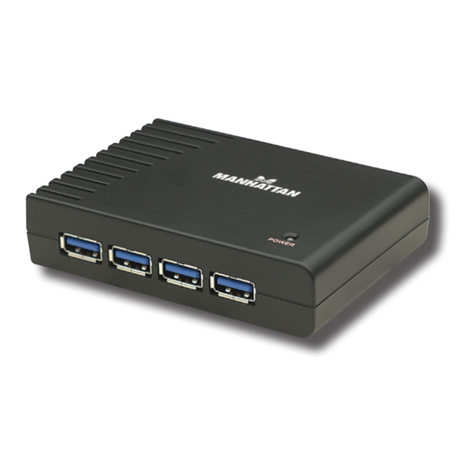
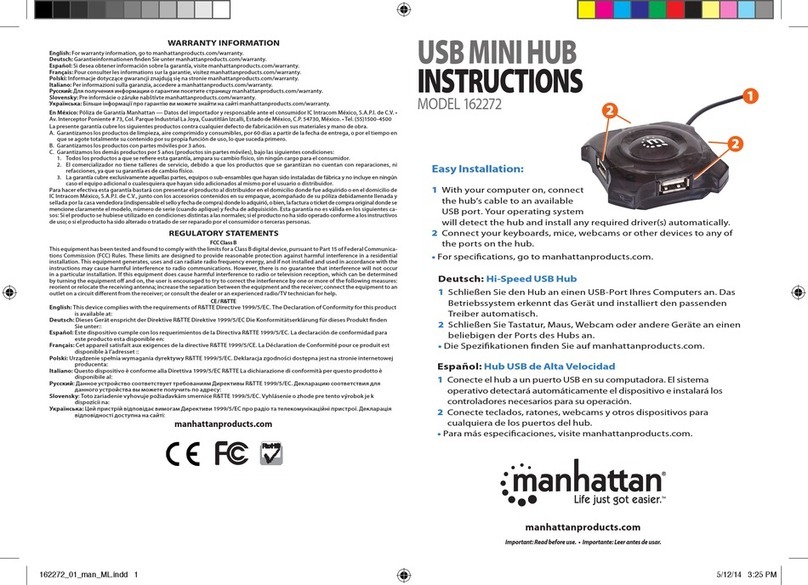
  9. Manhattan 161572 User manual

Manhattan 161572 User manual

This manual suits for next models

3

Other Manhattan Switch manuals

Manhattan 561532 User manual

Manhattan

Manhattan 561532 User manual

Manhattan 160599 User manual

Manhattan

Manhattan 160599 User manual

Manhattan 160766 User manual

Manhattan

Manhattan 160766 User manual

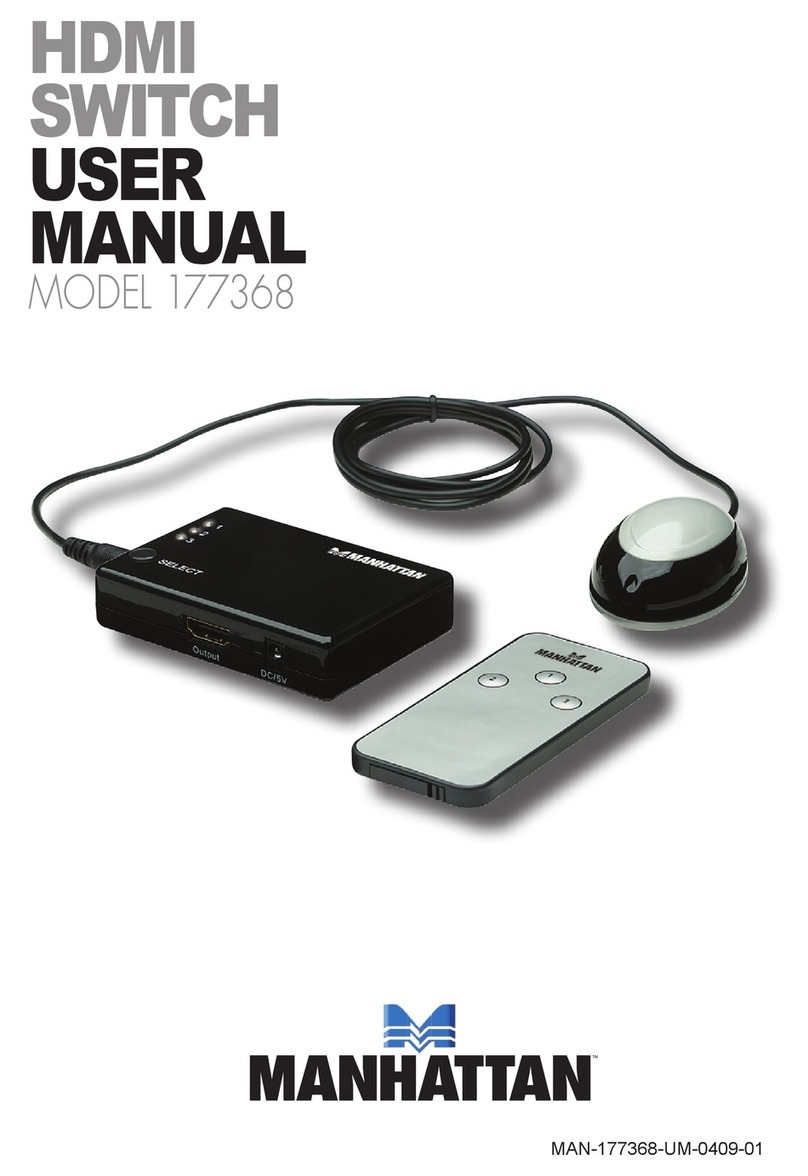
Manhattan 177368 User manual

Manhattan

Manhattan 177368 User manual

Manhattan 162296 User manual

Manhattan

Manhattan 162296 User manual

Manhattan MES-08F User manual

Manhattan

Manhattan MES-08F User manual

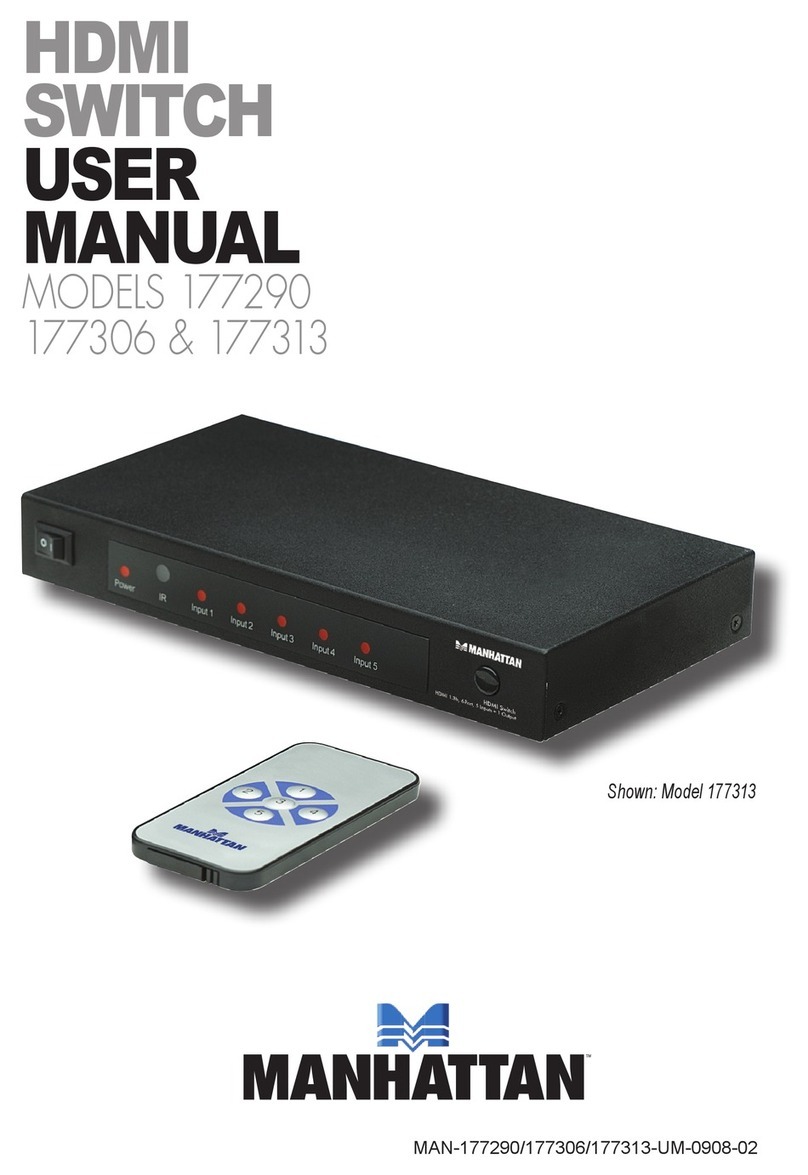
Manhattan 177290 User manual

Manhattan

Manhattan 177290 User manual

Manhattan 350310 User manual

Manhattan

Manhattan 350310 User manual

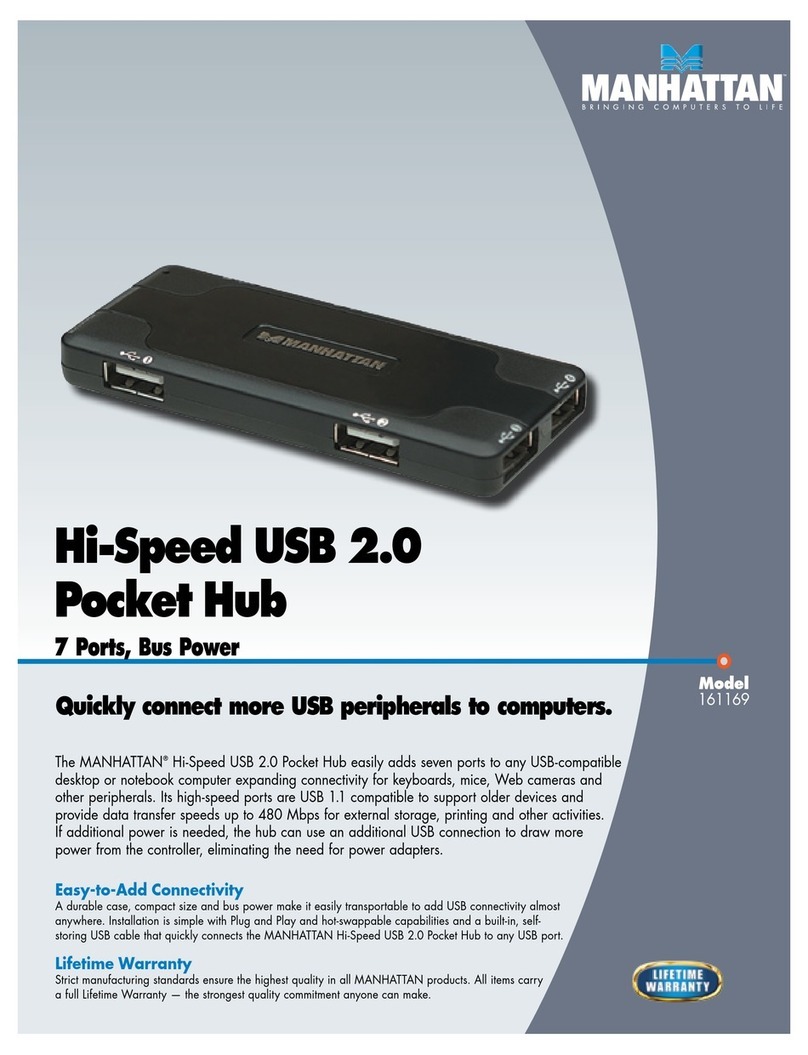
Manhattan 161169 User manual

Manhattan

Manhattan 161169 User manual

Manhattan 349284 User manual

Manhattan

Manhattan 349284 User manual

Manhattan 160605 User manual

Manhattan

Manhattan 160605 User manual

Manhattan SUPERHUB QUATTRO User manual

Manhattan

Manhattan SUPERHUB QUATTRO User manual

Manhattan 160599 User manual

Manhattan

Manhattan 160599 User manual

Manhattan 160605 User manual

Manhattan

Manhattan 160605 User manual

Manhattan IDATA HDMI-218K User manual

Manhattan

Manhattan IDATA HDMI-218K User manual

Manhattan 161169 User manual

Manhattan

Manhattan 161169 User manual

Manhattan 161077 User manual

Manhattan

Manhattan 161077 User manual

Manhattan 160605 User manual

Manhattan

Manhattan 160605 User manual

Manhattan 152785 User manual

Manhattan

Manhattan 152785 User manual

Manhattan 161220 User manual

Manhattan

Manhattan 161220 User manual

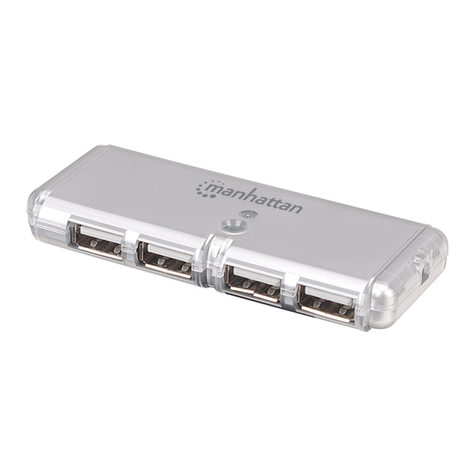
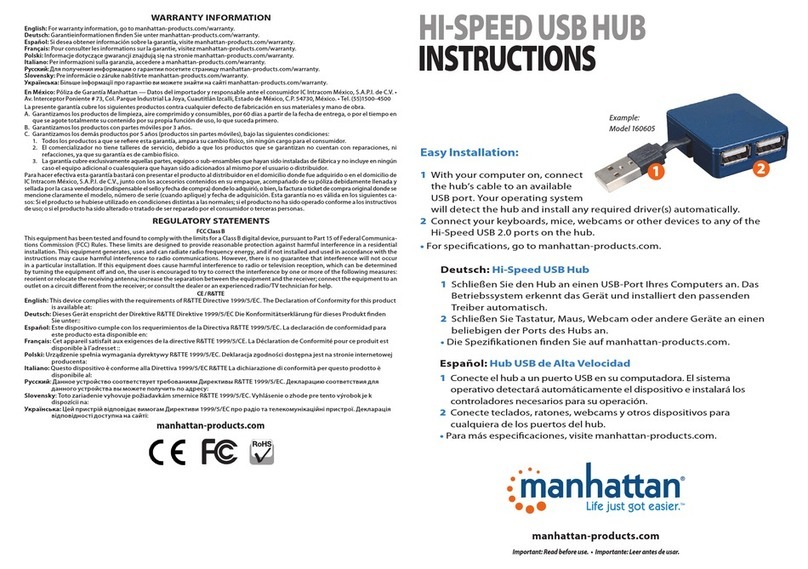
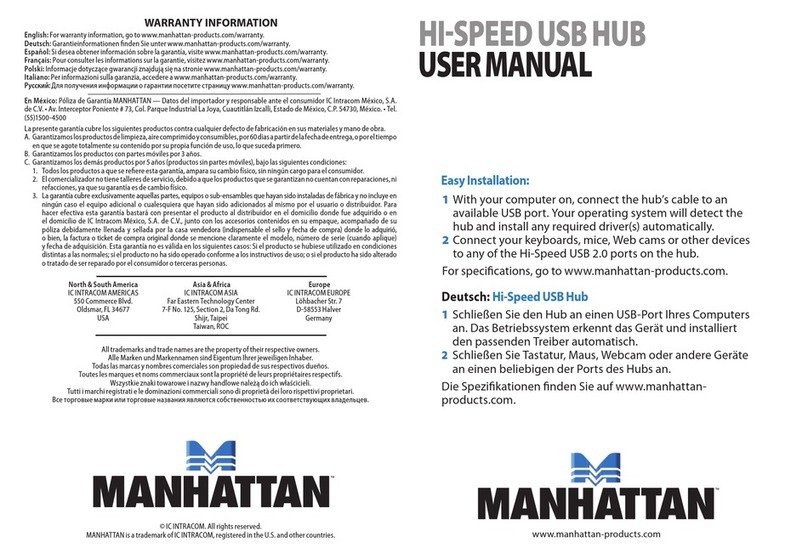
Manhattan HI-SPEED USB HUB User manual

Manhattan

Manhattan HI-SPEED USB HUB User manual

Manhattan 160766 User manual

Manhattan

Manhattan 160766 User manual

Manhattan IDATA HDMI-31DMH User manual

Manhattan

Manhattan IDATA HDMI-31DMH User manual

Manhattan 162272 User manual

Manhattan

Manhattan 162272 User manual

Popular Switch manuals by other brands

TRENDnet TK-401R null

TRENDnet

TRENDnet TK-401R null

TRENDnet TK-200K null

TRENDnet

TRENDnet TK-200K null

TRENDnet TE100-S8 null

TRENDnet

TRENDnet TE100-S8 null

URC Total Control MFS-8 installation manual

URC

URC Total Control MFS-8 installation manual

Azbil HPQ-D11 user manual

Azbil

Azbil HPQ-D11 user manual

Sony DFS-900M operating instructions

Sony

Sony DFS-900M operating instructions

SICK i17S operating instructions

SICK

SICK i17S operating instructions

F&F SZR-277 quick start guide

F&F

F&F SZR-277 quick start guide

Shure UAMS/BK user guide

Shure

Shure UAMS/BK user guide

Dräger X-zone Switch Off Instructions for use

Dräger

Dräger X-zone Switch Off Instructions for use

Asco Joucomatic 349 Series manual

Asco

Asco Joucomatic 349 Series manual

BT Mini Hub user guide

BT

BT Mini Hub user guide

D-Link DES-1226G manual

D-Link

D-Link DES-1226G manual

Johnson Controls FS80-C installation instructions

Johnson Controls

Johnson Controls FS80-C installation instructions

MicroNet SP1200A user manual

MicroNet

MicroNet SP1200A user manual

Ruijie RG-PF2920 Series Hardware  installation and reference guide

Ruijie

Ruijie RG-PF2920 Series Hardware installation and reference guide

Altinex DA1914SX user guide

Altinex

Altinex DA1914SX user guide

RJM MASTERMIND PBC/6X user manual

RJM

RJM MASTERMIND PBC/6X user manual

https://manuals.online logo
https://manuals.online logoBrands
  • About & Mission
  • Contact us
  • Privacy Policy
  • Terms and Conditions

Copyright 2026 Manuals.Online. All Rights Reserved.

1With your computer on, connect it to the hub using the included USB
cable. Your operating system will automatically detect the hub and
install any required driver(s).

2Connect your keyboards, mice, webcams or other devices to any of

the ports on the hub.
3If additional power is needed, use the included power adapter.
For specifications, go to manhattan-products.com.
161572
161022
41 43
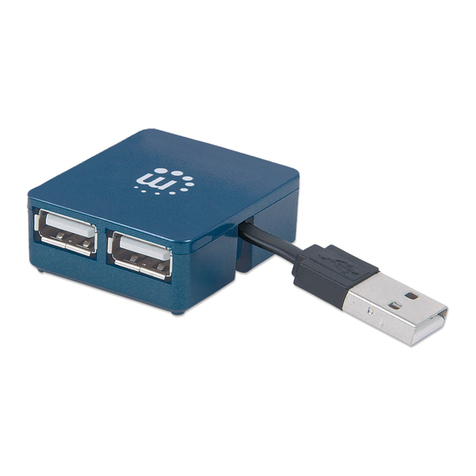
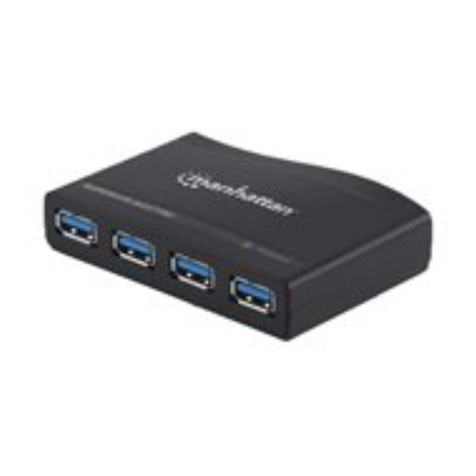
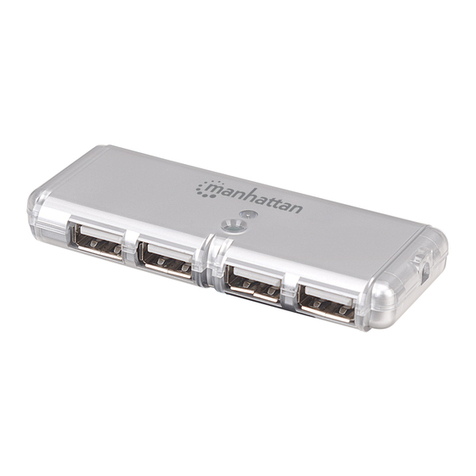
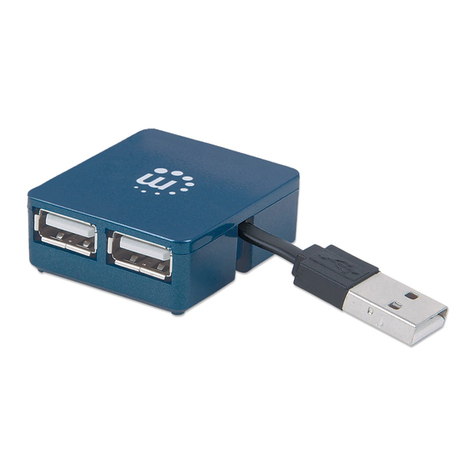
HI-SPEED USB DESKTOP HUB
INSTRUCTIONS
MODELS 161022 & 161572
41 43
manhattan-products.com
42
WARRANTY INFORMATION
English: For warranty information, go to manhattan-products.com/warranty.

Deutsch: Garantieinformationen finden Sie unter manhattan-products.com/warranty.
Español: Si desea obtener información sobre la garantía, visite manhattan-products.com/warranty.
Français: Pour consulter les informations sur la garantie, visitez manhattan-products.com/warranty.
Polski: Informacje dotyczące gwarancji znajdują się na stronie manhattan-products.com/warranty.
Italiano: Per informazioni sulla garanzia, accedere a manhattan-products.com/warranty.
En México: Póliza de Garantía Manhattan — Datos del importador y responsable ante el consumidor IC Intracom
México, S.A.P.I. de C.V. • Av. Interceptor Poniente # 73, Col. Parque Industrial La Joya, Cuautitlán Izcalli, Estado de
México, C.P. 54730, México. • Tel. (55)1500-4500
La presente garantía cubre los siguientes productos contra cualquier defecto de fabricación en sus materiales y mano
de obra.
A.
Garantizamos los productos de limpieza, aire comprimido y consumibles, por 60 dias a partir de la fecha de entrega,
o por el tiempo en que se agote totalmente su contenido por su propia función de uso, lo que suceda primero.
B. Garantizamos los productos con partes móviles por 3 años.
C. Garantizamos los demás productos por 5 años (productos sin partes móviles), bajo las siguientes condiciones:
1.
Todos los productos a que se reere esta garantía, ampara su cambio físico, sin ningún cargo para el consumidor.
2. El comercializador no tiene talleres de servicio, debido a que los productos que se garantizan no cuentan con
reparaciones, ni refacciones, ya que su garantía es de cambio físico.
3.
La garantía cubre exclusivamente aquellas partes, equipos o sub-ensambles que hayan sido instaladas de fábrica
y no incluye en ningún caso el equipo adicional o cualesquiera que hayan sido adicionados al mismo por el
usuario o distribuidor.
Para hacer efectiva esta garantía bastará con presentar el producto al distribuidor en el domicilio donde fue ad-
quirido o en el domicilio de IC Intracom México, S.A.P.I. de C.V., junto con los accesorios contenidos en su empaque,
acompañado de su póliza debidamente llenada y sellada por la casa vendedora (indispensable el sello y fecha de
compra) donde lo adquirió, o bien, la factura o ticket de compra original donde se mencione claramente el modelo,
número de serie (cuando aplique) y fecha de adquisición. Esta garantía no es válida en los siguientes casos: Si el pro-
ducto se hubiese utilizado en condiciones distintas a las normales; si el producto no ha sido operado conforme a los
instructivos de uso; o si el producto ha sido alterado o tratado de ser reparado por el consumidor o terceras personas.
© IC Intracom. All rights reserved. Manhattan is a trademark of IC Intracom, registered in the U.S. and other countries.
All trademarks and trade names are the property of their respective owners.
Alle Marken und Markennamen sind Eigentum Ihrer jeweiligen Inhaber.
Todas las marcas y nombres comerciales son propiedad de sus respectivos dueños.
Toutes les marques et noms commerciaux sont la propriété de leurs propriétaires respectifs.
Wszystkie znaki towarowe i nazwy handlowe należą do ich właścicieli.
Tutti i marchi registrati e le dominazioni commerciali sono di proprietà dei loro rispettivi proprietari.
REGULATORY STATEMENTS
FCC Class B
This equipment has been tested and found to comply with the limits for a Class B digital device, pursuant to Part
15 of Federal Communications Commission (FCC) Rules. These limits are designed to provide reasonable protec-
tion against harmful interference in a residential installation. This equipment generates, uses and can radiate radio
frequency energy, and if not installed and used in accordance with the instructions may cause harmful interference
to radio communications. However, there is no guarantee that interference will not occur in a particular installa-
tion. If this equipment does cause harmful interference to radio or television reception, which can be determined
by turning the equipment o and on, the user is encouraged to try to correct the interference by one or more of the
following measures: reorient or relocate the receiving antenna; increase the separation between the equipment and
the receiver; connect the equipment to an outlet on a circuit dierent from the receiver; or consult the dealer or an
experienced radio/TV technician for help.
CE / R&TTE
English: This device complies with the requirements of R&TTE Directive 1999/5/EC.
The Declaration of Conformity for this product is available at:
Deutsch: Dieses Gerät enspricht der Direktive R&TTE Direktive 1999/5/EC.
Die Konformitätserklärung für dieses Produkt nden Sie unter:
Español: Este dispositivo cumple con los requerimientos de la Directiva R&TTE 1999/5/EC.
La declaración de conformidad para este producto esta disponible en:
Français: Cet appareil satisfait aux exigences de la directive R&TTE 1999/5/CE.
La Déclaration de Conformité pour ce produit est disponible à l’adresset :
Polski: Urządzenie spełnia wymagania dyrektywy R&TTE 1999/5/EC.
Deklaracja zgodności dostępna jest na stronie internetowej producenta:
Italiano: Questo dispositivo è conforme alla Direttiva 1999/5/EC R&TTE.
La dichiarazione di conformità per questo prodotto è disponibile al:
manhattan-products.com
2
MAN-161022/161572-UM-ML1-0114-06-0
ENGLISH
This symbol on the product or its packaging indicates that this prod-
uct shall not be treated as household waste. Instead, it should
be taken to an applicable collection point for the recycling of
electrical and electronic equipment. By ensuring this product
is disposed of correctly, you will help prevent potential nega-
tive consequences to the environment and human health, which could
otherwise be caused by inappropriate waste handling of this product.
If your equipment contains easily removable batteries or accumulators,
dispose of these separately according to your local requirements. The
recycling of materials will help to conserve natural resources. For more
detailed information about recycling of this product, contact your local
city office, your household waste disposal service or the shop where you
purchased this product. In countries outside of the EU: If you wish to dis-
card this product, contact your local authorities and ask for the correct
manner of disposal.
DEUTSCH
Dieses auf dem Produkt oder der Verpackung angebrachte Symbol zeigt
an, dass dieses Produkt nicht mit dem Hausmüll entsorgtwerden darf.
In Übereinstimmung mit der Richtlinie 2002/96/EG des Europäischen
Parlaments und des Rates über Elektro- und Elektronik-Altgeräte (WEEE)
darf dieses Elektrogerät nicht im normalen Hausmüll oder dem Gelben
Sack entsorgt werden. Wenn Sie dieses Produkt entsorgen möchten,
bringen Sie es bitte zur Verkaufsstelle zurück oder zum Recycling-
Sammelpunkt Ihrer Gemeinde.
ESPAÑOL
Este símbolo en el producto o su embalaje indica que el producto no
debe tratarse como residuo doméstico. De conformidad con la Directiva
2002/96/CE de la UE sobre residuos de aparatos eléctricos y electrónicos
(RAEE), este producto eléctrico no puede desecharse se con el resto de
residuos no clasicados. Deshágase de este producto devolviéndolo a su
punto de venta o a un punto de recolección municipal para su reciclaje.
FRANÇAIS
Ce symbole sur Ie produit ou son emballage signie que ce produit ne
doit pas être traité comme un déchet ménager. Conformément à la
Directive 2002/96/EC sur les déchets d’équipements électriques et élec-
troniques (DEEE), ce produit électrique ne doit en aucun cas être mis au
rebut sous forme de déchet municipal non trié.Veuillez vous débarrasser
de ce produit en Ie renvoyant à son point de vente ou au point de ramas-
sage local dans votre municipalité, à des ns de recyclage.
ITALIANO
Questo simbolo sui prodotto o sulla relativa confezione indica che il
prodotto non va trattato come un rifiuto domestico. In ottemperanza
alla Direttiva UE 2002/96/EC sui riuti di apparecchiature elettriche
ed
elettroniche (RAEE), questa prodotto elettrico non deve essere smaltito
come rifiuto municipale misto. Si prega di smaltire il prodotto riportandolo
al punto vendita o al punto di raccolta municipale locale per un oppor-
tuno riciclaggio.
POLSKI
Jeśli na produkcie lub jego opakowaniu umieszczono ten symbol,
wówczas w czasie utylizacji nie wolno wyrzucać tego produktu wraz z
odpadami komunalnymi. Zgodnie z Dyrektywą Nr 2002/96/WE w sprawie
zużytego sprzętu elektrycznego i elektronicznego (WEEE), niniejszego
produktu elektrycznego nie wolno usuwać jako nie posortowanego od-
padu komunalnego. Prosimy o usuniecie niniejszego produktu poprzez
jego zwrot do punktu zakupu lub oddanie do miejscowego komunal-
nego punktu zbiórki odpadów przeznaczonych do recyklingu.
WASTE ELECTRICAL & ELECTRONIC EQUIPMENT
Disposal of Electric and Electronic Equipment (applicable in the European Union and other European countries with separate collection systems)
Italiano:Hub Desktop USB
1
Con il computer acceso, collegare l’hub usando il cavo USB incluso. Il vostro sistema
operativo automaticamente rileverà l’ hub ed installerà I driver richiesti.
2
Collegate tastiere, mouse, webcam o altre periferiche a una delle porte disponibili.
3Se è necessaria energia supplementare, utilizzare l’alimentatore incluso.
Per ulteriori specifiche, visita il sito manhattan-products.com.
Polski:Hub USB Desktop
1Włącz komputer i podłącz huba do wolnego portu USB komputera za pomocą
kabla USB dołączonego do zestawu. System operacyjny automatycznie wykryje
nowe urządzenie i zainstaluje odpowiednie sterowniki.
2Podłącz do huba dowolne urządzenia USB, których zamierzasz używać (myszka,
klawiatura, itp.).
3Jeśli potrzebne jest dodatkowe zasilanie, podłącz do Huba zewnętrzny adapter
zasilania (w zestawie).
Specyfikacja techniczna dostępna jest na stronie manhattan-products.com.
Español:Hub USB de Escritorio
1Con el ordenador encendido, conecte al hub usando el cable USB incluido. El
sistema operativo detectará automáticamente el hub e intalara los drivers
necesarios.
2Conecte teclados, ratones, webcams y otros dispositivos para cualquiera de los
puertos del hub.
3Si se necesita potencia adicional, utilice el adaptador de corriente.
Para más especificaciones, visite manhattan-products.com.
Français:Hub USB de bureau
1Connectez le Hub via le câble USB inclu à votre ordinateur démarré. Votre système
d’exploitation détecte le hub et installe le pilote automatiquement.
2Connectez votre clavier, souris, webcam ou d’autres appareils aux ports du hub à
votre choix.
3S’il faut l’alimentation supplémentaire, utilisez l’adaptateur secteur inclus.
Vous trouvez les spécifications sur manhattan-products.com.
Deutsch:USB Desktop Hub
1Schließen Sie den Hub mit dem beiliegenden USB-Kabel an einen eingeschalteten
PC an. Das Betriebssystem erkennt den Hub und installiert den Treiber
automatisch.
2Schließen Sie Tastatur, Maus, Webcam oder andere Geräte an einen beliebigen
der Ports des Hubs an.
3Ist zusätzliche Stromversorgung nötig, verwenden Sie das beiliegende Netzteil.
Die Spezifikationen finden Sie auf manhattan-products.com.
Printed on recycled paper.
North & South America
IC Intracom Americas
550 Commerce Blvd.
Oldsmar, FL 34677
USA
Asia & Africa
IC Intracom Asia
Far Eastern Technology Center
7-F No. 125, Section 2, Da Tong Rd.
Shijr, Taipei
Taiwan, ROC
Europe
IC Intracom Europe
Löhbacher Str. 7
D-58553 Halver
Germany