manuals.online logo
Brands
  1. Home
  2. •
  3. Brands
  4. •
  5. Martin Audio
  6. •
  7. Speakers System
  8. •
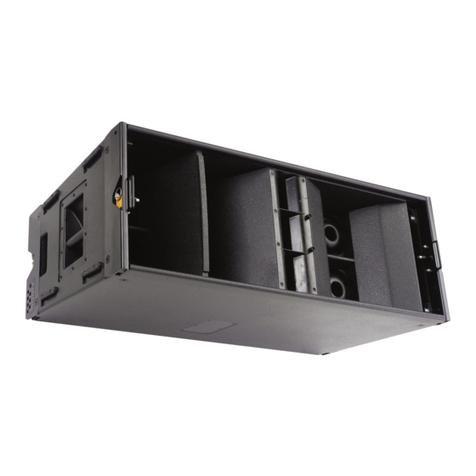
  9. Martin Audio OmniLine Portable Speaker Dimensional drawing

Martin Audio OmniLine Portable Speaker Dimensional drawing

Other Martin Audio Speakers System manuals
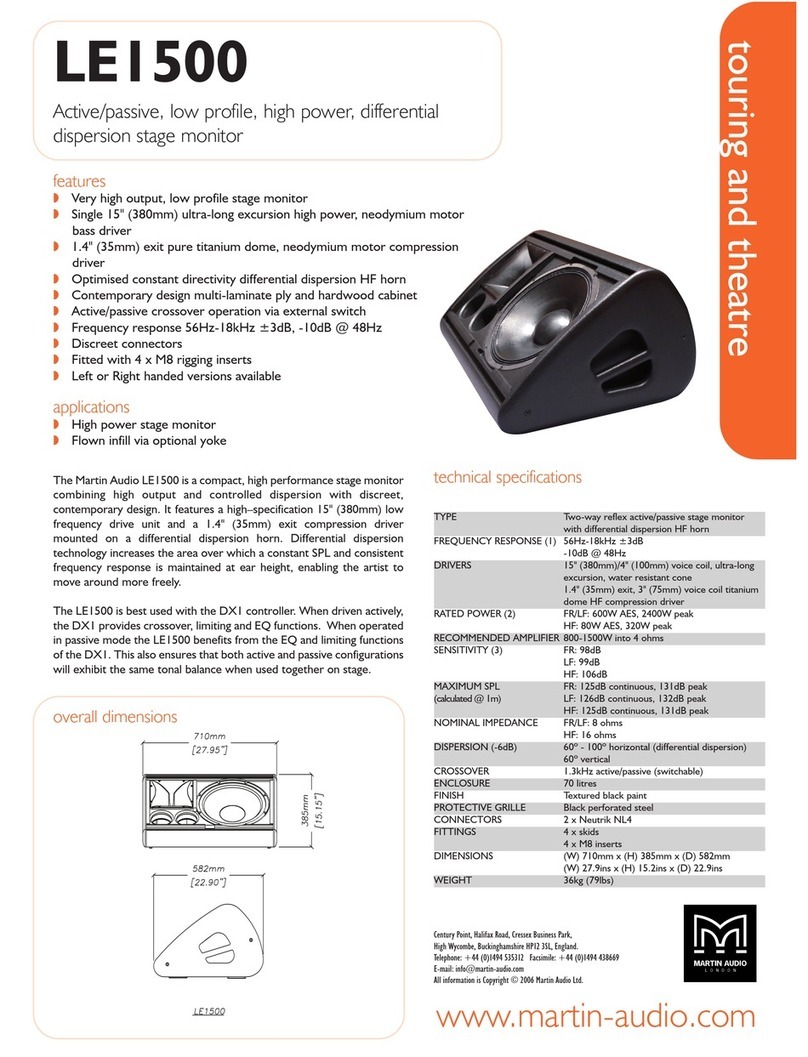
Martin Audio LE1500 User manual

Martin Audio

Martin Audio LE1500 User manual
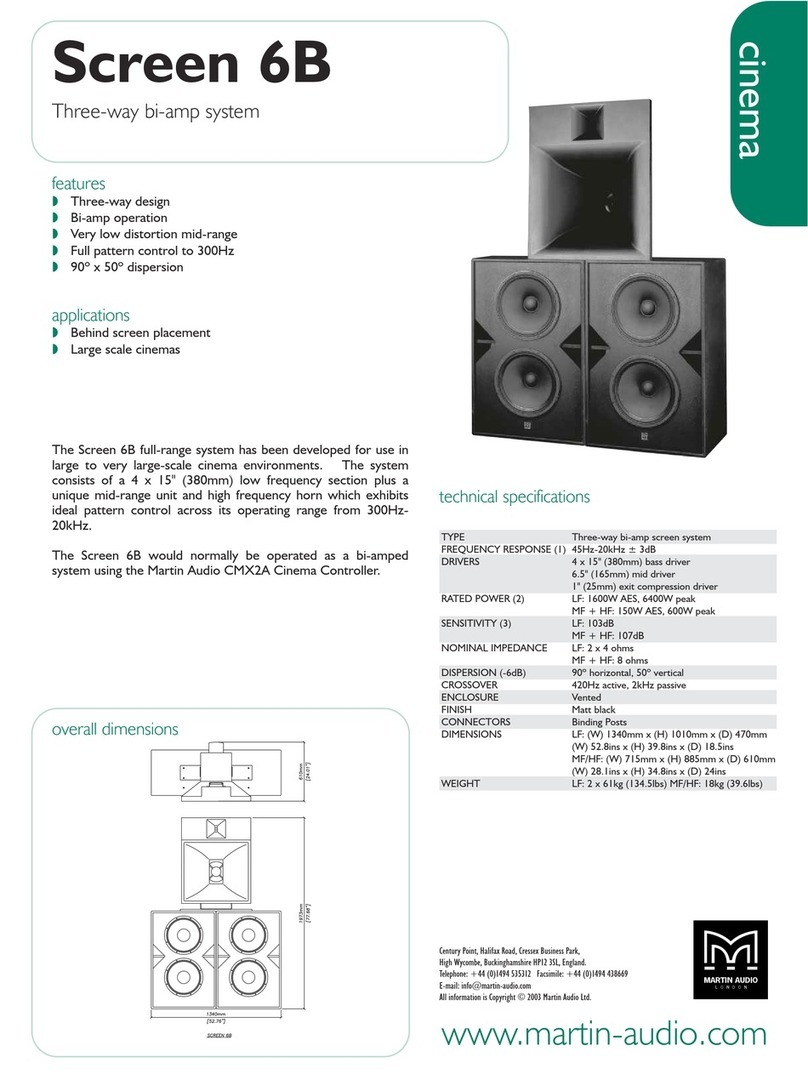
Martin Audio Screen 6B User manual

Martin Audio

Martin Audio Screen 6B User manual
Martin Audio MLA Mini User manual

Martin Audio

Martin Audio MLA Mini User manual
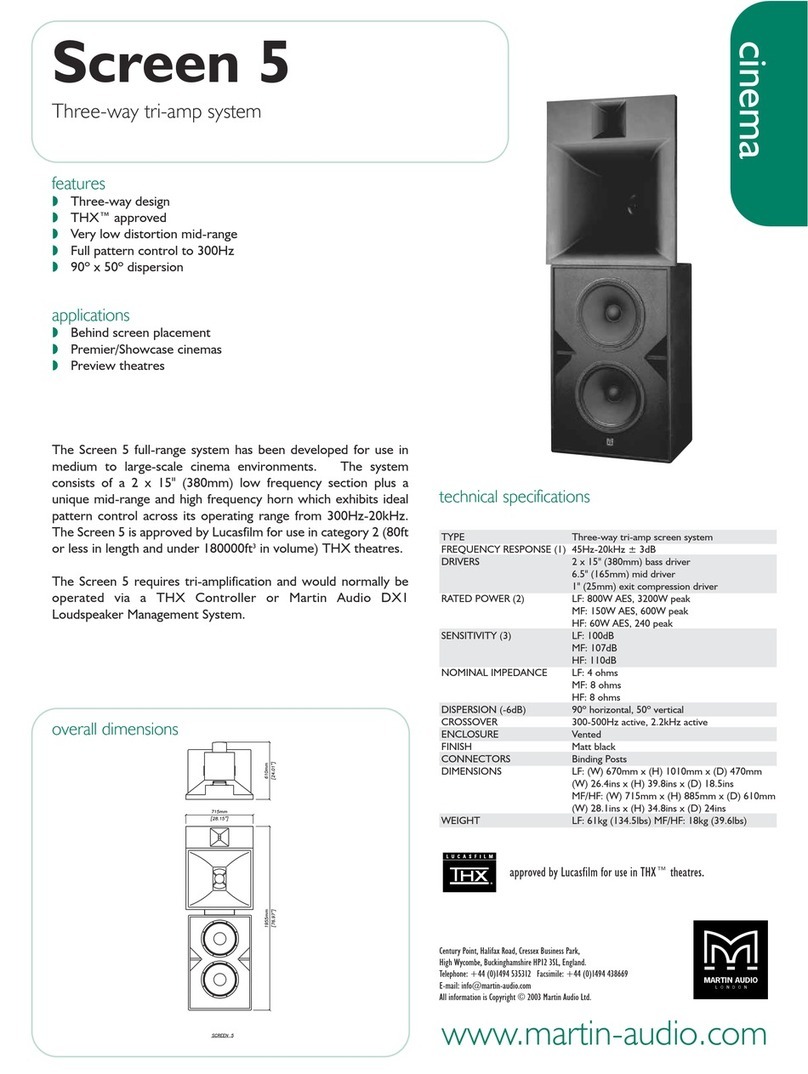
Martin Audio Cinema Screen 5 User manual
Martin Audio

Martin Audio Cinema Screen 5 User manual

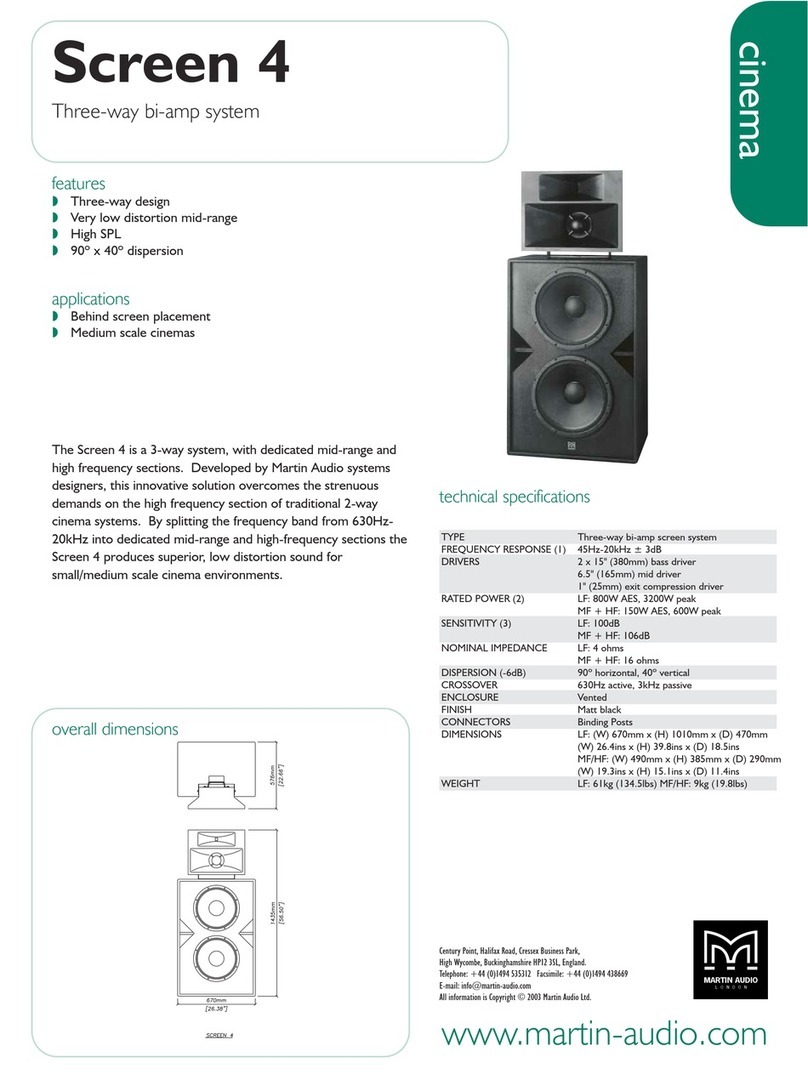
Martin Audio Cinema Screen 4 User manual
Martin Audio

Martin Audio Cinema Screen 4 User manual

Martin Audio Screen Channel User manual
Martin Audio

Martin Audio Screen Channel User manual

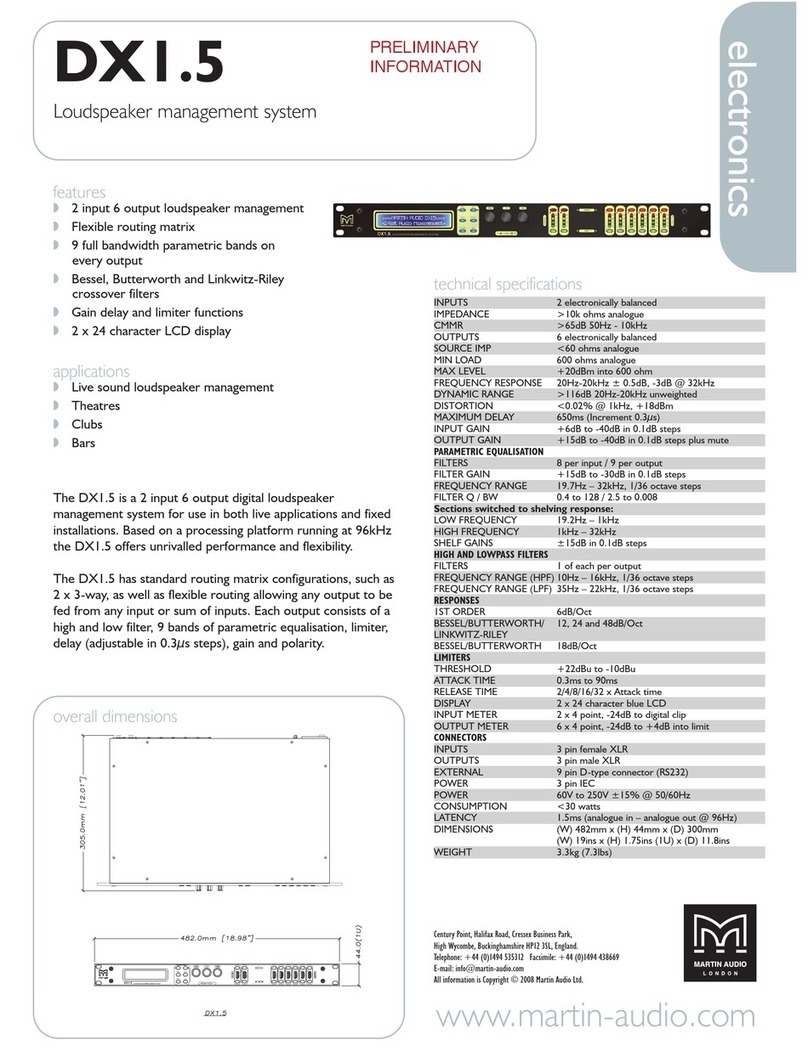
Martin Audio DX1.5 User manual

Martin Audio

Martin Audio DX1.5 User manual
Martin Audio F2 User manual

Martin Audio

Martin Audio F2 User manual
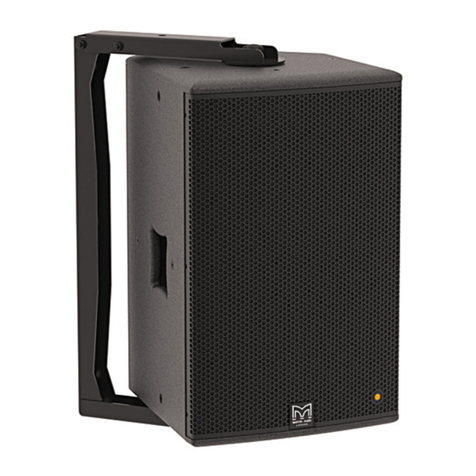
Martin Audio DD12 User manual

Martin Audio

Martin Audio DD12 User manual
Martin Audio EM105 User manual

Martin Audio

Martin Audio EM105 User manual
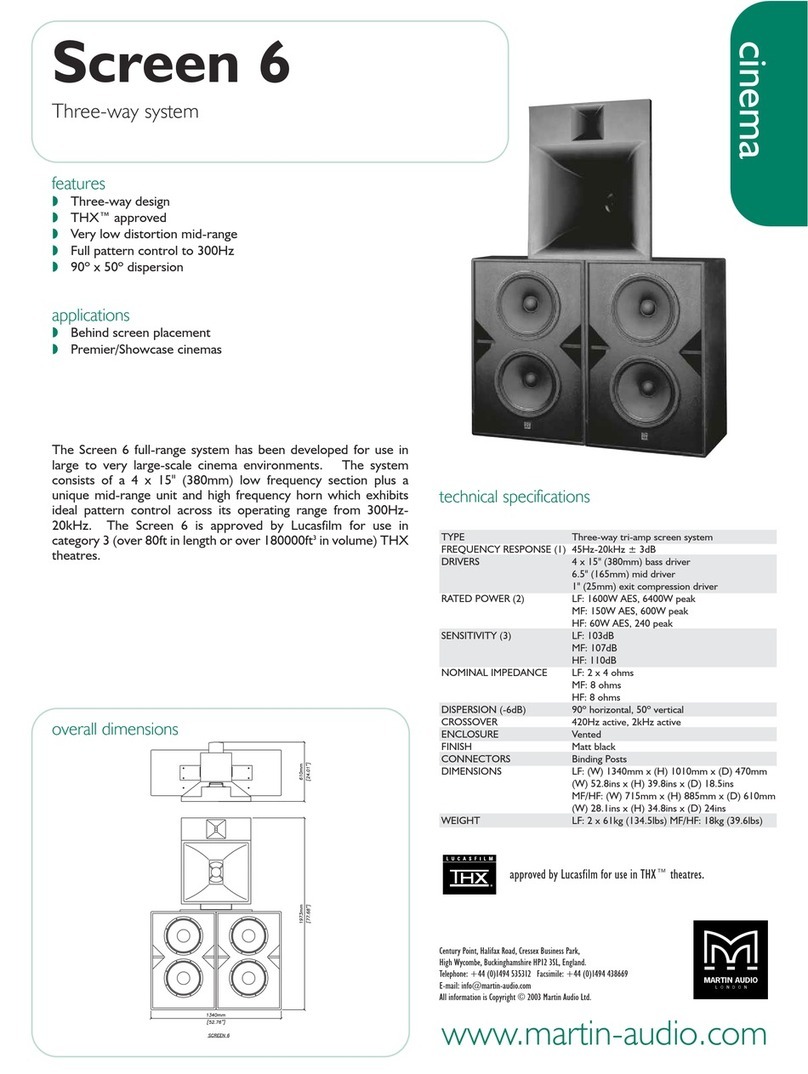
Martin Audio Cinema Screen 6 User manual
Martin Audio

Martin Audio Cinema Screen 6 User manual

Martin Audio DX1.5 User manual

Martin Audio

Martin Audio DX1.5 User manual
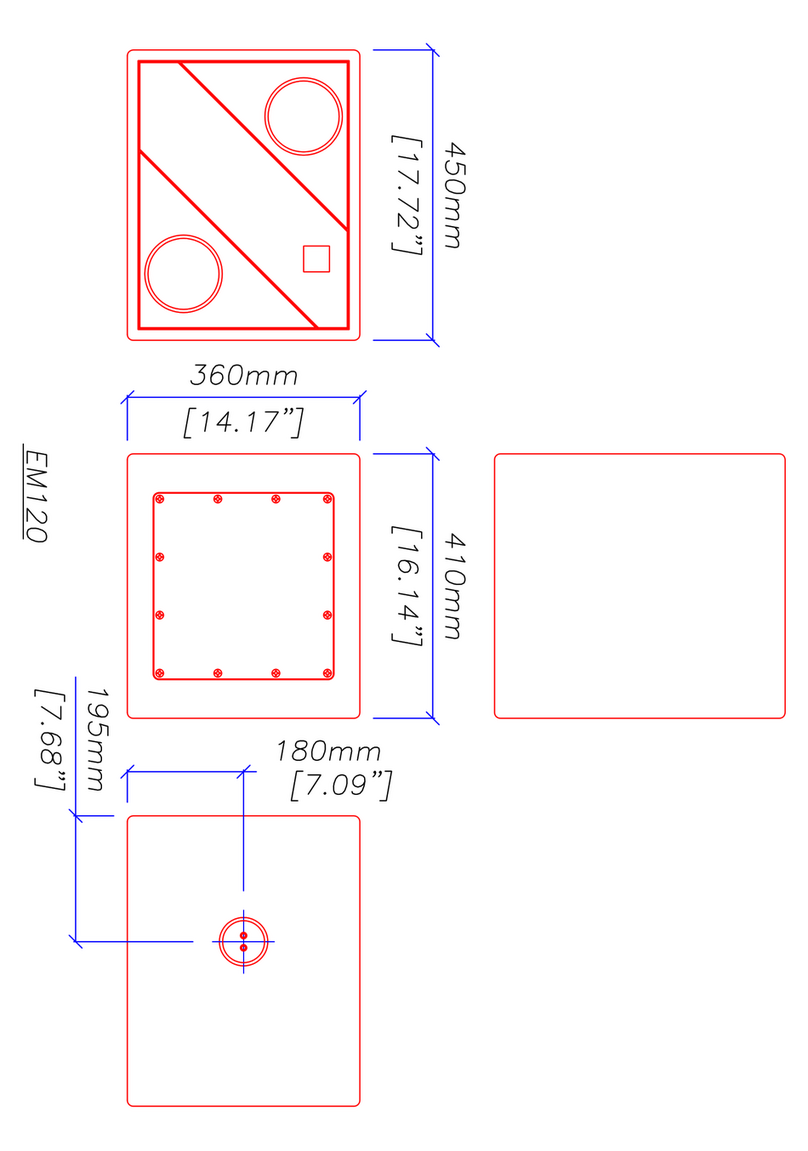
Martin Audio EM120 - SCHEMATICS Guide

Martin Audio

Martin Audio EM120 - SCHEMATICS Guide
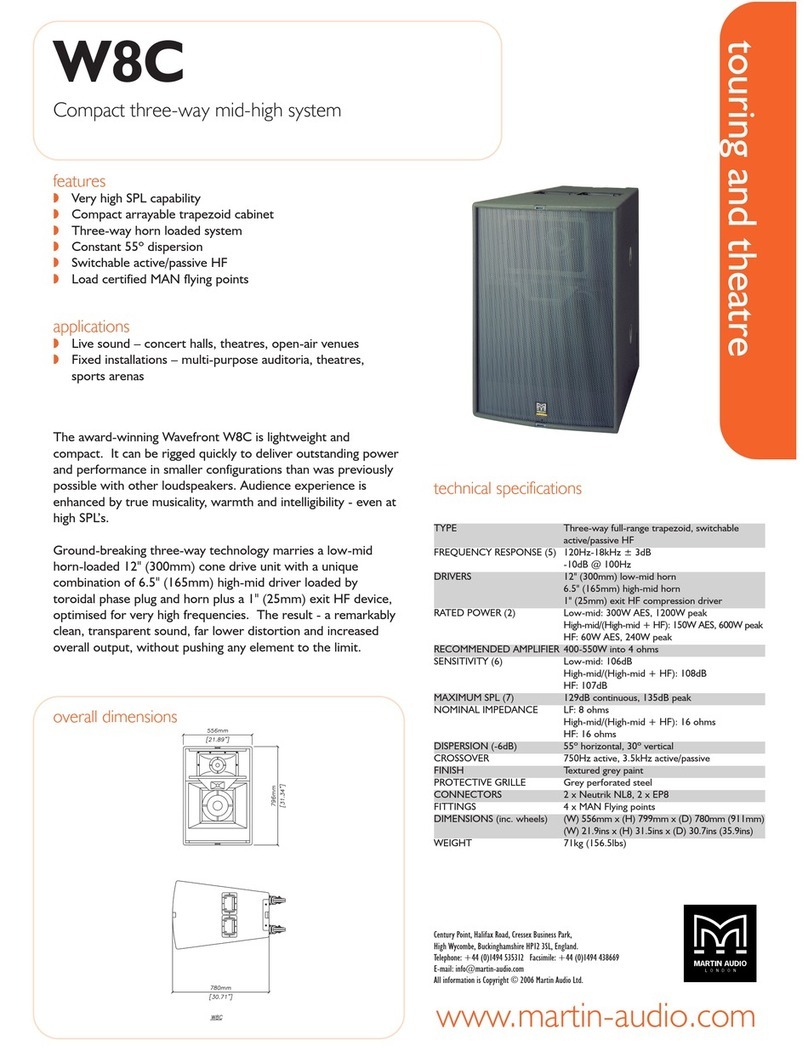
Martin Audio Compact Three-way Mid-high System W8C User manual
Martin Audio

Martin Audio Compact Three-way Mid-high System W8C User manual

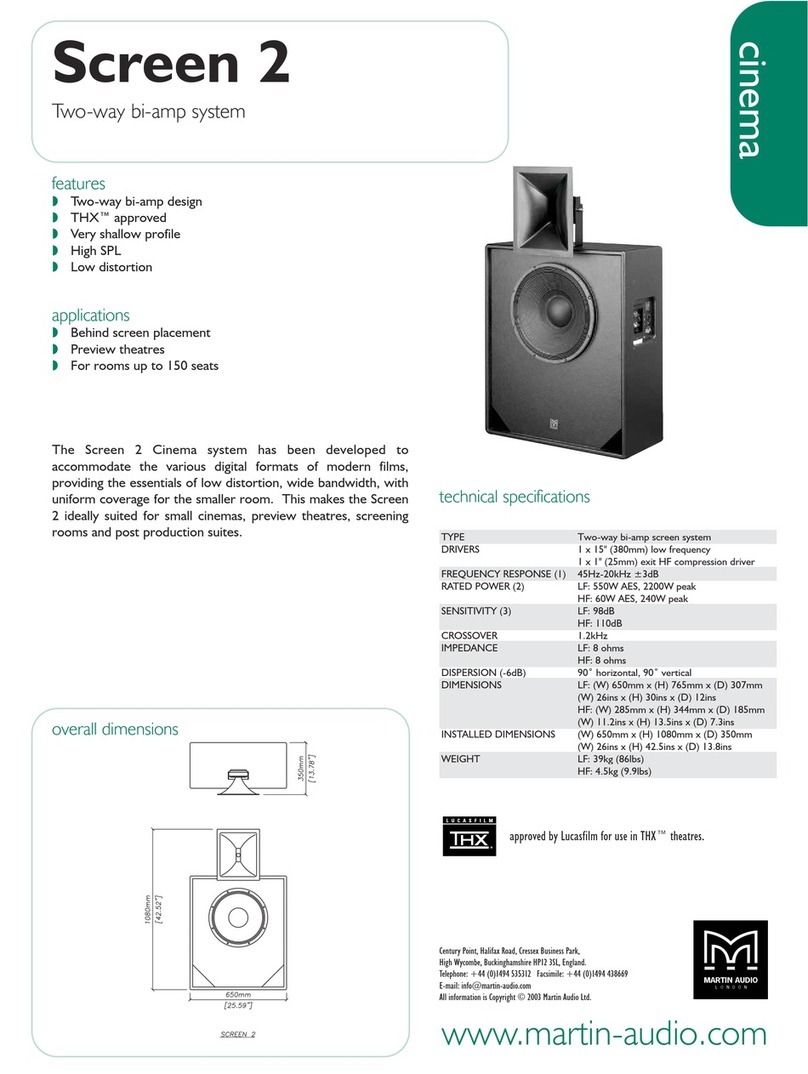
Martin Audio Screen 2 User manual

Martin Audio

Martin Audio Screen 2 User manual
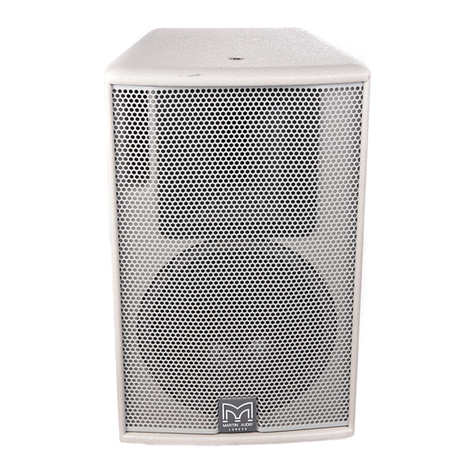
Martin Audio AQ8 User manual

Martin Audio

Martin Audio AQ8 User manual
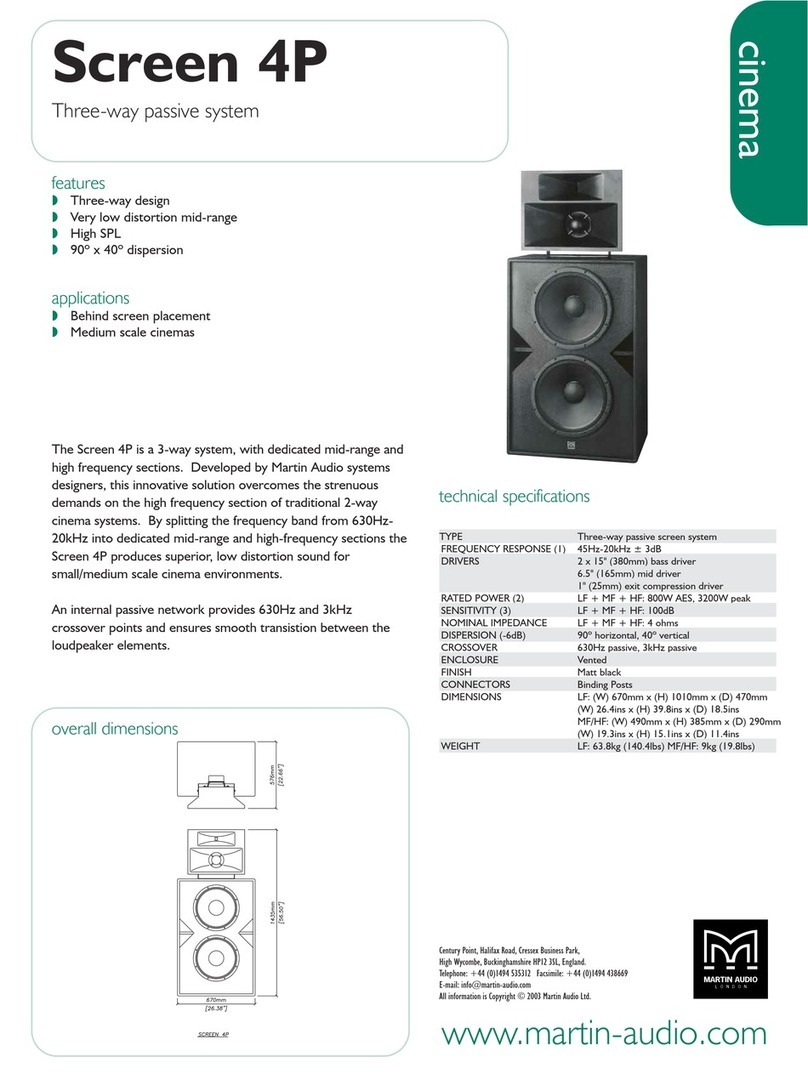
Martin Audio Three-way Passive System Screen 4P User manual
Martin Audio

Martin Audio Three-way Passive System Screen 4P User manual

Martin Audio CDD12-WR User manual

Martin Audio

Martin Audio CDD12-WR User manual
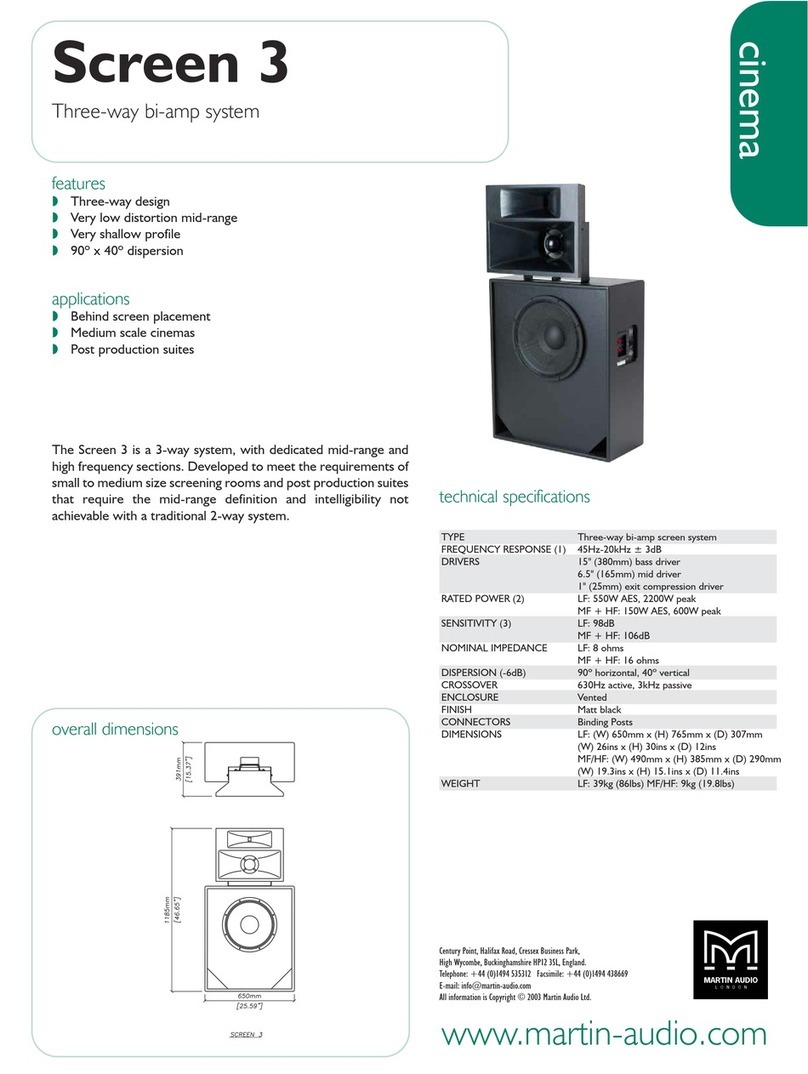
Martin Audio Cinema Screen 3 User manual
Martin Audio

Martin Audio Cinema Screen 3 User manual

Martin Audio WAVEFRONT PRECISION WPM User manual
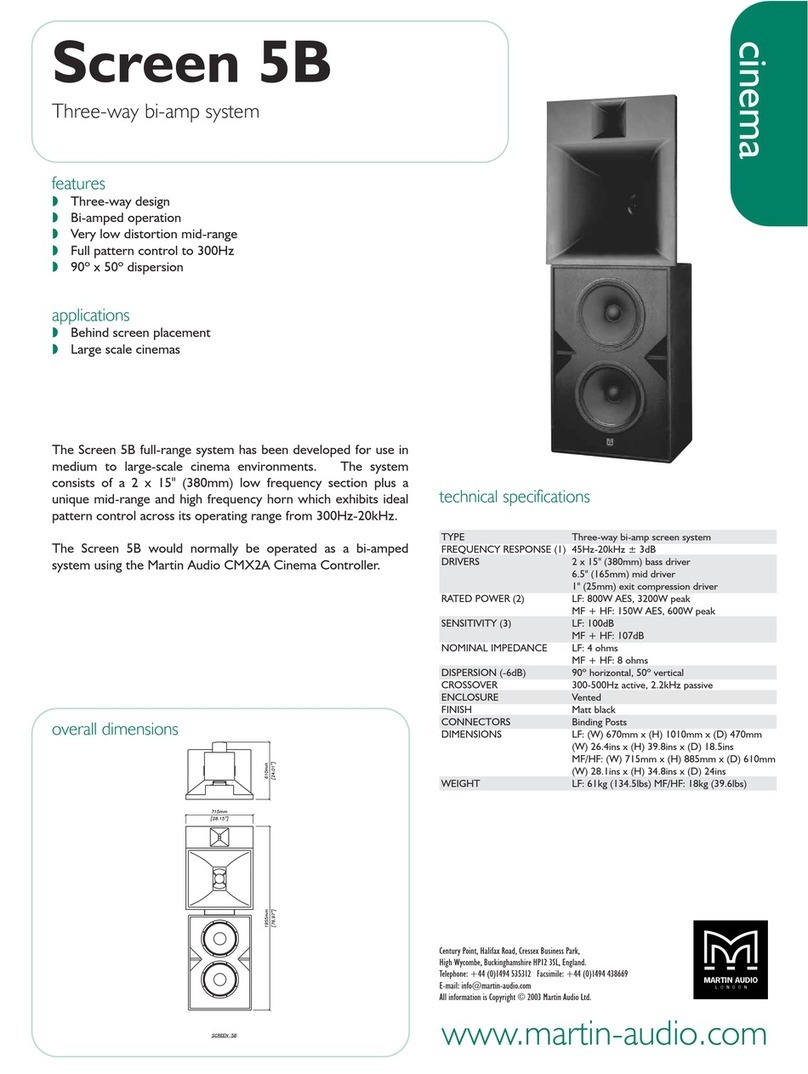
Martin Audio

Martin Audio WAVEFRONT PRECISION WPM User manual
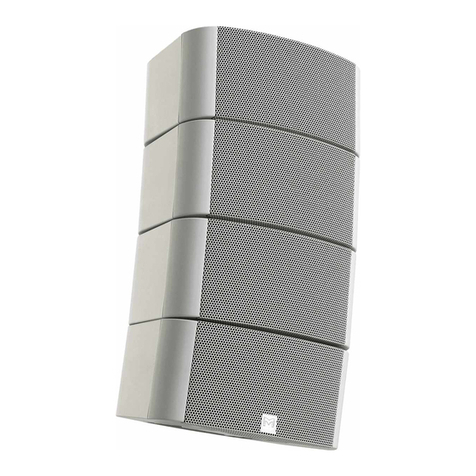
Martin Audio Screen 5B User manual

Martin Audio

Martin Audio Screen 5B User manual

Martin Audio O-LINE User manual

Martin Audio

Martin Audio O-LINE User manual

Martin Audio Longbow W8L User guide

Martin Audio

Martin Audio Longbow W8L User guide

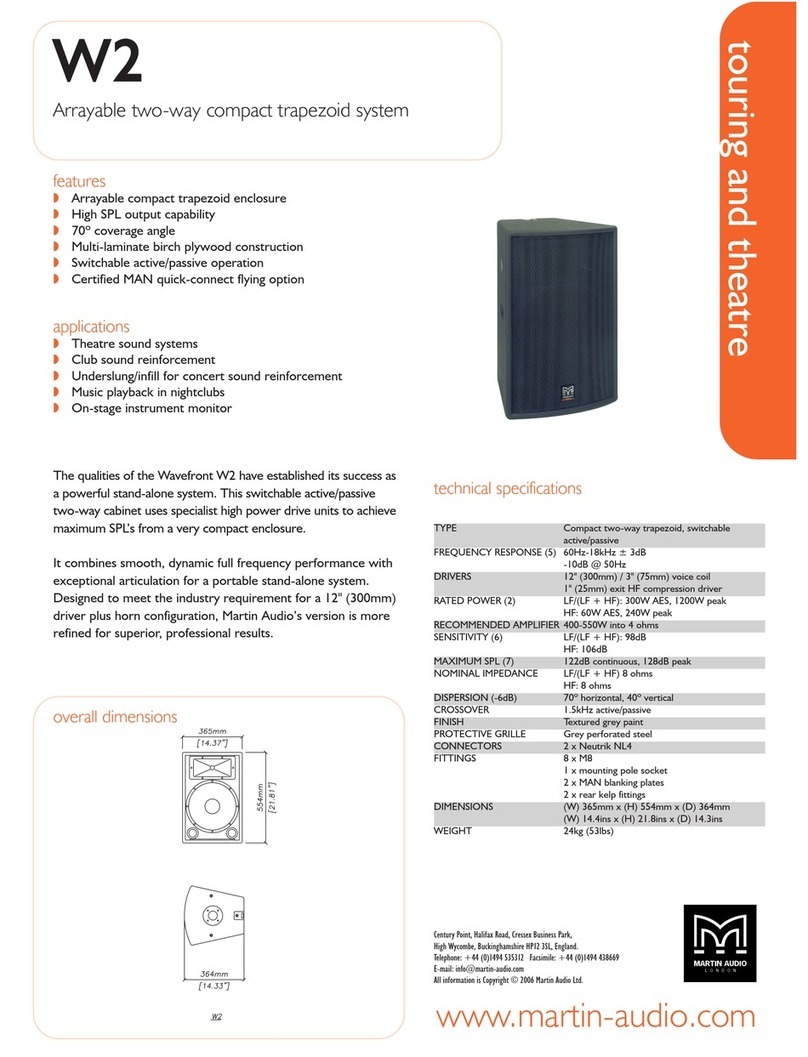
Martin Audio W2 User manual

Martin Audio

Martin Audio W2 User manual

Popular Speakers System manuals by other brands

Monster MT-SB21 user manual

Monster

Monster MT-SB21 user manual

Monacor ESP-76AB/ WS manual

Monacor

Monacor ESP-76AB/ WS manual

Samsung HW-J430 user manual

Samsung

Samsung HW-J430 user manual

WILSON AUDIO WATT owner's manual

WILSON AUDIO

WILSON AUDIO WATT owner's manual

Hisense AX3125H user manual

Hisense

Hisense AX3125H user manual

EisSound KBSound iSelect user manual

EisSound

EisSound KBSound iSelect user manual

Boston Acoustics VRi793 manual

Boston Acoustics

Boston Acoustics VRi793 manual

Sven SPS-707bL Operation manual

Sven

Sven SPS-707bL Operation manual

Monacor DSM-26LAN instruction manual

Monacor

Monacor DSM-26LAN instruction manual

JVC CS-SR100 instructions

JVC

JVC CS-SR100 instructions

Samsung HW-C450 user manual

Samsung

Samsung HW-C450 user manual

TaoTronics evatronic ET-SK011 user guide

TaoTronics

TaoTronics evatronic ET-SK011 user guide

JVC HX-D7C instructions

JVC

JVC HX-D7C instructions

Pyle PBMSPG190 user manual

Pyle

Pyle PBMSPG190 user manual

Sven SPS-607 Operation manual

Sven

Sven SPS-607 Operation manual

iSP Technologies LT2 series owner's manual

iSP Technologies

iSP Technologies LT2 series owner's manual

Samsung Crystal Surround Air Track HW-F550 user manual

Samsung

Samsung Crystal Surround Air Track HW-F550 user manual

Bose Acoustimass 6 Series II owner's guide

Bose

Bose Acoustimass 6 Series II owner's guide

manuals.online logo
manuals.online logoBrands
  • About & Mission
  • Contact us
  • Privacy Policy
  • Terms and Conditions

Copyright 2025 Manuals.Online. All Rights Reserved.

The Martin Experience
All material © 2008. Martin Audio Ltd. Subject to change without notice.
Powering your
OmniLine®
(For general system preparation, see the OmniLine
system preparation - preliminary guidance)
1
Powering your OmniLinetm
(For general system preparation, see the OmniLine system preparation - preliminary guidance)
General
Your OmniLinetm is delivered in blocks of 4 modules ready wired in parallel. These four-module blocks
may be separated into smaller blocks or individual modules, linked and paralleled to other blocks or
modules using short link wires - or series connected to other blocks or modules using the series
Connector pcb supplied with each four-module block (see illustration below).
The Connector pcb also provides an input termination.
This allows the installer to build an array of appropriate length (we recommend 6% of each plane to
be covered for good spectral balance) with electrical characteristics best suited to the Martin Audio
power amplifier chosen.
2
Amplifier choices and limiter settings
The following chart shows Martin Audio power amplifier choices (indicated by dots) and Martin Audio
DX1.5 or DX2 limiter settings (in red) to obtain optimal performance from the wide range of OmniLine
array sizes and patch configurations possible.
Single channels, two channel and four channel configurations are shown. Multi-channel configurations
are useful where zone control may be required.
To avoid amplifier clipping (which dumps excessive power into the HF arrays in the form of odd-order
harmonics) it is best to choose the highest power amplifier in the range indicated. Note that power
amplifiers must be set to the industry standard maximum voltage gain of 32dB (x40) with a correctly
limited DX1.5 or DX2 system controller to comply with warranty conditions.
(This chart is repeated full-size on the next page for easy reference)
ClipLim settings
Martin Audio loudspeakers are AES power rated. AES ratings allow for up to 6dB voltage (4 x power)
instantaneous peaks. We therefore recommend that you set your DX1.5 or DX2 output channel
ClipLims to +6dB.
Controller presets?
Note that we do not publish fixed presets for the OmniLine – apart from recommending a standard
60Hz high pass filter and the required limiter settings. The OmniLine Software – used to optimise the
array shape – also generates the controller settings required for a flat in-situ system response or to
meet your chosen house curve using the Optimise EQ function.
3
4
OmniLine array patches
Single OmniLine modules are 16 ohm elements. Four modules are supplied in each carton. These
four modules are connected in parallel to form a standard 4 ohm block but may be reconfigured,
paralleled or series connected to provide a wide variety of series/parallel configurations chosen from
the preceding chart.
Single channel configurations
1 module array (16 ohms)
2 module array (8 ohms)
4 module array (4 ohms)
Please note that if you don’t understand series and parallel electrical configurations, you
are strongly advised to enlist the advice of a profession sound system technician or
experienced installer.
5
6 module array (2.67 ohms)
6 module array (10.67 ohms)
6
8 module array (8 ohms)
12 module array (5.3 ohms)
7
16 module array (4 ohms)
8
24 module array (2.67 ohms)
9
Two channel configurations
6 module array (5.34 ohms per channel)
8 module array (4 ohms per channel)