www.massfidelity.com 10
• Alternatively, you can erase the current Bluetooth
connection by pressing the SOURCE key for five
seconds.
VIA NFC
If the Core is on, simply tap the unlocked, NFC-enabled phone
or tablet at the top center of the Core to make an instant
connection.The Core switches to Bluetooth mode, pairs with
the device and establishes a connection. This process will also
disconnect the current Bluetooth connection, if any, to the
Core.
• If the Core is on standby or off, tap the unlocked,
NFC-enabled phone or tablet at the top center of the Core
to turn the unit on and switch to Bluetooth mode, then
tap again to pair the Core to the device and establish a
connection.
automatically and then music or sounds from the source
are played through the Core. The LED Indicator is blue
when the Core is connected to a paired device.
• If the last connected device is not available, the Core
waits in the disconnected state for manual connection
of a previously paired device or connection of a new
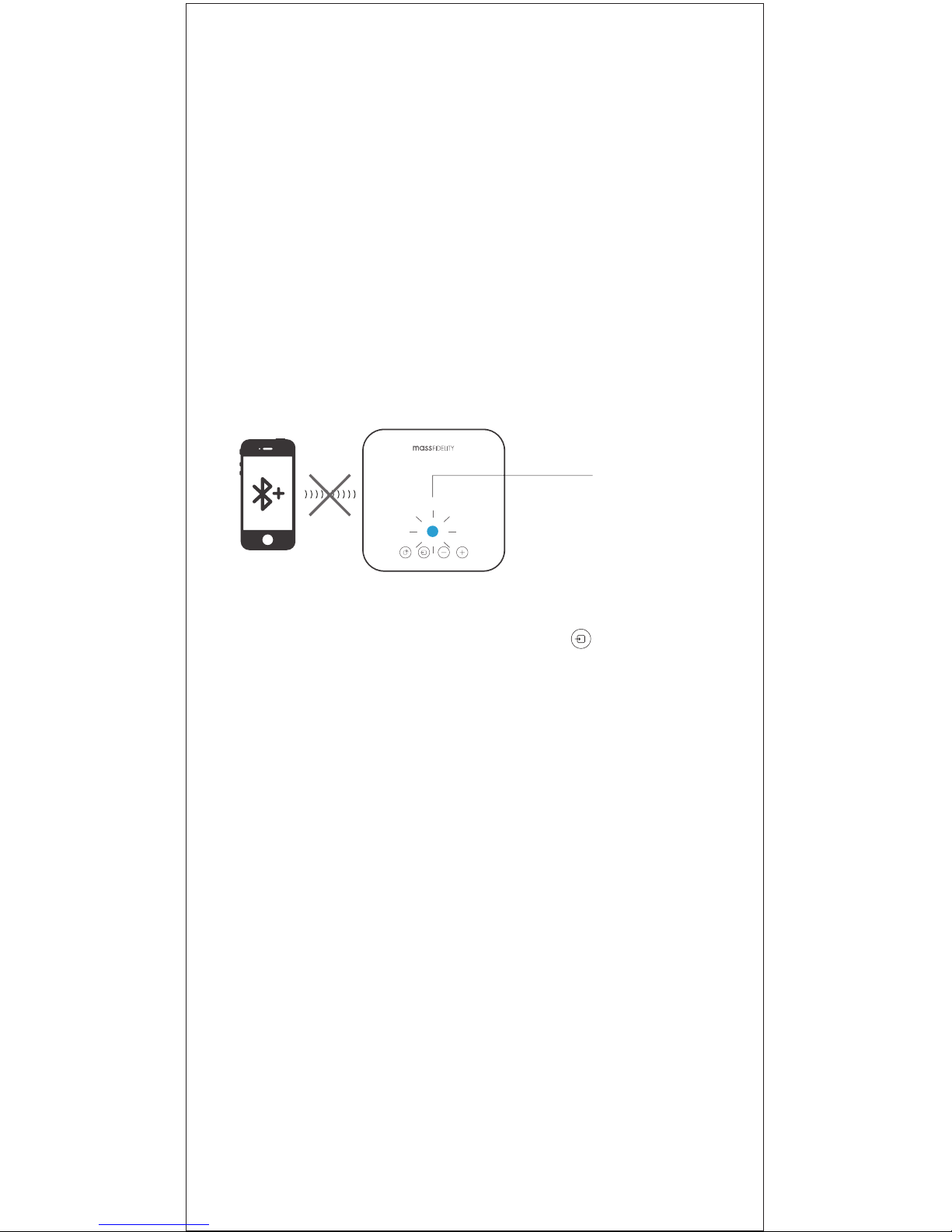
device. The LED Indicator ashes blue when Bluetooth is
on but the Core is not connected to another device.
Disconnect Bluetooth:
• To disable the current Bluetooth connection, turn off
Bluetooth on your source device, or unpair (“Forget device”
on iOS devices) the Core on your source device.
Once Bluetooth is
discconnected LED will
be ashing BLUE