manuals.online logo
Brands
  1. Home
  2. •
  3. Brands
  4. •
  5. Master equipment
  6. •
  7. Dryer
  8. •
  9. Master equipment TP2402 User manual

Master equipment TP2402 User manual

Other Master equipment Dryer manuals

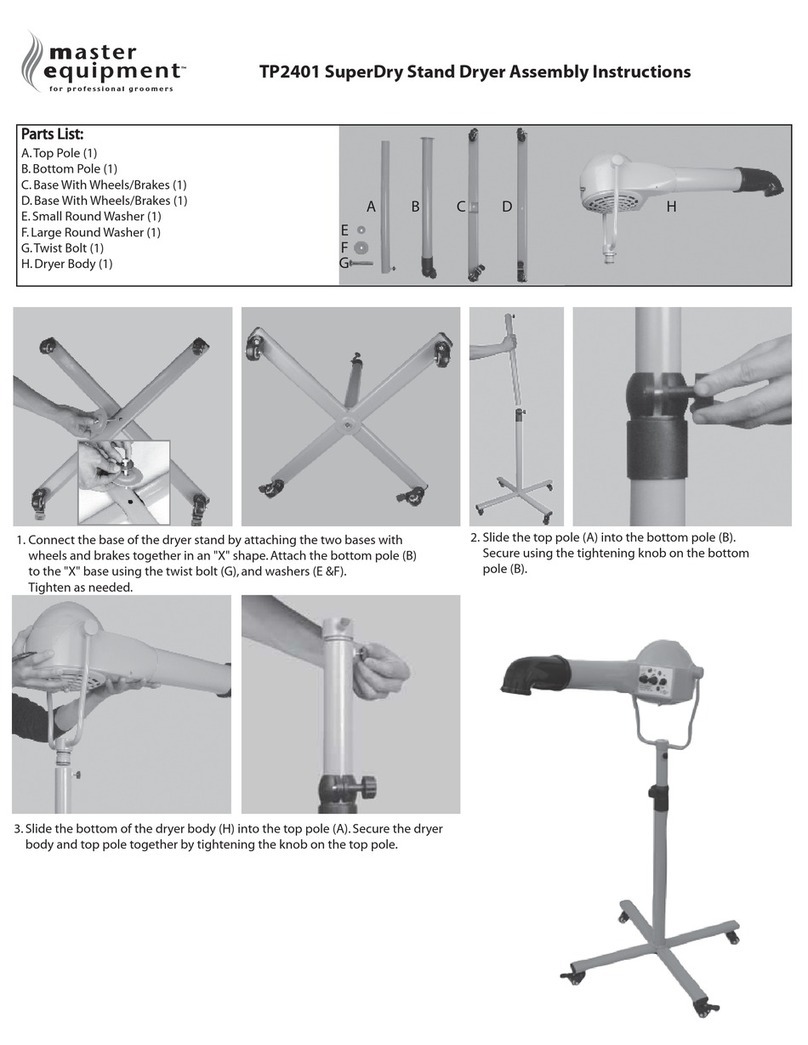
Master equipment SuperDry TP2401 User manual

Master equipment

Master equipment SuperDry TP2401 User manual

Popular Dryer manuals by other brands

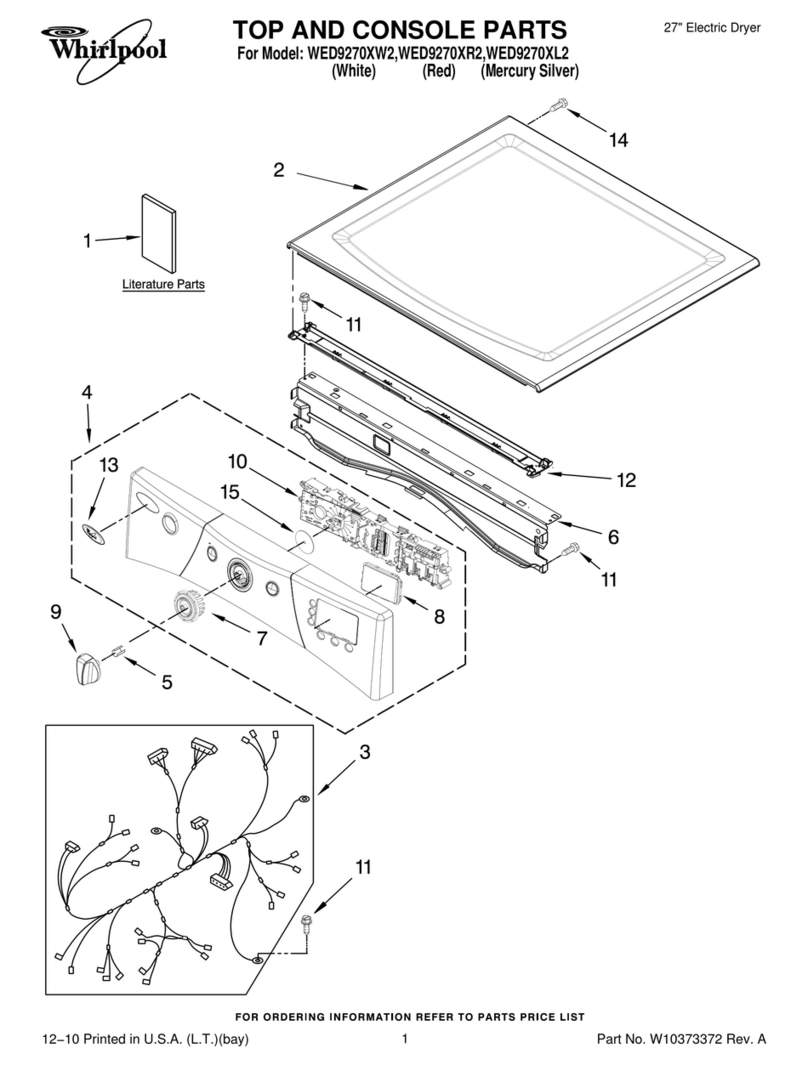
Whirlpool WED9270XL2 parts list

Whirlpool

Whirlpool WED9270XL2 parts list

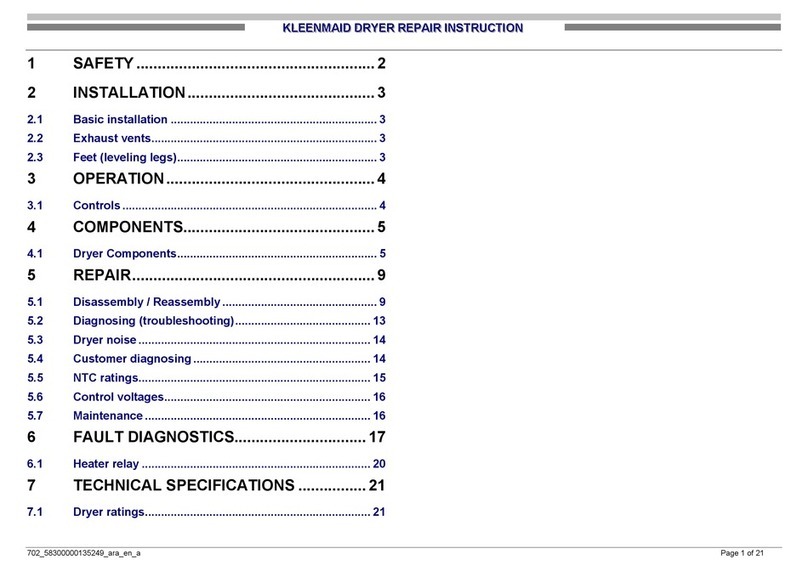
Kleenmaid KED2000 Repair instructions

Kleenmaid

Kleenmaid KED2000 Repair instructions

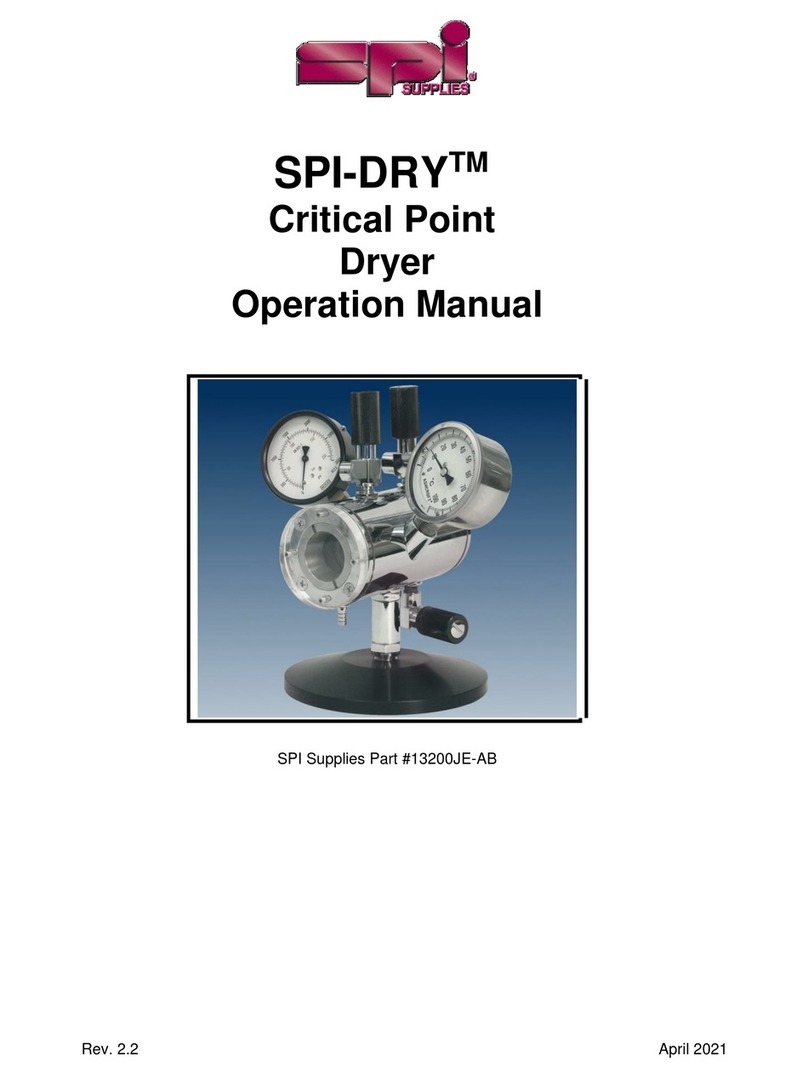
SPI Supplies SPI-DRY Operation manual

SPI Supplies

SPI Supplies SPI-DRY Operation manual

Amana NGD5800DW Use & care guide

Amana

Amana NGD5800DW Use & care guide

Bosch WTG86402GB Installation and operating instructions

Bosch

Bosch WTG86402GB Installation and operating instructions

Maytag MED4200BW0 installation instructions

Maytag

Maytag MED4200BW0 installation instructions

ffuuss eos user manual

ffuuss

ffuuss eos user manual

KitchenAid 53-3498 installation instructions

KitchenAid

KitchenAid 53-3498 installation instructions

Schulthess Spirit topLine TW 8340 operating instructions

Schulthess

Schulthess Spirit topLine TW 8340 operating instructions

Whirlpool LGR4624BW0 parts list

Whirlpool

Whirlpool LGR4624BW0 parts list

World Dryer AirMax D M5-972A manual

World Dryer

World Dryer AirMax D M5-972A manual

Alliance Laundry Systems ADEE9BSS user guide

Alliance Laundry Systems

Alliance Laundry Systems ADEE9BSS user guide

Miele PDR 910 EL Operating and installation instructions

Miele

Miele PDR 910 EL Operating and installation instructions

Amana NGD5800TQ0 parts list

Amana

Amana NGD5800TQ0 parts list

Bosch WTA79200GB Installation and operating instructions

Bosch

Bosch WTA79200GB Installation and operating instructions

AEG TR838P4OB user manual

AEG

AEG TR838P4OB user manual

Asko T760 user guide

Asko

Asko T760 user guide

Electrolux EW2H328R2 user manual

Electrolux

Electrolux EW2H328R2 user manual

manuals.online logo
manuals.online logoBrands
  • About & Mission
  • Contact us
  • Privacy Policy
  • Terms and Conditions

Copyright 2025 Manuals.Online. All Rights Reserved.

TP2402 • Master Equipment
FlashDry Control Stand Dryer
Assembly Instructions
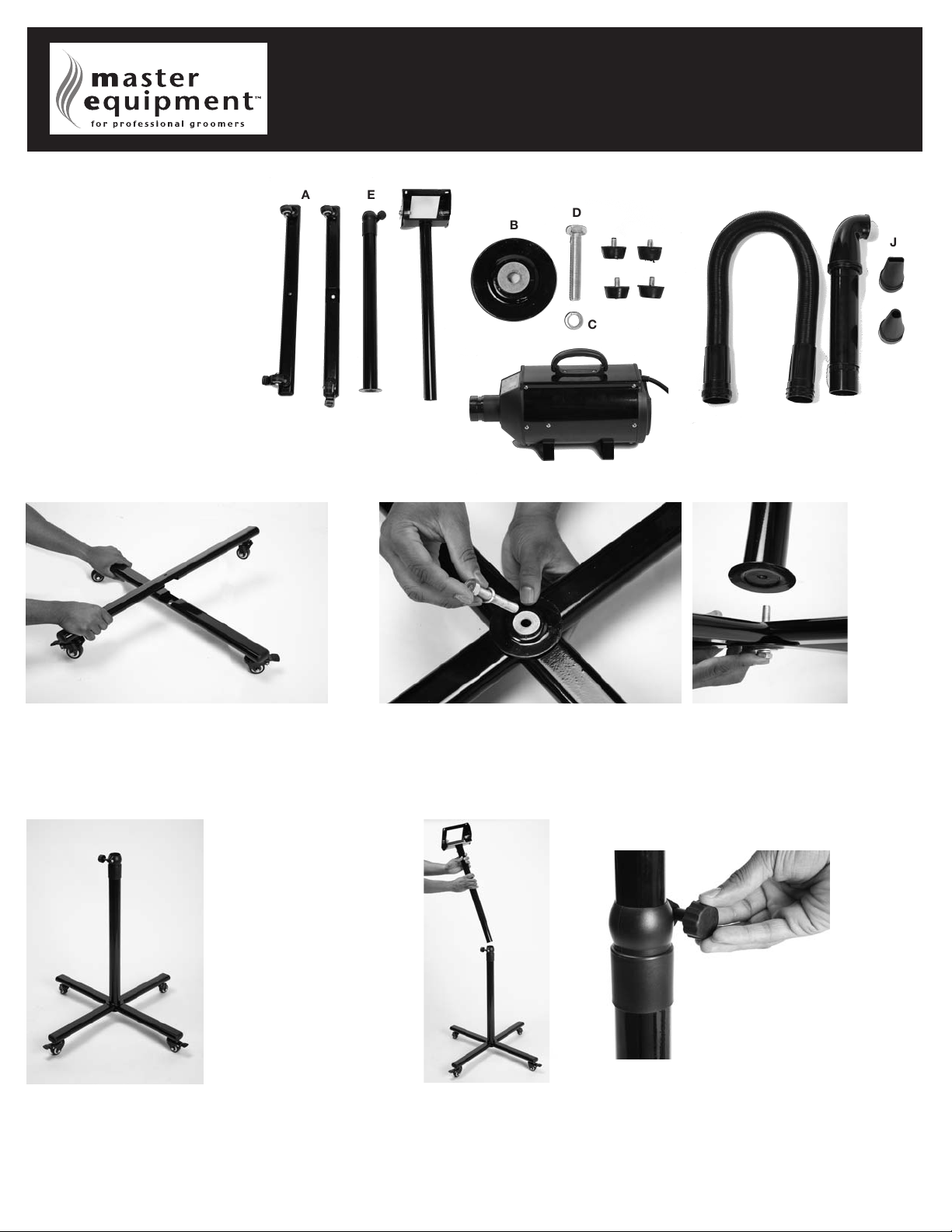
Parts List
(A) Base Bars with Wheels (2)
(B) Large Round Washer Plate (1)
(C) Lock Washer (1)
(D) Twist Bolt (1)
(E) Bottom Pole (1)
(F) Top Pole (1)
(G) Dryer Body (1)
(H) Rounded Screws with Rubber Feet (4)
(I) Hose (1)
(J) Concentrator Nozzles (2)
(K) Hands-Free Nozzle (1)
Tools Required (Not Included):
Wrench
Phillips Screwdriver
A
B
C
D
E
F
I
J
K
G
H
1). Assemble the base by interlocking the two base bars (A).
4. Screw the bottom pole (E) onto the large twist bolt. The
end of the bottom pole with the large flat round plate is
the end that screws onto the base.
5. Use a wrench (not included) to tighten the large twist bolt.
2. Holding the two interlocked base bars together, carefully turn base upside down. Place the large round
washer plate (B) at the intersection of the two base bars, aligning the holes. Next, place the lock
washer (C) on the twist bolt (D). Insert the large twist bolt into the aligned holes.
3. Holding the base bars together, turn the base rightside up. Be sure the large
twist bolt is visible.
6. Insert the top pole (F) into the bottom pole. Secure the two poles together at
desired height by tightening the knob on the side of the bottom pole.

7. Attach the dryer body (G) to the metal frame on the top
pole using the four rounded screws with rubber feet (H).
Use a Phillips screwdriver to tighten the screws.
8. Attach the hose (I) to the dryer by pulling the plastic neck clasp away from the hose and pressing
the hose firmly against the dryer body. Then release the plastic neck clasp.
9. The concentrator nozzles (J) fit directly onto the end of the hose.
10. To use the hands-free nozzle (K), remove the hose
and attach the hands-free nozzle by using the
plastic neck clasp as shown in step 8.
TP2402 • Master Equipment
FlashDry Control Stand Dryer
Assembly Instructions
1. Increase Fan Speed 2. Increase Temperature
4. Decrease Temperature
3. Cumulative Hours of
Operation Indicator
5. Power switch
6. Temperature
Indicator for
dryer
7. Decrease
Fan Speed
1. Simultaneously hold down buttons 1 and 2 until the Cumulative Hours of Operation
Indicator begins to flash.
2. Within 3 seconds, simultaneously hold down buttons 1 and 7 to reset the
Cumulative Hours of Operation Indicator.
3. Once the Cumulative Hours of Operation Indicator has returned to zero, release
buttons 1 and 7.
Instructions on how to reset hours of operation
LCD control panel instructions