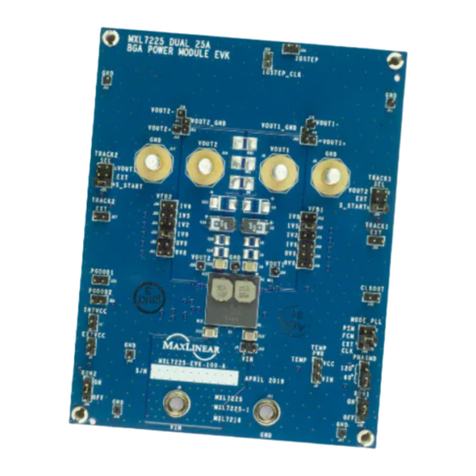
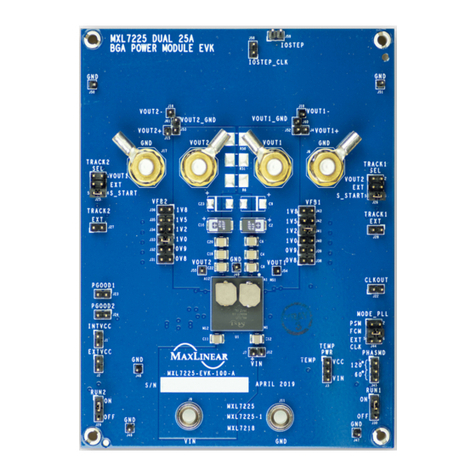
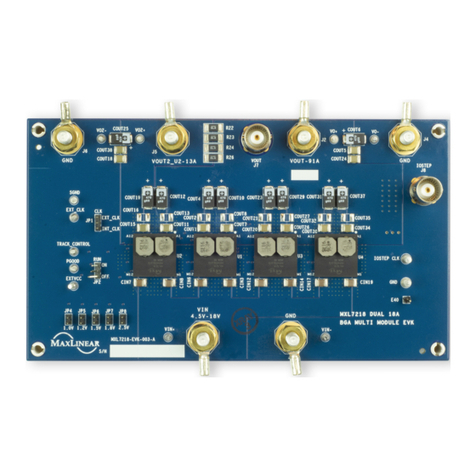
MxL7213 13A Dual Phase EVB User Manual Introduction
4/23/19 000UMR02 1
Introduction
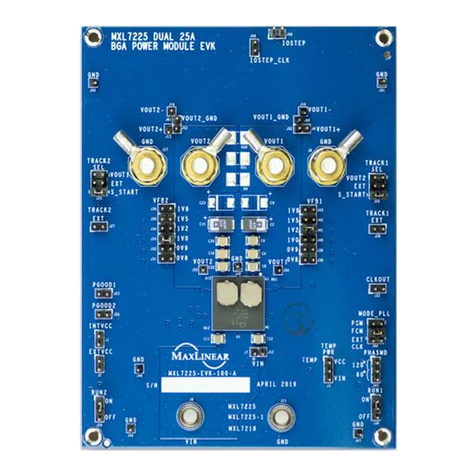
The MxL7213 evaluation board provides a platform to evaluate the features and performance of the MxL7213. The
MxL7213 is a dual 13A Power Module optimized for powering Telecom, Networking and Industrial equipment. There are
multiple EVBs for the MxL7213. This manual covers the 13A Dual Phase LGA Evaluation Boards.
Quick EVB Set Up and Start Up
Factory Settings
In addition to utilizing the 4.5V to 18V input voltage range and dual 13A maximum load current rating capabilities of the
MxL7213 Power Module, the Evaluation Board has been set up with the factory default configurations shown below for
quick set up and operation. Do not exceed the EVB maximum load current rating.
The factory default configuration (Table 2) for the MxL7213 Evaluation Board is:
■VOUT1 = 3.3V ±1.5%
■VOUT2 = 5.0V ±1.5%
■750kHz Switching Frequency
■CCM mode. For other modes, see Jumper JP1 MODE.
■Run is enabled for both channels. See Jumpers JP2
RUN1 and JP3 RUN2.
■Soft-start is selected for both channels. See Jumper
JP4 TRACK1 SEL and Jumper JP5 TRACK2 SEL.
■CLKOUT phase is 90 degrees, see Jumper JP6
CLKOUT PHASE.
Quick Start Up
To quickly see the regulator in operation:
1. Use the factory settings and default configuration. If
other settings or components are desired, apply them
before the next steps and see Set-Up Options for more.
2. Connect a turned-off power supply that is within a VIN
specification of 5.5V(1) to 18V, (12V typical) to VIN and
GND with short / thick leads. Use test pins VIN+ and
VIN- to monitor VIN and GND respectively. See
locations in Figure 1.
3. For the channel 1 output, connect an electronic load
initially set to 0A, that will be no more than the above
maximum IOUT (13A ), to VOUT1 and GND with short /
thick leads. Use test pins VO1+ and VO1- to monitor
VOUT1 and GND respectively. See locations in
Figure 1.
4. For the channel 2 output, connect an electronic load
initially set to 0A, that will be no more than the above
maximum IOUT (13A ), to VOUT2 and GND with short /
thick leads. Use test pins VO2+ and VO2- to monitor
VOUT2 and GND respectively. See locations in
Figure 1.
5. Turn on the power supply and check VOUT of both
channels. The EVB will power up and (factory default)
regulate the channel 1 output at 3.3V ±1.5% (3.251V to
3.349V) and channel 2 output at 5.0V ±1.5% (4.925V
to 5.075V). Output ripple should be observed using a
BNC cable connected to a scope at J1 for channel 1
and J2 for channel 2.
6. Set or vary the load (do not exceed the maximum IOUT)
and check VOUT and other desired performance levels
such as regulation and efficiency.
See Configuration and I/O Interfaces and Load Transient
Circuit for more on testing and monitoring. For Single Rail
Dual Phase 26A Operation and to vary VOUT see 2 Phase,
Single Output Select.
1. VIN of 6V or greater is required for a VOUT = 5.5V.