Quad MxL7225 200A Multiphase EVK User Manual Introduction
12/7/20 021UMR01 1
Introduction
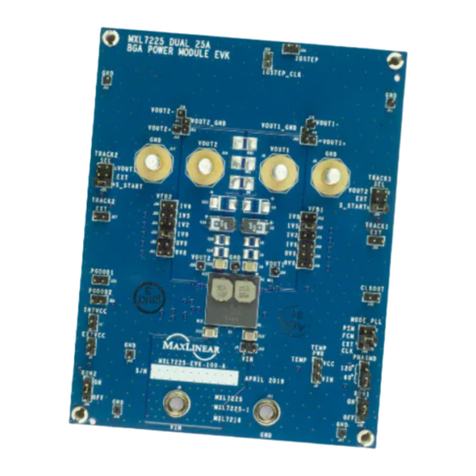
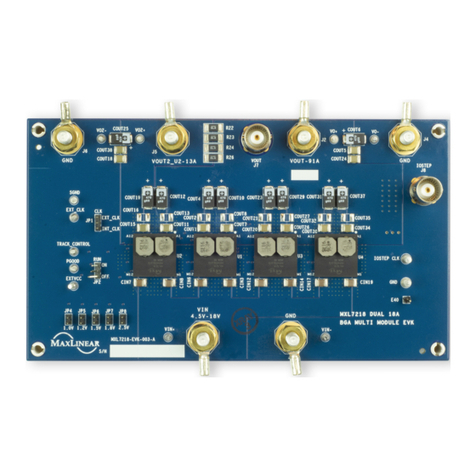
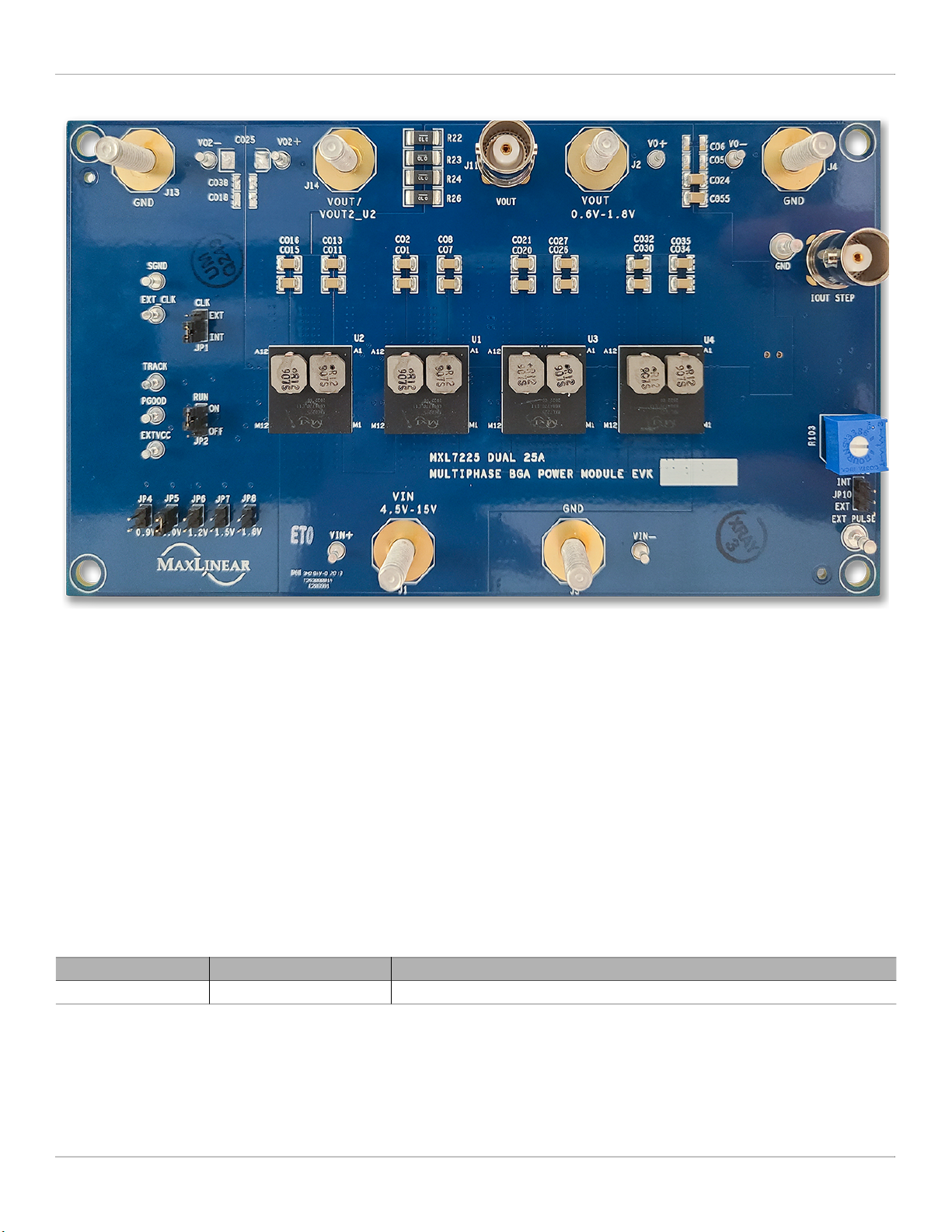
The Quad MxL7225 200A Multiphase Evaluation Board provides a platform to evaluate the features and performance of
four MxL7225 Power Modules connected in parallel to supply up to a 200A load. Each MxL7225 is a dual 25A Power
Module which are optimized for powering Telecom, Networking and Industrial equipment. This manual covers both the BGA
and LGA evaluation boards versions of this 200A multiphase application.
Quick EVK Set Up and Start Up
Factory Settings
In addition to utilizing the 4.5V to 15V input voltage range of the MxL7225’s and the 200A maximum load current rating
capabilities of using the four MxL7225 Power Modules together, the evaluation board has been set up with the factory
default configurations shown below for quick set up and operation. Do not exceed the EVK maximum load current
rating.
The factory default configuration (Table 2) for the Quad MxL7225 Evaluation Board is:
■VIN = 4.5V to 15V
■VOUT = 1.0V ±1.5%. For other VOUT see Jumpers JP4 -
JP8 VOUT SELECT.
■IOUT = 0A to 200A
■500kHz switching frequency
■Run is enabled for both channels of all 4 of the
MxL7225’s (all 8 channels). See RUN, Jumper JP2.
■Continuous current mode using internal clock. To use
an external clock, see EXT_CLK, Jumper JP1
■One pin output voltage ramp up and down tracking
programmability
■A 6.5ms soft-start is selected for all channels
■Sensing diode biasing at 100µA for internal
temperature sense
Quick Start Up
To quickly see the regulator in operation:
1. Use the factory settings and default configuration. If
other settings or components are desired, apply them
before the next steps and see Set-Up Options for more.
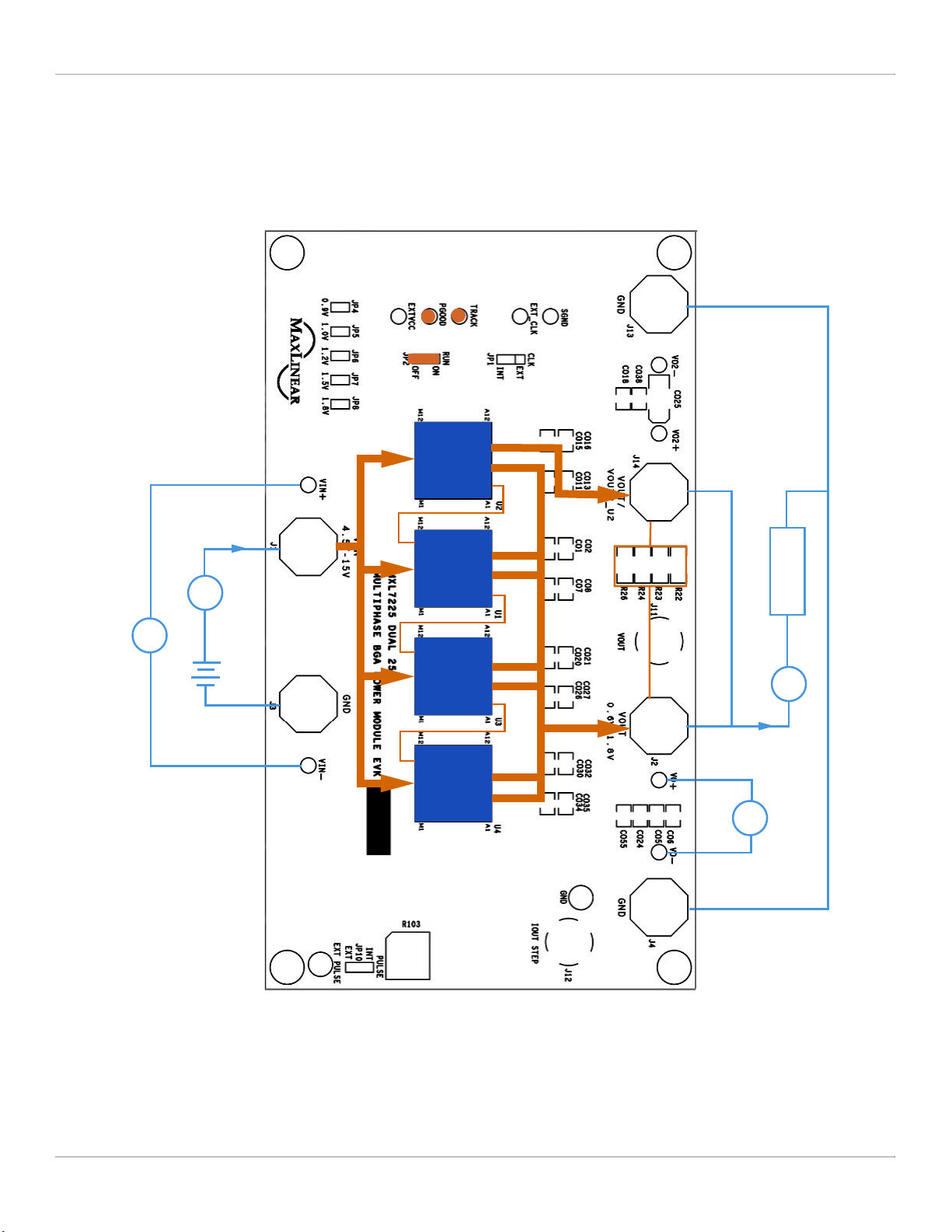
2. With a power supply turned off and within a VIN
specification of 4.5V to 15V (12V typical), connect it to
VIN and GND with short, thick leads. Use test pins
VIN+ and VIN- to monitor VIN and GND respectively.
See locations in Figure 1.
3. For the output, connect a meter and electronic load
initially set to 0A, that will be no more than the above
maximum IOUT (200A ), to VOUT and GND with short /
thick leads capable of this current. See setup and
locations in Figure 1.
4. Turn on the power supply and check VOUT. Check to
make sure that JP2 is on the ON position. The EVK will
power up and (factory default) regulate the output at 1V
±1.5% (0.985V to 1.015V).
5. Set or vary the load (do not exceed the maximum IOUT)
and check VOUT and other desired performance levels
such as regulation and efficiency.
See Configuration and I/O Interfaces and Load Transient
Circuit for more on testing and monitoring.