manuals.online logo
Brands
  1. Home
  2. •
  3. Brands
  4. •
  5. McIntosh
  6. •
  7. Speakers System
  8. •
  9. McIntosh ST27 User manual

McIntosh ST27 User manual

Other McIntosh Speakers System manuals

McIntosh XRT1K User manual

McIntosh

McIntosh XRT1K User manual

McIntosh XRT29 User manual

McIntosh

McIntosh XRT29 User manual

McIntosh XRT28 User manual

McIntosh

McIntosh XRT28 User manual

McIntosh XCS200 User manual

McIntosh

McIntosh XCS200 User manual

McIntosh XR100 User manual

McIntosh

McIntosh XR100 User manual

McIntosh XCS350 User manual

McIntosh

McIntosh XCS350 User manual

McIntosh RS100 User manual

McIntosh

McIntosh RS100 User manual

McIntosh XRT30 User manual

McIntosh

McIntosh XRT30 User manual

McIntosh XRT1.1K User manual

McIntosh

McIntosh XRT1.1K User manual

McIntosh RS200 User manual

McIntosh

McIntosh RS200 User manual

McIntosh RS150 User manual

McIntosh

McIntosh RS150 User manual

McIntosh XRT2.1K User manual

McIntosh

McIntosh XRT2.1K User manual

McIntosh LCR80 User manual

McIntosh

McIntosh LCR80 User manual

McIntosh CS350 User manual

McIntosh

McIntosh CS350 User manual

McIntosh HT-5 User manual

McIntosh

McIntosh HT-5 User manual

McIntosh LS320 User manual

McIntosh

McIntosh LS320 User manual

McIntosh XR200 User manual

McIntosh

McIntosh XR200 User manual

McIntosh LS340 User manual

McIntosh

McIntosh LS340 User manual

McIntosh XR50 User manual

McIntosh

McIntosh XR50 User manual

McIntosh XCS1K User manual

McIntosh

McIntosh XCS1K User manual

McIntosh XR27 User manual

McIntosh

McIntosh XR27 User manual

McIntosh WS320 User manual

McIntosh

McIntosh WS320 User manual

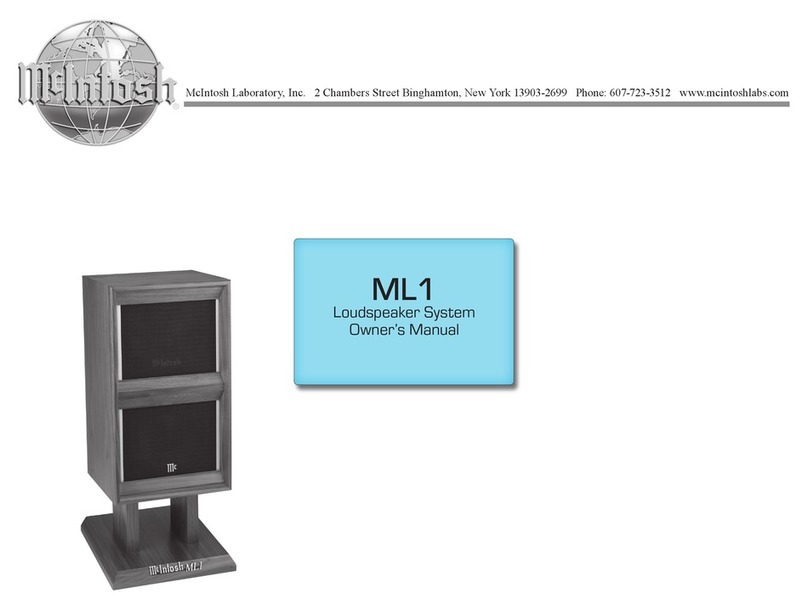
McIntosh ML1 User manual

McIntosh

McIntosh ML1 User manual

McIntosh WS300 User manual

McIntosh

McIntosh WS300 User manual

Popular Speakers System manuals by other brands

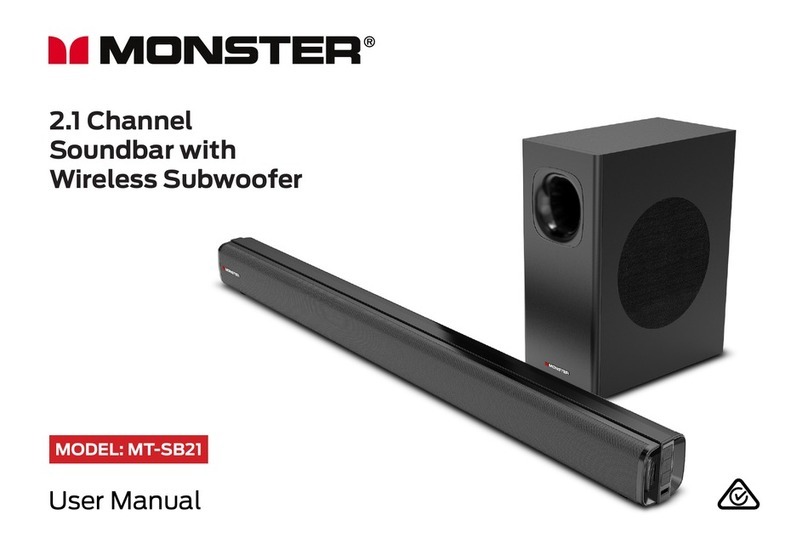
Monster MT-SB21 user manual

Monster

Monster MT-SB21 user manual

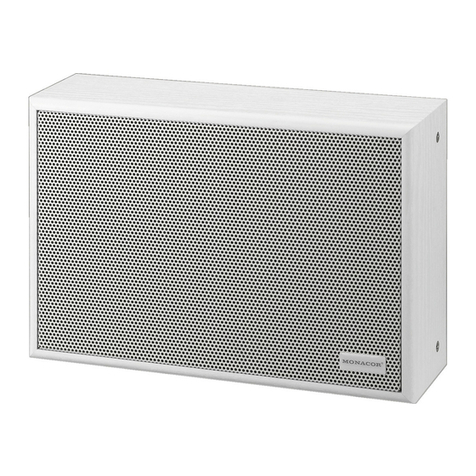
Monacor ESP-76AB/ WS manual

Monacor

Monacor ESP-76AB/ WS manual

Samsung HW-J430 user manual

Samsung

Samsung HW-J430 user manual

WILSON AUDIO WATT owner's manual

WILSON AUDIO

WILSON AUDIO WATT owner's manual

Hisense AX3125H user manual

Hisense

Hisense AX3125H user manual

EisSound KBSound iSelect user manual

EisSound

EisSound KBSound iSelect user manual

Boston Acoustics VRi793 manual

Boston Acoustics

Boston Acoustics VRi793 manual

Sven SPS-707bL Operation manual

Sven

Sven SPS-707bL Operation manual

Monacor DSM-26LAN instruction manual

Monacor

Monacor DSM-26LAN instruction manual

JVC CS-SR100 instructions

JVC

JVC CS-SR100 instructions

Samsung HW-C450 user manual

Samsung

Samsung HW-C450 user manual

TaoTronics evatronic ET-SK011 user guide

TaoTronics

TaoTronics evatronic ET-SK011 user guide

JVC HX-D7C instructions

JVC

JVC HX-D7C instructions

Pyle PBMSPG190 user manual

Pyle

Pyle PBMSPG190 user manual

Sven SPS-607 Operation manual

Sven

Sven SPS-607 Operation manual

iSP Technologies LT2 series owner's manual

iSP Technologies

iSP Technologies LT2 series owner's manual

Samsung Crystal Surround Air Track HW-F550 user manual

Samsung

Samsung Crystal Surround Air Track HW-F550 user manual

Bose Acoustimass 6 Series II owner's guide

Bose

Bose Acoustimass 6 Series II owner's guide

manuals.online logo
manuals.online logoBrands
  • About & Mission
  • Contact us
  • Privacy Policy
  • Terms and Conditions

Copyright 2025 Manuals.Online. All Rights Reserved.

McIntosh Laboratory, Inc. 2 Chambers Street Binghamton, New York 13903-2699 Phone: 607-723-3512 FAX: 607-724-0549
ST27 Assembly Instructions
Important Information
Caution: The XR27 Column weight is 84 pounds (380kg) net.It
requires two or more persons to safely handle.
Assembly Instructions
It is recommended that the Professionals at your McIntosh
Dealer, who are skilled in all aspects of installation and
operation, install the XR27 Loudspeaker System and any
associated audio equipment. Refer to page 7 of the XR27
Owner’s Manual along with the information below:
Unpacking the Column
1. Remove the banding material from the shipping carton
and lift off the top of the shipping carton and set it
aside.
2. Lift up on the rear of the Loudspeaker System Col-
umn, near the foam packing material at both ends.
Place the entire Loudspeaker Assembly (Column,
Grille and foam packing material) next to the bottom
shipping carton on a flat surface.
3. Release the Loudspeaker Grille from the packing ma-
terial by opening the slit in the packing material lo-
cated on the top center. Remove the Loudspeaker
Grille from the protective shipping wrap and set it
aside.
4. In a similar manner, lift out the Loudspeaker System
and set it aside.
5. Replace the shipping carton top onto the shipping car-
ton bottom. Take the two center pieces of the just re-
moved packing material and lay it down flat onto the
top of the shipping carton.
6. Carefully remove the protective shipping bag(s) from
the Loudspeaker System so as not to mar the Column
Finish or damage the Loudspeaker Drivers.
7. Place the Loudspeaker System on top of the packing
material located on top of the shipping carton making
sure to align the Bottom End to the end of the shipping
carton. Refer to figure 1.
Unpacking the Column Base
8. Locate and remove the bags of hardware, screws with
washers and Allen Wrench Tool taped to the top of the
foam packing material.
9. Lift and remove the Column Base from the packing
material and remove it from the plastic bag.
Figure 1

Tiptoes Glides
Figure 2
Assembling the Column
10. Using the supplied Allen Wrench, remove two screws
from each side of the Loudspeaker Bottom. Refer to
figure 1.
11. Remove the Front Cover from the Column Base and
set it aside.
12. Orient the Column Base so the metal extrusion lines
up with the Loudspeaker System extrusion.
13. Attach the Column Base to the Loudspeaker System
using the four supplied machine bolts and washers.
Refer to figure 1.
14. Align the Grille fastening pins to the Column Grom-
mets (there are four pins on each side). Carefully
push down to secure the Grille to the Loudspeaker.
15. Reattach the previously removed Front Cover to the
Column Base.
Optional Feet
16. One set of optional feet (eight Tiptoes and eight
Glides) are supplied with the ST27 Column Base. To
prevent crushing carpet use
the Tiptoe Spikes; to protect
non-carpeted flooring use
the Chrome Glides. Both the
Glides and Tiptoes have a
threaded shaft and locking
nut that screw into the
tapped holes in the bottom
of the ST27’s base rails. The
feet can be independently adjusted to compensate for
uneven flooring. Refer to figure 2.
17. Stand the Column upright.
18. Proceed to page 10 of the XR27 Owner’s Manual for
placing the XR27 Loudspeaker System in a room.
McIntosh Part No. 040886
McIntosh Laboratory, Inc.
2 Chambers Street
Binghamton, NY 13903