manuals.online logo
Brands
  1. Home
  2. •
  3. Brands
  4. •
  5. Mec
  6. •
  7. Industrial Equipment
  8. •
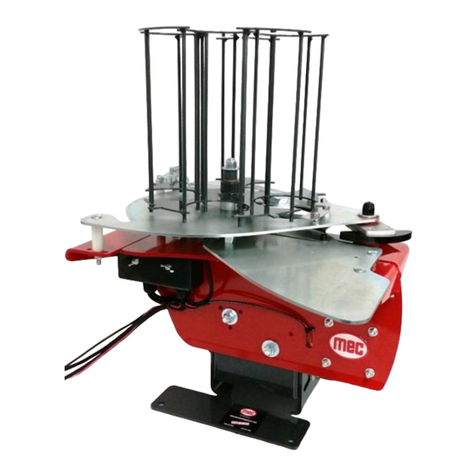
  9. Mec 500E DOUBLES ATA User manual

Mec 500E DOUBLES ATA User manual

Other Mec Industrial Equipment manuals

Mec Purair 80 User manual

Mec

Mec Purair 80 User manual

Mec 100ESKT User manual

Mec

Mec 100ESKT User manual

Mec 100E User manual

Mec

Mec 100E User manual

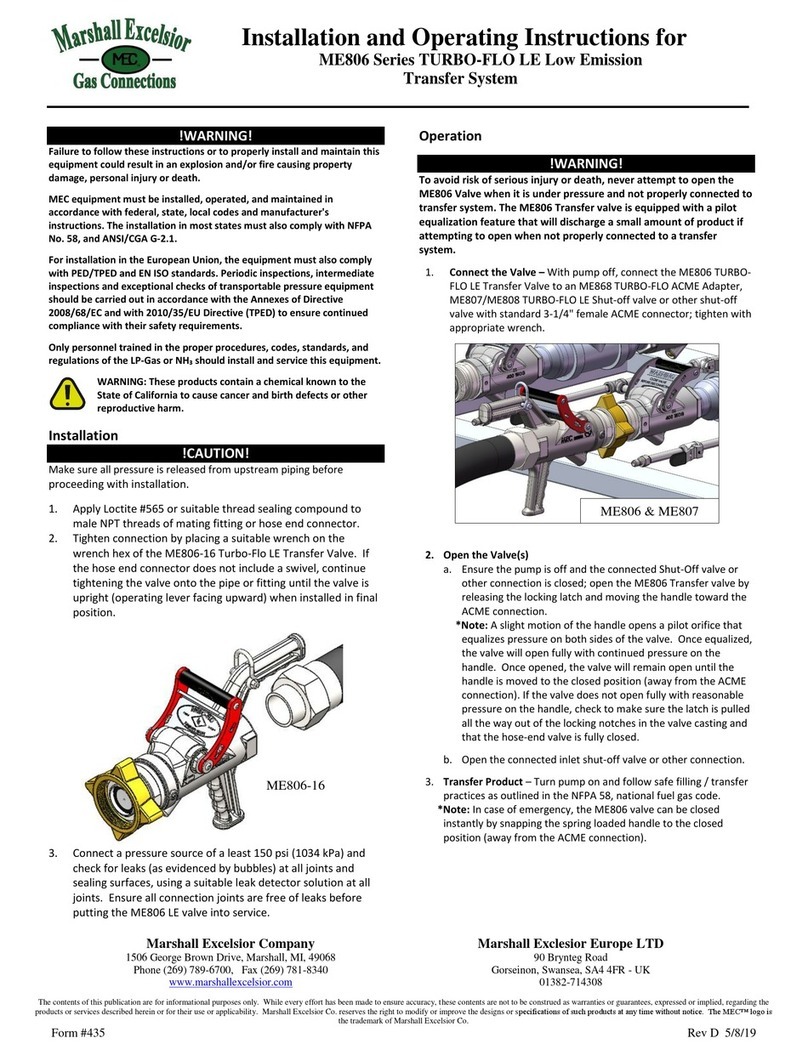
Mec TURBO-FLO LE ME806 Series User manual

Mec

Mec TURBO-FLO LE ME806 Series User manual

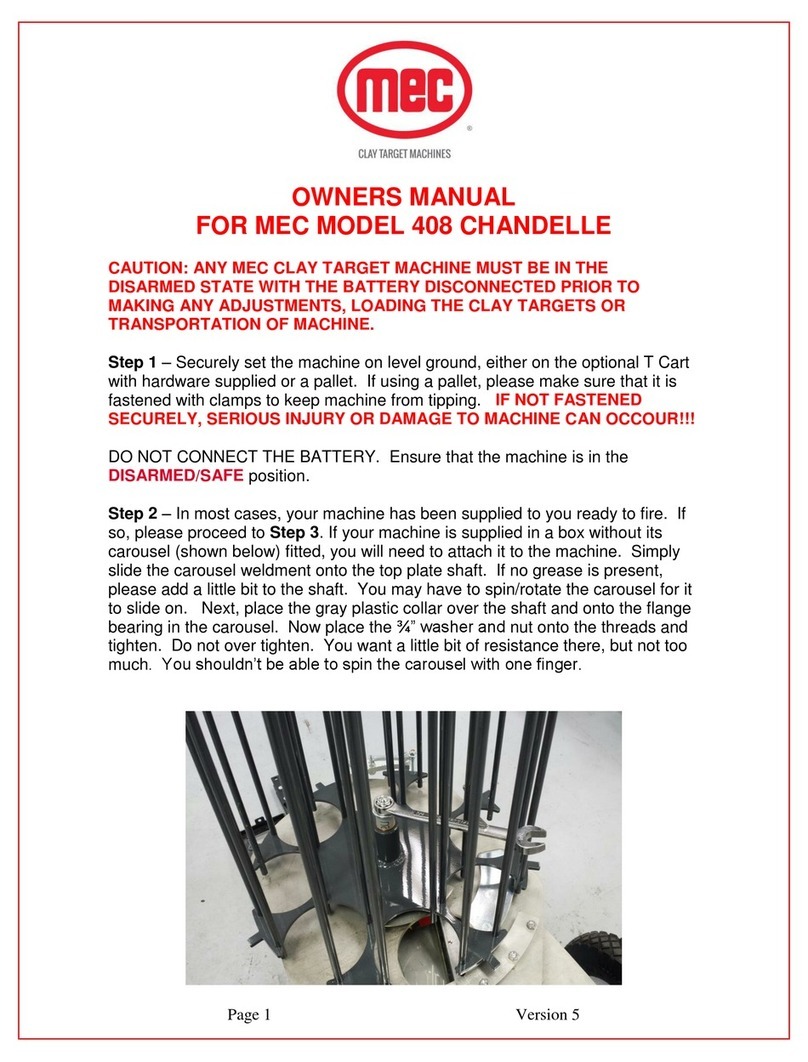
Mec 408 User manual

Mec

Mec 408 User manual

Mec AUTO-MATE User manual

Mec

Mec AUTO-MATE User manual

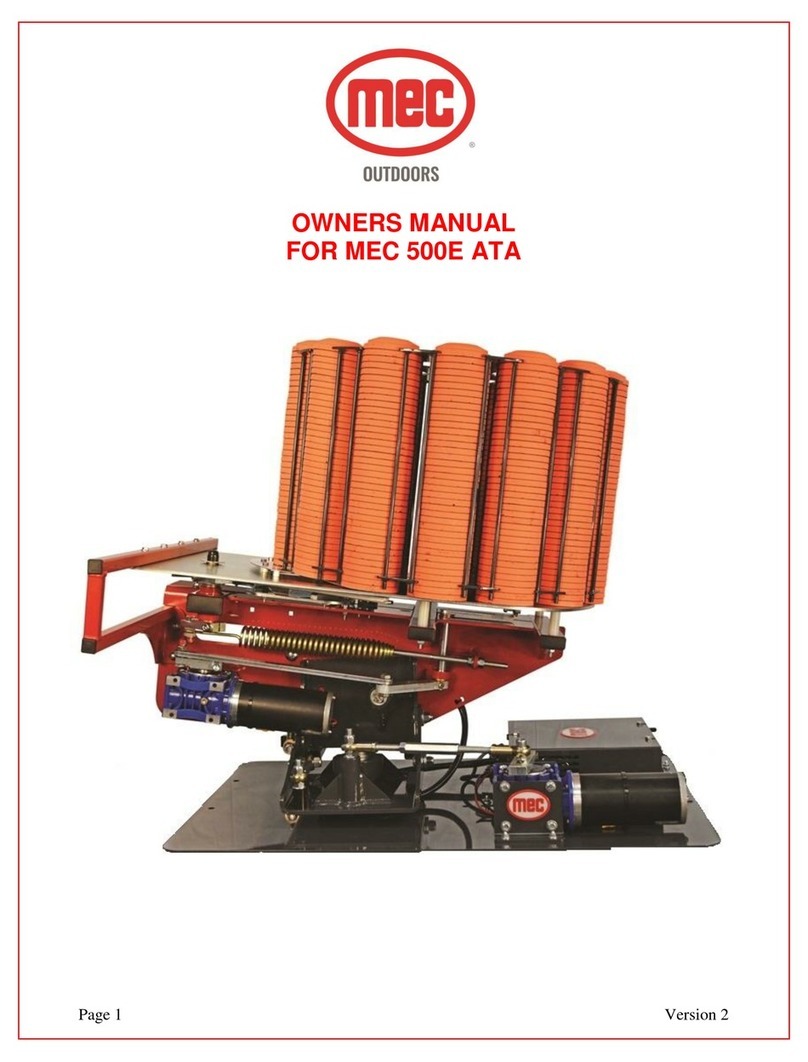
Mec 500E ATA User manual

Mec

Mec 500E ATA User manual

Popular Industrial Equipment manuals by other brands

ABB Unifix AD Instruction handbook

ABB

ABB Unifix AD Instruction handbook

Mark 7 Evolution user manual

Mark 7

Mark 7 Evolution user manual

Husky HyPET Original instructions

Husky

Husky HyPET Original instructions

bora PM-1800 user manual

bora

bora PM-1800 user manual

Grizzly T32428 owner's manual

Grizzly

Grizzly T32428 owner's manual

Siemens 8MF1 Series operating instructions

Siemens

Siemens 8MF1 Series operating instructions

ABB HT610965 Operation manual

ABB

ABB HT610965 Operation manual

ABB SafeLink Installation and operating instructions

ABB

ABB SafeLink Installation and operating instructions

Phoenix PHX-150 user guide

Phoenix

Phoenix PHX-150 user guide

ABB A165-L32 Operation manual

ABB

ABB A165-L32 Operation manual

ABB HT842936 Operation manual

ABB

ABB HT842936 Operation manual

Hermetica 10 Series user manual

Hermetica

Hermetica 10 Series user manual

HORNER OEE Solution manual

HORNER

HORNER OEE Solution manual

Hammerhead HG375 parts manual

Hammerhead

Hammerhead HG375 parts manual

SCHUNK VERO-S NSE-A3 138 Assembly and operating manual

SCHUNK

SCHUNK VERO-S NSE-A3 138 Assembly and operating manual

ABB HT566657 Operation manual

ABB

ABB HT566657 Operation manual

Webasto GSE CAN installation guide

Webasto

Webasto GSE CAN installation guide

ABB HT614003 Operation manual

ABB

ABB HT614003 Operation manual

manuals.online logo
manuals.online logoBrands
  • About & Mission
  • Contact us
  • Privacy Policy
  • Terms and Conditions

Copyright 2025 Manuals.Online. All Rights Reserved.

Page 1 Rev. 1
OWNERS MANUAL
MEC 500E DOUBLES ATA
Page 2 Rev. 1
PLEASE READ AND FULLY UNDERSTAND THE INSTRUCTIONS PRIOR TO SETTING OR
TUNING THE MACHINE.
CAUTION: ANY MEC CLAY TARGET MACHINE MUST BE IN THE DISARMED STATE WITH THE
BATTERY DISCONNECTED PRIOR TO MAKING ANY ADJUSTMENTS, LOADING THE CLAY
TARGETS OR TRANSPORTATION OF MACHINE.
Step 1 –Securely set the machine in the trap house. See below for the correct way to install the
MEC machine into the trap house. IF NOT FASTENED SECURELY, SERIOUS INJURY AND/OR
DAMAGE TO MACHINE CAN OCCOUR!!!
DO NOT CONNECT THE POWER. Ensure that the machine is in the DISARMED/SAFE position.
Step 2 –In most cases, your machine has been supplied to you ready to fire. If so, please proceed
to Step 3. If your machine is supplied in a box without its carousel (shown below) fitted, you will need
to attach it to the machine. Simply slide the carousel weldment onto the top plate shaft. If no grease
is present, please add a little bit to the shaft. You may have to spin/rotate the carousel counter
clockwise for it to slide on. Next, place the white plastic collar over the boss. Then slide the spring
over the boss. Next, slide the washer over the shaft and tighten the nylon nut so that the washer
bottoms out. As the carousel rotates, the nut may loosen to the correct setting. This is normal.
Step 3 –Your machine is factory set to White Flyer clays. Sizes may vary based on manufacturer, so
you may need to check the height / clearance of the knife-edges by placing a clay in the carousel.
Rotate the carousel so that the clay starts to pass underneath the inner and outer knife separator
blades. The clay must pass freely under the knife separator blades without binding but with the
minimum of clearance. Adjust if necessary, with 7/16” open ended wrench. You are looking for a gap
about the thickness of a business card, between the horizontal shoulder of the clay and the underside
of the knife edges. Photos below show adjustment with carousel fitted, but you can remove the
carousel to make adjustment easier if preferred.

Page 3 Rev. 1
** ALL MEC MACHINES ARE SET UP USING THE WHITE FLYER STANDARD
TARGETS. ADJUSTMENTS NEED TO BE MADE WHEN USING OTHER BRANDS
OR STYLES OF TARGETS**
Page 4 Rev. 1
UNDERSTANDING THE CONTROL BOX
Rotation Toggle Switch –Pushing the switch downward will turn the oscillation motor on. Note that
the oscillation motor will randomly start/stop when the machine is in operation. This prevents
shooters from being able to predict the direction of the next target. Pushing the toggle switch upward
allows you to nudge the oscillation motor which pivots the machine from one side to the other
enabling you to check the angle of the clays flight.
Remote Disarm Socket –The machine is supplied with a remote disarm box assembly and 10ft. of
cable. This unit plugs into the remote disarm socket on the control box, allowing the remote disarm
box assembly to be placed by the opening of the trap house. The user can now disarm the machine
before entering the trap house.
Fire Button –The fire button allows you to test fire the machine from inside the trap house.
Disarm/Off/Arm –Pushing the switch downward to the arm state will arm the machine. Pushing the
switch upward will cause the machine to fire (if in armed state) and disarm when the switch is
released. Note –holding the disarm toggle will continually fire clay targets. Please use caution!
Breakers –The breaker on the left is for the oscillation motor. The breaker on the right is for the
cocking motor. If the breaker trips, it needs to be pushed back in to reset.
Counter –Records the number of targets thrown by the machine and is not resettable.
DISARM
OFF
ARM
FIRE
BUTTON
ROTATION
REMOTE
DISARM
SOCKET
COUNTER
OSC.
BREAKER
MAIN
BREAKER
Page 5 Rev. 1
Step 4 –Check that the ARM/OFF/DISARM switch on the electrical box is in the OFF position.
Step 5 –Visually check, from the rear of the machine, that the motion of the Throwing Arm is not
restricted or blocked in any way.
CAUTION: ALWAYS OPERATE THE MACHINE FROM BEHIND, NEVER FROM
THE FRONT OR THE SIDES OF THE MACHINE. KEEP HANDS AND BODY PARTS
AWAY FROM THE MACHINE WHEN ARMING, RELEASING AND DISARMING.
Step 6 –Standing at arm’s length behind the machine and making sure that all body parts are clear
of the machine, push the ARM/OFF/DISARM toggle switch into the DISARM position and then
release it as soon as the throwing arm fires. The toggle switch is spring loaded and will return to the
off position as soon as the switch is released, stopping the machine from re-arming itself. If done
correctly the arm will be pointing away from the left side of the machine when viewed from behind.
Disconnect the power supply to ensure that the machine is not accidentally armed while
adjusting and loading the machine.
Step 7 –Place a couple of clays in each of the carousel columns, for the purpose of testing the clay
flight and trajectory.
Page 6 Rev. 1
ADJUSTING THE ELEVATION OF THE MACHINE
Step 8 –Adjust the machine elevation by loosening the ¾” nut on the side of the machine as shown
below. Extending the turnbuckle will tilt the machine backwards to the desired angle. Once the
correct angle is achieved, RETIGHTEN the nut. NOTE: you may need to use a ¾” wrench to
make this adjustment.
Page 7 Rev. 1
ADJUSTING THE TILT/ANGLE OF THE MACHINE
Step 9 –Adjust the machine tilt by loosening the (2) ¾” nuts on the rear side (Photo #1) and the (2)
¾” nuts on the front side (Photo #2) of the upright of the machine as shown below. Tilt the machine
to the desired angle by adjusting the turnbuckle. (Photo #3) Adding tilt allows the machine to throw a
flat target with no curl. Once the correct tilt has been achieved RETIGHTEN ALL (4) NUTS TO
KEEP THE MACHINE FROM SHIFTING OVER TIME. NOTE: You may need to use a ¾” wrench
to make this adjustment on the turnbuckle.
1. 2.
3.
Page 8 Rev. 1
CENTERING THE FIELD
Step 10 –The machine will come set with the bolt in the center of the rotation gear box shaft as
shown in Photo #1 below. To center the field, fire a clay and see if the clay comes out of the center of
the trap house and travels straight away down the center of the field.
Step 11 –Next, adjust the turnbuckle if the clay is not traveling straight away down the center of the
field. Simply loosen the nuts on the turnbuckle and either push or pull the machine to get the trap to
fire the clay on center. RETIGHTEN THE NUTS ON THE TURNBUCKLE TO HOLD THE
CORRECT ADJUSTMENT!!!
Step 12 –Once centering the clay is achieved, remove the 3/8” allen bolt from the center of the shaft
(Photo #1), remove the jam nut on the top of the nylon nut (Photo #2) and place the jam nut under the
clamp block as shown below in Photo #3.
Step 13 –Tighten the bolt in the center of the clamp block slot. You can now test the angle that the
machine will throw the clay.
Step 14 –To open up the flight angle of the clay, loosen the 3/8” allen bolt and slide it out on the slot
of the clamp block. Retighten the bolt securely and test fire. Sliding the bolt in on the slot will reduce
the angle flight of the clay.
1. 2. 3.
Step 15 –You can adjust the distance that the clay is thrown by extending the spring. This is
achieved by winding tension on or off the main spring using a ¾” wrench or the optional ¾” extended
socked which can be attached to an impact drive. This should be done with the machine in the
disarmed/safe condition for small adjustments. AFTER ADJUSTING THE MAIN SPRING FOR THE
CORRECT THROWING DISTANCE, THE NUTS ON THE SPRING STUD MUST BE TIGHTENED
SECURELY AGAINST EACH OTHER.
Page 9 Rev. 1
ADJUSTING FROM SINGLES TO DOUBLES
As you can see in the photo below, the black knob is in the lowest slot on the aluminum component.
This position will pass the clays on to the next hole location in the top plate. To go to DOUBLES
simply lift the black knob vertically and twist 90 degrees. This will adjust the roller height and now
allow 2 clays to drop onto the throwing plate.
You may need to swivel the bogie wheel away from the clays to allow the wheel to move freely. This
can be done by pushing/pulling the nylon component to swivel the wheel away from the clays. See
photo on the next step.
1. LOOSEN NUT
2. TIGHTEN OR LOOSEN NUT
TO DESIRED SPRING TENSION
3. RETIGHTEN BOTH
NUTS SECURELY
WHEN DONE!!!
Page 10 Rev. 1
There is spring tensioner on the bogie wheel that can be adjusted to help transfer clays over the
holes in the top plate. This will come set from factory but may need adjustments over time.