manuals.online logo
Brands
  1. Home
  2. •
  3. Brands
  4. •
  5. Mikron
  6. •
  7. Metal Detector
  8. •
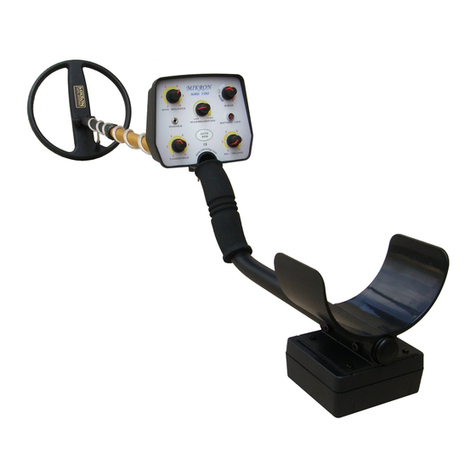
  9. Mikron Stinger 2 Operation instructions

Mikron Stinger 2 Operation instructions

Other Mikron Metal Detector manuals

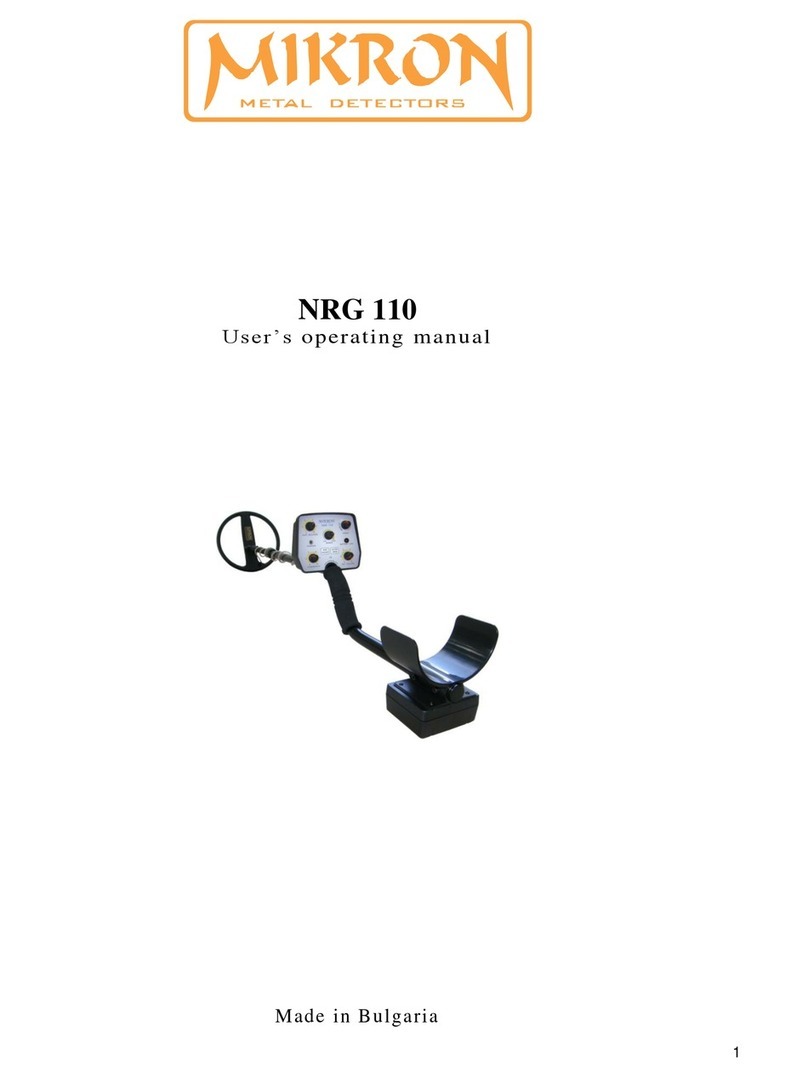
Mikron NRG 110 Operation instructions

Mikron

Mikron NRG 110 Operation instructions

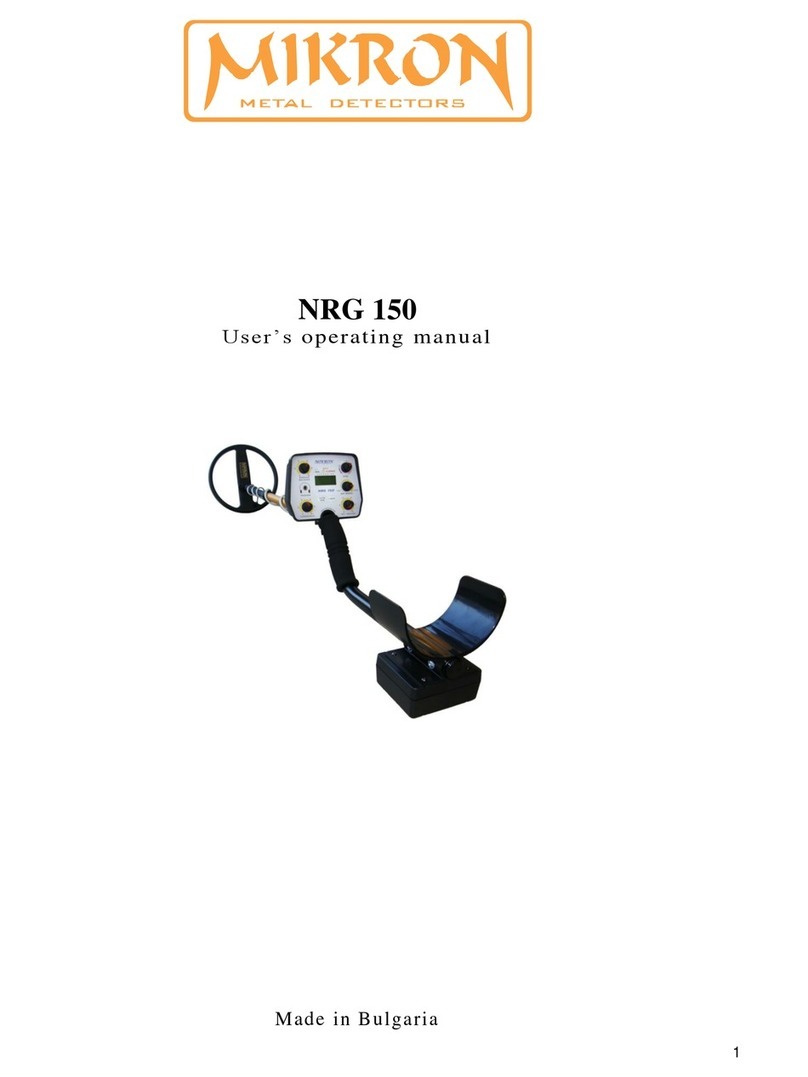
Mikron NRG 150 Operation instructions

Mikron

Mikron NRG 150 Operation instructions

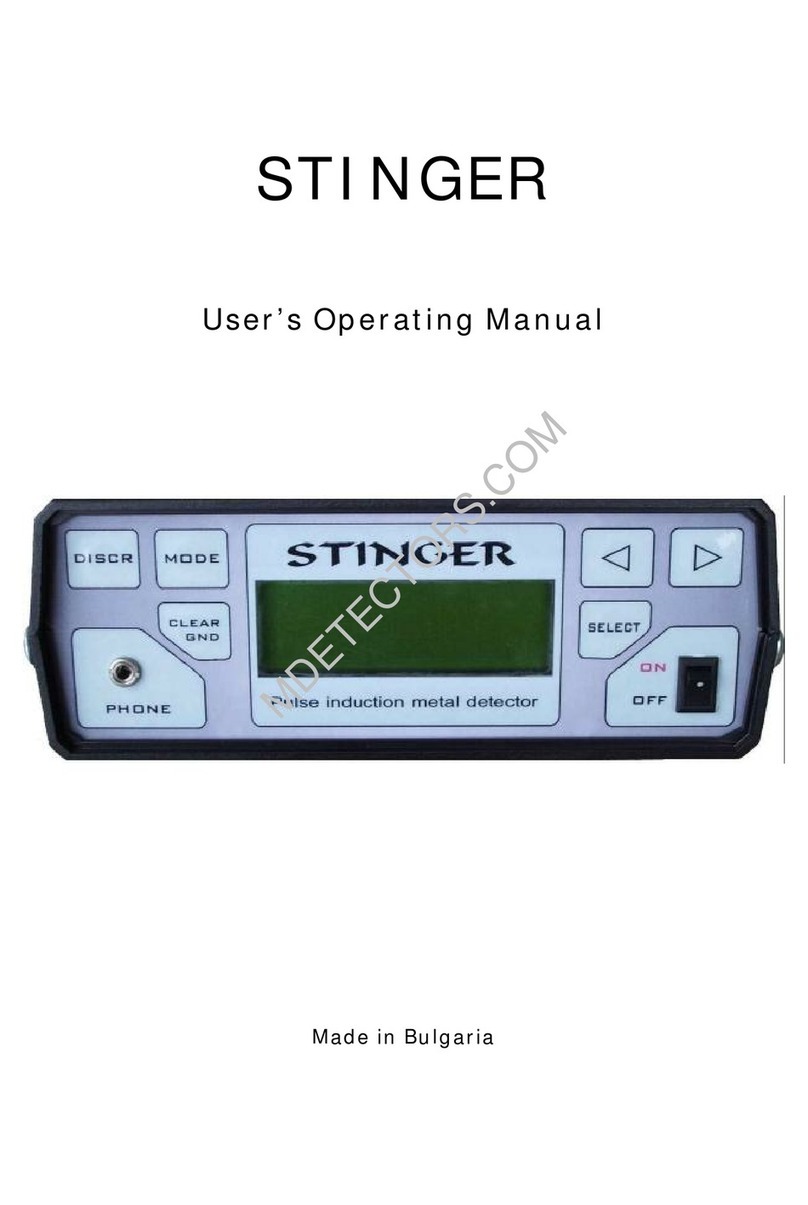
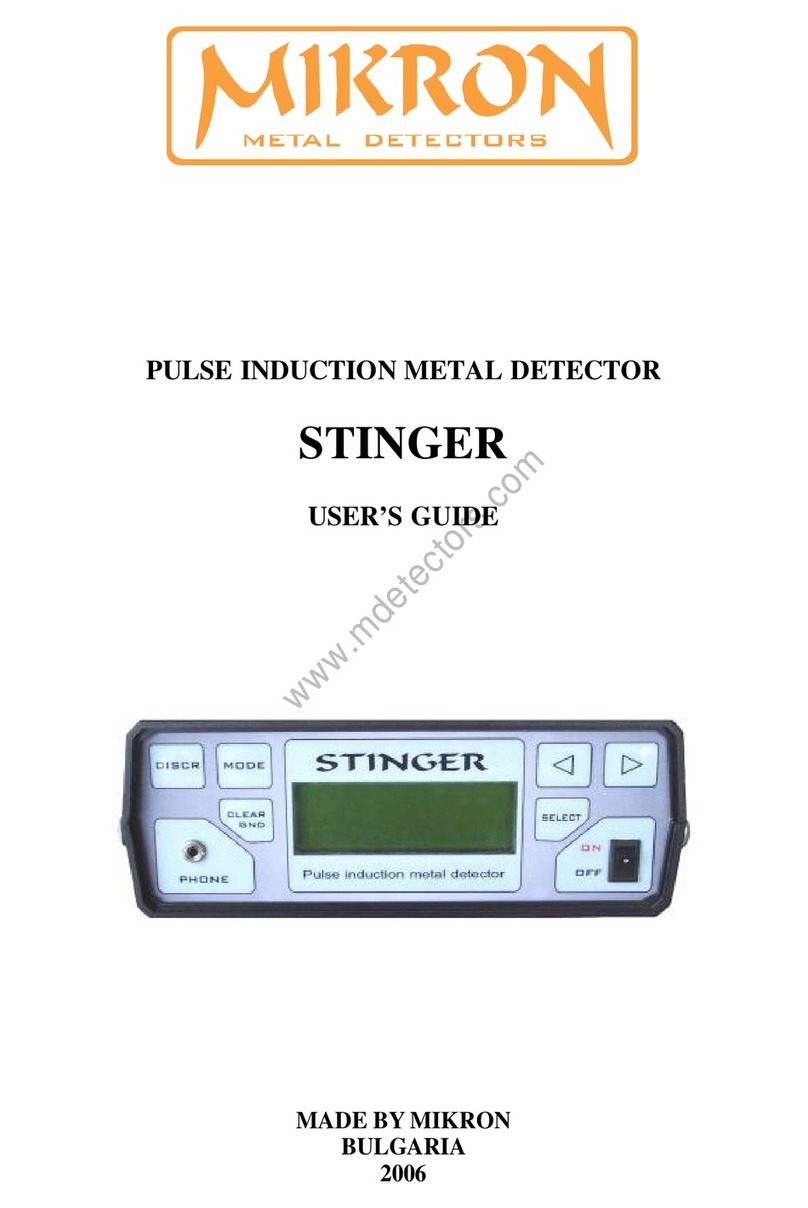
Mikron STINGER Operation instructions

Mikron

Mikron STINGER Operation instructions

Mikron SL-2006AM Operation instructions

Mikron

Mikron SL-2006AM Operation instructions

Mikron NRG100 Operation instructions

Mikron

Mikron NRG100 Operation instructions

Mikron STINGER User manual

Mikron

Mikron STINGER User manual

Popular Metal Detector manuals by other brands

Garrett MAGNASCANNER CS 5000 owner's manual

Garrett

Garrett MAGNASCANNER CS 5000 owner's manual

Valex 1800200 Use and maintenance manual

Valex

Valex 1800200 Use and maintenance manual

Velleman CS130 user manual

Velleman

Velleman CS130 user manual

Sears 321.596370 owner's manual

Sears

Sears 321.596370 owner's manual

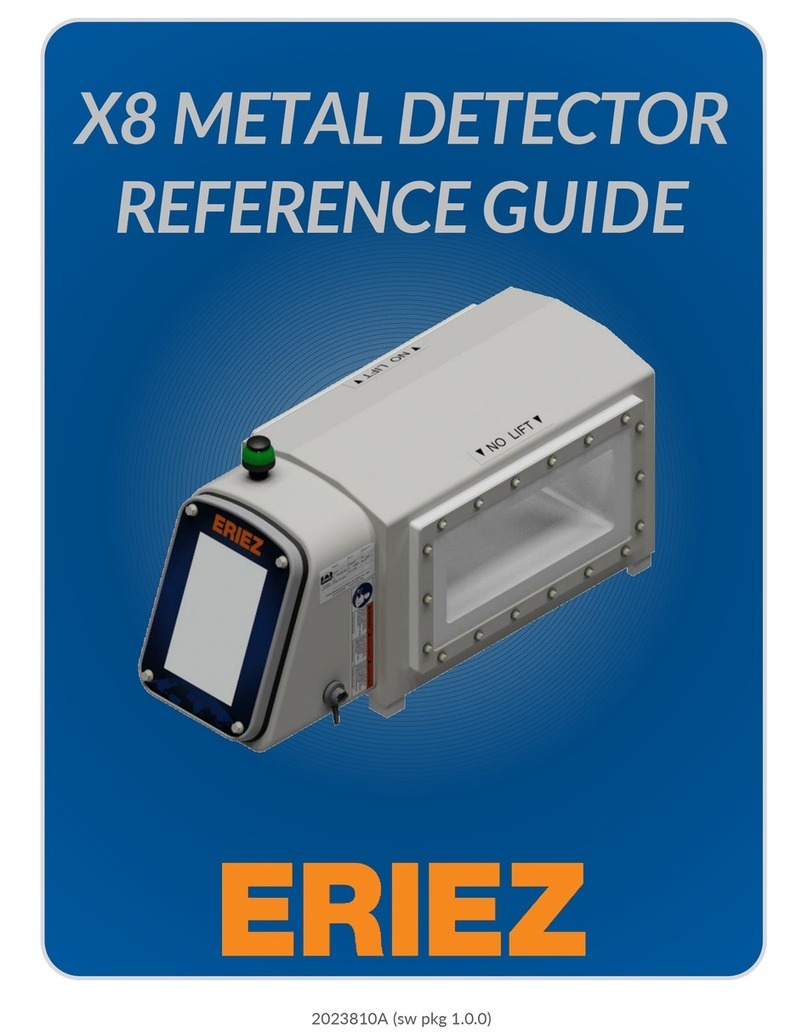
Eriez X8 reference guide

Eriez

Eriez X8 reference guide

Steinberg Systems SBS-MD-22 user manual

Steinberg Systems

Steinberg Systems SBS-MD-22 user manual

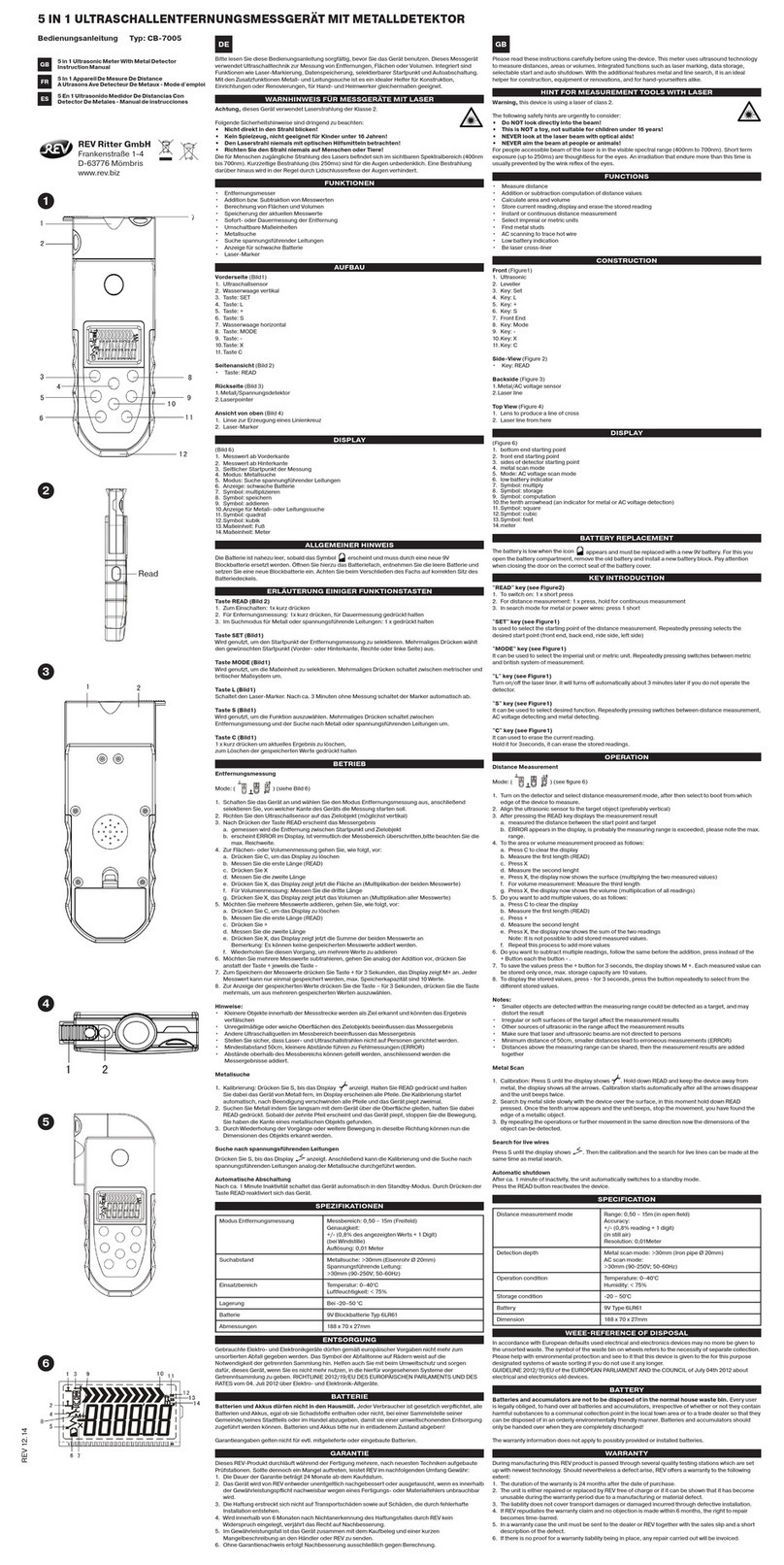
REV Ritter CB-7005 instruction manual

REV Ritter

REV Ritter CB-7005 instruction manual

nalanda MD027 owner's manual

nalanda

nalanda MD027 owner's manual

Fisher Research Labs F70 user manual

Fisher Research Labs

Fisher Research Labs F70 user manual

Gauss MIL MD operating manual

Gauss

Gauss MIL MD operating manual

Steinberg Systems SBS-MD-12 user manual

Steinberg Systems

Steinberg Systems SBS-MD-12 user manual

GOLDEN MASK 5 user guide

GOLDEN MASK

GOLDEN MASK 5 user guide

Grizzly YM 203 manual

Grizzly

Grizzly YM 203 manual

Fisher Research Labs 1280-X Aquanaut operating manual

Fisher Research Labs

Fisher Research Labs 1280-X Aquanaut operating manual

Treasure Cove Vibra-Probe 560 quick guide

Treasure Cove

Treasure Cove Vibra-Probe 560 quick guide

Garrett GTI 2500 owner's manual

Garrett

Garrett GTI 2500 owner's manual

Mylek MYMD1061 user manual

Mylek

Mylek MYMD1061 user manual

Garrett Graphic Target Profiling 1350 owner's manual

Garrett

Garrett Graphic Target Profiling 1350 owner's manual

manuals.online logo
manuals.online logoBrands
  • About & Mission
  • Contact us
  • Privacy Policy
  • Terms and Conditions

Copyright 2025 Manuals.Online. All Rights Reserved.

1
STINGER 2
User’s Operating Manual
______________________________________________________________________
Made in Bulgaria
www.biznetmall.com/stinger2
2
In order to use the device for a maximum long time and without problems, as well
as to be able to use all of its options, please read carefully the whole instruction
manual and observe the directions in it.
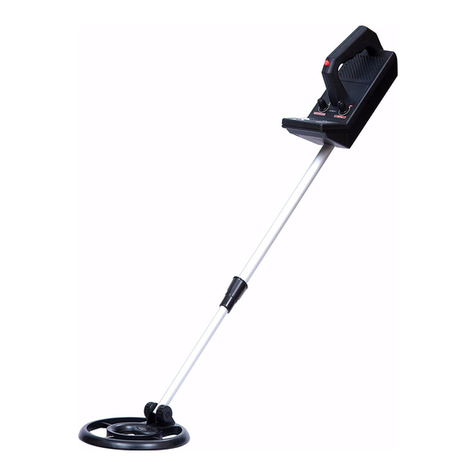
The standard set of STINGER 2 comprises:
- searching frame 1x1m;
- monitor unit with built in accumulators;
- recharge device for 220 V;
- recharge device for 12 V;
- detailed instruction manual for operation.
If any of thes e items are miss ing, imm ediately inf orm us, or our autor ized
dealer where you purc hase d your detector .
STINGER 2 has the following buttons for control:
- Button „ON – OFF / CLEAR“ for switch on and switch off of the device and for automatic
nullification to the soil conditions.
- Buttons „SELECT“, „“ and ““serve for work with the menu and the settings, choice of
modes of discrimination and movement.
- Button „Auto GEB“ - serves for automatic setting of the device to earth conditions of a
working terrain, and for memorization of definite objects or soil.
- Button „MODE“ - used for switching between digital and graphic display of the indications for
discrimination – ID1 and ID2 and switching between the Dynamic and the Static mode.
- Button „VCO / DISCR“ - serves for switching between the mode of discrimination and the
„VCO“ mode (multi – frequency sound) which also appears as common mode of searching for
all metals.
1. Assembling of the device:
Assembling the STINGER 2 is simple and you don’t need any special tools.
When use the round coil 45cm. or 22x32cm.: The bearing rod is assembled by inserting of the
lower part into the upper one. Choose the desired length of the whole construction and the fixing
clamp is tightened between both parts of the bearing rod. The lower part of the bearing rod is put
with the opening between the ears of the coil and the plastic bolt is tightened by choosing the
3
position of the coil to be parallel to the ground surface. Don't over-tighten the plastic bolt and nut
to not damage the threading of the bolt! The coil cable is wind up tightly around the bearing rod
and is switched to the terminal of the monitor unit. Upon switching of the cable of the coil to the
monitor unit, tighten the well the metal nut of the coupling to the terminal of the box. Upon
switching off, unscrew the nut completely and pull out the coupling without pulling or twisting
the cable of the coil. This way, you will prevent the cable and the conductors in it from
breakdown or short circuit. Finally a djust search coil an gle to your preference and
you are r eady.
NOTE: Do not allow the cable to flop loosely over the search coil. Since the detector is
sensitive enough to „see“ the tiny wires in the cable, a floppy cable can cause false signals
as the search coil senses the moving wires.
The searching frame (coil) is approached to the surface of earth by paying attention to
avoid presence of metals within its range. The cable is sub - connected to the dev ice.
Upon switching of the cable of the searching frame to the monitor unit, tighten the well the metal
nut of the coupling to the terminal of the box. Upon switching off, unscrew the nut completely
and pull out the coupling without pulling or twisting the cable of the coil. This way, you will
prevent the cable and the conductors in it from breakdown or short circuit.
When use the search frames 1x1m. or 2x2m.: The search frame should be held approximately 4 to
6 inch (10 to 15cm.) to ground surface while searching. Do not allow one end of the frame to be
higher than the other. Make sure that no large metal objects are close to the search frame for
initial adjustment. Also, check your shoes or boots since most of them contain metal parts and
you would receive a signal response any time you step near to the coil.
In order to avoid interference of the metal parts of the electronic unit, be sure to carry the
STINGER 2 on the side of your body that is away from the search frame.
The device is switched on through pressing of „ON – OFF / CLEAR“ and you se e on
the display: Start Detector, the serial number of the device and the software version. S tarts
balancing to the ground c onditions duri ng which t ime the display show s
"CLEAR" and y ou can hear a single sound. This las ts for 3 – 4 sec., then it is
follow ed by a double s hort sound and the de vice is turned on in gener al mode
of "VC O" or last used mode. If you w ish to wo rk in a mo de of discrimination
4
"DISCR ", you have to push the button "VCO / D ISCR", a t which the device is
switch ed into dis crimination mode and the display sh ows "NOR MAL DI SCR" .
2. Working with the device in "VCO" mode
In this mode the display shows "VCO". Constantly shown are the level of signal in digital or
graphical appearance, the capacity of the accumulator, chosen power, the sensitivity, the level of
co – working of the sound and the working mode, as follows:
- 1st row to the left – the working mode – VCO, the chosen power P1 or P2 and the sensitivity of the
device – S1, S2 or S3.
- 2nd row to the left - capacity of the battery in percent: 0%-100% or time to work.
- 3rd row to the left – the mode and the speed of searching – Dynamic or Static. The device can work
in 8 modes of speed of searching – 4 static (for precise localization of an object) – „Static 1“ - „Static
4“, and 4 dynamic (for searching while moving) - „Dynamic 1“ - „Dynamic 4“.
„Static“ are static modes of searching, i. e., the device constantly reacts to metal located within
the range of the coil. They are suitable for localization of the precise position of an already
located metal, and one can also work in those modes permanently. The fastest one is „Static 1“
mode, and the slowest one - „Static 4“.
„Dynamic“ are dynamic modes of operation with different speed of searching. The difference in
these modes is in the time for automatic nullification of appeared signals, i. e., the device is
constantly additionally setting itself, but with various speed in various modes. The fastest one is
the „Dynamic 1“ mode, and the slowest of all the dynamic modes is „Dynamic 4“. In these
modes, the device reacts to metal objects within the range of the coil only upon movement of the
coil above them.
- 4th row to the right – „Level“ - the level of signal from the registered metal in figures – from 0 –
1000. If there is signal of metal within the range of the coil, disturbances or influence by soil,
upon short pressing of "ON – OFF / CLEAR", this indication will become "0". After removal
of the source of the signal from the coil range, indication will become of negative value. In order
to be nullified, you have to push again "ON – OFF / CLEAR". During searching above ground
surface, the indication for the level of signal hesitates (-1... 0... +1) or more, depending on the
5
degree of mineralization of soil. For example, in order to understand how strong is the signal
from the soil on a definite location, one can lift the searching coil in the air and the device to be
nullified with short pressing of "ON – OFF / CLEAR". Then, the coil is brought close to the
ground surface and one can se opposite „Level“ what is the indication of the signal of the soil.
Upon a signal from the soil of up to „Level: 20“ one can operate in "NORMAL DISCR" mode,
but at higher levels of mineralization one has to switch to "auto discr" or "AUTO DISCR", which
features are explained below.
Searching metal objects is made by moving search coil toward ground surface – fig.1 , fig.2
Fig.1
Wrong Correct
Fig.2
The search coil should not touch the ground during your sweep. The pole length should be
adjusted to allow this without having to lift the detector with your elbow or shoulder. The search
coil should rest about one inch above the ground while you are standing erect. The angle of the
search coil should allow the bottom to be parallel to the ground.
2.1 Setting of working parameters in "VCO" mode
setting of the threshold of co – working of the sound "Thresh" – this is the level of signal after
passing of which a sound is heard. The device may be set at such strength of signal to react with
6
sound. This is done with change in the parameter "Thresh. For this purpose, through the buttons
"◄and ►" desired value can be selected from „0“ to „20“. The lower the value of „Thresh“,
the greater the sensitivity of the device. For instance, if at a balanced device the constant signal
from soil is "1" and we have chosen for "Thresh" a value of "1", then a sound signal is going to
appear when the general signal becomes greater than "1". If for "Thresh" a value of "6" has
been chosen, then the device is going to react with sound at a considerably stronger signal – value
greater than "6". Greater values of "Thresh" can be selected if the general signal from the
background of soil changes within wider limits, in order the device to be calm, aiming a sound
signal not to be produced which is not due to detected metal, but the greater the value of
„Thresh", the more sensitivity of the device decreases!
At a presence of de-balance, one has to press shortly "ON – OFF / CLEAR", as at this,
the searching coil has to be close to the ground, at the distance of search to be. Continuous
pressing of "ON – OFF / CLEAR" for more than 4 sec will turn off the device, as this is
accompanied by 3 short sound signals.
Should within the range of the coil there falls an object, it produces a signal which is
displayed on both indicators ID1 and ID2 and on the indication „Level“ of the intensity of the
signal. Should this signal is louder than the threshold chosen of the sound „Thresh“, a sound is
heard with a frequency which depends on the sound level. The greater the signal from an object,
the louder the frequency of sound. This is a very convenient mode for precise localization of the
location of an object.
Pinpointing a Target
A good method for pinpointing is "X-ing" the target with the search coil. Remember that the
target's response sound is always greatest when the target is directly under the center of the search
coil. To "X" a target, sweep the search coil over the target from side to side and then from front to
back until you can identify the center of the X— the spot on the ground where the target response
sound is the greatest. Pinpointing a target in Discriminate Mode is probably best done by "X-ing"
as well. Remember that the detector will beep just as the target passes under the center of the
search coil. Slowing the sweep speed down will help you pick out the center of the X, but
remember that the search coil must always be moving slightly for target detection.
Another easy method is to sweep the coil from side to side across the target in very short sweeps
as you slowly move forward and backward across the target. Slow down the sweep rate and
7
shorten the sweeps until you just barely get a response at one spot. The target will be directly
below the coil center at this response time – fig.3
fig.3
Upon short pressing of the „MODE“ button, the indications of the discrimination ID1 and
ID2 turn on, as well as the intensity of the signal located, in digital or in graphic appearance. In
graphic form the indicators may show positive or negative levels, respectively, increasing to the
right or to the left from the dividing zero point of each of them.
Continuous pressing of „MODE“ (for more than 3 sec.) switches between „Dynamic“ or
„Static“ mode of searching, as this is also accompanied by sound signal.
One has to also take into consideration that when using the fast modes 1 and 2, whether
„Dynamic“ or „Static“, the consumption of the device is greater than in slow modes, i. e., in
slow modes the device is more economic and can work longer with one charging of the
accumulators. Fast modes of searching are suitable for searching in polluted sites and when using
the smaller searching coils. It's preferred you to operate in modes 3 and 4, but if you wish to
operate with the high speeds it is recommended that you decrease the power emitted to „P1“ and
the sensitivity to be increased to „S3“. In this way, the consumption of the device will be
decreased, without sensibly decreasing the depth of searching.
By pressing of „SELECT“ you enter a menu where the following settings can be made:
Coil – (1, 2, 3, 4) – choice of a program for searching coil. 4 different programs can be
memorized for 4 different types of coils.
Power – (1, 2) – choice of power of emission: 1 is decreased power, and 2 is normal
Sens – (1, 2, 3) – choice of sensitivity of the device. Choice among 10bit, 11bit or 12bit АDC.
8
After each change of some of these 3 parameters, the device automatically restarts in order
the respective settings to be loaded according to the selected values.
„rejF“ (0 – 15) – through this parameter the device can be adjusted to decrease its sensibility to
smaller objects without losing its sensitivity to bigger ones. This has its effect only in the mode
with capital letters – AUTO DISCR. The greater the value of „rejF“ , the smaller the sensitivity
to smaller objects. This function can be successfully used for elimination of the surface layer of
soil, i. e., there to not be signals from smaller objects on surface, but to only react to deeper and
bigger objects.
dspB – (1,2,”Clear cap?“ ) :
-“1” – capacity of the battery in percent: 0%-100%
-“2”- working time.
-“Clear cap?”– clear the capacity of the battery
LCD – (0 – 7) – light of the display. 0 – turned off, and 1 – 7 – various brightness of light.
If one accidentally pushes „SELECT“ and it is not necessary any changes to be made on
the settings, the device can be turned again into operation position, through pushing and holding
of „SELECT“ for 3 sec.
2.2. Setting of the operating parameters in „DISCR“ mode
„STINGER 2“ has 2 basic modes of discrimination - „NORMAL DISCR“ and „AUTO
DISCR“, which are selected through pressing of button „VCO / DISCR“ as „AUTO DISCR“
has 8 sub – modes of operation.
„AUTO DISCR“ has the following sub – modes - „auto discr“ and „AUTO DISCR“ as
each of them has the function „accept / ACCEPT“ and „reject / REJECT“.
Upon activated discrimination, beside the intensity of signal, upon location of metal, on 1st
and 2nd row of the display to the right, both coefficients ID1 and ID2 are depicted, which, at
registering of ferrous (magnetic) metal, have negative values, and at nonferrous (non – magnetic)
metal – positive values.
„ID1“ is a coefficient of purity of metal, and „ID2“ - coefficient of magnetism.
Most often, upon localization of nonferrous metal ID1 and ID2 have great positive value,
for example +13 and +9. Upon localization of magnetic (ferrous metal) – they have great negative
value, for example -4 and -20.
9
Upon localization of foil, aluminium and unstained iron, ID1 and ID2 have their negative
values, and both of them have great positive values express when the nonferrous metal is pure,
without admixtures and alloys – gold, bronze, copper, silver. Upon localization of highly stained
iron, ID2 has great negative value, for example -15 -20, and the indication of ID1 is around zero
or +1, +2. They show that there is no sense this signal to be checked where it comes from. Foil,
aluminium and aluminium alloys usually provoke signals around zero – for example „ID1 +2“
and „ID2 -5“. One has to also take into consideration that these indications can change through
setting of „oID1“ and „oID2“ of the menu.
ID1 and ID2 can have different values if within the range of the coil there is both
nonferrous and ferrous metal or some alloy.
The ID1 and ID2 coefficients appear only upon localization of metal, also in the
„VCO“ mode, but in that case sound is multi – frequent one for more comfortable
determination of the location of the object.
Upon localization of an object, if the common signal becomes louder than „Level:
350“, the sound changes into a very low deep tone and on the first 2 rows to the right there
appears the following: „discr overflow“. The digital indication continues to track the
increase and if the level „Level: 1000“ of overflow is achieved, then the sound changes
into a very high signal tone, and the display shows „OVERFLOW“ on the 4th row of the
display.
In the modes of discrimination, „Thresh“ determines the minimum level of the
signal after which there starts calculation of the coefficients „ID1“ and „ID2“. It cannot
have values smaller than „5“ in order to cooperate the sound signal of the discrimination at
a comparatively low signal from the object. This is developed to avoid eventual error upon
discrimination of very weak signals.
In „NORMAL DISCR“ mode on the 2nd row to the left of the display the balance
indicator appears „|-|“ for the background of the soil and shows whether the device is
balanced at lack of signal. At a balanced device and lack of metal objects within the range
of the coil, the indicator has to have 2 equal levels both from the left and the right side of
10
the symbol „_“. If there is a difference in both levels balance of the device should be
performed through „POWER / CLEAR“.
In the discrimination modes, with the pressing of „SELECT“, the following
settings can be selected:
„Low tone“ - (1, 2) – 1 is low tone turned off, and 2 is low tone turned on.
„olD1“ - setting of the position of zero for the indication of ID1 – it can be moved to the
left or to the right along the scale. I. e., if an object has an indication for ID1 – „+2“, if
„olD1“ is decreased with 4 units, the indication for the same object will become „-2“. In
this way, some undesired alloys, stained iron items or caps and other objects of foil can be
avoided and the device to register them with negative values , by preserving the positive
indications for the „more ferrous“ objects – coins, rings etc.
„olD2“ - analogue to „olD1“, but for the indication of ID2.
Discr (1, 2, 3, 4) – choice of a sub – mode of AUTO DISCR. / auto discr.
rng1 (1, 2, 3) – choice of allowable range for the value of ID1 upon memorization of a
definite object.
rng2 (1 – 10) – choice of allowable range for the value of ID2 upon memorization of a
definite object.
The „AUTO DISCR“ mode is suitable when the background of the soil is negligibly
small and doesn't change in considerable degree the signal received upon localization of a
metal object. I. e., in it one can work on low mineralized or sandy soils.
At a higher mineralization of soil, it gives a signal which can increase considerably,
especially at approaching of the coil to cling to ground surface. Highly mineralized soils,
especially when containing a considerable amount of moisture, additionally increase the
common signal and it can have great values. If in such type of soil there is nonferrous
metal, it will change the common signal to more positive values, but to overcome the
background of the soil, the signal to the object will have to be considerably stronger, i. e.,
the sensitivity because of the background will decrease. For such cases suitable are the
„auto discr“ / “AUTO DISCR“ modes.
The next mode of discrimination is „auto discr“ / “AUTO DISCR“ with a sub –
mode „accept / ACCEPT“. In this sub – mode the device will not produce any sound
signal until it memorizes a definite nonferrous metal, and the indication on the 3rd row to
the right of the display is: “accept... or ACCEPT...“. The memorization of a definite metal