manuals.online logo
Brands
  1. Home
  2. •
  3. Brands
  4. •
  5. mlink
  6. •
  7. Soldering Gun
  8. •
  9. mlink X2 Reference manual

mlink X2 Reference manual

Popular Soldering Gun manuals by other brands

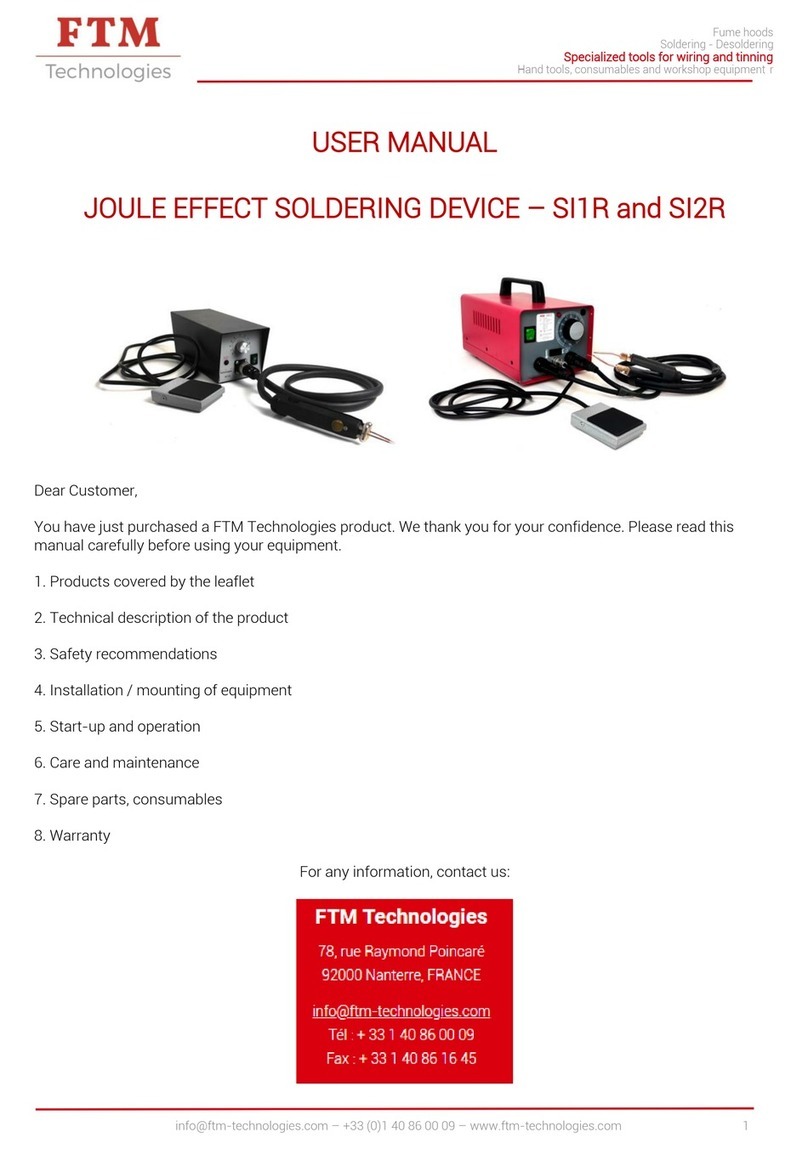
FTM Technologies SI1R user manual

FTM Technologies

FTM Technologies SI1R user manual

Pace ST35 w/PS-90 Iron Operation and maintenance manual

Pace

Pace ST35 w/PS-90 Iron Operation and maintenance manual

Bakon 3200 instruction manual

Bakon

Bakon 3200 instruction manual

Proxxon Gaslotset MGS manual

Proxxon

Proxxon Gaslotset MGS manual

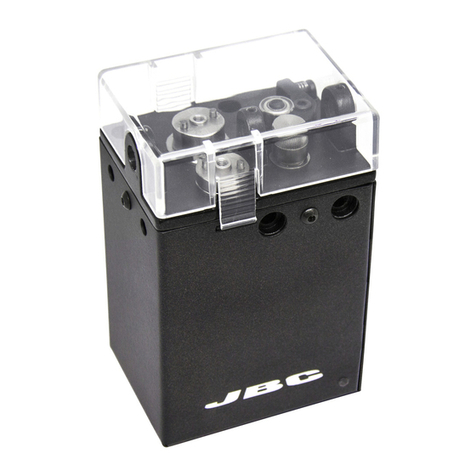
jbc SFR-A instruction manual

jbc

jbc SFR-A instruction manual

jbc CL8010 instruction manual

jbc

jbc CL8010 instruction manual

Hakko Electronics FX-100 instruction manual

Hakko Electronics

Hakko Electronics FX-100 instruction manual

HAKO FX-8804 instruction manual

HAKO

HAKO FX-8804 instruction manual

SATA 02002A user manual

SATA

SATA 02002A user manual

Velleman HRJA151 user manual

Velleman

Velleman HRJA151 user manual

Weller WSM 1 operating instructions

Weller

Weller WSM 1 operating instructions

Vishay Precision Group Micro-Measurements Mark V Operating and maintaining

Vishay Precision Group

Vishay Precision Group Micro-Measurements Mark V Operating and maintaining

ersa i-CON 1V quick guide

ersa

ersa i-CON 1V quick guide

Atten ATETOOL AT-689A user manual

Atten

Atten ATETOOL AT-689A user manual

Surtek 112554 User manual and warranty

Surtek

Surtek 112554 User manual and warranty

Parkside PLBS 30 A1 Operation and safety notes

Parkside

Parkside PLBS 30 A1 Operation and safety notes

AlienTek T100 user manual

AlienTek

AlienTek T100 user manual

Weller FT12 operating instructions

Weller

Weller FT12 operating instructions

manuals.online logo
manuals.online logoBrands
  • About & Mission
  • Contact us
  • Privacy Policy
  • Terms and Conditions

Copyright 2025 Manuals.Online. All Rights Reserved.

1
MLINK X2 BGA Repair
Workbench Introduction Manual
Catalogue
1 Rework Station Installing
2 Rework Station Safety Precautions
3 Introduction of Structure and Specification
4 Operating Steps
5 Touch Screen
6 Rework Station Handling Precautions
2
1 Rework Station Installing
a Installation Location
In order to ensure the service life of rework station, the installation must meet the following
conditions:
1 Away from flammable, explosive materials
2 Don’t spilled by water and other liquid
3 Well-ventilated and Dry Place
4 Stable, Smooth, less vibrate place
5 Little dusty place
6 Don’t put anything on control box
7 Away from the place affected by the direct flow of air condition, heater and fan
8 For upper part easy move and turn, More than 30cm Match at the back of rework station
b Power supply requirements: use small fluctuant voltage power supply
Voltage: 220V±10 Frequency: 50Hz±3
2. Rework Station Safety Precautions
1 Don’t blow the rework station directly when it work, or will lead the negative differential of the
surface of the heating plate, burned the parts
2 After starting up, high temperature heat area cannot contact anything directly, or may cause fire
or explosion, PCB board should be put on the PCB board support
3 Don’t shake rework station, move lightly
4 After starting up, do not use flammable spray, liquid gas
5 Don’t try to redo the rework station, or will cause fire or electric shock
6 There are high-voltage parts in electric box, don’t take part or remove without permission
7 If there is metallic object or liquid fall into rework station, shut off the power immediately,
unplug power line, completely remove the object and dirt after the station get cooling If having
residue, will emit odor after rework
8 when rework station abnormal heating-up or smoke, shut off the power immediately, notify the
technician repair, partly shut off power when move electric box or machine, hold the plug when
unplug the wire, otherwise will cause poor contact, cannot work
9 Shut off the power when stop use
11 Rework station do not press or run over line or communication cable of other equipments power
otherwise may cause equipment malfunction or cause fire or electric shock
12 Before operating the rework station, must read this introduction manual carefully
3
3. Main Specification:
Total Power: 4400W
Top heating: 800W
Bottom heating: 800W
Bottom infrared preheat: 2400w
Current: AC220V 50/60HZ
Outer Dimension: L600mmⅹW600mmⅹH610mm
Min PCB Dimension: 40mmⅹ40mm
MAX: PCB Dimension: 450mmⅹ500mm
Description:
1 This product adopt 7” HD touch screen Human–Machine Interaction(HMI), PLC Control,
real-time display Five temperature curve, temperature precision be controlled in ± degree
2 6 section temperature controls, can further refine the temperature of each solder segment, to
better ensure the welding effect
3 Can save 0-49 group of temperature curve setting, analyze the curve and change the setting
on touch screen anytime
4 There are 3 THERMATICS to heating separately, can control multi-group, multi-section
temperature in the 3 THERMATICS at same time, ensure achieve the best welding effect in
different THERMATICS Heating temperature, time, slope, cooling, vacuum, all can be set
on HMI
5 Select high-precision K-Type thermocouple closed-loop control, detect temperature
precisely through the external temperature testing interface
6 Have alarm function after finish unsolder, have over-temperature protection circuit around
the whole machine, stop heating and alarm when abnormal over-temperature
7 Use High Cross-flow Fan cool PCB board promptly, incase the deformation of PCB board,
ensure the welding effect
8 Use V Shape groove address the PCB, Flexible removable have the function of protect PCB
9 For large thermal capacity PCB and other high temperature requirements, Both lead-free
BGA/CSP and column BGA can deal with easily
10 Hot air nozzles can 360 degree rotation, easy to replace With a variety size of hot air
nozzle, special requirements can be customized
5. Operate Steps
1 Pre-heating:
Pre-heat PCB and BGA before rework, in case of bursting while rework, temperature of constant
temperature oven is generally set at 80 ℃ -100 ℃, time often be 12-24hours
2 Disassembly
Put PCB on the position support of rework station, select the appropriate hot air reflow nozzle, set
proper welding temperature curve, pull the start switch, when procedure run over, move the hot air
manually, use vacuum suction pen remove BGA
3 Clean the welding
4
Cleaning of PCB and BGA welding pad, one is use the suction tin line tow to same level, another is
use soldering iron drag smooth directly It is best remove soldering tin in a short time after remove
BGA, while BGA not cooling totally, less damage of temperature difference to welding pad ;Use
soldering flux in the process of removing solder, can improve the solder activity, conducive to the
removal of solder Especially pay attention to do not damage the welding pad of PCB, for ensuring
reliability of BGA welding, try to use some strong volatile solvent, washer, industrial alcohol during
clean the remain solder paste on solder pad
4 BGA REBALLING
Evenly coated solder paste on BGA pad with a brush, select the corresponding REBALLING steel
mesh, use REBALLING STATION plant BGA tin sweat on corresponding BGA pad
5 BGA Tin Sweat Welding
Heating the bottom of Tin sweat station and rework station heating zone, solder the tin sweat on
BGA pad
6 Spread soldering flux
Spread a layer of solder flux on PCB pad with a brush, too much will cause soldering together, on
the other hand, too less will cause missing soldering, thus for clean the dirt on BGA tin sweat,
enhance soldering effect, solder paste must be spread appropriately,
7 Mount
Mount BGA on PCB, when counterpoint by hand, use silk screen print frame line helps
counterpoint, confirming whether mount BGA in counterpoint by hand touch feeling of surface of
Tim Sweat and soldering pad
8 Welding
Put PCB on the position support of rework station, select the appropriate hot air reflow nozzle, set
proper welding temperature curve, start heating inching switch, run soldering procedure, stop
running, front BGA cooling fan start cool BGA, improve hot air point, make hot air nozzle above on
surface of BGA 8-10mm and keep cooling 30-40 seconds, or after the start switch light power off,
move hot air head, and then take away the PCB board from bottom heating area position stably
a Missing Solder; because of manually counterpoint will make deviation between chips and
solder pad, Tension of tin sweat surface will make a process of correct the place between
BGA chips and pad automatically Because of uneven heating, leading the chip fall
unevenly, if stopping reflowing now, the chip will not fall normally, resulting in non-
coplanarity phenomenon and then cause missing solder and cold solder, so need extend the
time of temperature of third and forth section THERMATICS, our enhance the pre-heating
temperature at bottom, melt tin sweat and fall evenly
b Short Circuit: The tin sweat is liquid when get melting point, the extension and support
function of tin sweat support will be damaged when suffer over-time, over heat temperature

5
or over press, and then lead short circuit because of chip fall on the PCB pad completely
while reflowing, Hence, we need decrease temperature and time of the third and forth
heating section, or decrease the preheating temperature at bottom
Note: Will appear small quantity ozone when reword station using, in order to ensure a
comfortable, healthy and safe operating environment, please keep good air circulation
6. Touc Screen
Operation Introduction:
a Open the control power supply, rework station be powered Home page Chinese- English select
interface appears on the touch screen, select the language interface you want
6
b If selecting ENGLISH, enter into the main work interface, following image will appear:
And then will appear top target temperature, top actual temperate, bottom actual temperature, actual
thermostatic temperature of the third THERMATIC (preheating temperature at bottom), outer actual
temperature from up to down at the right side of the touch screen
Curves on image are: Tope target temperature (blue), top target actual temperature (red), bottom
actual temperature (green), infrared actual temperature (purple), out tested actual temperature
1 Click enter into each asked specification of running after start heating
These specifications are the target temperature, holding temperature time, heating-up speed
Second is the unit of heating-up speed, three THERMATIC of Top, infrared can set 6 section
heating-up, 6section temperature-holding curve model, at this interface, also can modify the
specifications, but this specification will not be saved in inner of procedure, only be used in the
heating curve after start at this specification To save, please read formula setting content!
7
Click , return to curve interface
Click , the whole machine get into start heating, the running heating curve is
specification as above described specification, meantime clean out last curve show on screen
Under normal operation, when top target temperature and heating speed is zero, the whole process
finished, machine stop work, hear Roar sound , if have set cooling and vacuum state in cooling
vacuum interface, the output of cooling and vacuum will run Click ,when
running, the whole machine will stop
is the current state
Click ,when running, this button will shine, notify that the whole machine go into
temperature-holding state, the three group of heating temperature output will remain at present
temperature, running in constant temperature, till to re-click
, return to normal heating state
Click popup function select interface
8
1 Click return to Chinese-English interface
2. Clock popup “enter code “ window
The default pass word is 123456, after enter the code, enter into PID specification setting;
All specifications have been set before leave factory, no need change
9
3. Click will appear follow image:
Modify and save temperature curve often used
Set the heating temperature, constant temperature time, heating speed required by production craft,
this product can store the temperature curve up to 50 groups Save various production craft
specifications in system, call it directly when meet different production craft
Means the Formula stored in system, because the heating temperature is different while different
products using We could save different specification in different formula When change the
product, do not modify the specification much, just click call the corresponding formula
Click data pop up the entry key of data
10