3. Pairing ith TPH700
Turn on the Bluetooth in TPH700
and search for device “PTT-400-V7”
How to - LED status
Turn on Press Power button for approx. 2 sec. (while PTT-400-V7 is off) Blue LED blinking
Turn off Press Power button for approx. 4 sec. (while PTT-400-V7 is on) Red LED blinking 3 times then off
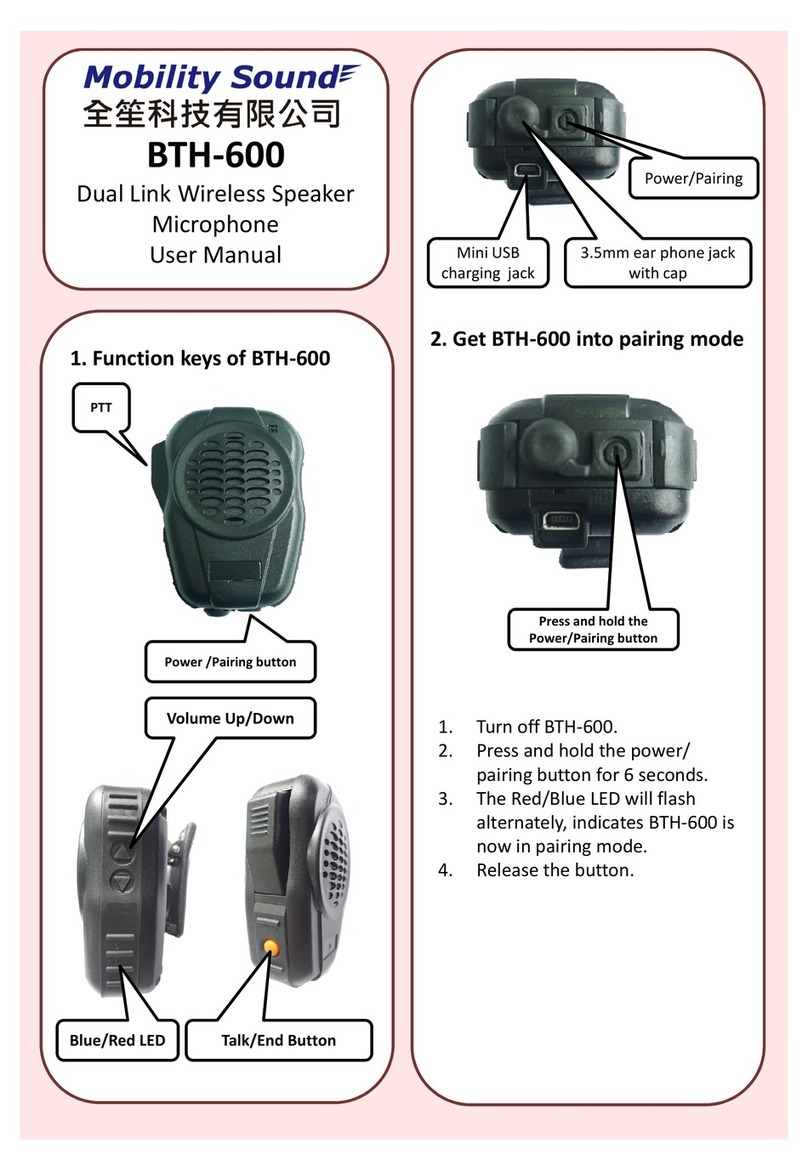
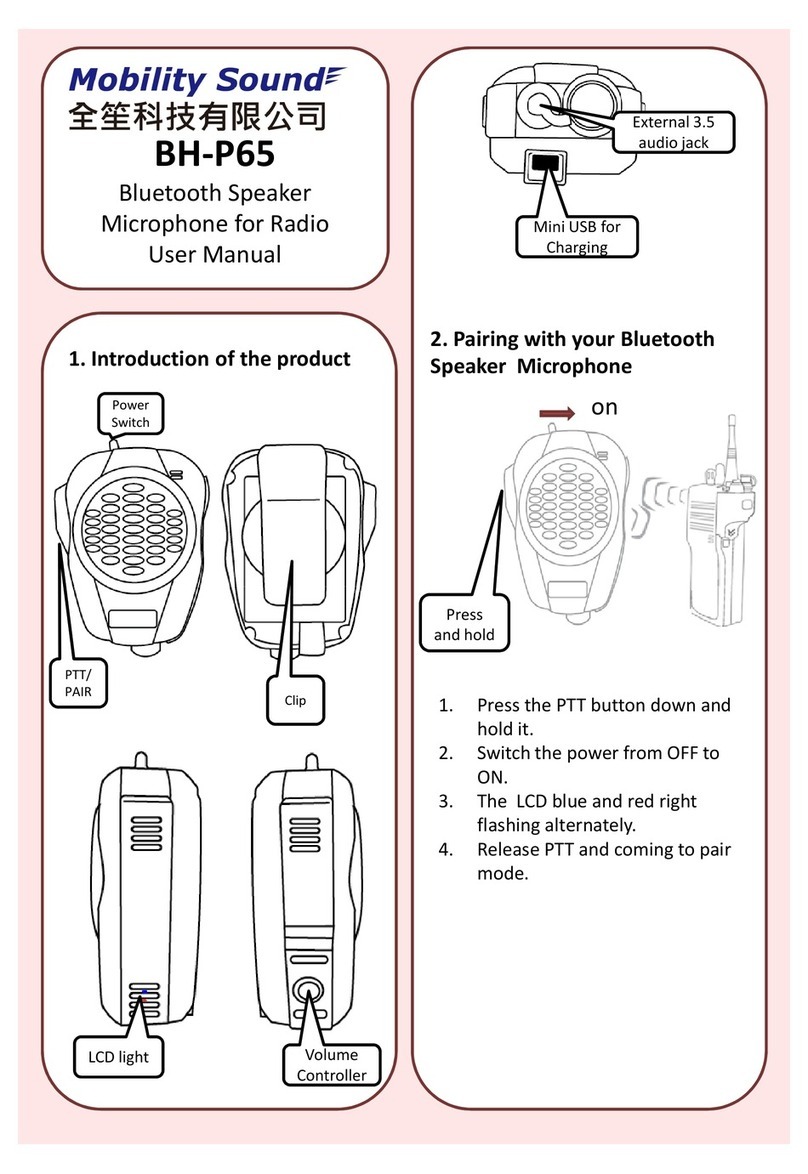
Pairing Mode Press Power button for approx. 6 sec. (while PTT-400-V7 is off) Red & Blue LED flashing alternately
PTT Press PTT button while PTT-400-V7 paired with BT Dongle Red LED on when button pressed
MobilitySound Technology LTD.
www.mobilitysound.com