3.3. Charging the Accumulator
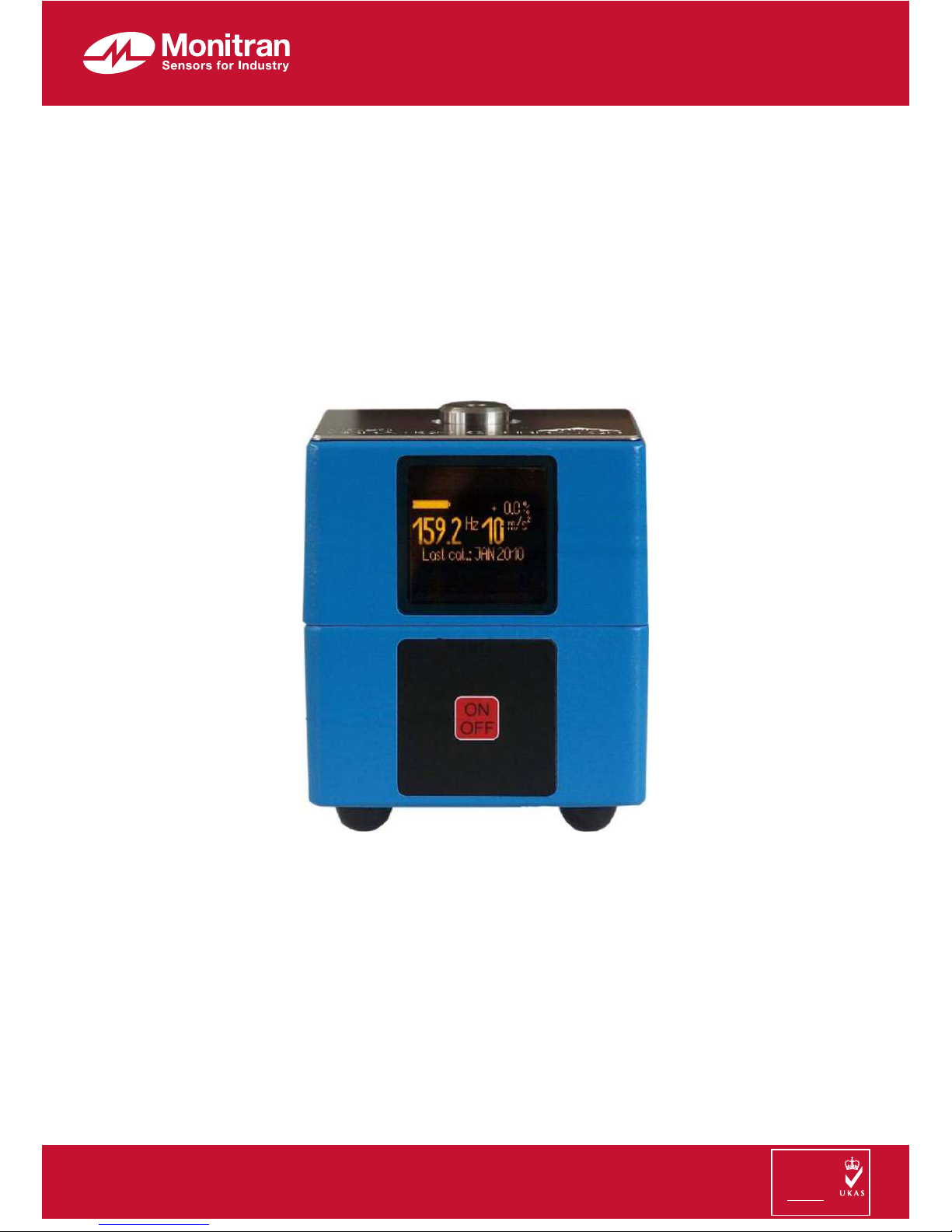
The battery indicator is located in the upper left hand corner of the display. A full
bargraph is displayed when the battery is fully charged. Even if the bargraph is
empty the instrument can still be used within its specifications for a certain period of
time. When the battery voltage drops under a critical value, the VC20 is switched
off automatically.
The instrument is equipped with a NiMH accumulator providing power for approx-
imately 5 hours of operation.
To charge the battery, connect the supplied mains plug adapter (15 VDC) to the DIN
socket at the side of the case. The unit should preferably be switched off during
charging. Charging will take about 3 hours. During the charging process the battery
indicator will be continuously moving (Figure 3).
During the charging process the VC20 can be used for calibration. However, this
will extend the necessary charging time.
The accumulator should be charged at room temperature. At higher temperatures
charging can be stopped before reaching the full capacity because of the built-in
temperature sensor.
The battery has no memory effect. Partial charging is permissible.
Permanent connection of the mains adapter is not recommended. This may lead to
premature wear of the battery. In order to avoid overcharging the battery, it is not re-
commended that you disconnect and connect the mains adapter again immediately
after charging is finished.
When the unit is not in use, the battery should be charged at least once a year.
The built-in battery is maintenance-free. Like all accumulators it has a limited num-
ber of charging cycles. If the operating time with a fully charged battery becomes in-
sufficient, the battery should be replaced. In this case, the calibrator should then be
returned to the manufacturer. In addition to replacing the battery, the manufacturer
will also test the accuracy of the calibrator.
3.4. Reset
In the unlikely event that your VC20 cannot be switched on by the “On/Off” key, it
may be necessary to press the Reset button. This button is found on the bottom side
of the case near the key pad. Use a thin non-metallic object, such as a toothpick, to
press the button inside the hole. This will start the instrument. Pressing the Reset
button has no effect on accuracy.
4
Figure 3: Charge indication